Template details
Jekyll TOC
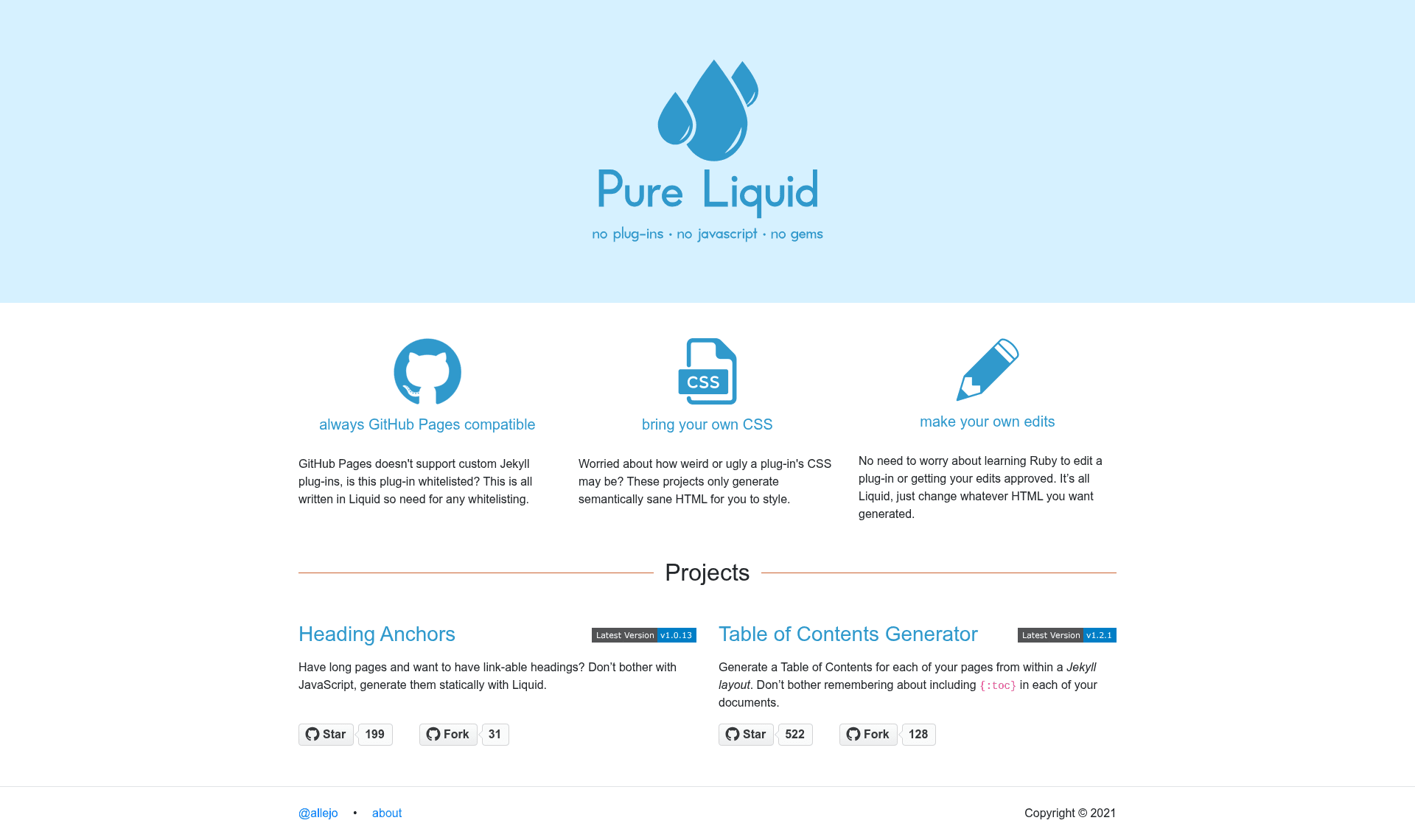
A GitHub Pages compatible Table of Contents generator without a plugin or JavaScript :octocat:
About this template
Jekyll Pure Liquid Table of Contents (Jekyll TOC) is an open-source Jekyll include that generates a table of contents from kramdown-rendered HTML using only Liquid, so GitHub Pages sites can use it without plugins or JavaScript.
What is Jekyll Pure Liquid Table of Contents?
It is a single toc.html file you drop into your _includes folder and call with {% include toc.html html=content %}. It takes the compiled HTML of your markdown (as produced by kramdown) as the required html parameter and outputs a nested list of links to all heading levels. The project lives at allejo/jekyll-toc on GitHub, is maintained by the developer allejo, and is released under both BSD-3-Clause and MIT licenses.
What makes Jekyll Pure Liquid Table of Contents stand out?
Unlike kramdown's built-in {:toc} option, this include can be placed in a Jekyll layout, so every page automatically gets a TOC without repeating the snippet in each post. Unlike JavaScript-based TOC generators, it renders server-side during the Jekyll build, so it works when JavaScript is disabled and adds only a small amount of build time.
- Liquid-only implementation — No JavaScript or Jekyll plugin required; works on GitHub Pages, which cannot run custom plugins.
- Heading level control — The
h_minandh_maxparameters include only headings within a chosen range; default is 1 to 6. - Ordered list option — Set
orderedtotrueto output an<ol>instead of the default<ul>. - HTML sanitization — Set
sanitizetotrueto strip HTML tags from heading text in the TOC. - Custom CSS classes and IDs —
class,id,item_class, andanchor_classlet you theme the TOC;item_classandsubmenu_classsupport a%level%placeholder for the current heading level. - Base URL support —
base_urlprepends a URL to TOC links when the TOC sits on a different page than the content. - Skip unanchored headings —
skip_no_ids, whentrue, ignores headings without anidattribute. - Flat TOC mode —
flat_toc, whentrue, renders a single-level list instead of nested sublists.
Who should use Jekyll Pure Liquid Table of Contents?
Jekyll site owners constrained by GitHub Pages' no-custom-plugin rule, theme developers who want to give their users an optional TOC, documentation authors managing large multi-page guides, and bloggers who write long posts that benefit from an automatic table of contents. The include has been adopted by documentation sites at Docker, Apache Beam and PDFBox, Travis CI, Google, Shopify, and the UK Ministry of Justice, as well as by Jekyll themes such as Minimal Mistakes and Bulma Clean.
What can you do with Jekyll Pure Liquid Table of Contents?
- Documentation maintainers: place the include in your default layout to generate a TOC on every docs page automatically, with heading levels restricted via
h_min/h_max. - Jekyll theme authors: bundle
toc.htmlinto a theme so all users get TOC support; themes like Minimal Mistakes, Bulma Clean, and JetBrains' OSS theme already do this. - Long-form content sites: add a TOC to posts to let readers jump to sections, with a negligible build-time cost (0.413 seconds for 94 includes on Minimal Mistakes).
- Multi-page documentation: use
base_urlto point TOC links at headings on another page, for separated index and content pages.
How does Jekyll Pure Liquid Table of Contents work?
Download toc.html from the latest release and place it in your site's _includes directory. Then call {% include toc.html html=content %} in a layout or template, passing the compiled markdown HTML to the html parameter. Optionally adjust parameters such as h_min, h_max, ordered, and class to customize the output.
Pros and cons
- Pros: Works on GitHub Pages with no additional build steps; renders server-side so it is independent of client-side JavaScript; widely used and battle-tested across high-traffic documentation sites; dual-licensed under BSD-3-Clause and MIT.
- Cons: Requires headings to be correctly nested — skipping a heading level (for example an
<h2>followed directly by<h4>) causes list items to render outside the list; it is not a plugin, so you must add the include call to your layout manually; it relies on kramdown-generated HTML, so it is Jekyll-specific.
Pricing
Jekyll TOC is free and open source. The repository is dual-licensed under BSD-3-Clause and MIT, so it can be redistributed and used in commercial projects under either license.
Alternatives
- kramdown's built-in
{:toc}generator — usable but must be placed next to the actual markdown, making it hard to put in a layout. - JavaScript-based TOC generators — work anywhere but require client-side processing and fail when JavaScript is disabled.
- allejo/jekyll-anchor-headings — a sister project from the same author that adds anchor links to headings without JavaScript or plugins, intended for use alongside this TOC.
FAQ
Is Jekyll TOC compatible with GitHub Pages?
Yes. Because it is written entirely in Liquid and uses only standard Jekyll include and content variables, it requires no custom plugins, which GitHub Pages can't run. The author built it specifically to work in that environment and it is used on several GitHub Pages-hosted sites.
How do I use jekyll-toc?
Download toc.html into your _includes folder, then include it in a layout with {% include toc.html html=content %}, where content is the kramdown-rendered HTML of your page. You can customize output with parameters like h_min, h_max, ordered, and sanitize.
Why is a list item rendering outside the list?
This happens when your headings are not correctly nested. For example, if an <h2> is followed directly by an <h4> without an intermediate <h3>, the Liquid logic produces malformed HTML. The project deliberately keeps this behavior to avoid encouraging out-of-order headings; a third-party patch in issue #13 enables support for it.
What licenses is jekyll-toc released under?
The project is dual-licensed under BSD-3-Clause and MIT. You can choose which license applies when you redistribute or use the code in your own projects.