Template details
Jekyll Twitter Bootstrap
Twitter Bootstrap-based starter theme for Jekyll offering layouts, includes, and components for static sites.
About this template
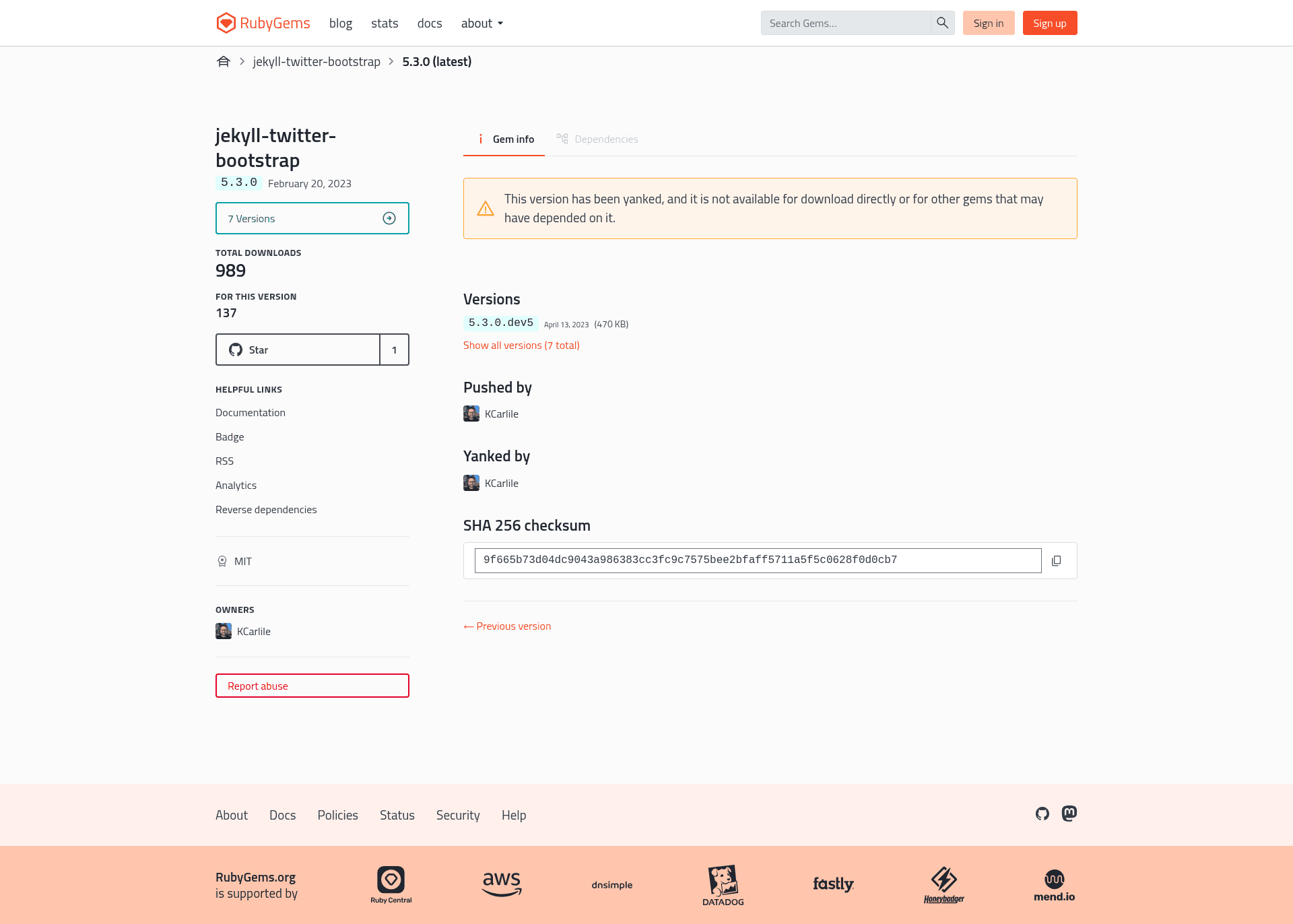
Jekyll Twitter Bootstrap is a Jekyll theme from developer Kenny Carlile that pairs Jekyll with Twitter's Bootstrap 5.3.0 to give you a ready-made static site structure rather than starting from an empty repository. This theme is distributed as a Ruby gem and provides layouts, includes, and components so you can build pages, blog posts, and landing sections without handwriting custom CSS.
What is Jekyll Twitter Bootstrap?
Jekyll Twitter Bootstrap is a Jekyll theme released under the MIT License that wraps Bootstrap 5.3.0 into a set of template files for the Jekyll static site generator. It accepts standard Jekyll content (markdown pages, posts, configuration) and outputs a static HTML site with Bootstrap loaded via CDN and local override CSS in the assets directory. The theme is authored by Kenny Carlile and is at version 5.3.0.dev, with source on GitHub and distribution through RubyGems.
Key Features
- Bootstrap 5.3.0 base — Bootstrap is served from a CDN in the head include while local CSS files in
assets/css/let you override or extend the framework's default styles. - Eight layouts —
base.htmlis the root template; from it derivepage_sidebar.html(main content plus a sidebar),page.html(title and body), andpage_no_title.html(body only), with blog-specificblog.html,post.html,example_components.html, andhome.htmlwrapping those base layouts. - Twelve reusable components — the
_includes/_components/directory contains carousel, three-column icon columns, icon grids, image cards, featurettes, centered and dark heroes, hero with image, and full-width or split jumbotrons, all modeled on Bootstrap's example components. - Built-in blogging — a paginated blog listing, per-category and per-tag archives, and an Atom feed via the jekyll-feed plugin; blog, categories, and tags pages are all provided in the repository.
- Customizable sidebar — page front matter can list sidebar includes, e.g.
sidebar: [categories, tags], and the theme shipscategories.html,tags.html,post_categories.html, andpost_tags.htmlfor those sidebars. - Extension hooks — empty includes
head_custom.html,header_custom.html, andfooter_custom.htmlallow you to add site-specific code without editing the theme files. - Google Analytics ready — the
google_analytics.htmlinclude activates when a GA tracking ID is present in_config.ymland is suppressed per page withga_do_not_track: true.
Who should use Jekyll Twitter Bootstrap?
- Jekyll newcomers who want Bootstrap's utility classes without setting up the CSS pipeline themselves can clone the theme and get a working site immediately.
- Bloggers who need category and tag archives plus pagination can rely on the built-in blog layouts and includes.
- Static site developers who want to prototype landing pages quickly can use the hero, featurette, and card components without writing custom markup.
What can you do with Jekyll Twitter Bootstrap?
- Launch a blog: create the
blog/index.html,categories/index.html, andtags/index.htmlfiles from the repository's examples to get a paginated post list with category and tag sidebars. - Build a landing page: use
hero_centered.html,featurette_left.html, orcolumns_icons.htmlinside a page to assemble a marketing layout. - Add a latest-posts widget: use the
posts_latest.htmlinclude with aposts_countparameter to display excerpts of the most recent posts on any page.
How does the theme work?
Installation is standard for a Jekyll theme: add gem "jekyll-twitter-bootstrap" to your Gemfile, set theme: jekyll-twitter-bootstrap in _config.yml, run bundle, then serve with bundle exec jekyll serve. The theme is structured as a normal Jekyll site, so you add content under _posts, _layouts, and assets just as you would for any Jekyll project. During development, the theme regenerates on changes so you can preview edits in the browser.
FAQ
Why use Bootstrap with Jekyll?
Bootstrap provides ready-made styling utilities and components that reduce the amount of custom CSS you need to write. Combining it with Jekyll lets you serve a static site quickly while still having the flexibility to customize the theme through override files and configuration.
Is this the only Bootstrap-based theme for Jekyll?
No, but the theme's author notes that at the time of creation, other Bootstrap Jekyll themes lacked the maturity he needed or were built on older Bootstrap versions. This theme is based on Bootstrap 5.3.0 and is actively maintained on GitHub.
How can I rename "Blog" to "Articles" (or another term)?
Rename blog/index.html to articles/index.html, update its front matter title to "Articles" (keeping layout: blog), then adjust _config.yml entries header_pages, paginate_path, and permalink to use the new path (e.g., /articles/:num). The layout itself can remain named blog if you don't need to override it.
License
The theme is open source under the MIT License, so you can use it commercially, modify it, and redistribute it with attribution.