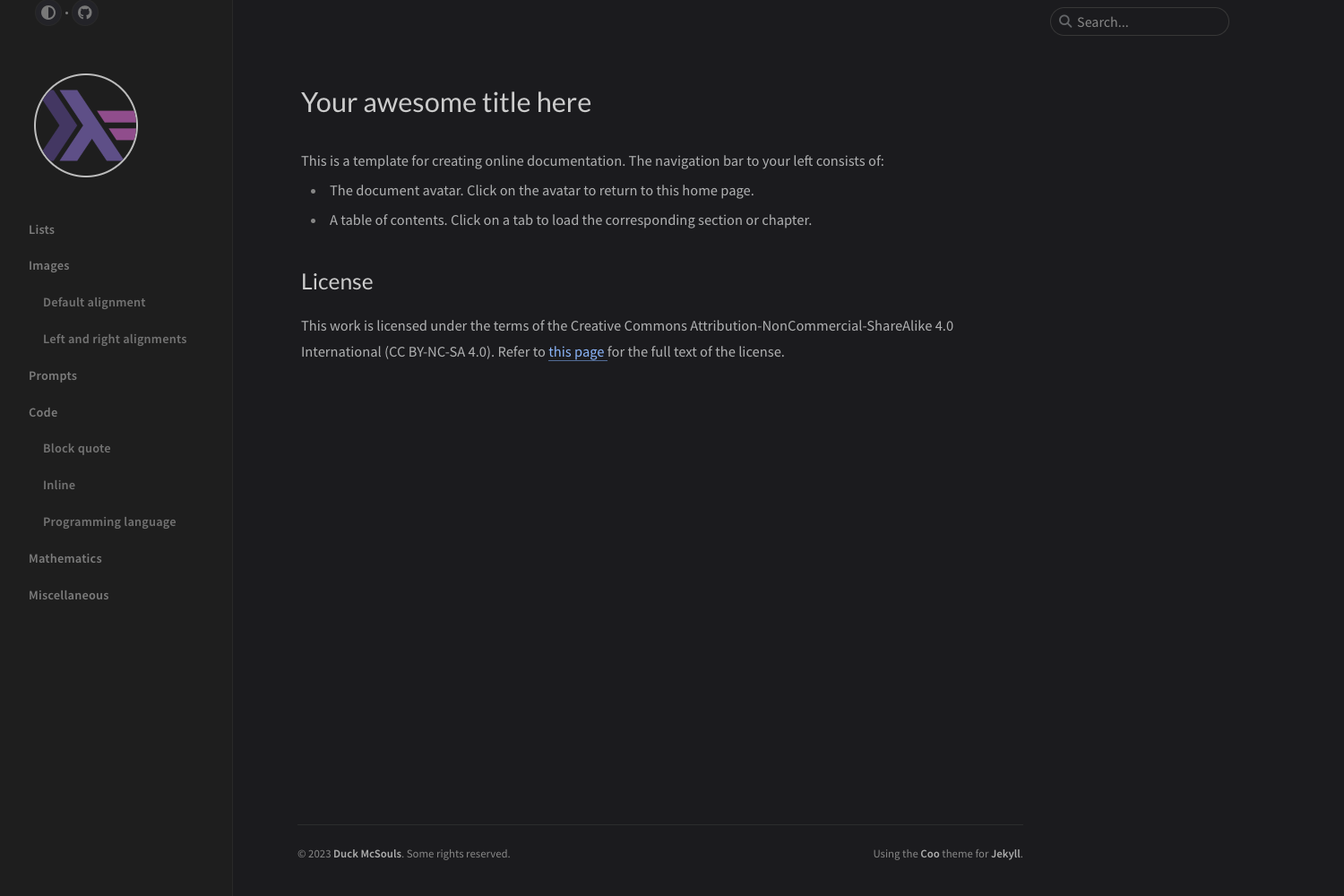
Template details
jekyll-vitepress-theme
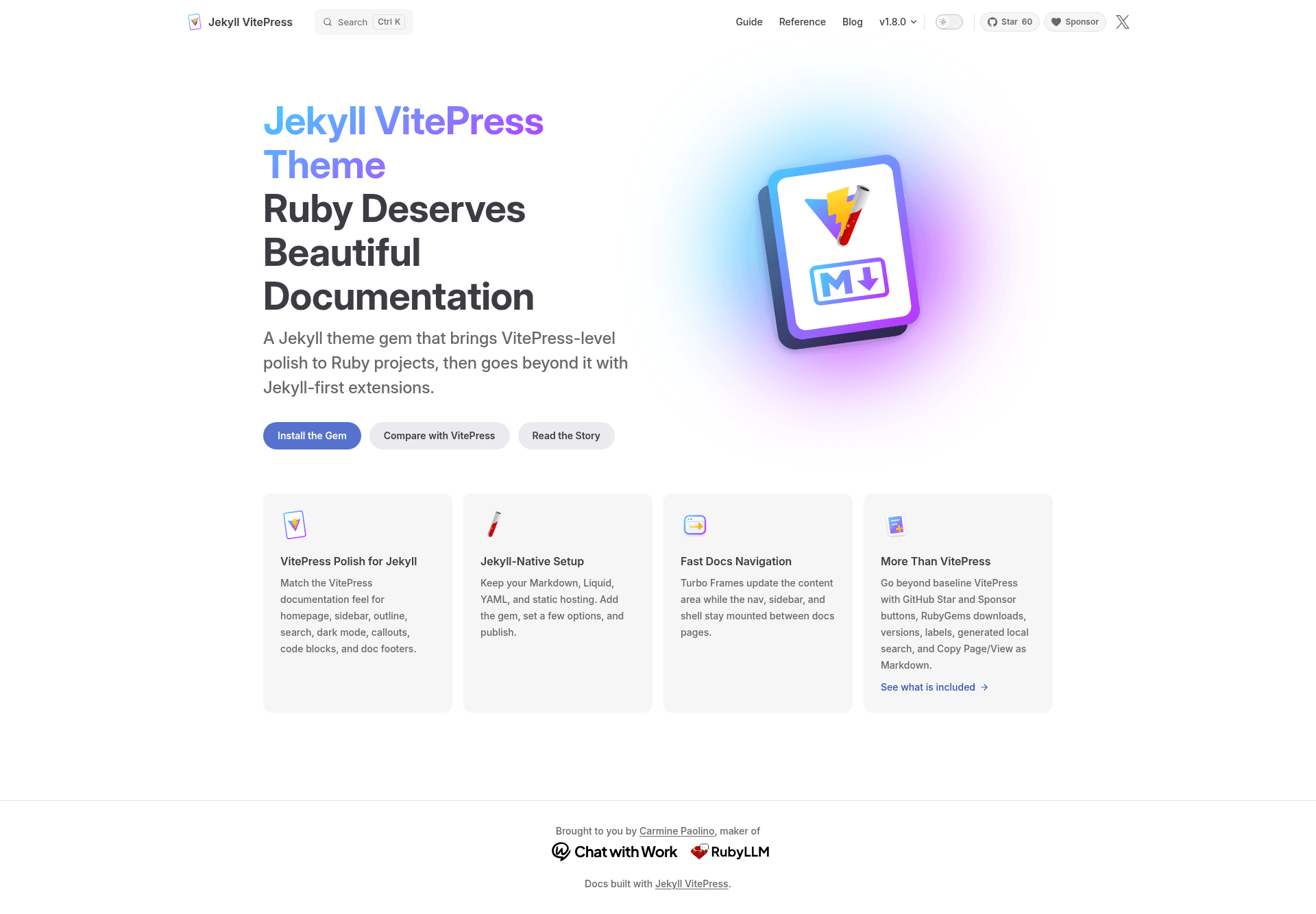
Ruby deserves beautiful documentation. Jekyll VitePress Theme brings VitePress-level polish to Jekyll.
About this template
Jekyll VitePress Theme is a Ruby gem that gives Jekyll static sites the documentation polish of VitePress — sidebars, outlines, search, dark mode, callouts, and Turbo Frame navigation — while generating plain Markdown, Liquid, YAML, and static HTML.
What is Jekyll VitePress Theme?
Jekyll VitePress Theme is a Jekyll theme and plugin distributed as a Ruby gem that recreates the VitePress documentation experience inside Jekyll. It takes standard Jekyll content — Markdown files with YAML front matter, Liquid templates, and YAML data files — and renders a static documentation site with a product-style homepage, a navigation sidebar, a table-of-contents outline, client-side search, and dark mode.
The theme is maintained under the crmne/jekyll-vitepress-theme repository on GitHub and documented at jekyll-vitepress.dev, which includes dedicated pages for VitePress parity and extensions to VitePress. It is MIT licensed and installable through Bundler by adding gem "jekyll-vitepress-theme" to a Gemfile.
Key Features
- VitePress parity — matches VitePress for the docs homepage, sidebar, outline, search, dark mode, callouts, code blocks, and doc footers.
- Turbo Frame navigation — page changes swap only the content frame while the nav, sidebar, and shell stay mounted, making navigation feel instant without a JavaScript framework.
- Jekyll-native setup — keep existing Markdown, Liquid, YAML, and static hosting; enable the theme and plugin in
_config.ymland publish. - Extensions to VitePress — adds GitHub Star and Sponsor buttons, RubyGems downloads, version selectors, labels, generated local search, and Copy Page / View as Markdown for LLM workflows.
- Data-driven navigation — define navigation and sidebar from YAML data files (
_data/navigation.ymland_data/sidebar.yml) rather than hard-coding menus. - Static Ruby output — builds with Jekyll and deploys the generated HTML to GitHub Pages, any CDN, or any static host.
Who is it for?
- Ruby gem and library maintainers — ship documentation that feels product-designed without leaving the Ruby/Jekyll toolchain.
- Jekyll site owners — add a VitePress-style docs section with search, outline, and dark mode alongside an existing Jekyll blog or site.
- Open-source projects — surface GitHub stars, sponsor links, and RubyGems download counts directly in the docs shell.
- Teams with LLM workflows — use the built-in Copy Page / View as Markdown to feed documentation into AI assistants.
What can you do with Jekyll VitePress Theme?
- Ruby project maintainers — publish a docs homepage, guide, and API reference with a persistent sidebar and instant content navigation, deployed to GitHub Pages.
- Technical writers — author in Markdown with YAML front matter, and reuse that metadata for search, labels, and version dropdowns.
- Educators and tutorial authors — structure multi-page guides with callouts and code blocks that match VitePress styling.
- Content teams — give stakeholders a familiar documentation layout without maintaining a separate Vue or React build.
How does Jekyll VitePress Theme work?
Install the gem, then enable the theme and its plugin in _config.yml under theme: jekyll-vitepress-theme and plugins:. Add a jekyll_vitepress config block for branding and syntax highlighting themes, define navigation and sidebar in YAML data files, and run bundle exec jekyll serve --livereload to preview. The theme handles the rest of the layout, search generation, and Turbo Frame wiring.
Alternatives
- VitePress — the Vue/Vite-based static site generator this theme emulates; it offers the same docs UX but requires a Node.js toolchain.
- Just the Docs — a Jekyll theme for documentation with a simpler, focus-on-content layout.
FAQ
Is Jekyll VitePress Theme free?
Yes, the theme is open source under the MIT license and available on RubyGems, so any Ruby project can add it via Bundler without cost.
Does Jekyll VitePress Theme work with GitHub Pages?
Yes, because the build output is static HTML, you can deploy the generated site to GitHub Pages, any CDN, or any static host.
Do I need to use a JavaScript framework?
No. The theme uses Turbo Frames for client-side navigation but the output remains plain Jekyll static files; you do not need to manage a separate Node.js build for your site.
Can I customize the navigation and sidebar?
Yes. Navigation and sidebar structure are defined in YAML data files (_data/navigation.yml and _data/sidebar.yml), and the theme offers a configuration reference for branding, syntax themes, and extensions.