Template details
MaterialDocs
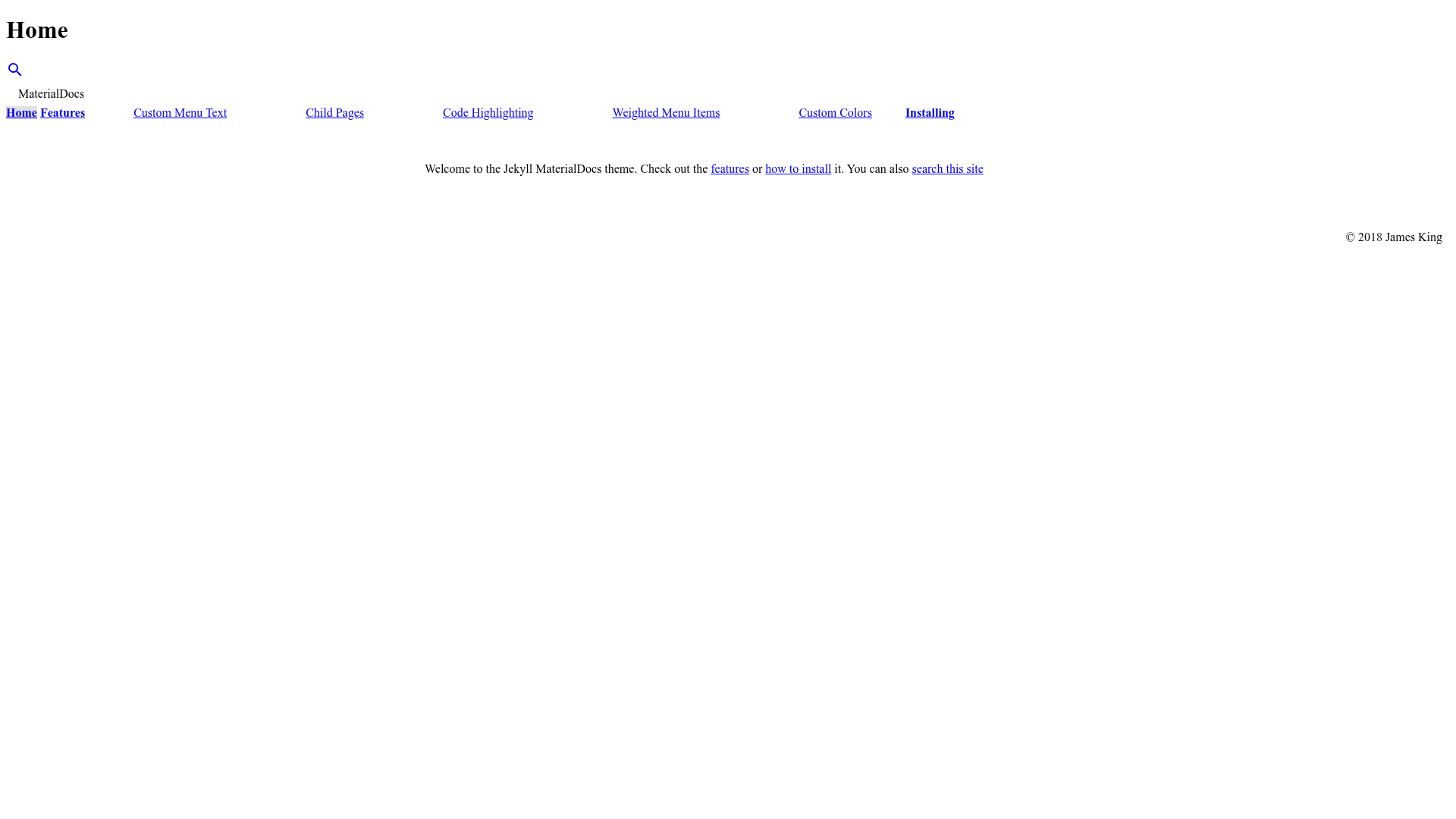
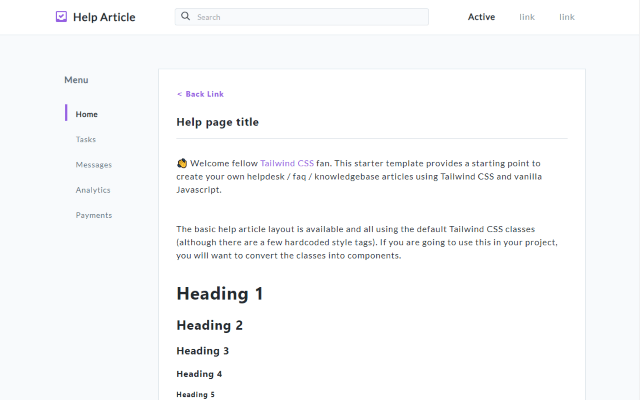
MaterialDocs is a material two-column Jekyll theme designed for documentation websites.
About this template
MaterialDocs is a material-design two-column Jekyll theme for documentation websites, built on Google's Material Design Lite framework. It takes Markdown-based Jekyll content and renders a documentation site with a left navigation menu and a main content area, and is distributed as the jekyll-materialdocs gem with source hosted on GitHub by chromatical.
What is MaterialDocs?
MaterialDocs is a theme for Jekyll that creates a two-column documentation layout with a sticky navigation menu. Input is standard Jekyll posts and pages written in Markdown; output is a static HTML site styled with Material Design Lite components such as cards, buttons, and color schemes. The theme supports both local installation via the gem and remote usage on GitHub Pages through jekyll-remote-theme.
Key Features
- Two-column documentation layout — a left sidebar for navigation and a right main column for content, designed specifically for multi-page documentation sets.
- Material Design Lite styling — uses MDL's CSS and JS components rather than a heavier framework, keeping the theme lightweight and fast.
- Configurable color schemes — set
mdl_colorsin_config.ymlto any MDL scheme (for exampleindigo-pinkordeep_orange-blue); the MDL theme builder can generate additional schemes. - GitHub Pages remote-theme support — add
remote_theme: chromatical/jekyll-materialdocsto your_config.ymlto use the theme without installing a gem locally. - Site-level options — configure a custom logo path, override the copyright line, enable or disable client-side search, and switch menus to dropdown mode via YAML settings.
- Per-page front matter controls — pages can set a custom menu title, open in a new tab with
tab: true, become a child of another page viaparent, change menu order withweight, override the global color scheme, and opt out of search results. - Data-driven navigation — the
_data/nav.ymlfile allows adding external links or custom menu structures, including parent-child relationships using anidfield. - Open-source license — the theme is released under the MIT License, so it can be freely used, modified, and redistributed.
Who should use MaterialDocs?
MaterialDocs is aimed at Jekyll users who maintain technical documentation or knowledge bases. Project maintainers can publish docs to GitHub Pages by adding the remote theme, while technical writers get a per-page control system for menu structure and search visibility. Developers already familiar with Jekyll will find the installation and configuration process fits the standard Jekyll workflow.
Use cases
- Software documentation sites: organize guides, API references, and tutorials into a navigable two-column layout with configurable colors.
- Team internal wikis: use dropdown menus and data-driven navigation to structure internal knowledge, with pages hidden from search when needed.
- Personal project pages: create a clean, Material-styled documentation page with minimal setup, leveraging GitHub Pages for hosting.
FAQ
Is MaterialDocs free?
Yes, MaterialDocs is open source under the MIT License. You can download, modify, and use it for personal or commercial projects without cost, and contributions are accepted via GitHub pull requests.
How do I install MaterialDocs?
Add gem "jekyll-materialdocs" to your Gemfile and set theme: jekyll-materialdocs in your _config.yml, then run bundle. For GitHub Pages use remote_theme: chromatical/jekyll-materialdocs and add jekyll-remote-theme to your plugins list.
Can I change the colors of MaterialDocs?
Yes, set mdl_colors in _config.yml to any supported Material Design Lite color scheme such as indigo-pink or deep_orange-blue. You can also override the scheme per page through front matter.
Does MaterialDocs support a dropdown menu?
Yes, set menu_style: dropdown in _config.yml to show only the child menu items for the parent item currently selected, instead of displaying all nested items at once.
Can I hide a page from search results?
Set search: false in the page's front matter to exclude that page from the site's search index, which is enabled by default.