Template details
Kontent.ai Next.js Boilerplate
This boilerplate showcases Next.js's Static Generation feature using Kontent.ai as the data source.
About this template
The Kontent.ai Next.js Boilerplate is a starter project that pairs Next.js static site generation with the Kontent.ai headless CMS, giving developers a working reference for building content-driven websites.
What is the Kontent.ai Next.js Boilerplate?
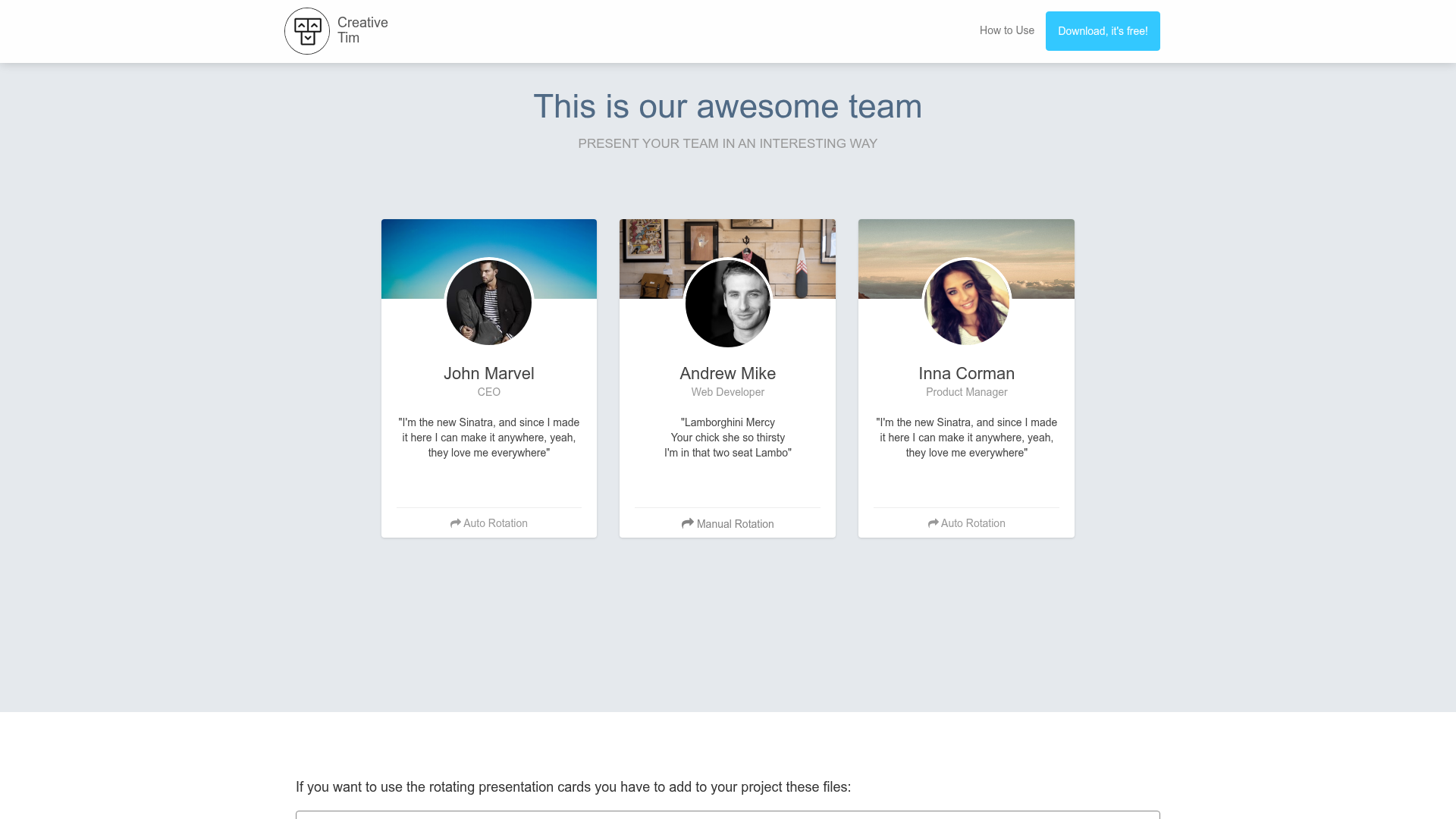
This boilerplate is an open-source reference implementation by Kontent.ai that demonstrates how to use Next.js's Static Generation feature with Kontent.ai as the content source. It takes content from a Kontent.ai project — identified by the KONTENT_PROJECT_ID environment variable — and outputs a statically generated website. The project runs on Next.js and includes deploy buttons for both Vercel and Netlify. A live demo is available at https://kontent-ai-boilerplate-next-js.netlify.app/.
Key Features
- Static Generation with Next.js — Uses Next.js's Static Generation to pre-render pages at build time, so content from Kontent.ai is fetched once and served as static HTML.
- One-click deployment — Includes ready-to-use deploy buttons for Vercel and Netlify; you can connect your repository and set the
KONTENT_PROJECT_IDenv var to go live. - Local development workflow — Run
npm run devoryarn devafter copying.env.local.templateto.env.local; the page atpages/index.jsauto-updates as you edit and publish content in Kontent.ai. - Sample project generation — Use Kontent.ai's Sample Site Generator to create a clone of the demo content project and connect it to the codebase via the project ID.
- Content editing without code — Once running, editors can update and publish content items in Kontent.ai, and the static site reflects those changes after build.
- Preview mode support — The page links to the official Next.js Kontent.ai example that includes preview and exit-preview API routes for viewing unpublished content.
- Customizable project ID — Switch from the shared demo Kontent.ai project to your own by setting the
KONTENT_PROJECT_IDvalue in.env.local.
Who is it for?
- Next.js developers — Build a new project from a working example of static generation with a headless CMS, then edit
pages/index.jsto extend the site. - Teams evaluating Kontent.ai — Use the boilerplate as a proof of concept to see how Kontent.ai content loads into a static Next.js site, without writing the integration from scratch.
- Content-driven site owners — Deploy the boilerplate, connect a Kontent.ai project, and have editors manage site content in a CMS while the frontend remains fast and static.
What can you do with it?
- Bootstrap a site quickly: Run
npx create-next-app --example https://github.com/kontent-ai/boilerplate-next-js kontent-boilerplate-next-jsto scaffold a new project with this example and then customize it. - Create a custom content model: Use the Sample Site Generator to make your own Kontent.ai project, set the project ID in
.env.local, and start editing content in the CMS. - Deploy to the edge: Use the Vercel or Netlify deploy buttons to publish a production site with static pages that fetch content from Kontent.ai at build time.
- Add preview workflows: Integrate the preview and exit-preview API routes from the Next.js CMS example to let editors approve unpublished content before it goes live.
How does it work?
After cloning or deploying, you copy the .env.local.template to .env.local and set KONTENT_PROJECT_ID to a Kontent.ai project ID. Running npm run dev starts the development server at http://localhost:3000, where the page loads content from Kontent.ai. When you edit and publish content in the Kontent.ai project, the rendered pages update upon refresh; for production, the build step statically generates all pages from the latest published content.
FAQ
How do I use my own Kontent.ai project with this boilerplate?
Create a sample project via the Kontent.ai Sample Site Generator, then copy its Project ID from Project settings > API keys into the KONTENT_PROJECT_ID environment variable in your .env.local file. The app will then fetch content from your project instead of the shared demo.
Does this boilerplate support previewing unpublished content?
By itself, no — but the README points to the official Next.js CMS example that includes preview and exit-preview API routes. You can combine that code with this boilerplate to enable preview mode for content that hasn't been published yet.
Can I deploy this boilerplate without using GitHub?
The deploy buttons on Vercel and Netlify create a new repository for you and connect it automatically, so you can deploy without manually cloning or pushing to GitHub.
What content appears by default?
The default page reads from a shared Kontent.ai project set up by the boilerplate authors. You can replace it with your own project by changing the KONTENT_PROJECT_ID value, then edit any page by modifying pages/index.js.