Template details
Next.js blog starter
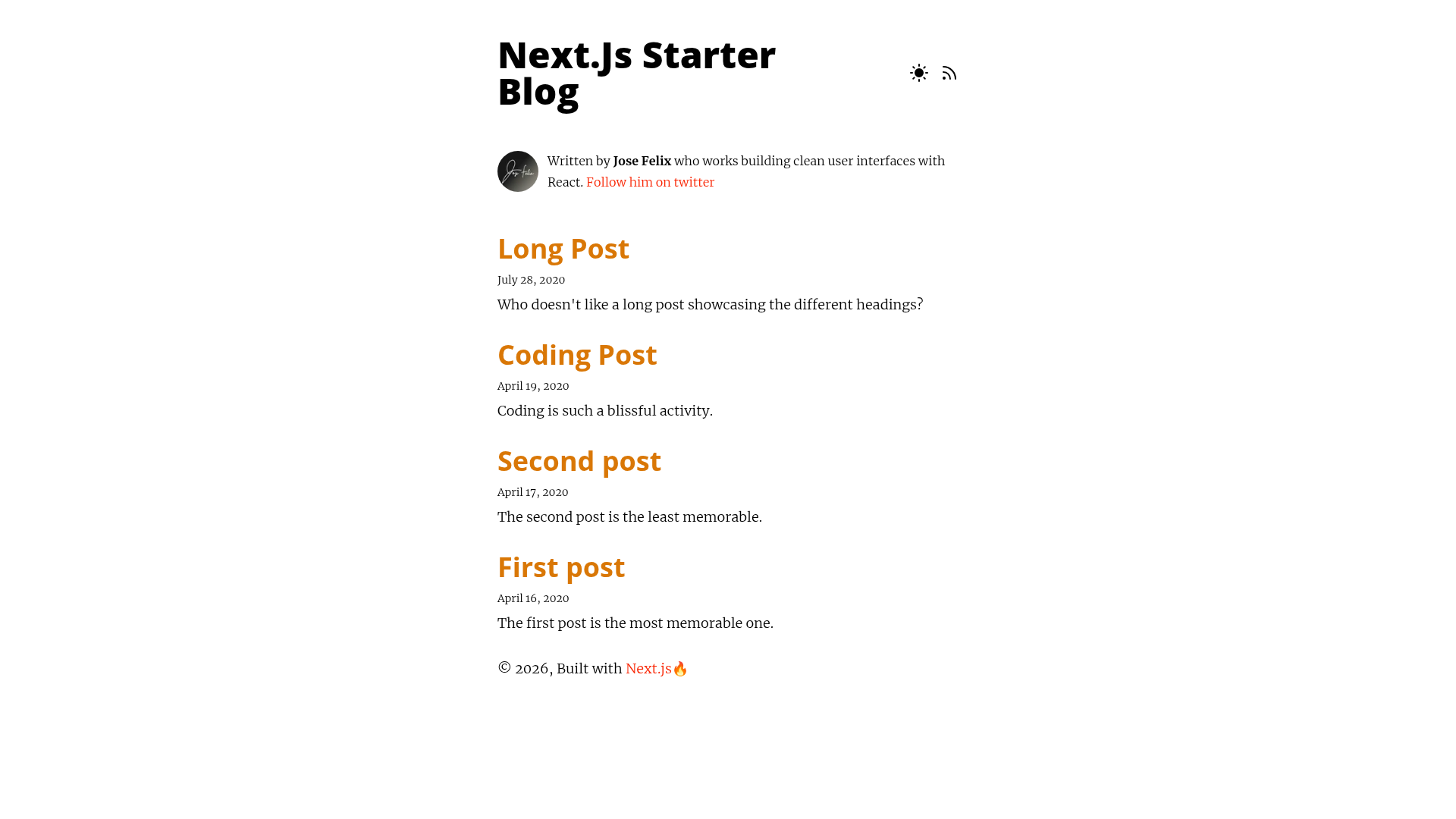
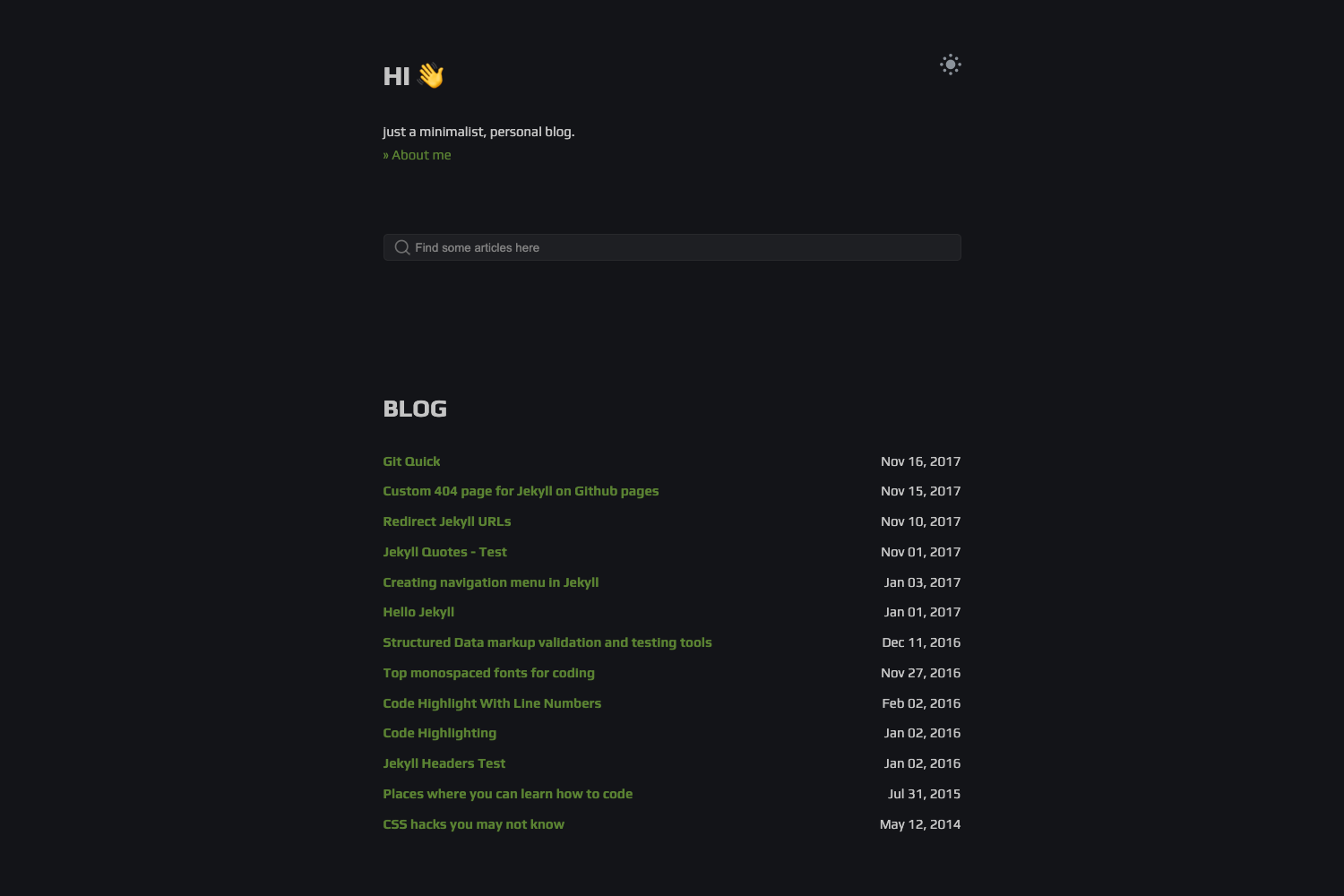
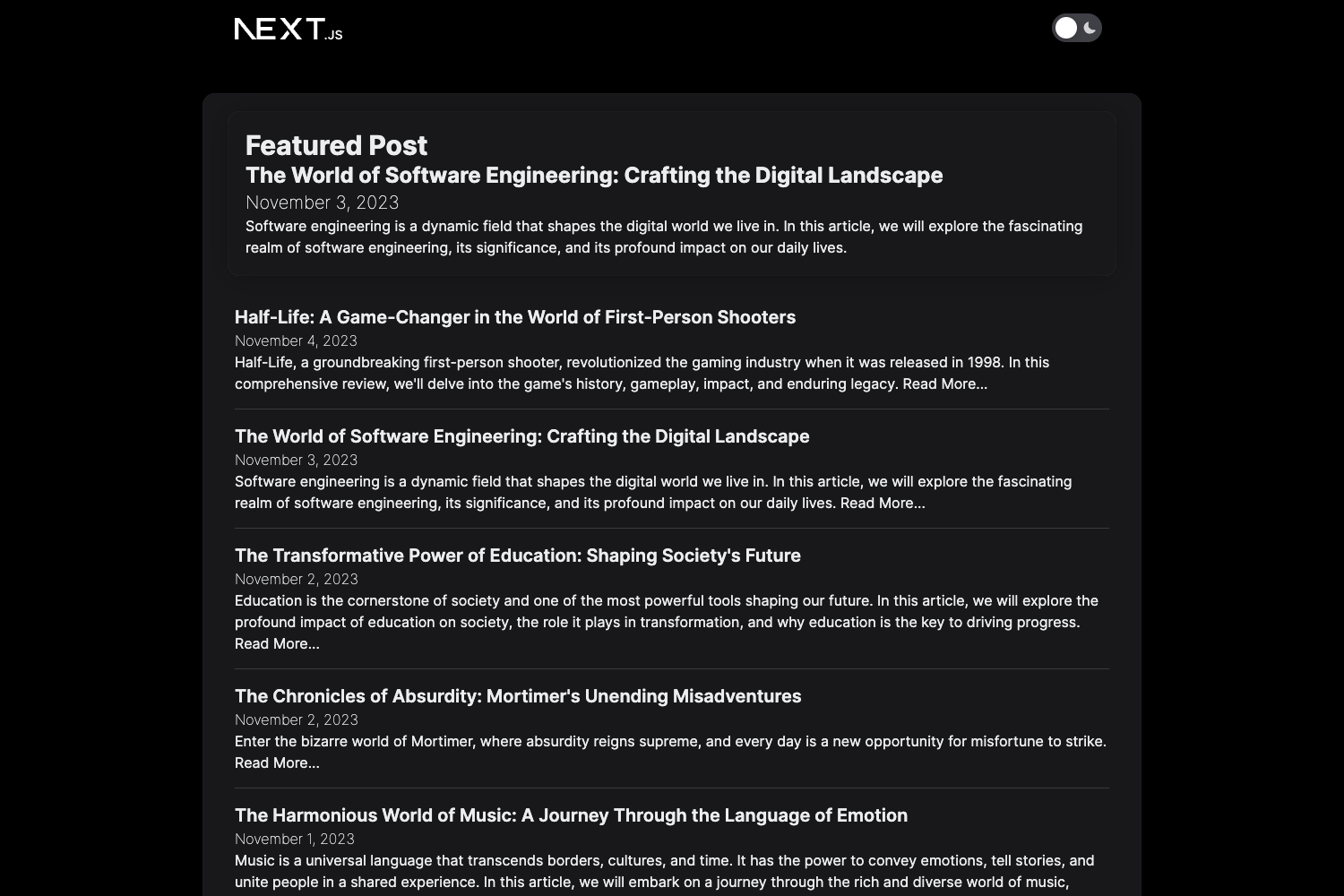
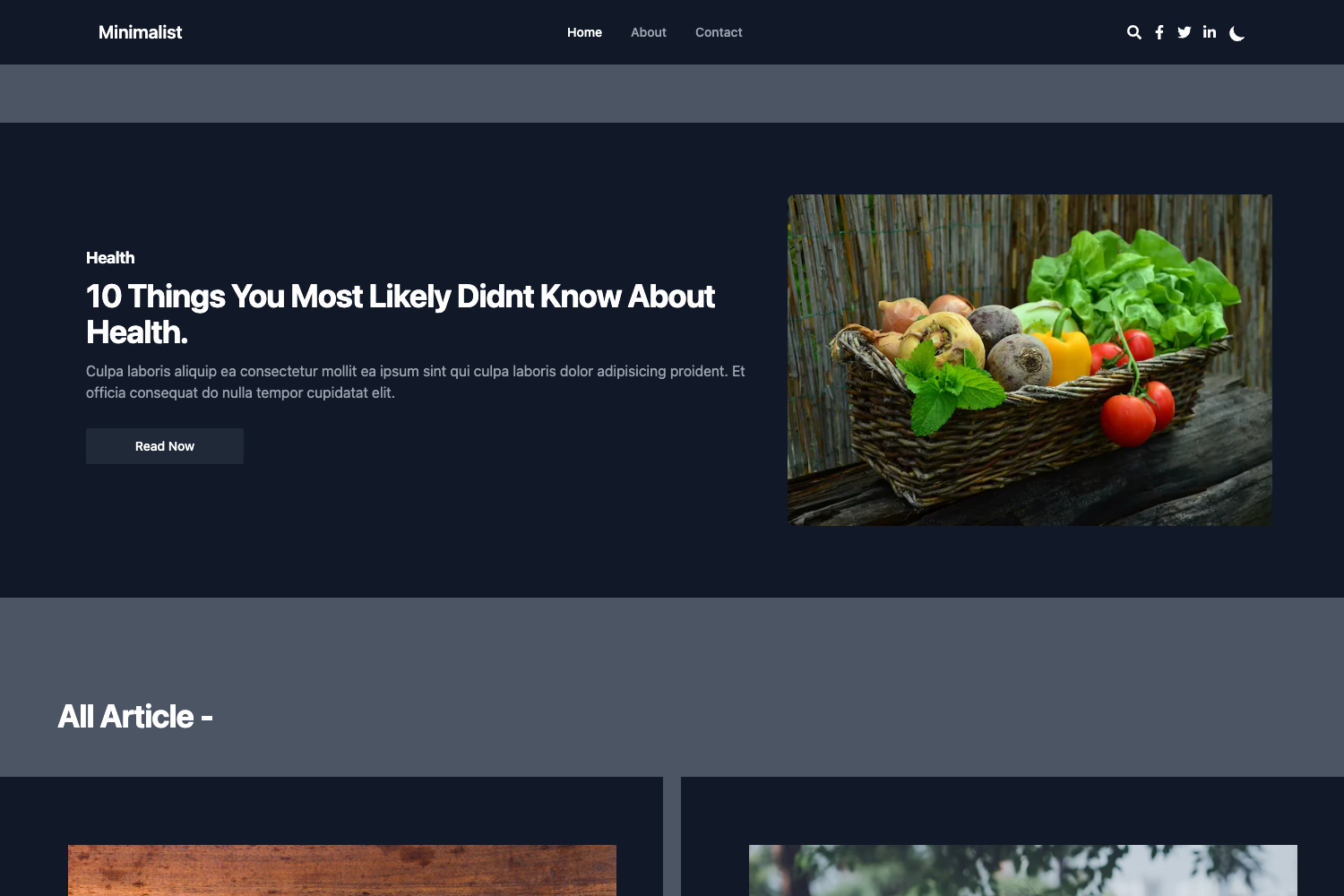
Next.js template for creating a blog with dark mode, Tailwind CSS, Markdown support, and SEO features.
About this template
The Next.js blog starter is an open-source Markdown blog template built on Next.js 12 and Tailwind CSS, designed to get a writing-focused blog online quickly.
What is the Next.js blog starter?
The Next.js blog starter is a project template for creating a static blog with Next.js 12, Tailwind CSS, and Markdown. It takes Markdown files as content input and outputs a fast, SEO-optimized website with an RSS feed and dark mode, ready to deploy to Netlify or Vercel (formerly ZEIT Now). The template is hosted on GitHub under Jfelix61/nextjs-starter-blog and has 326 stars at the time of this analysis. It runs a development server with hot reload and includes a set of preconfigured tools for image optimization and code highlighting.
Key Features
- Next.js 12 — Built on the Next.js 12 framework with React, providing server-side rendering and static site generation. The dev server runs with
npm run devoryarn dev. - Tailwind CSS styling — Uses Tailwind CSS utility classes for styling, with custom typographic defaults provided by the official Tailwind Typography plugin.
- RSS Feed — Generates an RSS feed for your blog posts, already marked as completed in the project checklist.
- Dark Mode — Includes a built-in dark mode toggle (listed as completed), so your blog can adapt to user preference.
- Image optimization — Utilizes next-optimized-images for automatic image preview and optimization, including WebP support and lazy loading.
- Code highlighting — Markdown code blocks are highlighted with react-syntax-highlighter and PrismJs for readable code snippets.
- SEO friendly — Includes an SEO component and dynamic site metadata (both completed) to help your posts rank in search engines.
- Developer conveniences — Absolute imports are enabled for cleaner module paths.
Who is it for?
- Writers and bloggers: Write in Markdown and publish posts without managing a CMS or backend. The template handles styling, RSS, and metadata.
- Developers starting a new blog: Use this as a scaffold for a personal blog or portfolio, with Tailwind CSS and Next.js 12 already configured. The one-click deploy buttons make launching on Netlify or Vercel straightforward.
- Developers wanting to learn Next.js: Use the template as a learning reference for how Next.js 12, Tailwind CSS, and Markdown can be combined.
What can you do with the Next.js blog starter?
- Publish Markdown posts: Write your content in Markdown, and the template renders it with clean typography and code highlighting.
- Deploy to the web with one click: Use the provided Netlify Deploy button or the ZEIT Now button (now Vercel) in the README to start a production deployment immediately.
- Customize the styling: Adjust the typographic defaults in the
typographykey oftailwind.config.js, referencing Tailwind Typography's default styles for overrides. - Give readers an RSS feed: Let visitors subscribe to your posts via the generated RSS feed, with no extra backend needed.
How does the template work?
Clone or deploy the repository, then install dependencies and run npm run dev or yarn dev. Open http://localhost:3000 to see the blog; edits to pages/index.js are reflected automatically thanks to hot reloading. Markdown is processed and styled via Tailwind Typography's prose classes, and can be customized in tailwind.config.js.
Pros and cons
- Pro: Preconfigured tooling: Tailwind CSS, image optimization, code highlighting, RSS feed, and dark mode are already wired up.
- Pro: Simple deployment: one-click buttons for Netlify and Vercel reduce launch friction.
- Con: Sitemap generation is listed as an upcoming feature and is not yet implemented in the template.
FAQ
Does the Next.js blog starter include dark mode?
Yes, dark mode is one of the completed features listed in the project checklist. The template supports toggling between light and dark themes, so your blog can match user system preferences or a manual switch.
What styling solution does this template use?
The template uses Tailwind CSS, with the official Tailwind Typography plugin providing typographic defaults. You can override those defaults by editing the typography key in the theme section of tailwind.config.js.
Can I deploy the blog to Netlify?
Yes, the README includes a one-click "Deploy to Netlify" button that starts a Netlify deployment from the GitHub repository. There is also a ZEIT Now button for deploying to Vercel.
Is sitemap support included?
No, sitemap generation is listed as an upcoming feature in the checklist and is not yet implemented. The other features such as RSS feed, SEO component, dynamic site metadata, and WebP image support are already completed.