Template details
MatDash
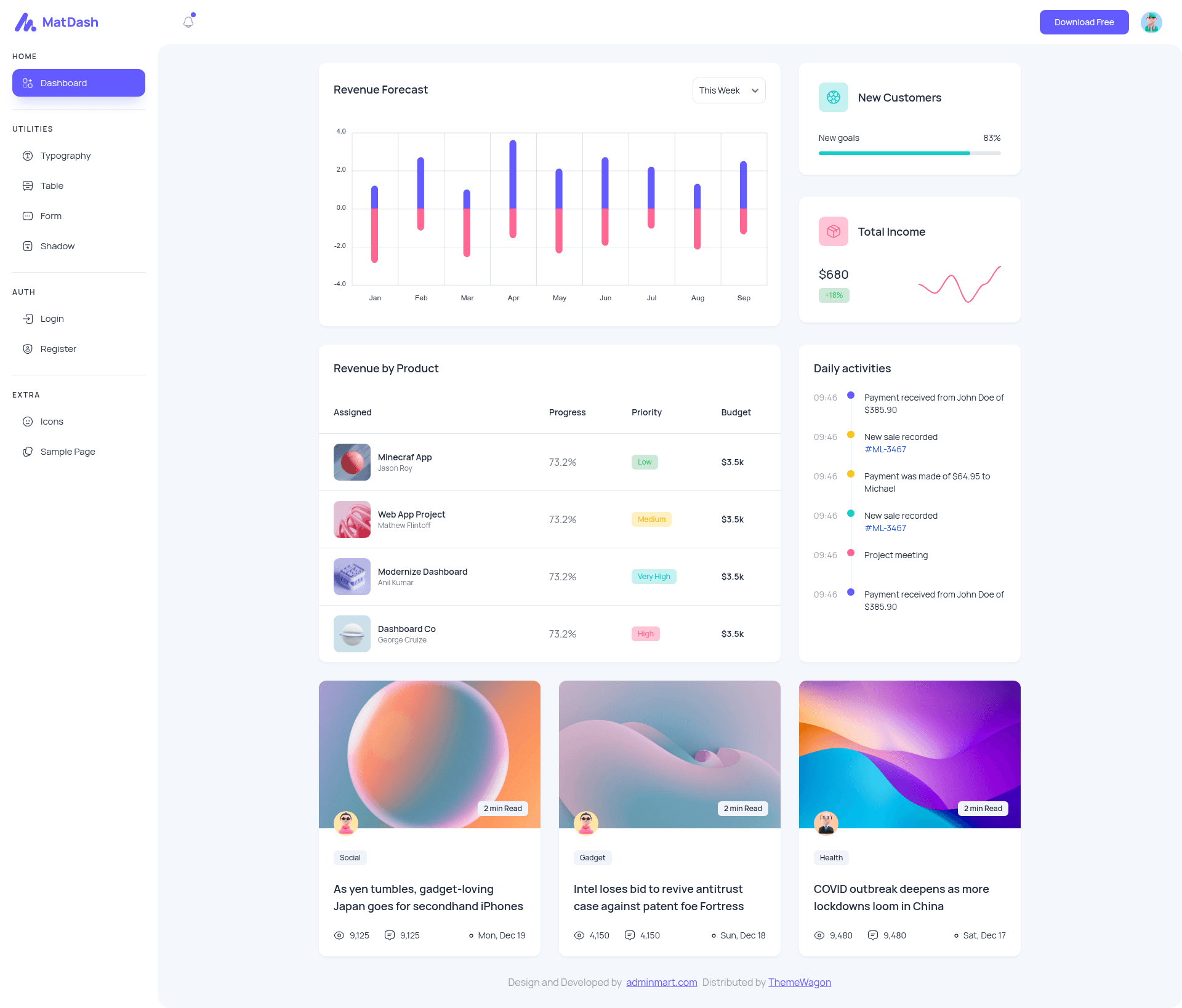
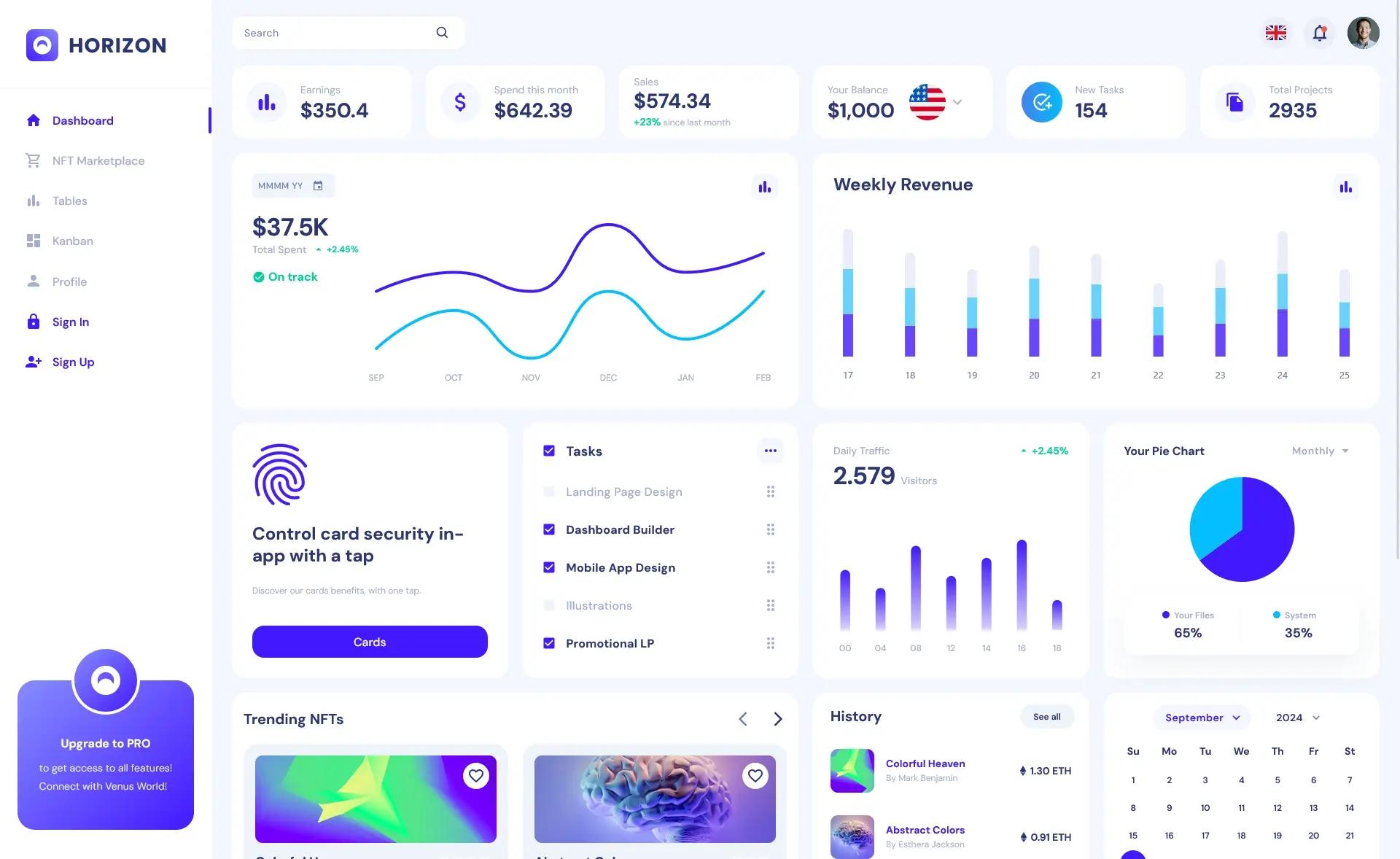
Free React and Tailwind CSS admin dashboard template with 5+ prebuilt pages, charts, tables, and authentication pages.
About this template
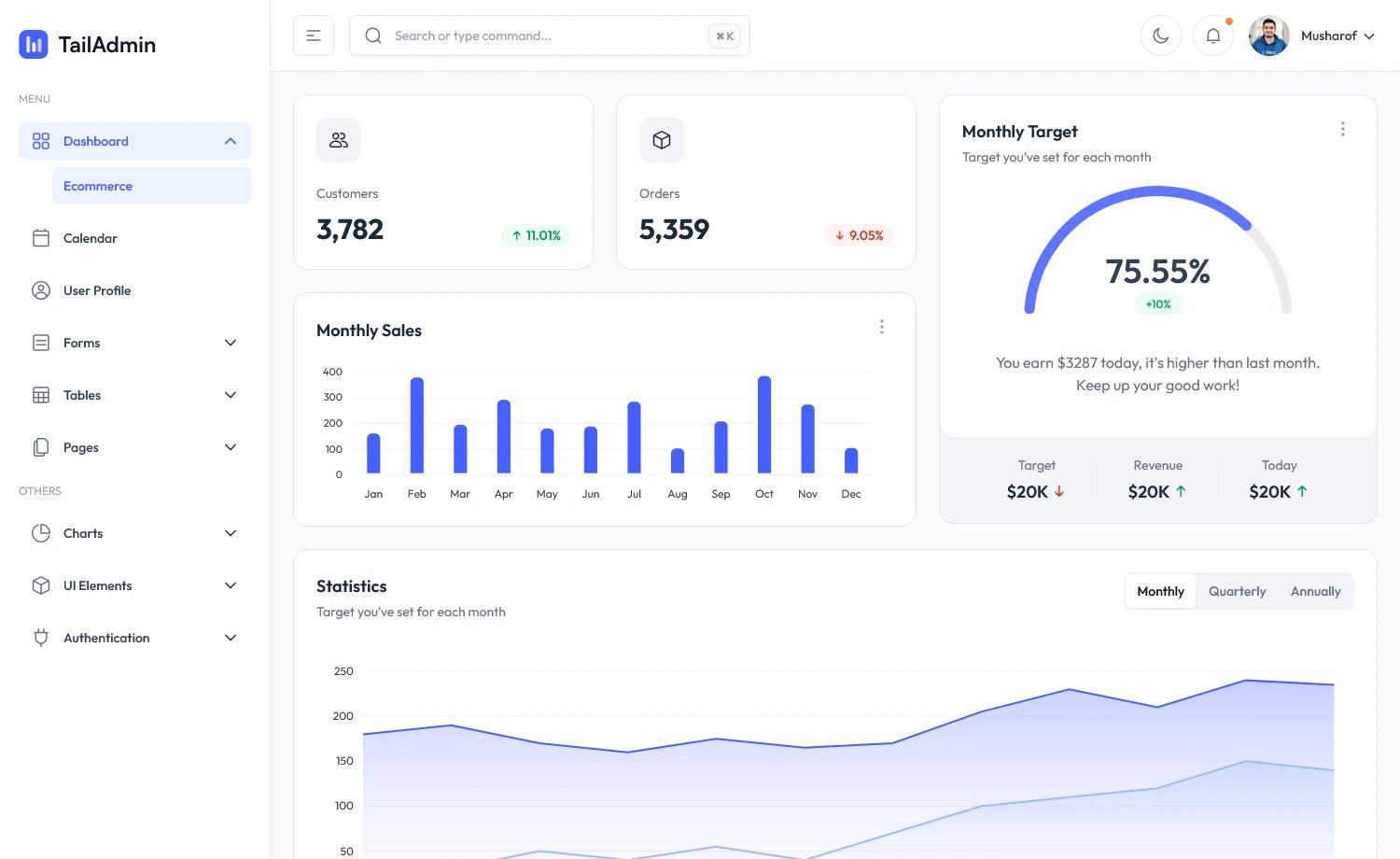
MatDash is a free, multipage admin dashboard template built with Tailwind CSS and React that provides a ready-made UI for eCommerce and data management panels.
What is MatDash?
MatDash is a free admin and dashboard template created by Adminmart and distributed through ThemeWagon. It takes design components, prebuilt pages, and JavaScript source files as its inputs and produces a responsive, mobile-first dashboard interface for monitoring data, managing products, and authenticating users. The template runs on the Vite build tool and uses React 19 as its component framework, with Tailwind CSS handling all styling.
Key Features
- Tailwind CSS and React 19 — Styling and logic are handled entirely by Tailwind CSS (utility-first classes) and React 19 components, making customization straightforward for developers.
- 5+ prebuilt pages — Including two authentication pages (login and register), plus pages for tables, charts, forms, and general dashboard views, all wired together as a multipage layout.
- ApexCharts.js integration — Charts are rendered with ApexCharts.js, so you can add data visualizations such as line, area, and bar charts without pulling in a separate charting library.
- Side navigation bar and collapsible burger menu — The side nav collapses into a burger menu on smaller screens, supporting the mobile-first, fully responsive design.
- Preloader — A built-in preloader displays while the page loads, which contributes to the template's page-speed-optimized positioning.
- Call-to-action buttons and on-hover effects — Ready-made CTA buttons and hover states are included for common admin actions, reducing the need to write custom UI code.
- Form UI — A complete form interface is provided for data entry tasks like creating records, editing settings, or building user input flows.
- Cross-browser and SEO-friendly — The template is built to run smoothly on Chrome, Firefox, Safari, Edge, Opera, Android, iOS, and iPad, and its clean codebase is search-engine optimized.
Who is it for?
- Web developers needing a starting point for admin panels can download MatDash, replace the demo content, and deploy a functional dashboard without designing every component from scratch.
- eCommerce project builders can use the multipurpose layout to display product lists, order tables, and analytics charts for a store management area.
- Data management teams can take advantage of its table and chart components to monitor database metrics, user activity, and operational KPIs in a single interface.
What can you do with MatDash?
- eCommerce dashboards: Manage product catalogs, view order tables, and render sales charts with ApexCharts.js within the provided multipage framework.
- Data monitoring views: Use the prebuilt cards, tables, and chart sections to display real-time or imported data points for business intelligence.
- Authentication flows: Deploy the two included authentication pages to set up user login and registration screens for an admin area.
Pros and cons
- Pros: Free to use in commercial projects with lifetime free updates; open source clean codebase that is developer-friendly; mobile-first and fully responsive across browsers and devices; includes charts (ApexCharts.js), tables, forms, and two authentication pages out of the box.
- Cons: Built with React and Vite, so you must run npm install and a build step to develop or deploy; it is not a drop-in static HTML file. More than five prebuilt pages are included, but larger applications will likely need to create additional page types.
Alternatives
- Berry – Free Responsive React Admin Dashboard Template — Another free React admin template from ThemeWagon that uses Material UI for styling instead of Tailwind CSS.
- Volt – Free Bootstrap 5 HTML5 Admin Dashboard Template — A free dashboard based on Bootstrap 5 (not React), offering a different component system for developers who prefer Bootstrap.
FAQ
Is MatDash free?
Yes, MatDash is a free template. It is open source, can be used in commercial projects, and comes with lifetime free updates. You download it from ThemeWagon after providing an email address.
What tech stack does MatDash use?
MatDash uses React 19 for the component layer, Tailwind CSS for styling, and Vite as the build tool. It also integrates ApexCharts.js for charts and uses Google Fonts for typography.
Does MatDash include authentication pages?
Yes, it includes two authentication pages (login and register), so you have ready-made screens for user sign-in and sign-up flows.
What pages are included in MatDash?
The template ships with more than five prebuilt pages. The description specifically mentions side navigation, a preloader, cards, tables, charts, a collapsible burger menu, form UI, and call-to-action buttons, but does not list every page name. A live preview is available on GitHub Pages.
Can I customize MatDash?
Yes. The clean codebase and use of Tailwind CSS make it easy to adjust colors, spacing, and component styles. All demo images, JavaScript source files, and library plugins are included in the download, so you have the source assets to modify the theme.