Template details
Vvveb Bootstrap 5 Admin Dashboard Template
Free, open-source Bootstrap 5 admin dashboard template with dark mode and a Gulp/SCSS build workflow.
About this template
Vvveb Bootstrap 5 Admin Dashboard Template is a free, open-source admin dashboard HTML template built on the Bootstrap 5 framework, and it also serves as the default admin theme for Vvveb CMS. Its core function is to provide a ready-made set of responsive admin pages so developers can build back-end interfaces without starting from scratch.
What is Vvveb Bootstrap 5 Admin Dashboard Template?
This template is a fully responsive administration dashboard for web application backends. It takes Bootstrap 5 components, Gulp-generated HTML partials, and SCSS styles, and outputs a static admin panel with pages for dashboards, posts, products, media, themes, plugins, editor, updates, site settings, cache, email, categories, coupons, and language. The template is developed by the Vvveb project and is distributed under the Apache 2.0 license, making it free for commercial use.
Key Features
- Bootstrap 5 framework — Built with the latest Bootstrap 5 grid and components, so page structure and utilities follow standard Bootstrap classes.
- Light and dark mode — The template includes both light and dark variants for every page, demonstrated in the dashboard, login, post, and product screens.
- Gulp file include for HTML partials — HTML is assembled from partials via Gulp, making header, sidebar, and footer components reusable across pages.
- SCSS styling — Styles are written in SCSS and compiled into CSS, allowing easy theming and variable overrides.
- Ionicons and Line Awesome icons — Two icon fonts are bundled: Ionicons and Line Awesome, giving a wide selection of icons without extra dependencies.
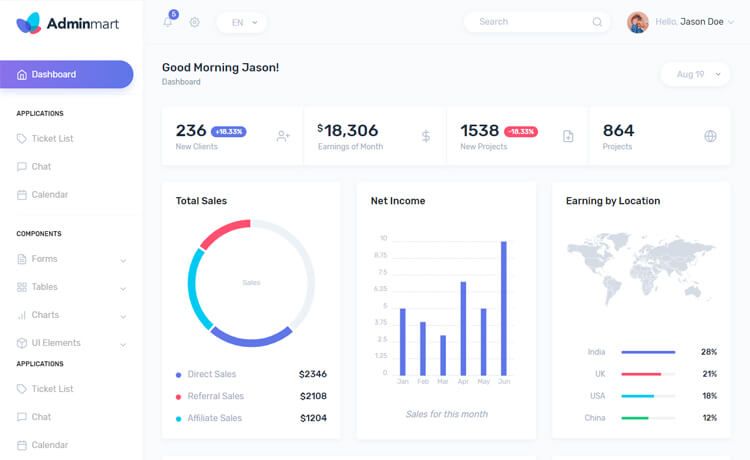
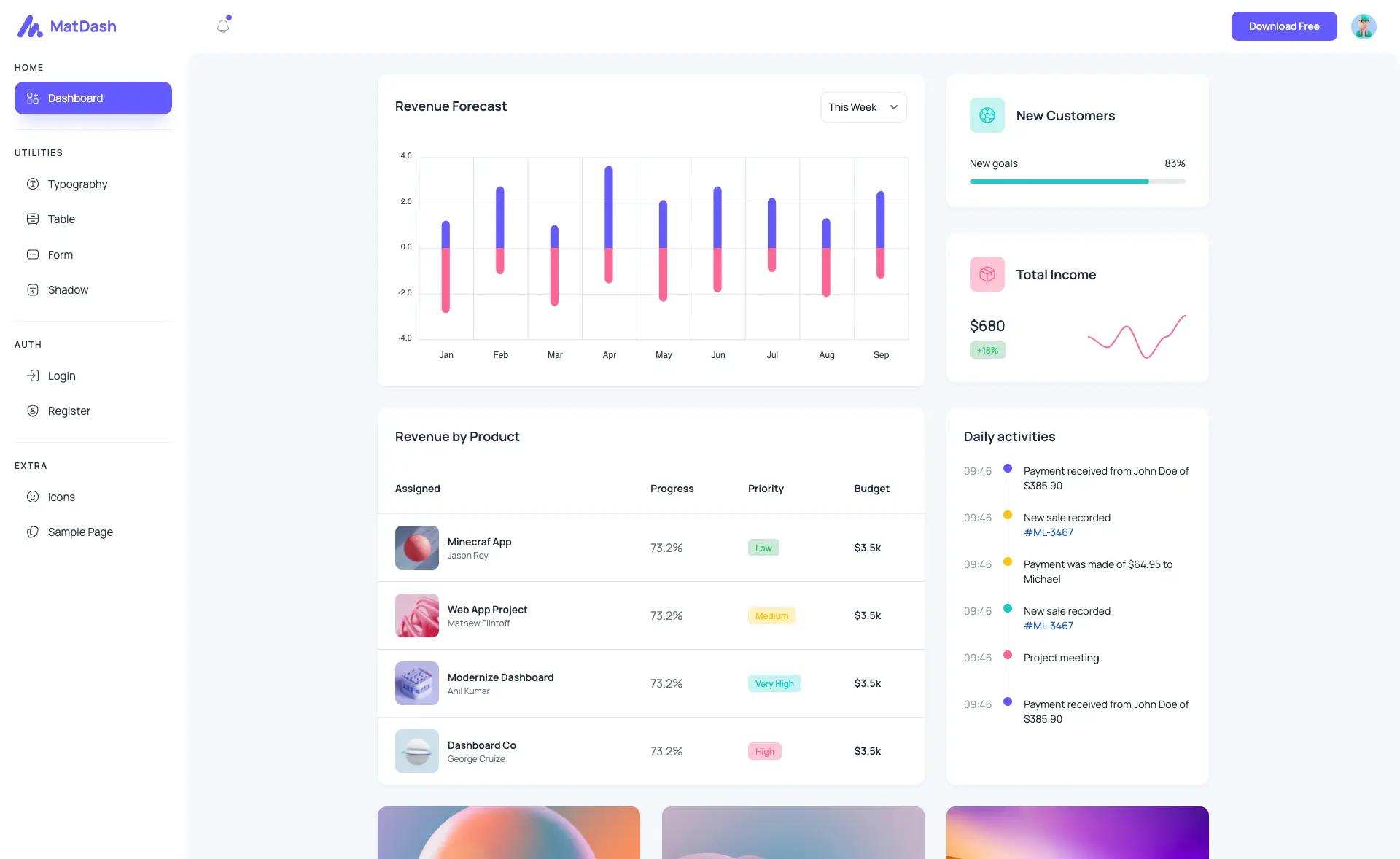
- CMS-style pages included — The screenshot matrix shows pages covering dashboard, login, post editing, product editing, products list, posts list, media library, themes, plugins, editor, updates, site settings, cache, email, categories, coupons, and language.
- Free and open-source — Released under the Apache 2.0 license, so commercial use and modification are permitted.
Who is it for?
- Web developers building a custom admin panel who need a Bootstrap-based starting point they can edit with SCSS and Gulp rather than a locked-in builder.
- Vvveb CMS users who want the same theme that already powers the Vvveb CMS admin interface, with page structures that mirror CMS operations like post, product, and plugin management.
- Agencies and freelancers producing dashboard mockups or quick internal tools, since the static HTML output can be dropped into any backend or converted to a server-side view.
Use cases
- Product managers can share the dashboard and analytics layouts with stakeholders as a clickable HTML prototype before development.
- Developers can extend the template into a full admin app by adding their own forms, tables, and charts on top of the included pages.
- Startups can use the login, dashboard, and media pages as the skeleton for an MVP admin console.
How does the template work?
The repository uses a Gulp build process. After cloning and running npm i, developers run npm run gulp to generate the HTML files, and npm run gulp watch to rebuild on changes during development. HTML is assembled from partials via gulp-file-include, and SCSS is compiled to CSS. A live demo of the theme is available at https://demo.vvveb.com/admin.
Alternatives
- AdminLTE — a popular open-source Bootstrap admin template that has long used jQuery for its widgets.
- CoreUI — a Bootstrap-based admin template family that also offers free and paid versions for React, Vue, and Angular.
Pricing
The template is free and open-source under the Apache 2.0 license. The repository lists no paid product tiers, though it does accept optional donations via PayPal and sponsorships through Open Collective.
FAQ
Is Vvveb Bootstrap 5 Admin Dashboard Template free?
Yes, the template is free and open-source under the Apache 2.0 license. You can use it for commercial projects without paying a licensing fee, and the repository also accepts optional donations through PayPal and Open Collective.
What Bootstrap version does this template use?
It uses Bootstrap 5. The README explicitly says it is based on the Bootstrap 5 framework, and the repository topics include bootstrap-5-template.
Does the template support dark mode?
Yes. The screenshot gallery shows both light and dark variants of the dashboard, login, post, product, media, themes, plugins, editor, updates, site settings, and cache pages, so dark mode is built into the design.
What build tools are required?
Node.js and npm are required. You install dependencies with npm i, then run npm run gulp to generate HTML files or npm run gulp watch for development with live reload.
Which icon sets are included?
The template bundles Ionicons and Line Awesome. These two icon fonts are referenced in the README as the icon sources used across the admin screens.