Template details
RoyalUI-Free-Bootstrap-Admin-Template
Free Bootstrap 4 admin dashboard template with responsive design, clean code, and detailed documentation.
About this template
RoyalUI-Free-Bootstrap-Admin-Template is a free, responsive admin dashboard template built with Bootstrap 4, HTML5, jQuery, and SASS by BootstrapDash, designed to give developers a ready-made starting point for back-office web interfaces.
What is RoyalUI-Free-Bootstrap-Admin-Template?
RoyalUI-Free-Bootstrap-Admin-Template is a Bootstrap-based dashboard template that bundles together pre-built UI components such as tables, forms, charts, and navigation elements. It takes the source code—HTML files, a CSS layer generated from SASS, and jQuery plugins—and outputs a fully responsive admin panel that works in modern browsers. The template is hosted on BootstrapDash's demo domain, and the project repository carries a free license, so you can download or clone it and start editing immediately. The metadata from the repository lists "Free Bootstrap 4 Admin Template" as the official description.
Key Features
RoyalUI-Free-Bootstrap-Admin-Template packs the essentials for an admin dashboard into a single downloadable project.
- Responsive layout — The template adapts to desktop, tablet, and mobile viewports using Bootstrap's grid system, so the dashboard remains usable on any screen size.
- Cross-browser compatibility — The template is engineered to render consistently across major modern browsers, which the project page guarantees for a smooth user experience.
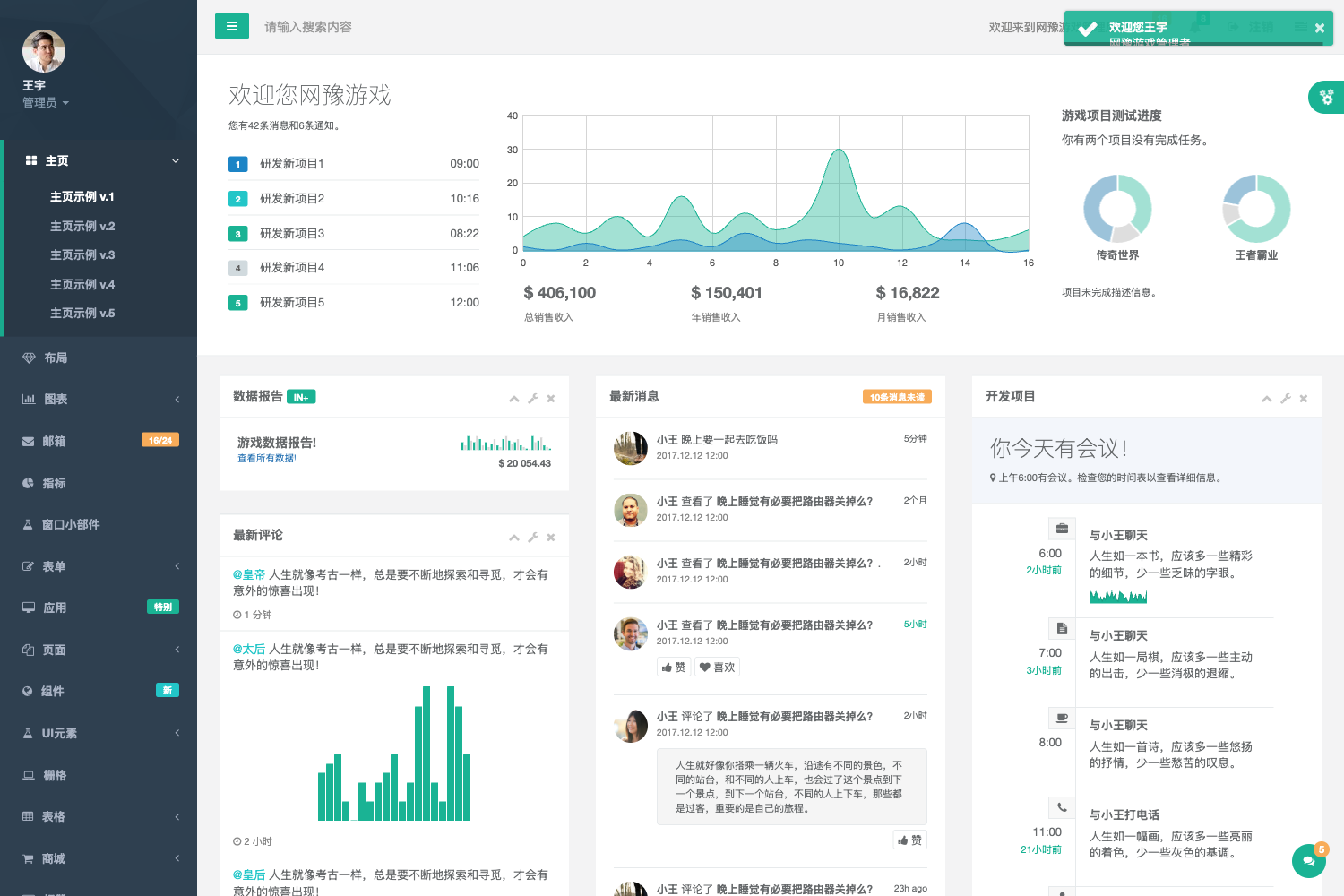
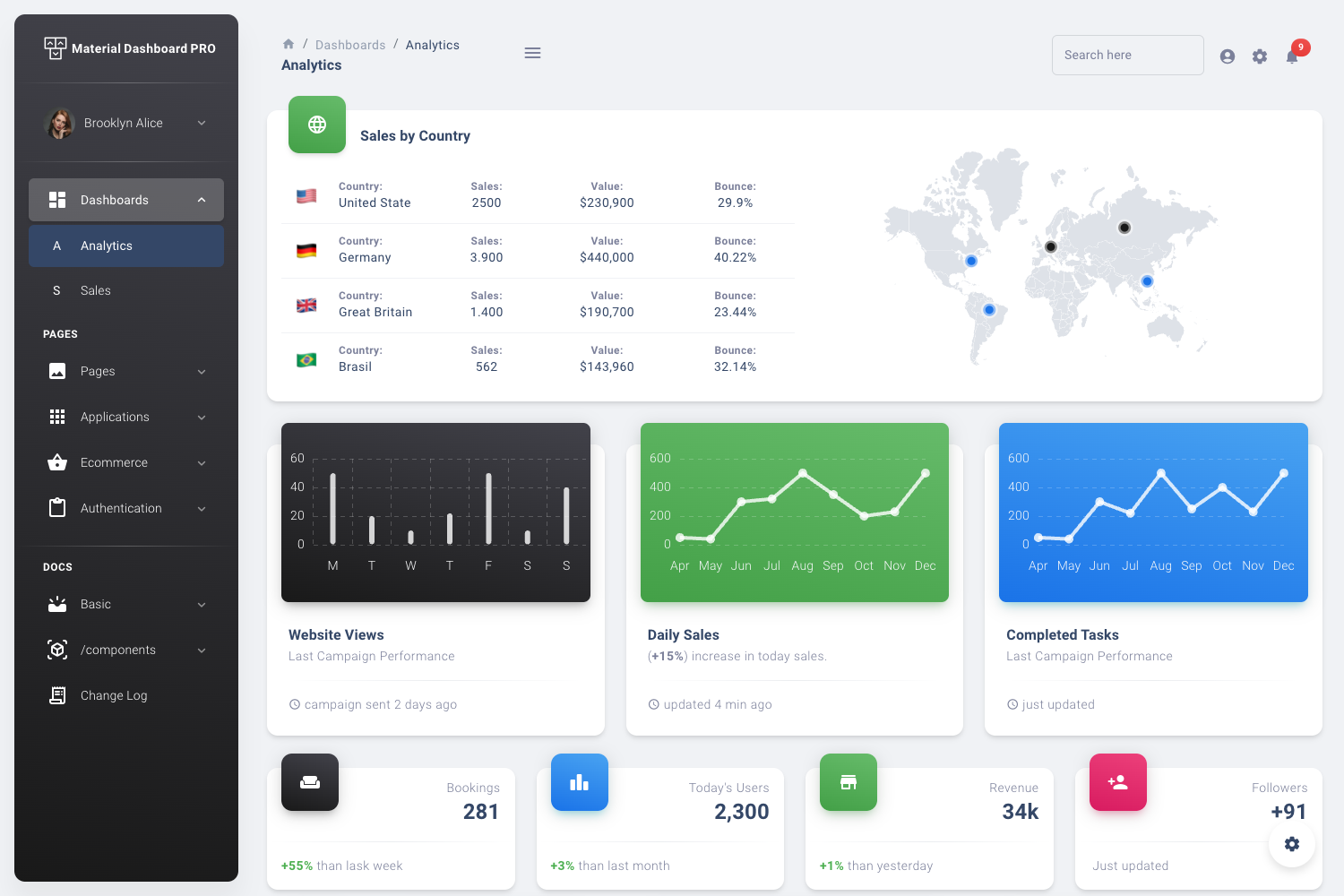
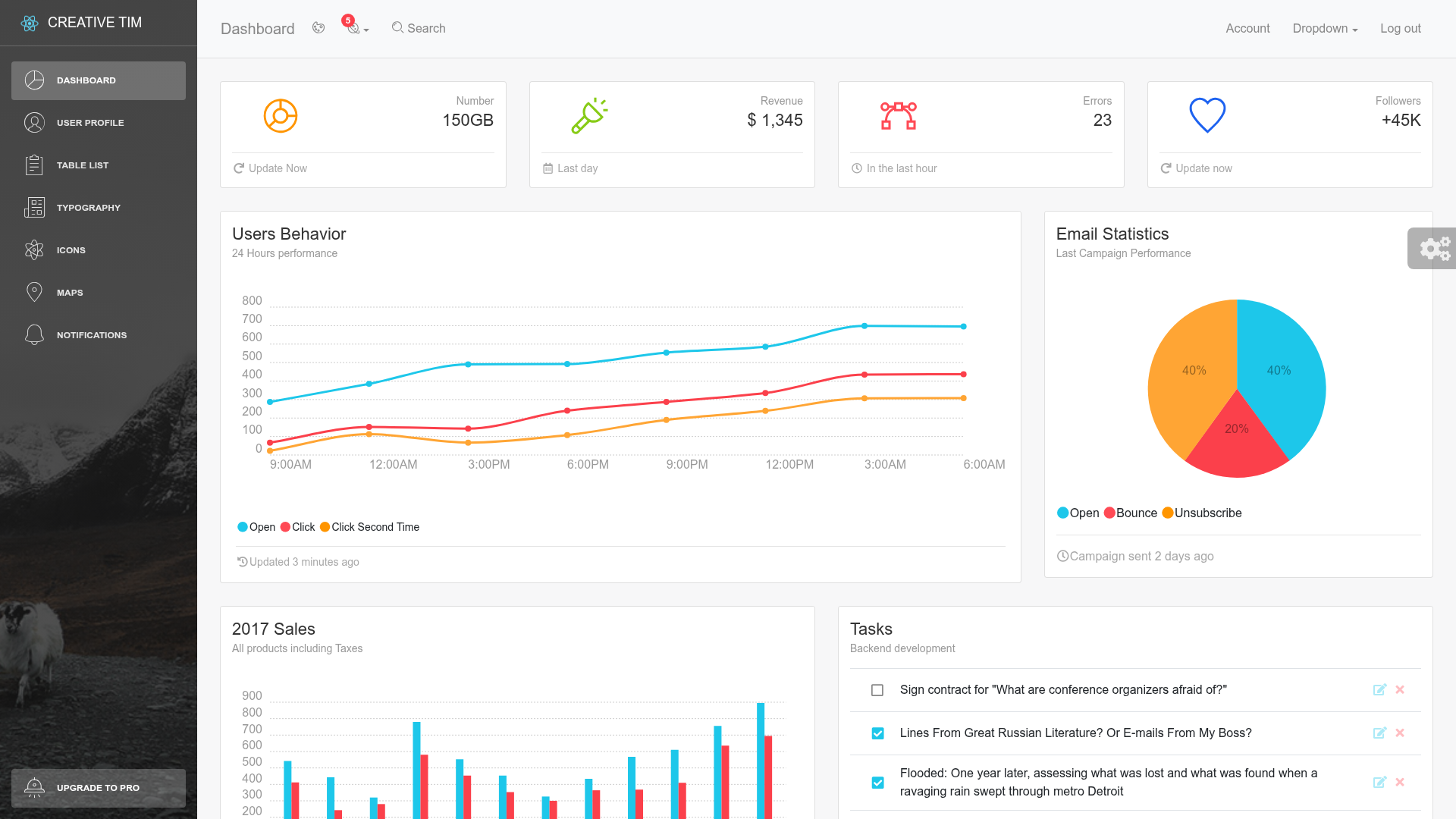
- Dashboard elements — It ships with a set of ready-to-use dashboard components like cards, progress bars, buttons, and other UI parts that you can place into pages without building them from scratch.
- Clean codebase — The project uses well-structured HTML, CSS, jQuery, and SASS, making it straightforward to read and modify for developers.
- Documentation — An official documentation page at
documentation/documentation.htmlexplains the file structure and customization workflow. - SASS customization — Because the styles are written in SASS, you can adjust variables and recompile the CSS to change the look and feel globally.
- NPM setup — The repository includes a
package.jsonwith annpm installcommand that installs dependencies needed for local customization builds.
Who is it for?
RoyalUI-Free-Bootstrap-Admin-Template suits anyone who needs a pre-built dashboard interface rather than starting from a blank page.
- Front-end developers — Use the template as a foundation for building custom admin panels; edit the HTML and SASS files to match a client's brand.
- Web agencies — Reuse the same dashboard layout for multiple client projects, cutting down on repetitive UI work.
- Startup teams — Quickly set up an internal operations or analytics dashboard by replacing the sample content with real data.
- Independent freelancers — Deliver a polished admin interface without designing a dashboard from scratch, saving hours of front-end time.
What can you do with RoyalUI-Free-Bootstrap-Admin-Template?
Using RoyalUI-Free-Bootstrap-Admin-Template, you can go from repository clone to a working admin UI in a short amount of time.
- Admin panel prototyping — Assemble a clickable mockup of a back-office interface using the built-in dashboard elements and then hand it to users for feedback.
- SaaS back-office — Build the management area for a web application, pulling in tables, forms, and charts to display user data and metrics.
- Data analytics view — Create a dashboard that presents KPIs with cards and lists, using the template's responsive grid to arrange visualizations.
- Custom UI development — Modify the SASS variables and recompile through npm to produce a personalized color scheme for a specific product.
How does RoyalUI-Free-Bootstrap-Admin-Template work?
The template is used as a static HTML project. Download or clone the repository, open template/index.html in a browser to see the live demo, then start editing the HTML and SASS files. If you want to rebuild the styles after changes, run npm install to fetch the necessary Node dependencies and consult the included documentation for the exact build commands.
Pricing
RoyalUI-Free-Bootstrap-Admin-Template is free to use. There is only one tier described in the project — the free template itself — with no paid upgrade mentioned in the repository.
Alternatives
If you are evaluating free admin templates, the most commonly referenced alternative is AdminLTE.
- AdminLTE — Another popular free Bootstrap admin template that focuses on layout control and comes with a wide range of plugins.
FAQ
Is RoyalUI-Free-Bootstrap-Admin-Template free?
Yes, the template is free. The repository description explicitly says "Free Bootstrap 4 Admin Template" and the project page does not mention any payment or premium tier.
What do I need to run RoyalUI-Free-Bootstrap-Admin-Template?
You only need a web browser to view the demo. The HTML, CSS, and jQuery files are static, so you can open template/index.html directly without a server or build step.
Which frameworks does RoyalUI-Free-Bootstrap-Admin-Template use?
The template is built with Bootstrap 4, HTML5, jQuery, and SASS. It does not rely on a JavaScript framework like React or Vue.
Can I customize the template appearance?
Yes. The styles are written in SASS, and the project includes an npm setup so you can install dependencies and recompile the CSS after changing SASS variables.
Is there documentation for the template?
Yes, the repository points to a documentation file at documentation/documentation.html within the template folder, covering customization and usage.