Template details
PurpleAdmin-Free-Admin-Template
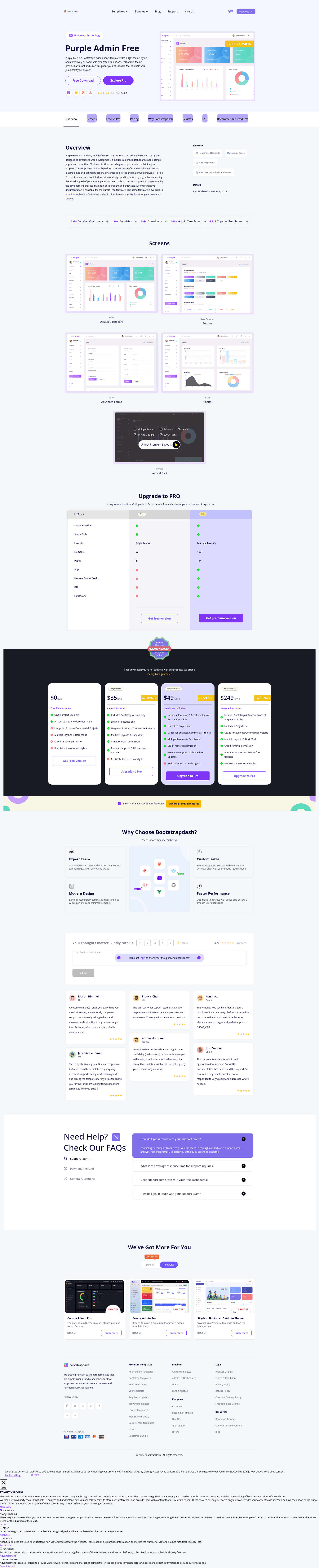
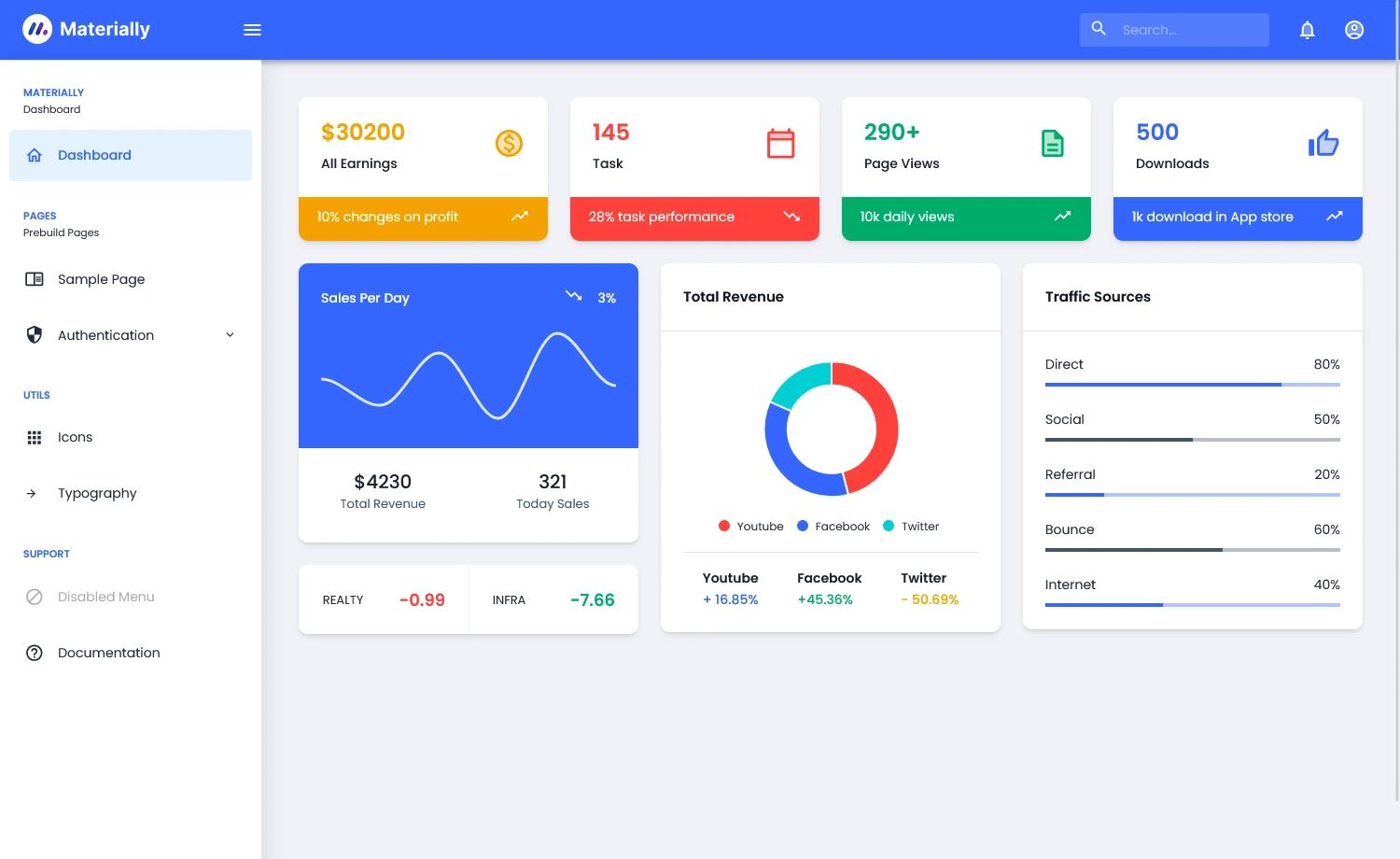
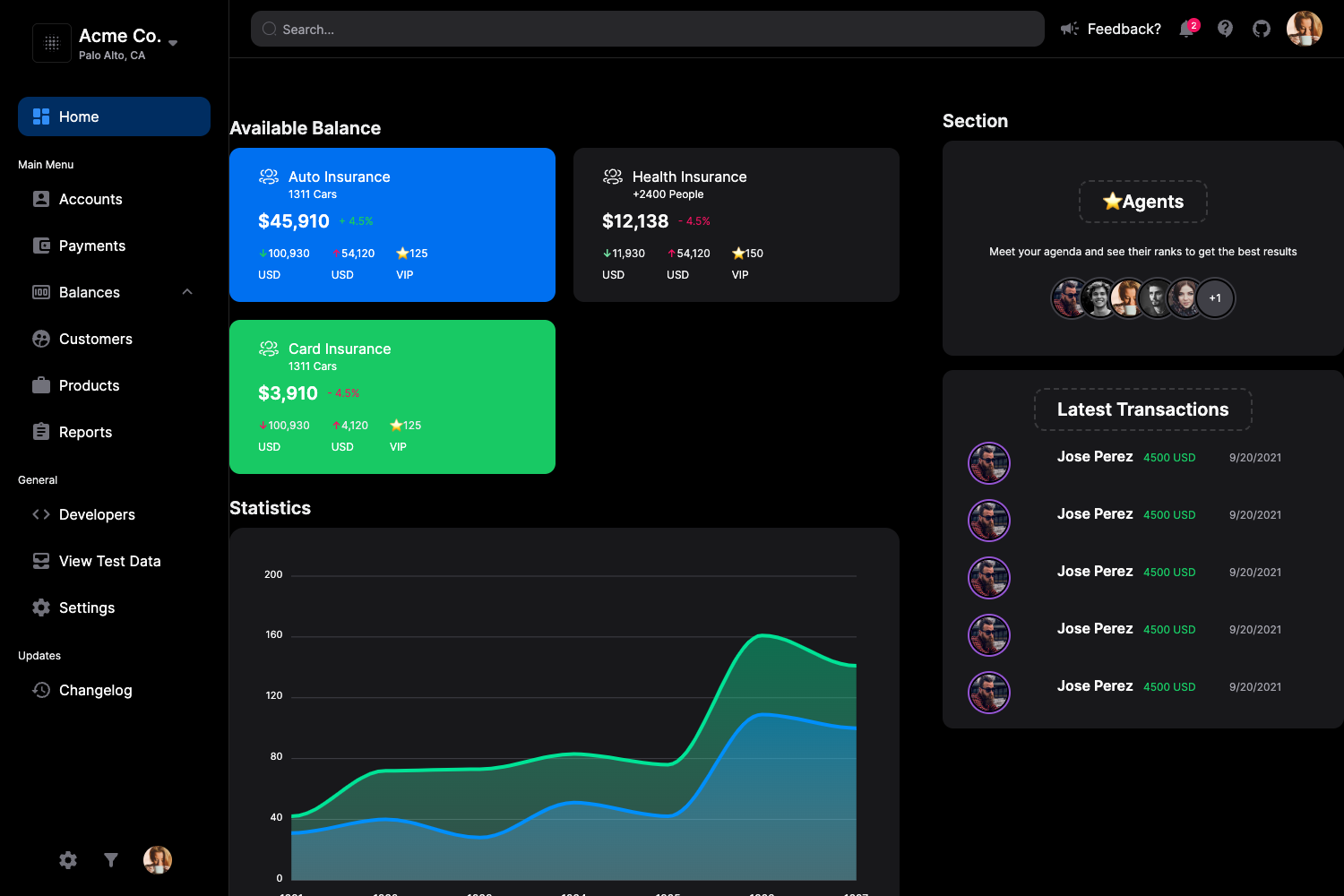
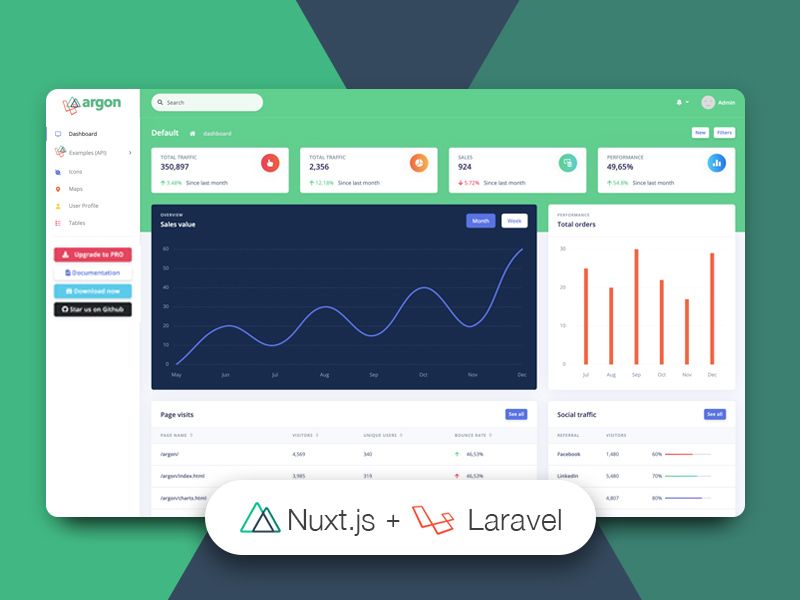
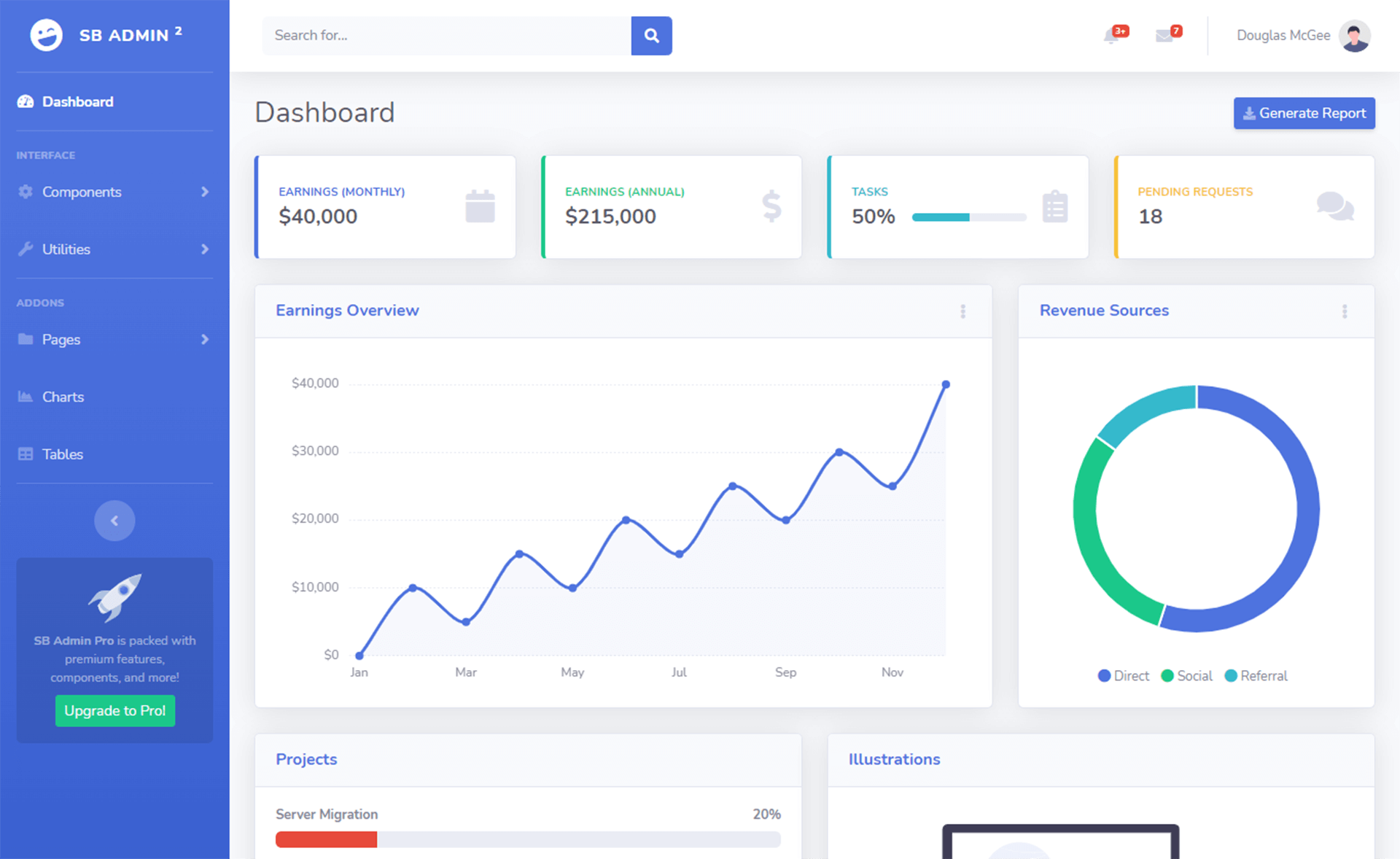
Free responsive Bootstrap 5 admin dashboard template with colorful design for admin panels, e-commerce, CMS, and CRM systems.
About this template
PurpleAdmin-Free-Admin-Template is a free, responsive admin dashboard template built with Bootstrap 5, designed for quickly building admin panels, e-commerce systems, project management systems, CMS, and CRM interfaces.
What is PurpleAdmin-Free-Admin-Template?
PurpleAdmin-Free-Admin-Template (commonly called Purple Admin) is a free, responsive admin dashboard template built with Bootstrap 5 and developed by BootstrapDash. It provides a complete set of pre-designed pages and UI components that developers can download and edit to create admin panels, e-commerce backends, project management dashboards, CMS, or CRM interfaces. The template runs as static HTML/CSS/JS on any web server; you start by editing the provided index.html file and can install dependencies with npm.
Key Features
- Bootstrap 5 framework — the template is built on Bootstrap 5, giving you the grid system, components, and utilities from the latest major version.
- Material Design Icons — icon set included for UI elements, covering commonly used icons in admin dashboards.
- jQuery integration — included for interactions and scripting, so custom JavaScript can be added on top.
- Gulp build system — automation for local development and production tasks;
gulp serveopens the template in your browser with live reload. - Chart.js charts — bundled for building data visualizations like line, bar, and pie charts inside dashboard widgets.
- Cross-browser support — designed to work in the latest versions of Chrome, Firefox, Safari, Opera, and IE10+.
- Well-commented code — the source files are commented to make customization and project hand-off easier.
- MIT license — the template is free to use, share, and modify for personal or commercial projects.
Who is it for?
- Startups and developers who need a quick, polished admin UI for a web application without starting from scratch.
- Agencies that build client dashboards and want a base theme that can be restyled with custom branding.
- Product teams building CMS, CRM, e-commerce, or project management tools who want ready-made layouts and components.
- Open-source contributors wishing to improve the template; the project accepts pull requests via GitHub.
What can you do with it?
- Admin panel builders: set up a responsive dashboard with sample pages, widgets, and charts by editing the included index.html files.
- E-commerce backends: use the ready-made UI components and icon set to assemble order management, inventory, and customer views.
- Internal tools developers: customize the Bootstrap 5 components and jQuery interactions to match internal workflows.
How to use Purple Admin?
- Get the code by cloning the GitHub repo or downloading the ZIP file.
- Run
npm installin the project folder to install dependencies such as Gulp and its plugins. - Open the file named index.html in a text editor to find and edit the components you need.
- For contributing, fork the repo, run
gulp serveto open the template locally, make changes, and submit a pull request.
Pricing
Purple Admin is free, released under the MIT license, with no tier names or paid plans mentioned in the repository.
Alternatives
- AdminLTE — another popular free Bootstrap-based admin dashboard template.
FAQ
Is PurpleAdmin-Free-Admin-Template free?
Yes, the template is released under the MIT license, which means it is free to download, use, share, and modify for both personal and commercial projects.
What browsers does Purple Admin support?
Purple Admin is designed to work with the latest versions of Chrome, Firefox, Safari, and Opera, plus Internet Explorer 10 and later.
How do I install the template?
You can either clone the repository with git clone or download it as a ZIP. After extracting, run npm install to install all dependencies, then open index.html to start editing.
What technology does Purple Admin use?
The template uses Bootstrap 5 for layout and components, Material Design Icons, jQuery for scripts, Gulp for build automation, and Chart.js for charts.
Can I contribute to Purple Admin?
Yes, the repository welcomes contributions. Fork and clone the repo, run npm install, then gulp serve to view the template, make your changes, and submit a pull request.