Template details
Volt Bootstrap 5 Dashboard
Free and open source Bootstrap 5 Admin Dashboard Template with vanilla Javascript
About this template
Volt is a free and open source Bootstrap 5 admin dashboard template by Themesberg that ships with over 100 components, 11 example pages, and a vanilla JavaScript build with no jQuery dependency.
What is Volt Bootstrap 5 Dashboard?
Volt is a Bootstrap 5 admin dashboard that outputs a full HTML/CSS/JavaScript admin panel. It takes the Bootstrap 5 framework and extends it with 100+ components, 3 customized plugins, and 11 example pages including dashboard, transactions, settings, sign in, sign up, forgotten password, reset password, lock profile, 404, and 500 pages. The template is developed and maintained by Themesberg, and the source code is available under a MIT license on GitHub.
Key Features
- No jQuery dependency — Every script and library in Volt is written in vanilla JavaScript, so you don't need to load jQuery as a dependency.
- Bootstrap 5 based — Built on the latest Bootstrap 5 Sass variables and HTML markup, so you can use any standard Bootstrap 5 component inside your project.
- 100+ components — Accordions, alerts, badges, buttons, cards, forms, modals, navigation, and more, all following Bootstrap 5 markup.
- 11 example pages — Includes dashboard, transactions, settings, forms, tables, sign-in, sign-up, forgot password, reset password, lock profile, 404, and 500 pages, ready to adapt.
- Gulp workflow — Uses Gulp for task automation, with commands to serve the project with BrowserSync, build a plain HTML/CSS version, or produce minified files.
- Sass preprocessing — Styles are authored in SCSS under the src/scss/volt folder and compiled to CSS by Gulp.
- Documentation — Full online documentation covers getting started, components, and plugins.
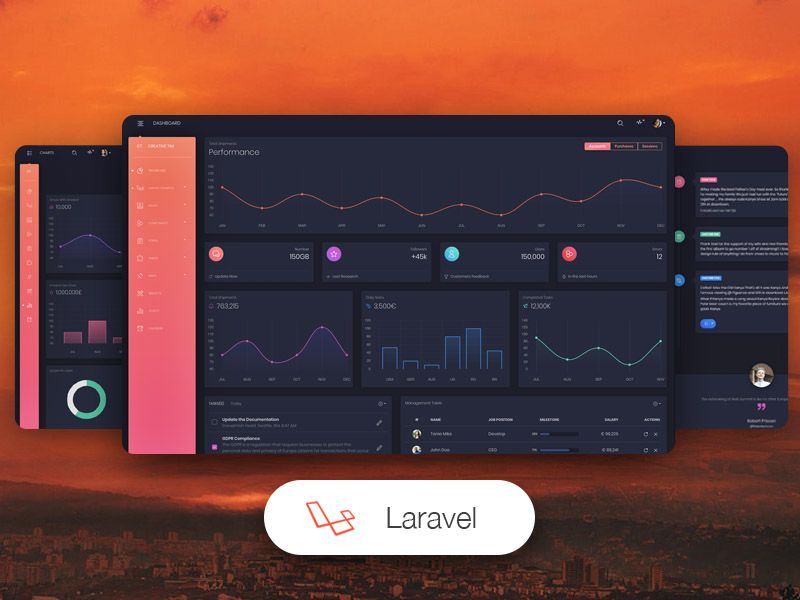
- Multiple versions — Available in HTML, React, and Laravel versions, each on its own repository/product page.
Who is it for?
- Front-end developers — Build a custom admin dashboard by starting from the provided pages and components, then modifying the SCSS and JavaScript.
- Agencies and freelancers — Ship a client’s internal tool or management panel quickly using the pre-built pages and responsive layout.
- Startups and SaaS teams — Use the sign-in/sign-up pages and dashboard overview as the base for a customer-facing product dashboard.
- Back-end developers — Integrate the static HTML into a Laravel or any server-rendered app, since it’s plain HTML, CSS, and JS.
What can you do with Volt?
- Create a transaction monitoring page — Use the transactions example page with tables and chart components to display financial data.
- Set up a user authentication flow — The sign-in, sign-up, forgot password, and reset password pages give you a complete auth UI.
- Design an analytics dashboard — The dashboard page includes analytics placeholders and a preloader partial for loading states.
- Prototype an internal tool — Use the settings and tables pages to lay out forms, toggles, and data tables for an operations panel.
How does Volt work?
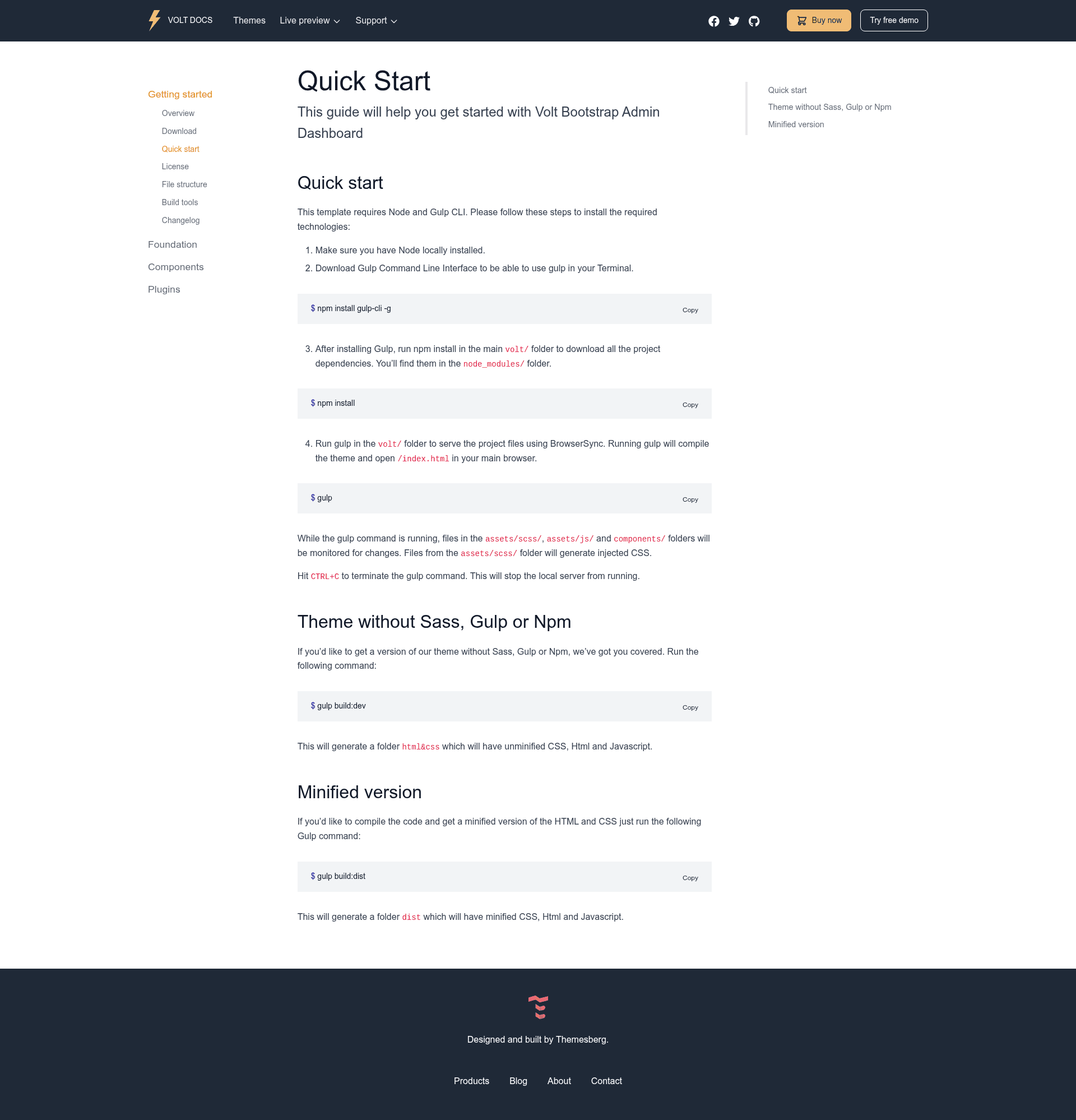
Download the project, install Node and the Gulp CLI, then run npm install inside the volt/ folder. Running gulp compiles the SCSS and serves the project at /index.html with BrowserSync; it also watches assets/scss/, assets/js/, and components/ for changes. For a version without the build toolchain, run gulp build:dev to generate a plain html&css folder, or gulp build:dist for minified files.
Pricing
The open source Volt is free and released under the MIT license. Themesberg also offers a paid Pro version that includes more than 800 components, 20 example pages, and over 10 advanced plugins.
FAQ
Does Volt require jQuery?
No. Volt is built without jQuery as a dependency. All included libraries and scripts use vanilla JavaScript, which is one of its main selling points over Bootstrap 5 themes that still rely on jQuery.
Is Volt free for commercial projects?
Yes. The free version of Volt is licensed under the MIT license, so you can use it in personal and commercial projects. A separate Pro version with additional components and pages is available for purchase from Themesberg.
Which browsers are supported?
Volt officially supports the last two versions of Chrome, Firefox, Edge, Safari, and Opera, as stated in the project’s README.
How do I run Volt locally?
Clone or download the repository, make sure Node is installed, install Gulp CLI globally with npm install gulp-cli -g, run npm install, and then run gulp. The site opens at /index.html and live-reloads via BrowserSync.
What is included in the download?
The download includes the full source under src/ with assets, HTML pages, partials, and SCSS files. There are also Gulp tasks to generate a plain HTML/CSS build or a minified distribution.