Template details
Next.js Admin Lite Template
A lightweight Next.js 13 admin dashboard template with Ant Design, Zustand, and Tailwind CSS.
About this template
Next.js Admin Lite Template is a minimal, open-source admin dashboard starter for Next.js 13 that ships a generic layout with sidebar navigation, theming, and state management so you can start writing feature code immediately.
What is Next.js Admin Lite Template?
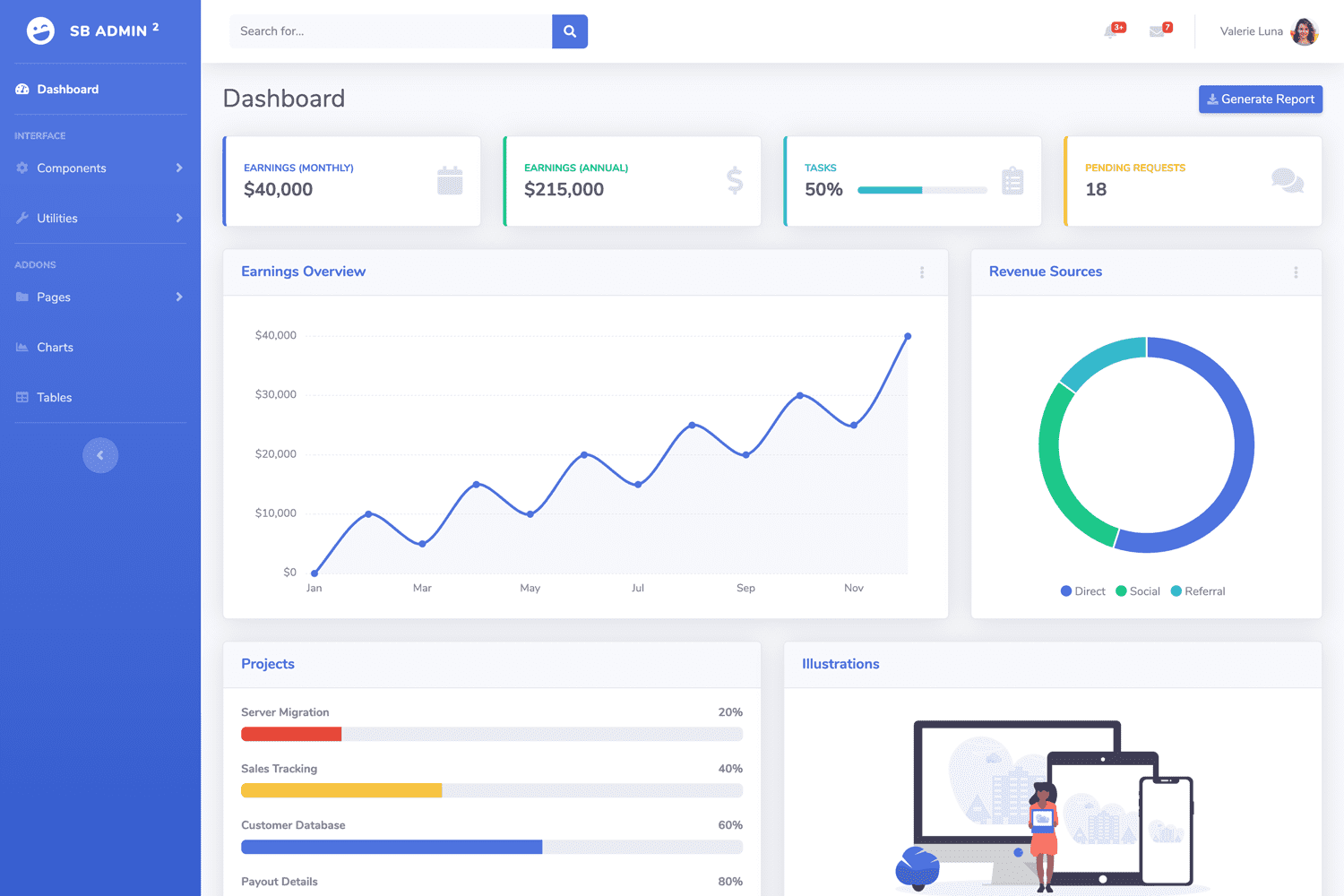
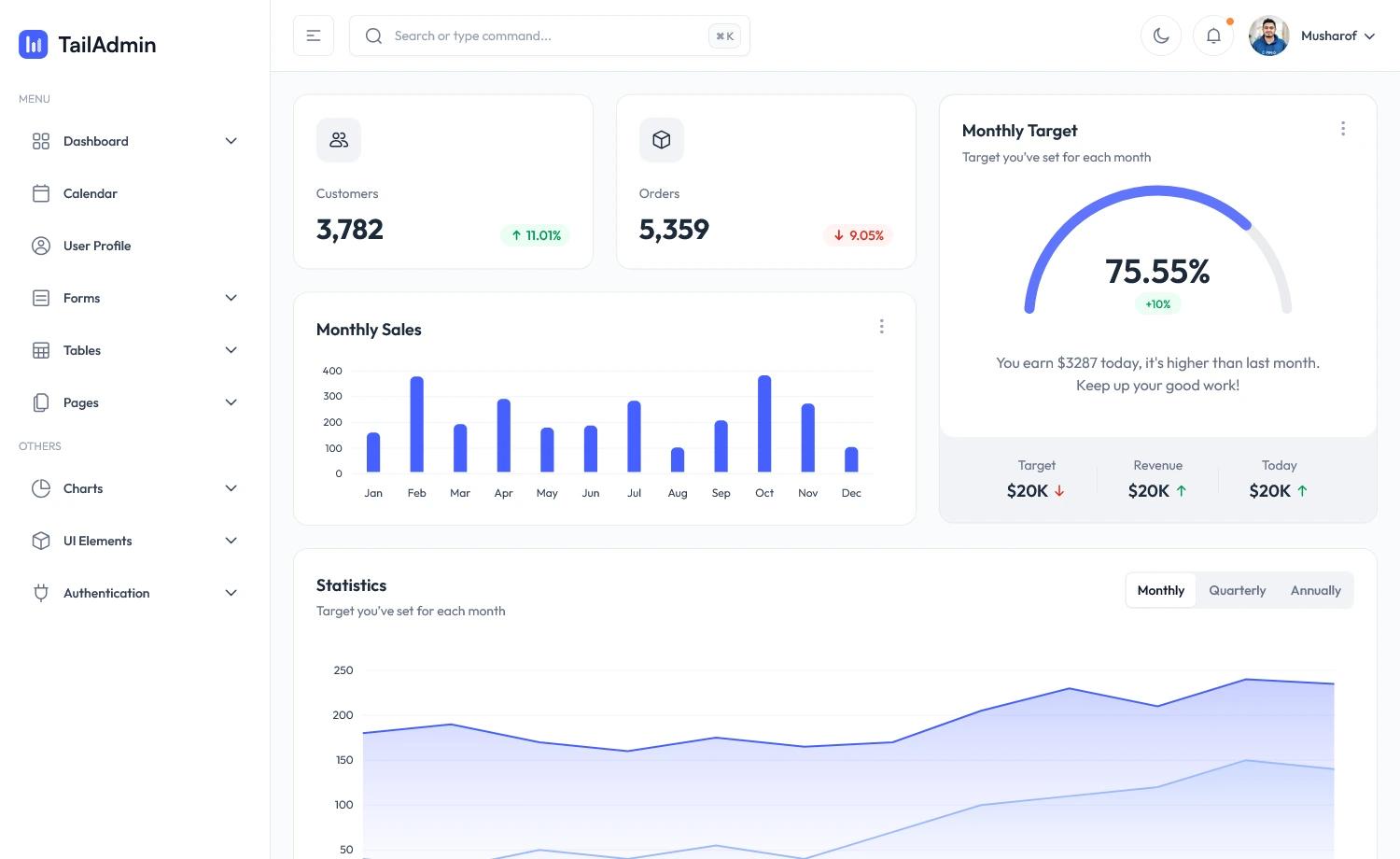
Next.js Admin Lite Template is a lightweight admin dashboard template for Next.js 13, built by developer Grapeve and published on GitHub. It provides a generic layout — a sidebar, page routes, and a theme system — rather than a collection of finished, page-specific views. You take the starter, configure the sidebar items, create matching pages under the App Router, and add your own business logic. It is currently a small sample with only 2 GitHub stars, and the author says more features will be added and accepts requests.
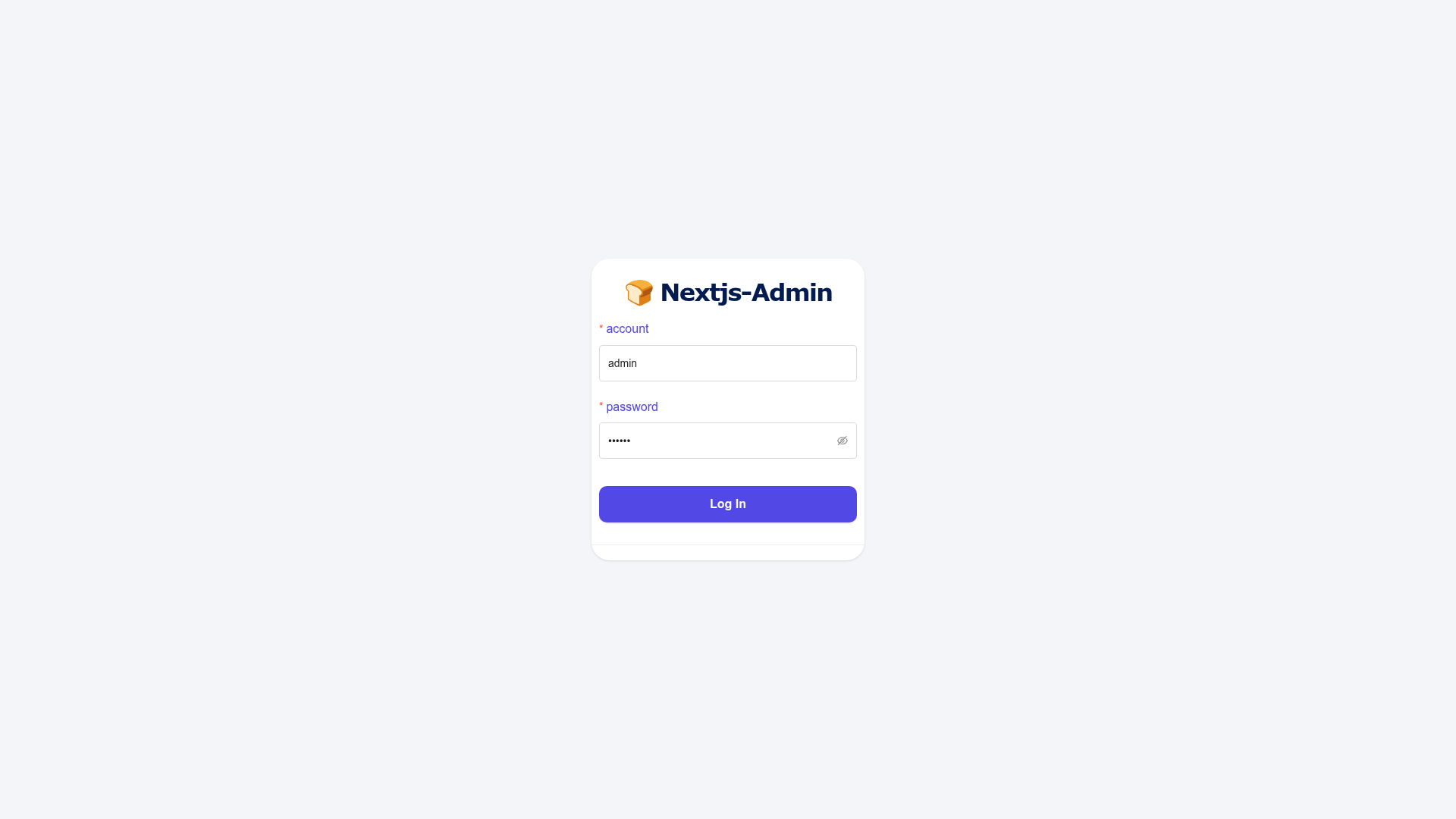
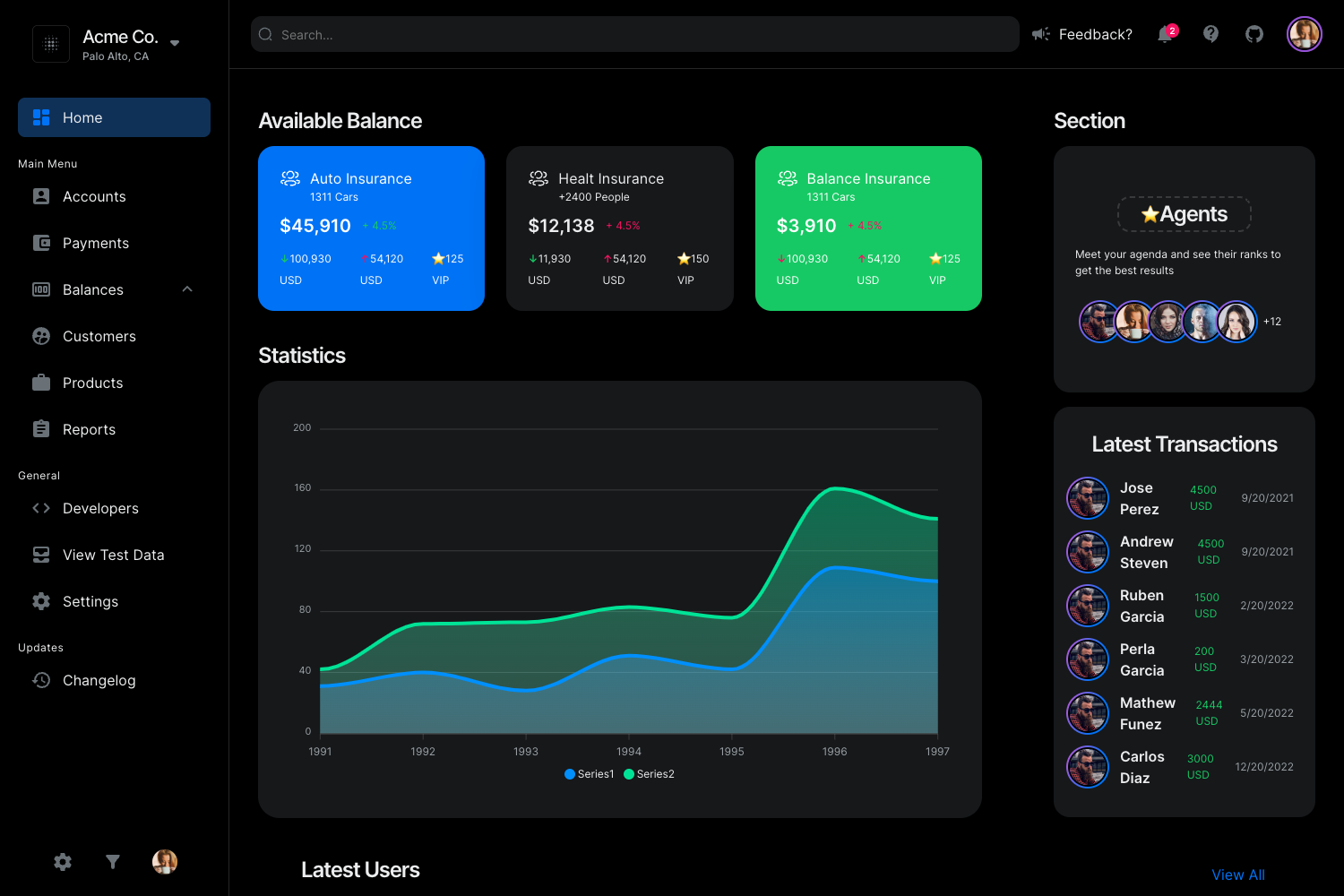
The template uses the App Router mode of Next.js 13, with a file structure that nests routes under a main layout. Pages such as Profile, Basic Form, and Step Form are included as examples, and the online preview at https://nextjs-admin-lite-template.vercel.app shows the default look. The stack combines Ant Design for enterprise UI components, Zustand for lightweight state, and Tailwind CSS for utility-first styling.
Key Features
- Next.js 13 App Router — Uses the app directory with nested routes (main → routes → profile, form-page, etc.), so you create page.tsx files in folders to add new views.
- Ant Design integration — Ant Design is configured as the component library, including a menu component for the sidebar and a theme file at theme/antd/theme.ts for customizing design tokens.
- Zustand state management — Zustand is wired in through a custom setting store hook, used to persist UI settings like the current theme mode.
- Tailwind CSS — Tailwind is available for utility classes throughout the project, with documentation on how to style Ant Design components (including a known workaround for className conflicts).
- Dark mode — The Ant Design theme switches to dark mode automatically; custom components can read theme tokens and a theme mode variable to match, with sample code in the README.
- Sidebar configuration — The sidebar menu is defined in one file, components/layouts/sidebar/page.tsx, using an array of items that supports nested submenus and icons.
- Online demo — A live Vercel deployment lets you preview the default admin layout before cloning the repository.
Who is it for?
- Developers bootstrapping an admin dashboard — They get working navigation, routes, and theming, so they can skip repetitive setup and focus on domain screens.
- Next.js 13 learners — The template demonstrates how to combine the App Router with Ant Design and Tailwind, including a realistic pattern for dark-mode switching.
- Hobbyists creating internal tools — With example Profile and Form pages and a simple menu structure, it's a fast way to get a private tool running locally.
What can you do with it?
- Scaffold an admin interface: Clone the repo, run pnpm install and pnpm dev, then change the sidebar item array and create corresponding page.tsx files to build your own dashboard.
- Add multi-step forms: The template includes a Step Form page example that you can extend into multi-stage data entry workflows.
- Build a themed internal tool: Use the built-in dark mode and Ant Design components to create a consistent UI that respects system or user preferences.
How do you get started?
Clone the repository from GitHub, install dependencies with pnpm, and start the development server with pnpm dev. The README documents two main configuration tasks: editing the sidebar array to match your pages, and (if you use Tailwind classes on Ant Design components) adding a custom class and CSS rule to make those styles apply.
FAQ
Is Next.js Admin Lite Template free?
Yes, the template is open source and distributed on GitHub, so you can clone it, modify it, and use it in your own projects at no cost.
What do I need to run it?
You need Node.js and pnpm installed. The template is built for Next.js 13 and uses the App Router, so you should use a recent version of Next.js. After cloning, run pnpm install and then pnpm dev.
How do I add a new page?
First, add an entry to the sidebar items array in components/layouts/sidebar/page.tsx. Then create a matching folder under app/(main)/(routes) and add a page.tsx file. The template's existing Profile and Form pages are examples to copy.
Why doesn't Tailwind work in the className of an Ant Design component?
The README explains that because Ant Design's first-screen styles are extracted and injected into HTML, Tailwind utilities passed through the className prop may not apply. The workaround is to define a custom CSS class outside the component, attach it to the element, and put the styling rule in a separate CSS file or globals.css.
What is the current state of the project?
The author describes it as a small sample, with many features still missing. The GitHub issues and pull requests are open, so if you need a specific feature, you can request it. The repository currently has 2 stars, indicating it's early in development.