Template details
WebTaskit
A task tracking web app with user/admin authentication, task and subtask management, calendar events, and tag-based filtering.
About this template
WebTaskit is a React-based task tracking dashboard web application with role-based authentication, full task and subtask CRUD, calendar event planning, and tag-based filtering, deployed at webtaskit.vercel.app.
What is WebTaskit?
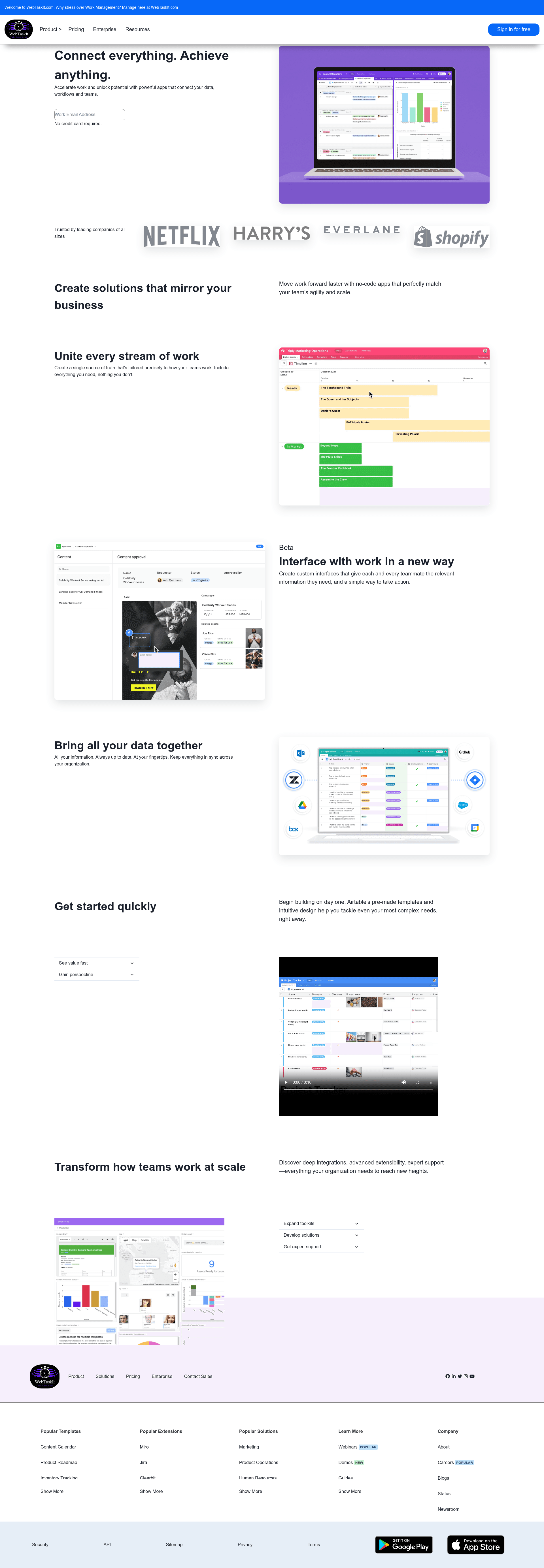
WebTaskit is a task management web application built by a five-person team and deployed on Vercel at webtaskit.vercel.app. It lets registered users create, edit, delete, and filter tasks tagged as personal, official, or others, manage subtasks, and schedule calendar events for day-wise and month-wise planning. The frontend uses React with Redux and Redux-Thunk for state management, React Router DOM for routing, and Chakra UI plus Styled-Components for styling. The project includes both a regular user interface and an admin dashboard where admins can manage user data and API content.
Key Features
- Role-based access — Separate user and admin authentication; admins get a dedicated dashboard to edit data, manage APIs, and delete users, while regular users only manage their own tasks.
- Task and subtask CRUD — Users can create, edit, and delete tasks and subtasks through dedicated task and edit-task pages.
- Calendar event planning — Create, update, and delete calendar events to track work date-wise, day-wise, and month-wise; events are managed from the calendar page.
- Tag-based filtering — Filter tasks by three tags: personal, official, and others, from the tasks page.
- Data isolation — Each user can only modify their own tasks and calendar events; the admin side can view and manage all users' information.
- Responsive UI — Fully responsive layouts across home, overview, pricing, enterprise, resources, gallery, task, calendar, single-user, and admin-dashboard pages.
- Tech stack — React, Redux, Redux-Thunk, React Router DOM, Chakra UI, Styled-Components, CSS, npm, Postman, Mock API, VS Code, GitHub, and Vercel deployment.
Who is it for?
WebTaskit is intended for individuals and small teams that need a self-service task and calendar tracking application.
- Individual productivity users — manage personal tasks and subtasks, track deadlines with calendar events, and filter tasks by personal, official, or other tags.
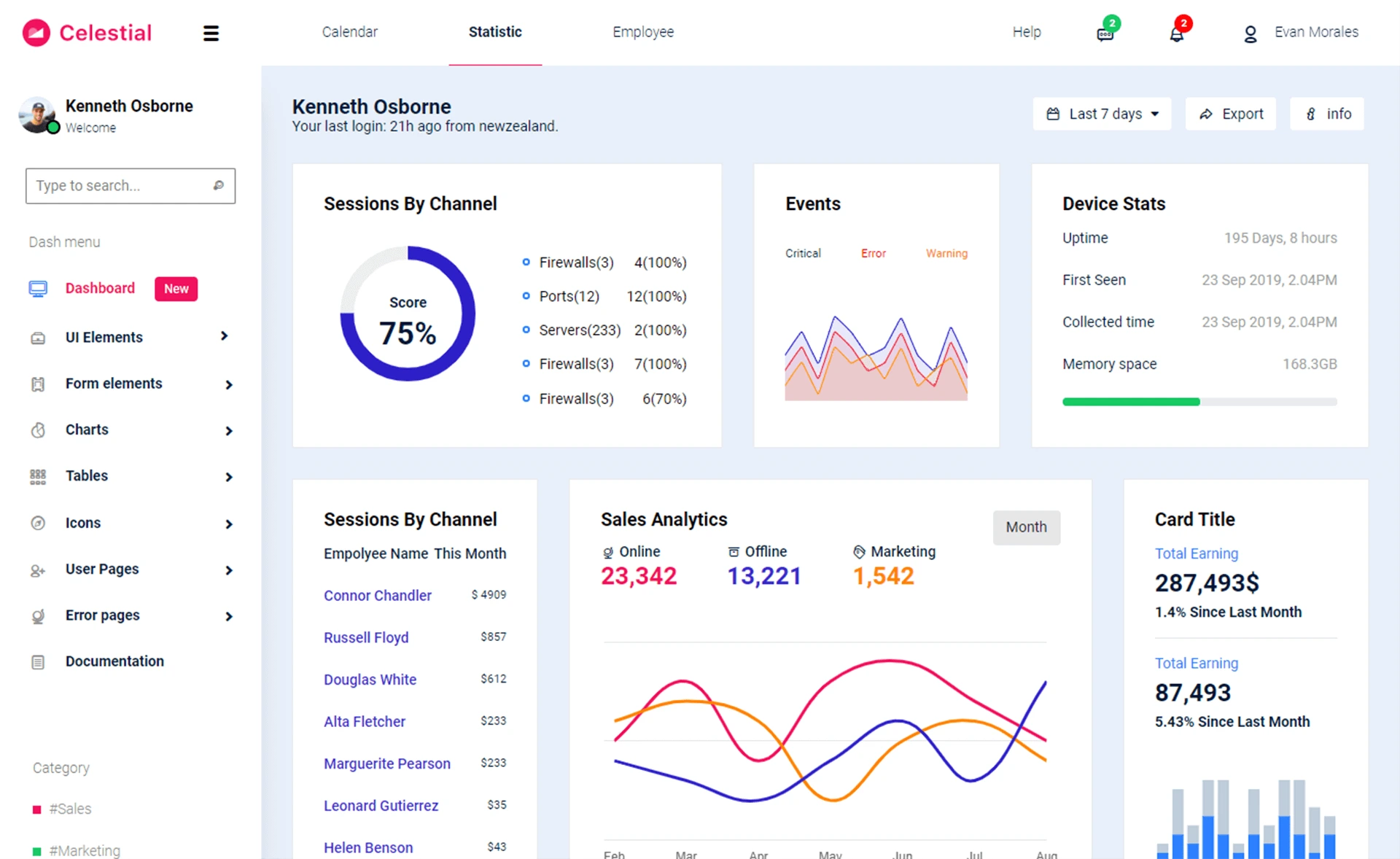
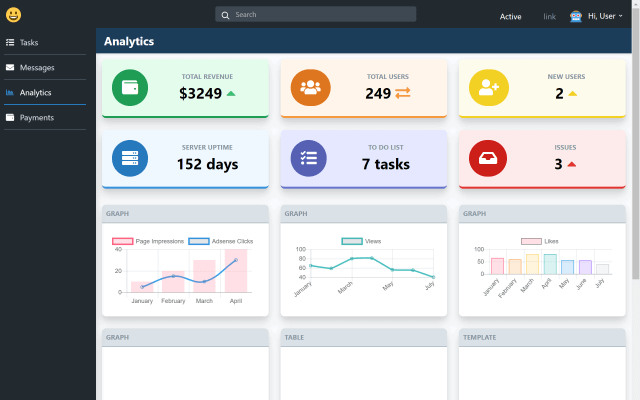
- Team leads and admins — use the admin dashboard to view all users, manage and delete user data, and update API content directly from the admin interface.
- Students or small project teams — coordinate shared work with task pages, edit-task pages, and calendar events, leveraging per-user data isolation.
Use cases
- Individual task tracking: Create tasks and subtasks, edit or delete them as plans change, and filter by tag to focus on work categories.
- Deadline scheduling: Add calendar events for date-wise, day-wise, and month-wise planning, then update or remove events from the calendar page.
- Admin moderation: Admins can delete users and alter data and APIs from the admin dashboard to keep the dataset clean and correct.
FAQ
Does WebTaskit support user registration?
Yes. The application has authentication for both users and admins. Users can register and log in to manage their own tasks, while admins have extra privileges to manage users and data from the admin dashboard.
What backend does WebTaskit use?
The project uses a mock API for tasks, calendar events, and tag lists, tested with Postman. There is no production backend documented in the repository, so deployment would require replacing the mock API with a real server.
What UI libraries and tools are used?
Styling is built with Chakra UI and Styled-Components, along with plain CSS for responsive layouts. The frontend also uses React Router DOM for navigation, Redux and Redux-Thunk for state, and the site is deployed on Vercel.