Template details
Material Dashboard Lite
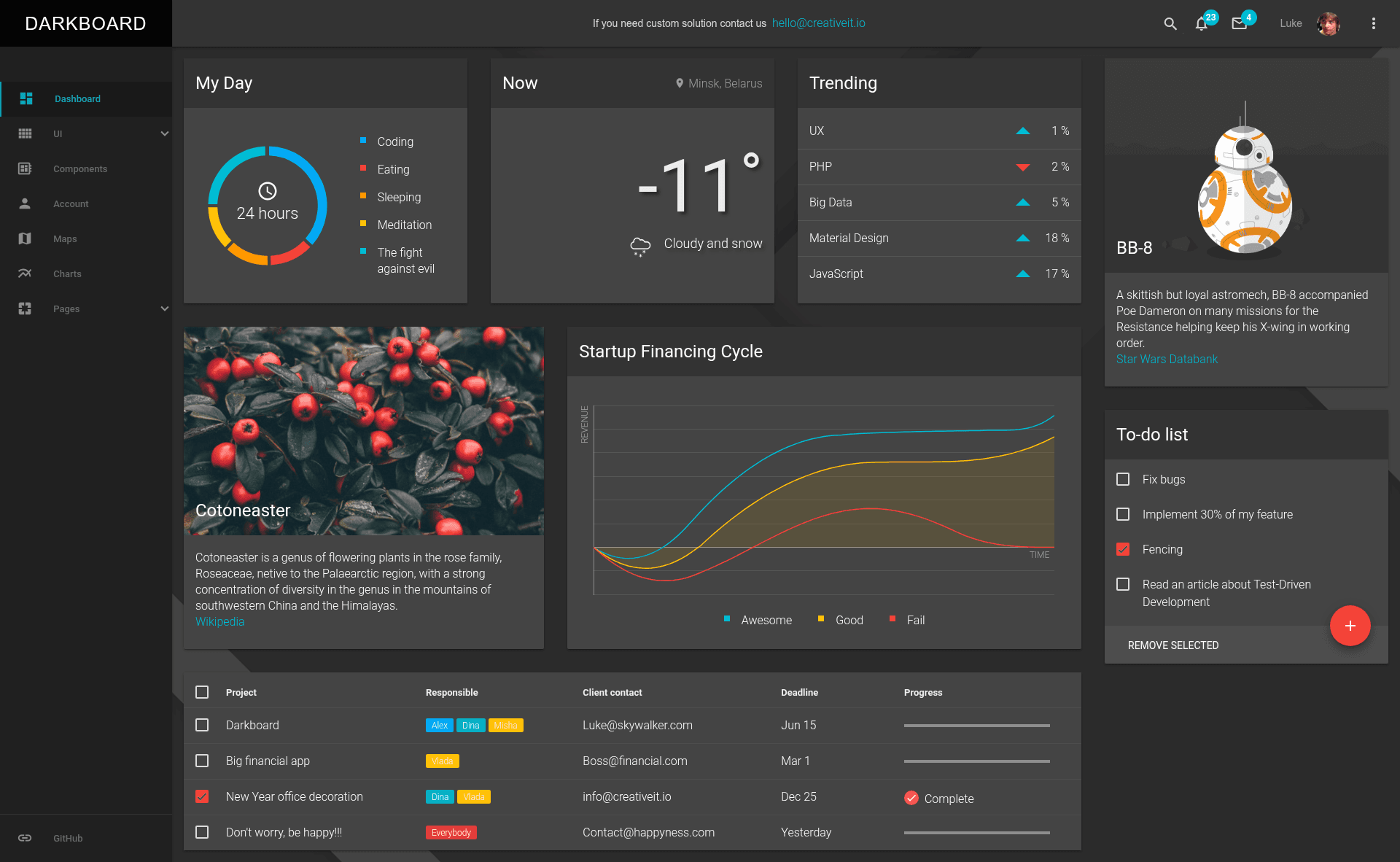
A free dark dashboard template built with Material Design Lite.
About this template
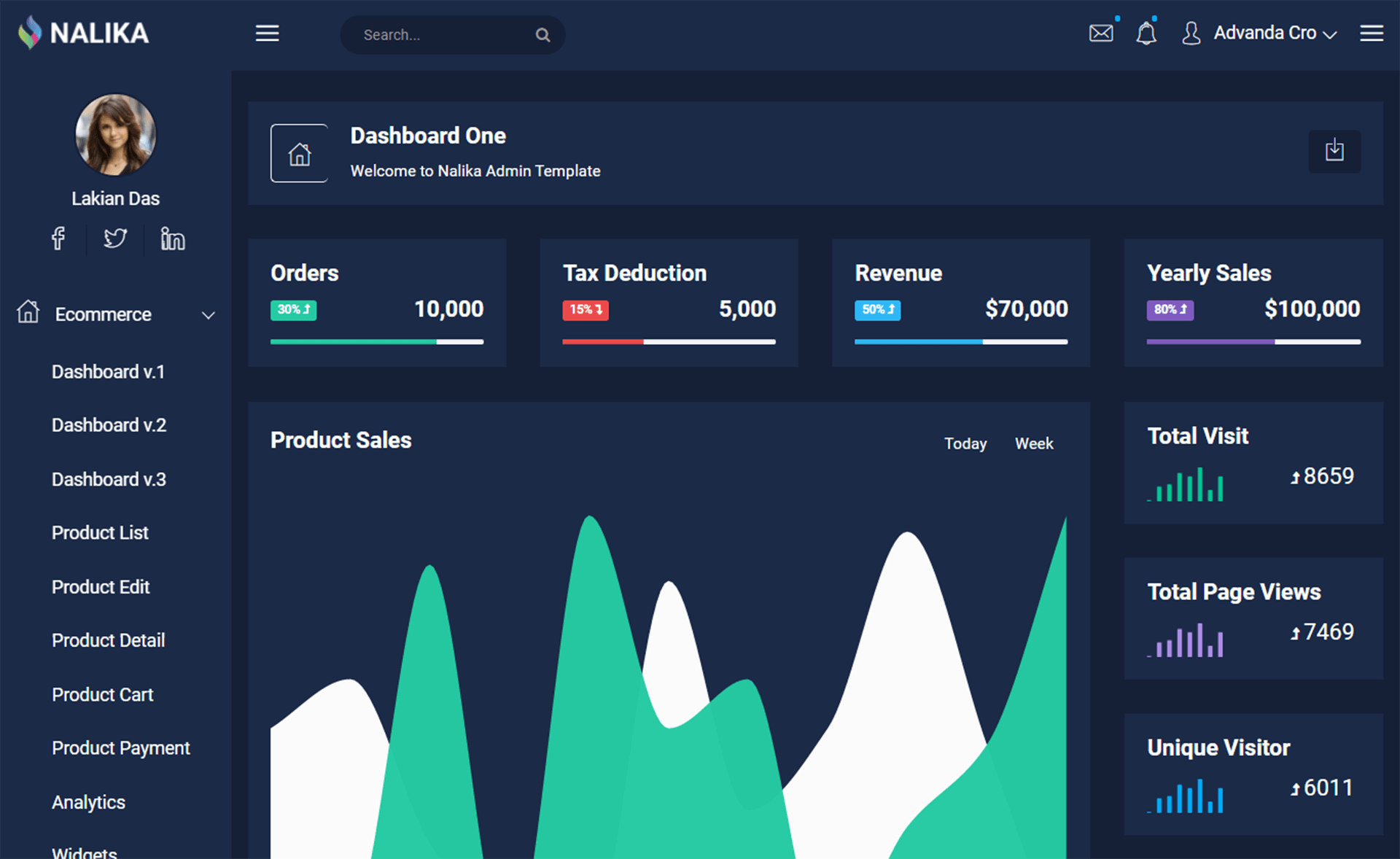
Material Dashboard Lite is a free, open-source admin dashboard template that brings a dark theme to Google's Material Design Lite framework, built for developers who want a lightweight, framework-free dashboard UI.
What is Material Dashboard Lite?
Material Dashboard Lite is a free, open-source admin dashboard template based on Google's Material Design Lite (MDL) library, created by CreativeIT. It takes HTML, Sass, and ES6 JavaScript as its inputs and produces a responsive dark-themed dashboard with chart components that runs entirely in the browser without any JavaScript framework dependency.
The template is built around MDL, which supplies Material Design styling and components, while D3.js and NVD3 handle data visualization. The project is in active development, with planned features tracked in its GitHub issues, and is available under the MIT License.
Key Features
- Dark Material Design theme — One of the first dark dashboards built on Material Design Lite, with a responsive layout tuned for cross-device use.
- Material Design Lite foundation — Uses Google's official MDL library for components and styles, so no JavaScript framework is required.
- ES6 JavaScript with Babel — Source JavaScript is written in ECMAScript 6 and transpiled with Babel for browser compatibility.
- Sass with BEM structure — Styling is authored in Sass and organized using BEM, making the theme customizable by editing
src/variables.scss. - Gulp build system — Includes Gulp tasks for building (
gulp build), serving (gulp serve), and watching (gulp watch) the project. - D3 and NVD3 charts — Bundles D3.js and NVD3 to create chart components and visualizations in the dashboard.
- GetMDL-Select plugin — Adds a select element that Google's MDL does not yet provide natively, via a dedicated plugin.
- Free for commercial use — Released under the MIT License, so commercial projects can use it without licensing fees.
Who is it for?
Material Dashboard Lite is suited for front-end developers and web designers who want to build an admin panel or analytics dashboard without committing to a full JavaScript framework like Angular or React.
- Front-end developers who need a lightweight dashboard base they can extend with vanilla JS or any library.
- Data analysts or product teams who want to present metrics using the included D3 and NVD3 chart components.
- Agencies and freelancers building client admin panels quickly, since the template is free under MIT and is easy to customize via Sass variables.
- Developers looking for a dark-themed UI who prefer MDL's Material Design look over admin frameworks.
What can you do with Material Dashboard Lite?
- Build an analytics dashboard: Add D3/NVD3 charts to display real-time or historical data in a dark UI without building chart code from scratch.
- Create a project management panel: Use the responsive layout and MDL components to organize tasks, stats, and user lists.
- Rapid prototype an admin UI: Because it uses plain HTML/Sass/ES6 and a Gulp build, you can quickly scaffold a demo for client pitches.
- Customize the theme for your brand: Edit
src/variables.scssand rungulp buildto change colors and spacing across the entire dashboard.
How does Material Dashboard Lite work?
- Clone or fork the repository from GitHub.
- Install npm dependencies (
npm install) and bower components (bower install). - Build the project with Gulp (
gulp build) and preview it withgulp serve. - For development, use
gulp watchto rebuild automatically when source files change.
Pricing
Material Dashboard Lite is free to use for commercial and personal projects. It's released under the MIT License, which means there are no licensing costs.
Alternatives
- AdminLTE — a popular free admin dashboard template that is built on Bootstrap rather than Material Design Lite.
FAQ
Is Material Dashboard Lite free?
Yes, Material Dashboard Lite is completely free for commercial and personal use, released under the MIT License. You can clone it, modify it, and use it in commercial projects without paying licensing fees.
Does Material Dashboard Lite use a JavaScript framework?
No, it does not rely on any JavaScript framework. It uses Google's Material Design Lite library, which provides Material Design components via CSS and vanilla ES6 JavaScript.
How do I change the colors of the dashboard?
Edit the src/variables.scss file to update the Sass variables, then run gulp build to regenerate the compiled CSS. A gulp watch task can also rebuild automatically when you modify source files.
What charts are included in Material Dashboard Lite?
The template bundles D3.js and NVD3, two charting libraries, to create chart components and data visualizations. You can build line, bar, and other chart types using these libraries.
Does this template include a select dropdown?
Yes, because Google's Material Design Lite does not yet include a native select element, the project uses the getmdl-select plugin to provide select dropdowns with MDL styling.