Template details
White Dashboard Pro Laravel
Bootstrap 4 admin dashboard for Laravel with role-based access control and CRUD examples.
About this template
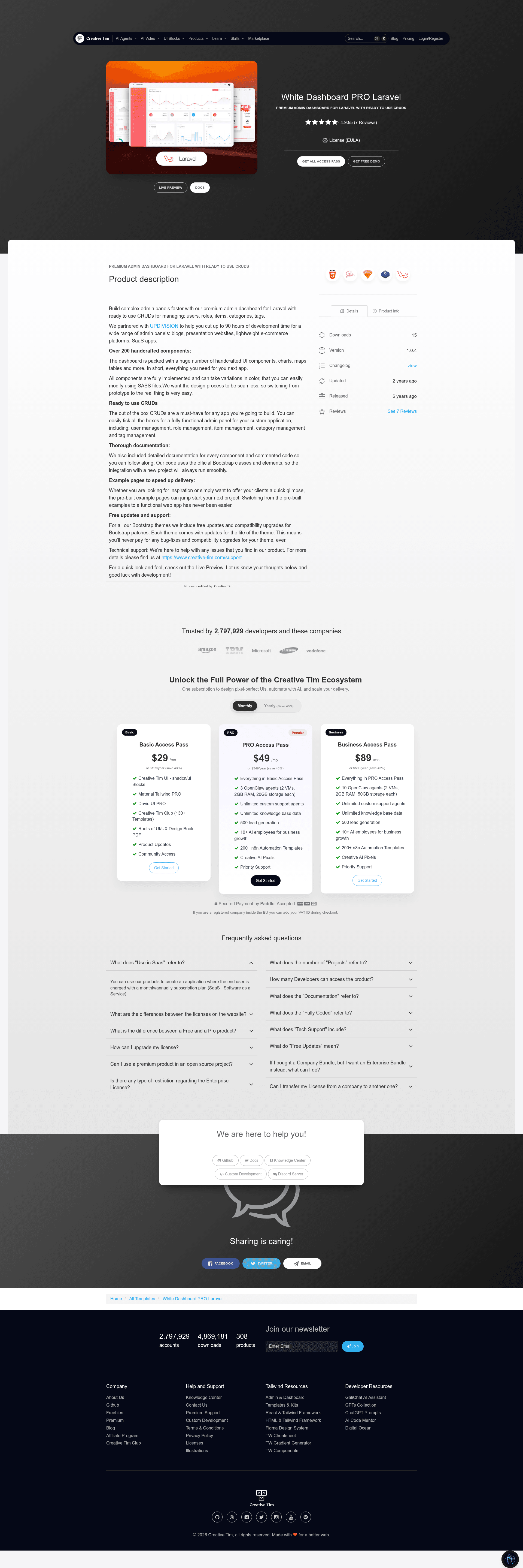
White Dashboard Pro Laravel is a Bootstrap 4 admin dashboard template for Laravel that ships with role-based access control and working CRUD examples for roles, users, tags, categories, and items. Built by Creative Tim and UPDIVISION, the project is a complete Laravel application rather than a static HTML theme, so you get controllers, views, requests, policies, migrations, and seeders out of the box.
What is White Dashboard Pro Laravel?
White Dashboard Pro Laravel is a premium Bootstrap 4 admin dashboard built specifically for the Laravel framework. It takes a fresh Laravel installation and adds a white-themed UI, authentication screens, a profile editor, and six management modules (roles, users, tags, categories, items, and profile). The output is a runnable Laravel project with Blade templates, SCSS styling, and all the backend logic needed to manage users and content. It is maintained by Creative Tim with development by UPDIVISION, and the README states it targets Laravel 9.x and up.
Key Features
- Role management — Three roles are seeded by default: Admin, Creator, and Member, each with different privileges. You can add or edit roles through forms, but deletion is intentionally disabled.
- User management — Full user CRUD with name, email, role assignment, password hashing, and an optional profile picture that is stored in the public disk. Policies in App\Policies\UserPolicy guard access.
- Tag management — Add tags with a name and color. Tags cannot be deleted while they are attached to items; the controller checks the item relationship before removal.
- Category management — Built for blog or shop structures, categories support add, edit, and delete operations, and deletion is blocked when categories still have items.
- Item management — The most advanced example: items have a photo upload, a category dropdown, a multi-select for tags, plus status, date, and options fields. An ItemObserver deletes the picture file from storage on delete and detaches tags.
- Form validation — Every resource uses a dedicated FormRequest class, including unique name checks, tag/category existence rules, and the CurrentPasswordCheckRule for password changes.
- Authorization policies — Laravel policies for roles, users, tags, categories, and items determine which actions each user type can perform.
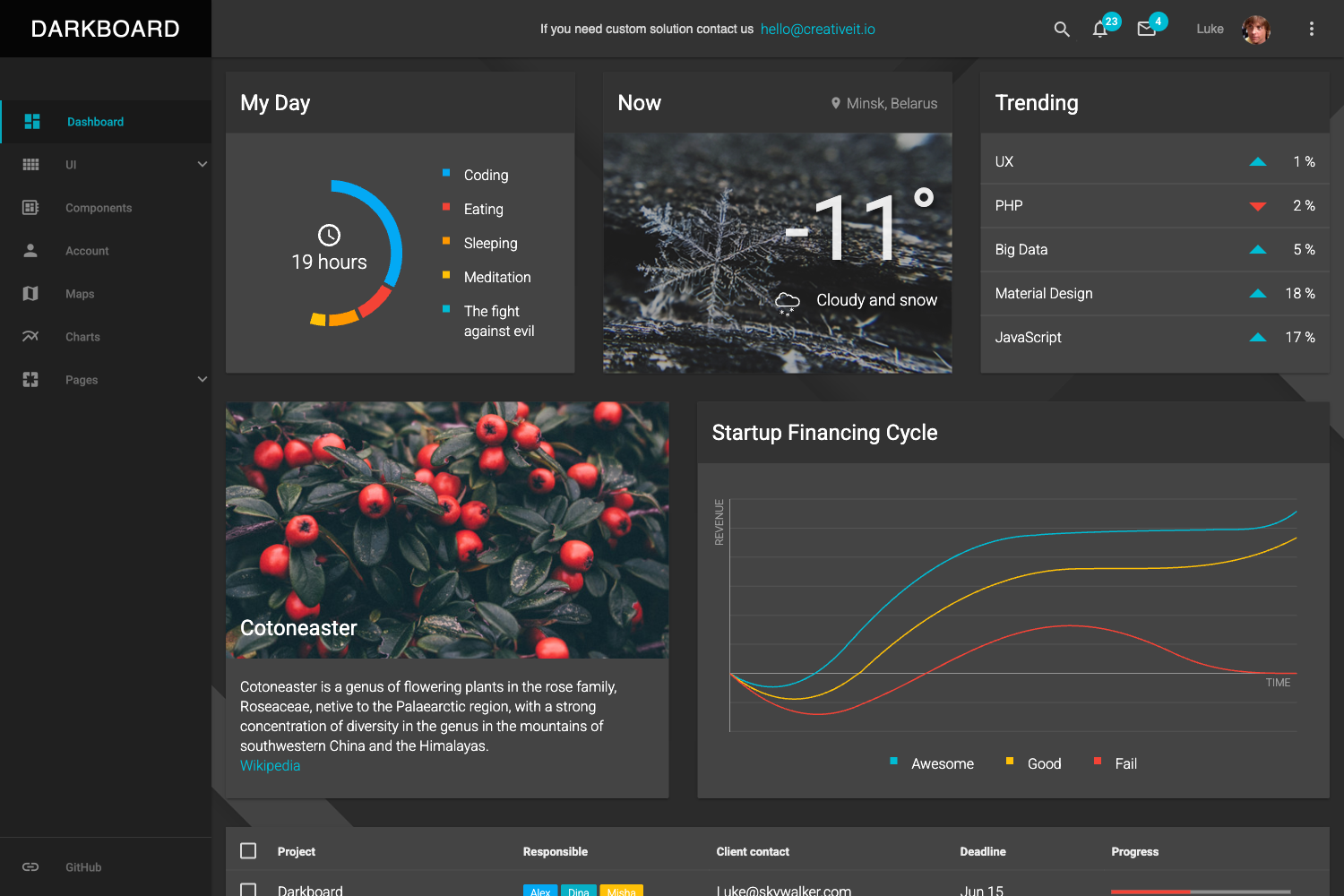
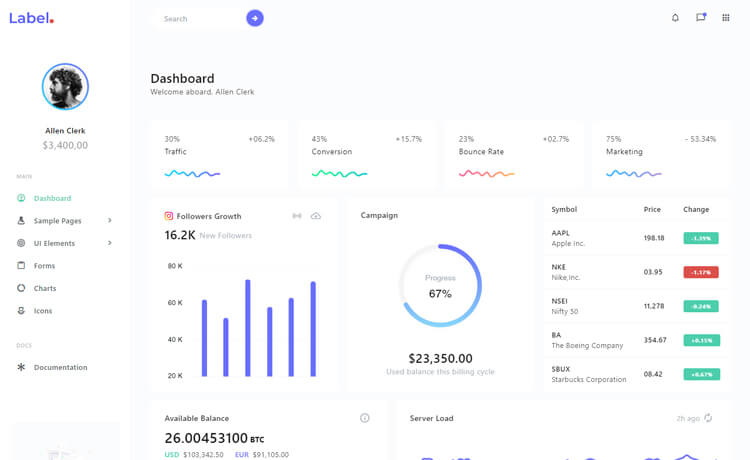
- Ready-made pages — The theme includes dashboard, profile, tables, maps, forms, calendar, charts, and component pages, all built with Bootstrap 4 and SCSS, plus jQuery plugins like Chart.js, FullCalendar, and DataTables.
Who is it for?
- Laravel developers who want a starting point for an admin panel without building CRUD and RBAC from scratch.
- Agencies and freelancers delivering custom dashboards that need a clean, white design plus user/role management.
- Product teams building internal tools or MVP backends that need content categorization (tags/categories) and item management with image uploads.
What can you do with White Dashboard Pro Laravel?
- Launch an admin panel quickly: install, run migrations and seeders, then log in with the provided admin, creator, or member accounts to see the full feature set.
- Manage users and permissions: create custom roles, assign them to users, and rely on policies to restrict what each role can view or edit.
- Build a blog or shop backend: use the category, tag, and item modules to organize content, attach photos, and set status and date fields.
- Extend the demo models: add fields through migrations and update the existing Request validation classes, following the patterns already in the codebase.
How does it work?
The installation starts by unzipping the archive into your projects folder and running composer install. You then copy .env.example to .env, configure the database, run php artisan key:generate, run php artisan migrate --seed, and create the storage link with php artisan storage:link. After that, you register a user or use the seeded accounts to explore the theme; the routes and views are already wired in routes/web.php.
FAQ
What Laravel versions does White Dashboard Pro Laravel support?
The README states the theme is built for Laravel Framework 9.x and up, while the repository metadata mentions Laravel 11.x and up. Check the changelog for the exact versions tested.
What are the default admin credentials?
You can log in with admin@white.com, creator@white.com, or member@white.com, all using the password secret, after running php artisan migrate --seed.
Does the theme include role-based access control?
Yes. It ships with Admin, Creator, and Member roles, each with different permission levels. Authorization is implemented with Laravel policies in app/Policies.
Can tags and categories be deleted?
They can be deleted only if no items are attached. The controllers check the relationship first and return an error if items still exist.
Is profile photo upload supported?
Yes. Users can update their name, email, and profile picture, and the ProfileController stores the uploaded file in the public storage disk under the profile folder.