Template details
Studio Admin
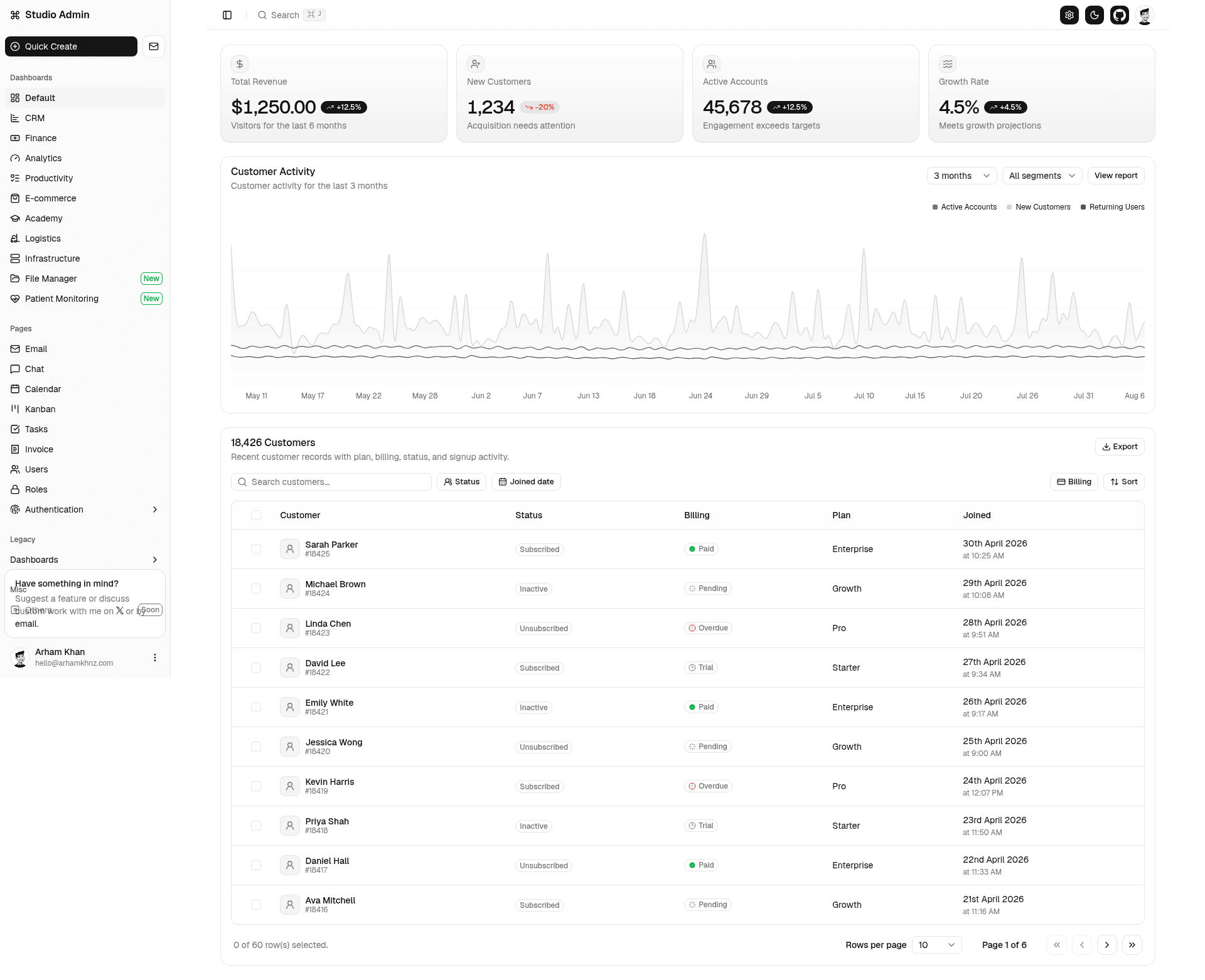
Next.js 16 + Shadcn UI admin dashboard template with multiple dashboards, authentication, theme presets, and a colocated file structure.
About this template
Studio Admin is a free, open-source admin dashboard template built with Next.js 16, TypeScript, Tailwind CSS v4, and Shadcn UI that provides a modern, minimal alternative to the cluttered admin templates common on the market.
What is Studio Admin?
Studio Admin is a complete admin dashboard starter for the Next.js App Router. It takes a blank Next.js project and outputs a production-ready admin application with over 20 prebuilt screens, multiple dashboard variants, authentication flows, and theme presets. The template is developed by arhamkhnz and published on GitHub under the repository next-shadcn-admin-dashboard, with a live demo hosted on Vercel.
What makes Studio Admin stand out?
- Tech stack — Built on Next.js 16 with TypeScript, Tailwind CSS v4, and Shadcn UI for the component layer, with Zod for validation, React Hook Form and Zustand for forms and state, and TanStack Table for data tables.
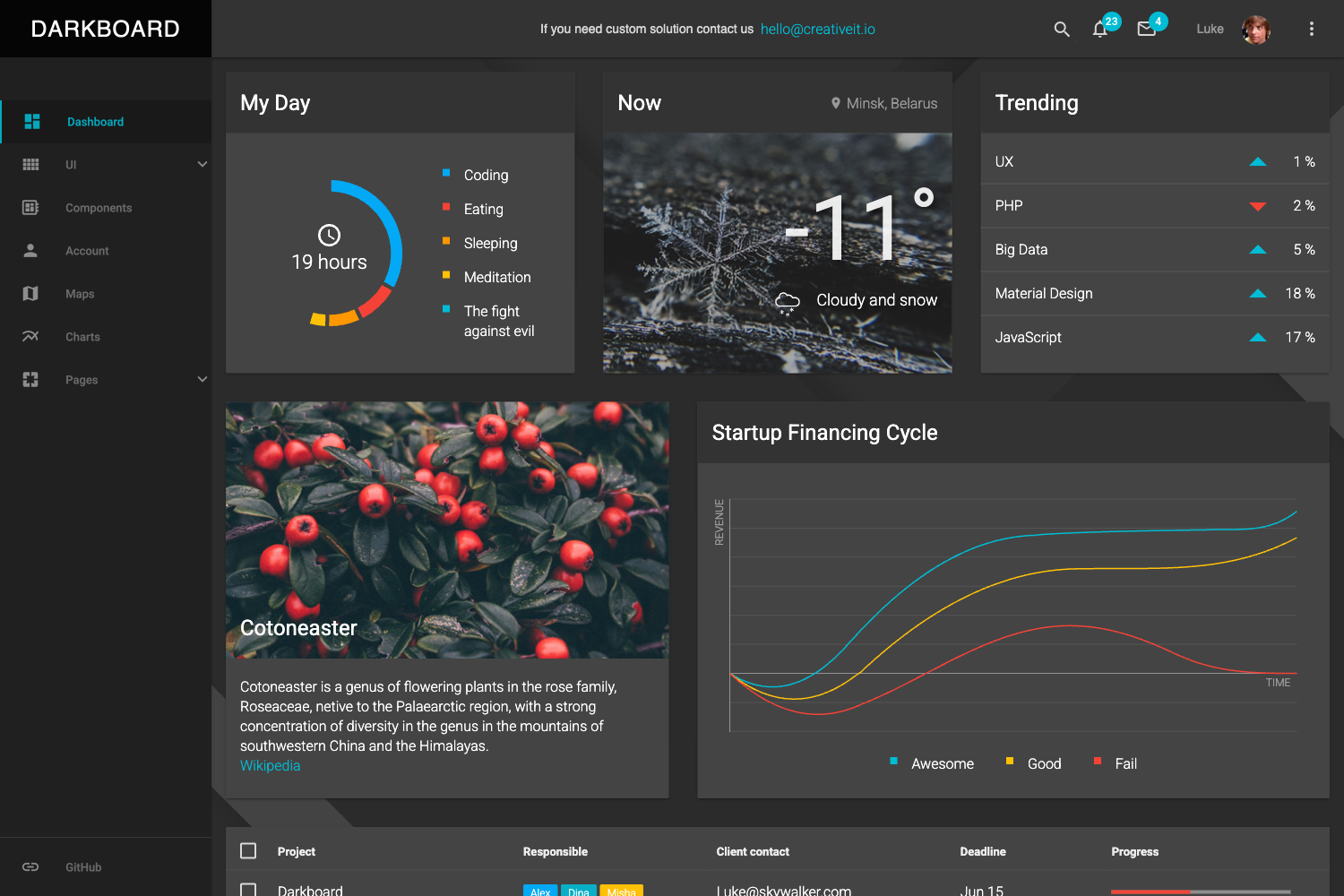
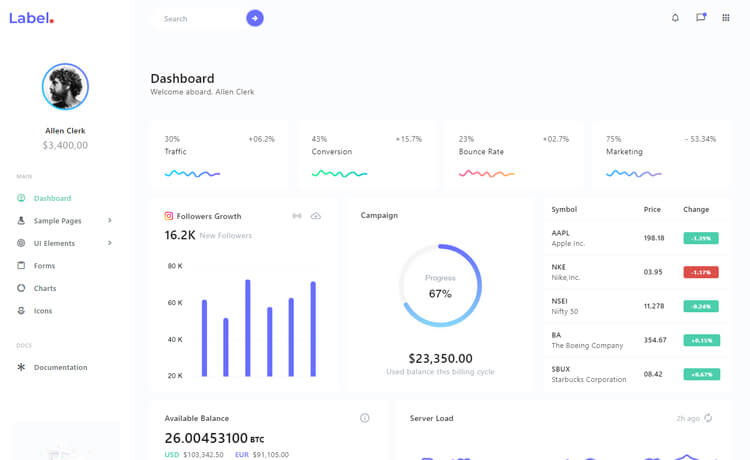
- Multiple dashboards — Includes Default, CRM, Finance, Analytics, Productivity, E-commerce, Academy, Logistics, Infrastructure, File Manager, and Patient Monitoring dashboards out of the box.
- Theme presets — Ships with light/dark mode and color presets such as Tangerine, Neo Brutalism, and Soft Pop, inspired by Tweakcn, and you can add new presets by following the existing structure.
- Flexible layouts — Provides a collapsible sidebar and variable content width options so the admin UI can adapt to different content densities.
- Authentication — Includes four authentication screens covering common login and registration flows.
- Colocation architecture — Each feature keeps its pages, components, and logic inside its route folder, while shared UI, hooks, and config live at the top level, following the Next Colocation Template pattern.
- Version branches — Maintains archive branches for Next.js 15 and Next.js 14 + Tailwind v3, plus separate repos for Base UI, React Aria, and TanStack Start versions.
Who is Studio Admin for?
Studio Admin is aimed at developers who need a clean, modern admin interface without building one from scratch. It suits frontend teams comfortable with the Next.js App Router and Shadcn UI.
- Solo developers / indie hackers — Ship an MVP admin panel quickly by cloning the repo, customizing a dashboard, and deploying to Vercel with one click.
- Agency developers — Use the theme presets and layout controls to match client branding and deliver polished admin UIs faster.
- Product teams — Use the CRM, Finance, and Analytics dashboards as starting points for internal tools, reusing the TanStack Table and state management setups.
What can you do with Studio Admin?
- Launch a startup MVP — Deploy the template to Vercel directly and replace the placeholder data with your own domain logic.
- Build a SaaS admin panel — Combine the authentication screens, planned roles management with RBAC, and invoice/calendar pages to create a subscriber-facing dashboard.
- Create a custom internal tool — Use the colocation file system to keep each feature's routes and components together as you add CRUD screens.
- Prototype a product — Use the multiple dashboard variants to quickly show stakeholders different data visualization and layout approaches.
How does Studio Admin work?
To run Studio Admin locally, clone the repository, run npm install, and start the dev server with npm run dev at localhost:3000. You can also deploy a copy to Vercel directly from the repository using the one-click deploy button. Formatting and linting are handled through Biome with the command npx @biomejs/biome check --write.
FAQ
Is Studio Admin free?
Studio Admin is open-source and free to use. The repository is public on GitHub, and you can clone, modify, and deploy it without a license fee.
Which Next.js version does Studio Admin use?
The current version runs on Next.js 16 with the App Router. Archive branches are available for Next.js 15 and Next.js 14 with Tailwind CSS v3.
Does Studio Admin include authentication?
Yes, Studio Admin includes four authentication screens out of the box, covering common login and registration flows, and it supports config-driven role-based access control as a planned feature.
What dashboards are included?
Studio Admin includes Default, CRM, Finance, Analytics, Productivity, E-commerce, Academy, Logistics, Infrastructure, File Manager, and Patient Monitoring dashboards, plus legacy v1 variants of the first four.
Can I customize the theme?
Yes, the template ships with light/dark mode and preset color schemes like Tangerine, Neo Brutalism, and Soft Pop. New presets can be created by following the same structure as the existing ones.