Template details
MaterialPro Angular
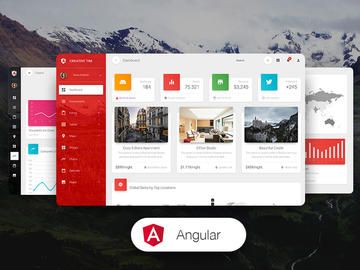
Free open-source Angular admin dashboard template built with Angular Material and ApexCharts for admin panels, SaaS dashboards, and internal tools.
About this template
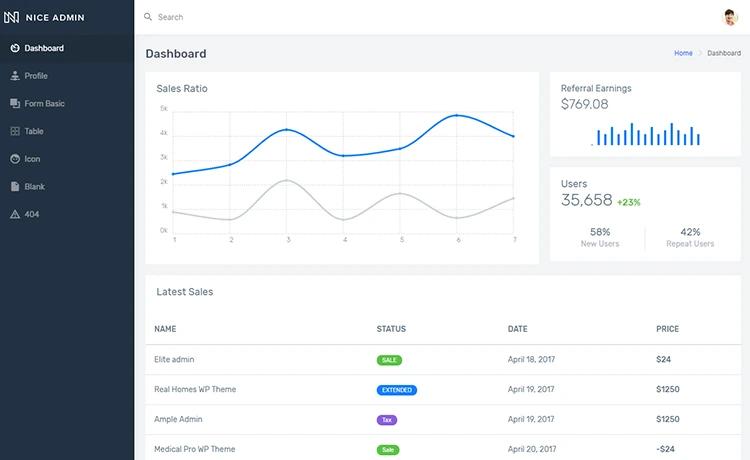
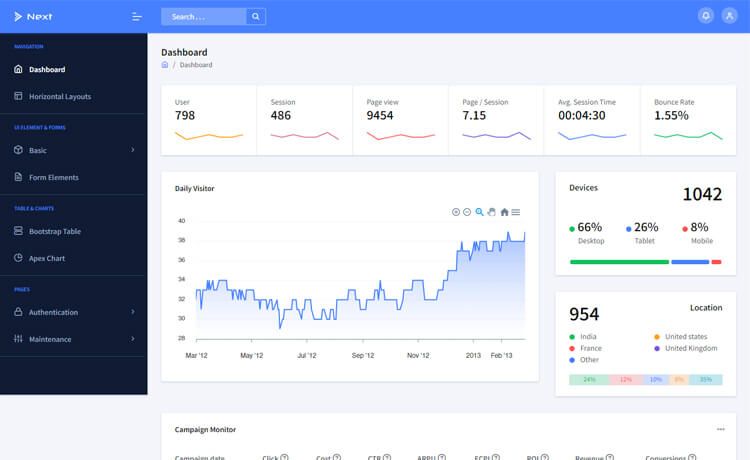
MaterialPro Angular is a free open-source Angular admin dashboard template by WrapPixel, built with Angular Material and ApexCharts to deliver responsive admin panels, SaaS dashboards, and internal tools straight out of the box.
What is MaterialPro Angular?
MaterialPro Angular is an Angular 20 dashboard template that provides a complete UI foundation for admin applications. You start by cloning the GitHub repository, installing dependencies with npm install, and launching a local server with ng serve -o. The template outputs a responsive, Material Design–styled interface with pre-built components, routing, and ApexCharts visualizations, all typed with TypeScript. WrapPixel maintains the project and also sells a Pro version with expanded functionality.
Key Features
- Angular Material components — Pre-styled, accessible UI components such as tables, forms, dialogs, and navigation that follow Material Design guidelines out of the box.
- ApexCharts integration — Interactive, customizable charts for line, area, bar, and other analytics visualizations, included without extra setup.
- TypeScript codebase — Fully typed source provides better editor tooling, predictable refactoring, and fewer runtime errors.
- Responsive layout — Angular Material's responsive grid and adaptive components automatically adjust the dashboard to desktop, tablet, and mobile screens.
- Modular folder structure — Organized directories for components, layouts, and services make it easy to locate and extend the template.
- Free and open source — The entire template is available on GitHub under a free license, with community support from WrapPixel's user base.
Who is it for?
- Angular developers who need a reliable starting point for a client dashboard and prefer a typed, component-driven stack.
- SaaS product teams building analytics or admin sections who want charts and Material UI components pre-integrated.
- Freelancers and agencies delivering custom admin panels who need a responsive, themable base they can rebrand quickly.
What can you do with MaterialPro Angular?
- SaaS dashboards: lay out analytics widgets and ApexCharts graphs on a responsive Material grid to visualize key metrics.
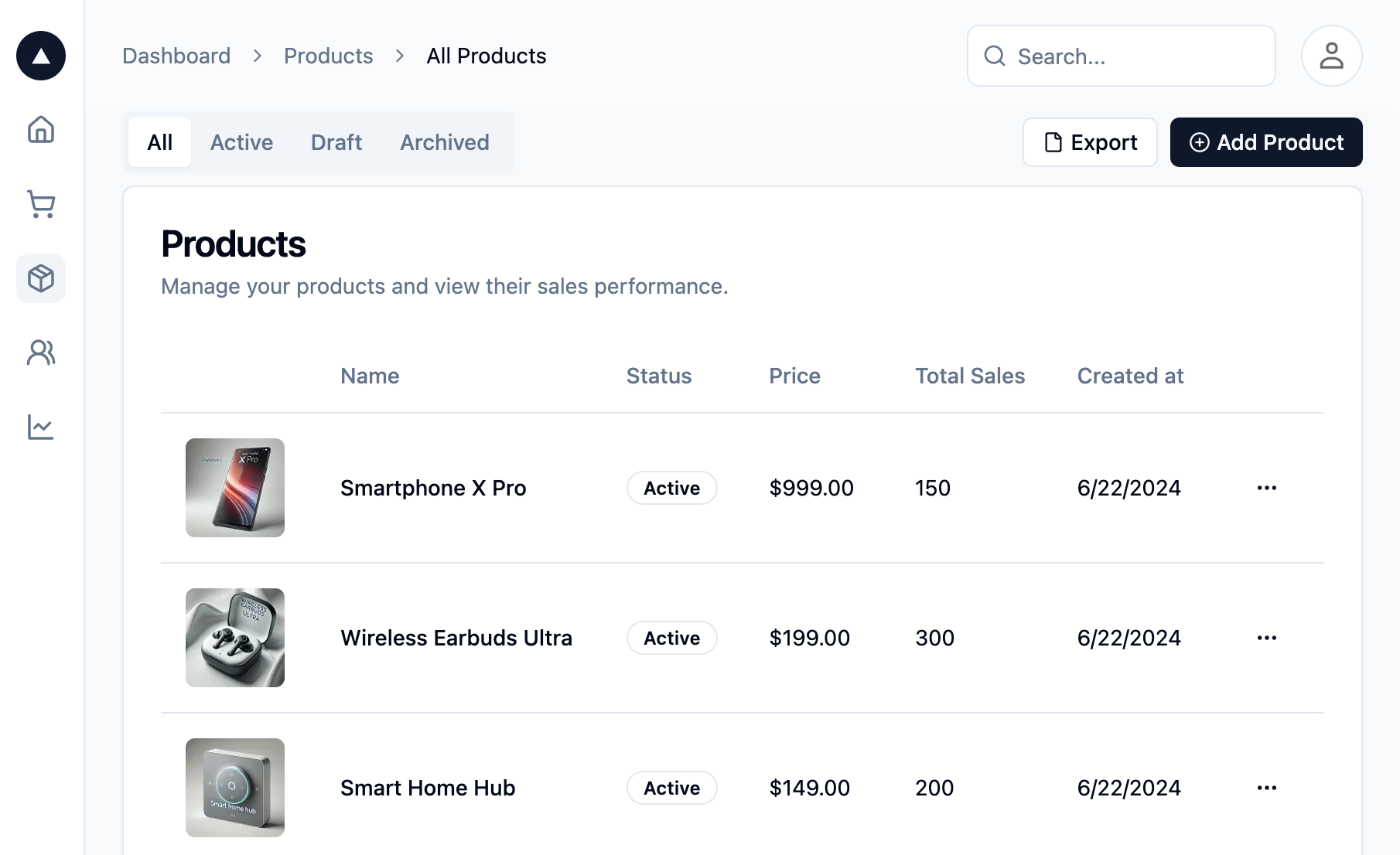
- Admin panels: manage users, orders, or content using the included Angular Material tables, forms, and navigation patterns.
- Internal tools: scaffold an internal application with TypeScript, Angular routing, and state management already configured.
How does MaterialPro Angular work?
The README documents a three-step setup: clone the repository from https://github.com/wrappixel/material-pro-angular-lite.git, install dependencies with npm install, and run ng serve -o to open the development server. After that, you customize the template's components and styles to fit your data and branding.
Free vs Pro version
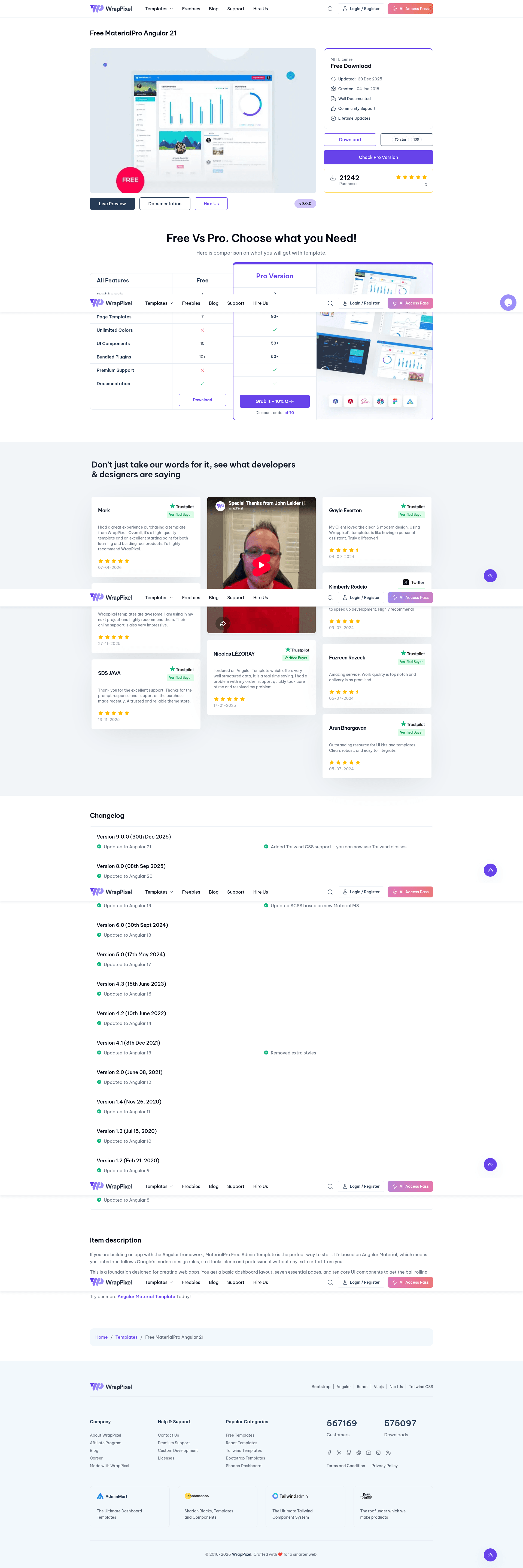
The free version includes responsive design, basic pre-designed pages, basic widgets, a default theme, community support, limited components, basic charts, and basic reporting. It does not include multi-language support, user permissions and roles, real-time notifications, or advanced analytics. The Pro version from WrapPixel adds multiple themes, dark mode, advanced widgets, priority support, additional UI components, advanced data visualizations, multi-language support, user roles, real-time notifications, and advanced analytics with custom reports.
FAQ
Is MaterialPro Angular free?
Yes, this template is free and open source. The full source code is available on GitHub, and you can clone it and use it in personal or commercial projects. WrapPixel offers a paid Pro version with more features, but the free version is fully functional.
What Angular version does MaterialPro Angular use?
The template is built with Angular 20, according to the repository metadata. It uses Angular Material for UI components and ApexCharts for data visualization, all written in TypeScript.
How do I run MaterialPro Angular locally?
Clone the repository, run npm install to install dependencies, then start the development server with ng serve -o. The server will open the dashboard in your default browser.
Does the free version include dark mode or multiple themes?
No. The free version ships with a single default theme only. Multiple themes, custom color skins, and dark modes are available in the Pro version, along with advanced widgets and priority support.