Template details
Material Kit PRO React Native
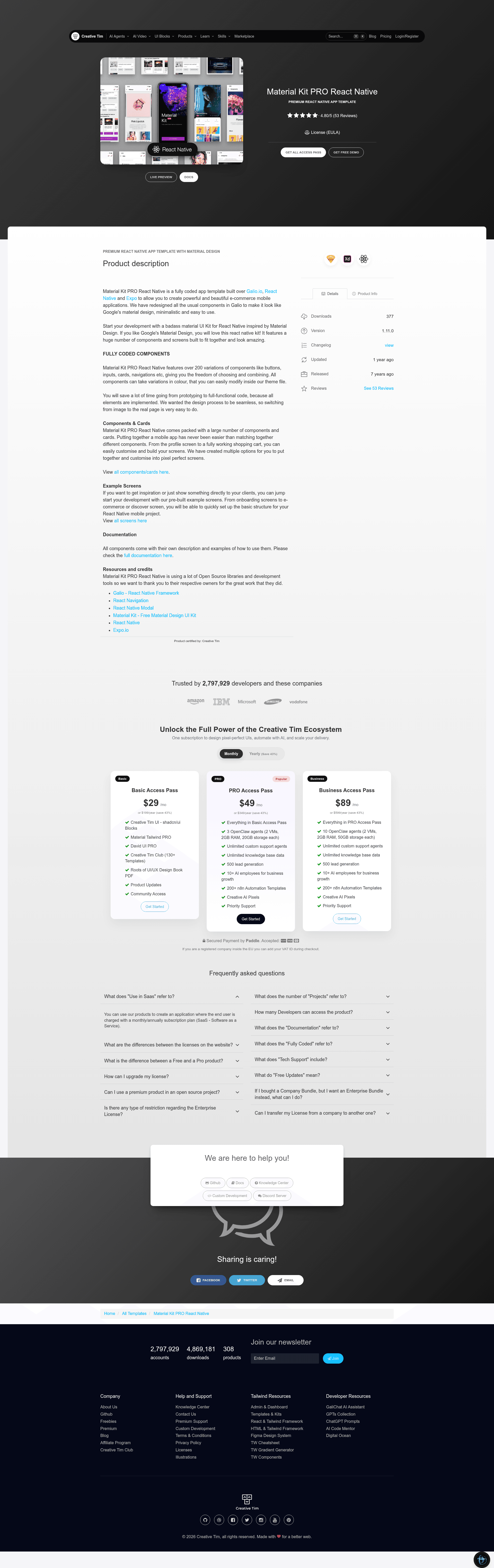
Fully coded e-commerce mobile app template built with React Native, Expo, and Galio, with 200+ Material Design components and screens.
About this template
Material Kit PRO React Native is a paid, fully coded mobile app template by Creative Tim that lets developers build e-commerce applications with React Native, Expo, and Galio.io, offering more than 200 component variations and a ready-made set of storefront screens.
What is Material Kit PRO React Native?
Material Kit PRO React Native is a fully coded app template built over Galio.io, React Native, and Expo to allow you to create e-commerce mobile applications. It's version 1.9.0 and was created by Creative Tim (a company known for Bootstrap themes and UI kits). The template takes a developer's project and gives them a starting codebase with 200+ Material Design components and pre-built screens, so they can assemble a storefront app without starting from scratch.
Key Features
- Over 200 component variations — buttons, inputs, cards, navigations, and more, each with color variations that can be modified in the theme file.
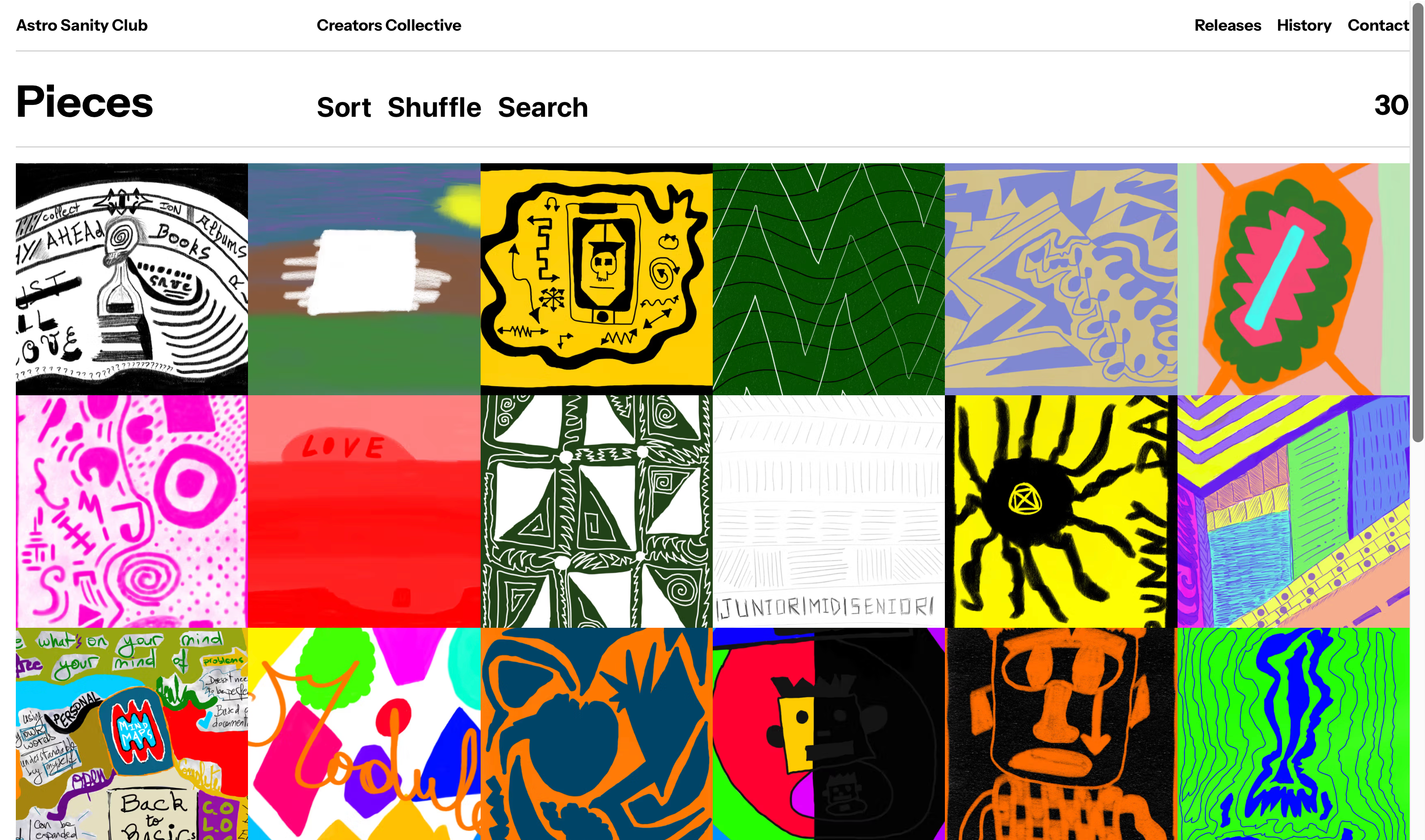
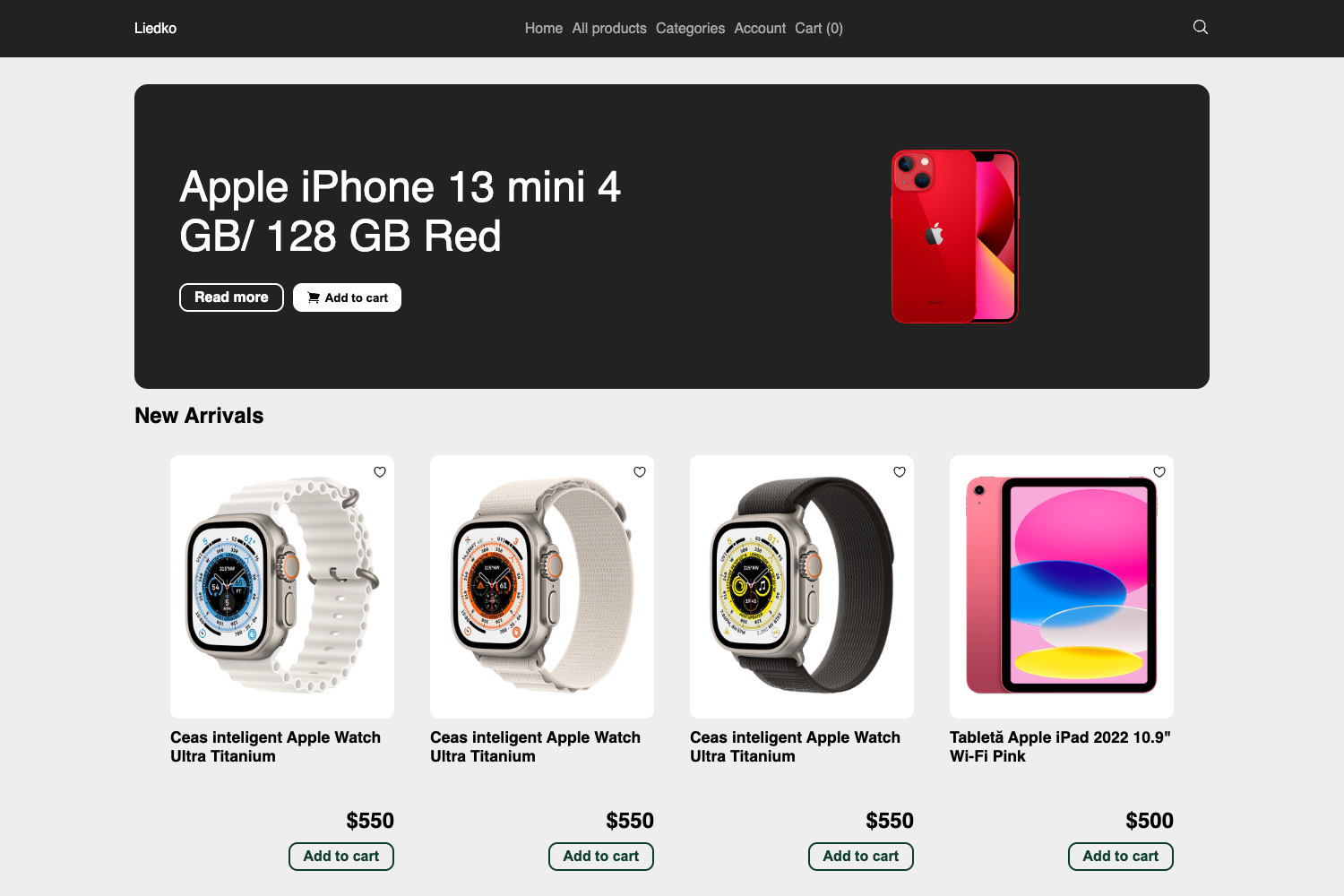
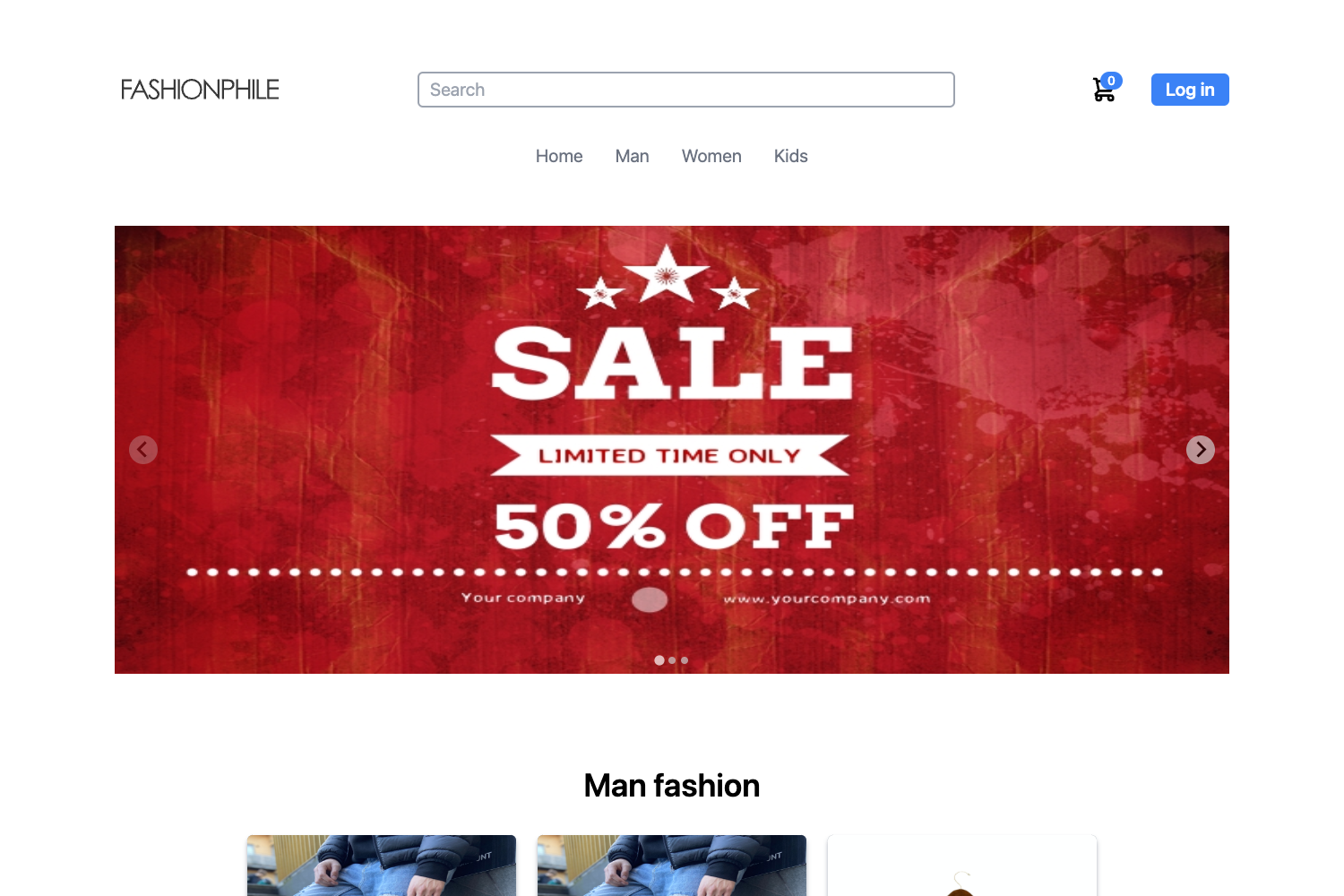
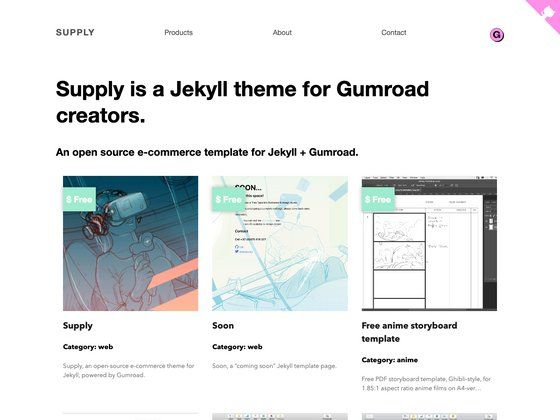
- Pre-built example screens — Onboarding, Home, Categories, Product, Cart, Deals, Gallery, Chat, Notifications, Search, Profile, Settings, Sign In, Sign Up, and more are included as separate screen files.
- Built on Galio.io, React Native, and Expo — the template relies on the Galio component library and the Expo framework, allowing cross-platform deployment to Android and iOS.
- Material Design aesthetic — standard Galio components are redesigned to follow Google's Material Design guidelines, giving a minimalistic and consistent look.
- Organized file structure — the codebase separates screens, components, constants, and navigation into clear directories, with files like
components/Button.js,constants/Theme.js, and individual screens inscreens/. - Demo and documentation — live demo and full documentation are hosted on Creative Tim's website, with a GitHub issues page for bug reports.
- Official support — customers receive technical support through Creative Tim's contact form.
Who is it for?
- React Native developers who want a ready-made starting point for an e-commerce app instead of building components from scratch.
- Startup founders who need to get a mobile storefront with product listings, cart, and profile screens into the hands of users quickly.
- Designers working in code who prefer Material Design and want to prototype interactions using pre-styled components.
What can you do with it?
- E-commerce entrepreneurs: set up a complete storefront app with onboarding, category browsing, product detail, cart, and checkout screens in a few days.
- Mobile developers: use the provided components (Button, Header, Input, Select, Switch, Tabs, etc.) to assemble custom screens with consistent Material Design styling.
- App prototyping teams: show clients a working product demo on Android or iOS using the pre-built screens, then customize the theme colors in
constants/Theme.js.
Pricing
Material Kit PRO React Native is a paid product. You purchase it from Creative Tim's website, which also provides the license agreement and access to documentation and support. No free tier is mentioned.
FAQ
Is Material Kit PRO React Native free?
No, it is a paid commercial template. You buy it from Creative Tim's product page, and the purchase covers a license for its use in your projects.
What technologies does it use?
It is built with React Native, Expo, and Galio.io. The template also relies on a file structure that separates components, screens, constants, and navigation logic.
What screens are included?
The download includes screens for Onboarding, Home, Categories, Category, Deals, New Collection, Product, Cart, Search, Notifications, Gallery, Chat, About, Settings, Profile, Sign In, Sign Up, Privacy, Agreement, Kids, Man, Woman, and Components.
Does it support both Android and iOS?
Yes, the template officially supports the last two versions of Android and iOS, based on the operating system logos and descriptions on the page.
Can I customize the colors?
Yes, all components can take variations in color, and you can modify these values in the theme file at constants/Theme.js.