Template details
mdbreact-gatsby-template-spa
A single-page web application starter built with MDBootstrap, React, and Gatsby, including Yarn setup and static build commands.
About this template
mdbreact-gatsby-template-spa is a single-page web application starter that pairs Gatsby, React, and MDBootstrap to scaffold a static one-page site.
What is mdbreact-gatsby-template-spa?
mdbreact-gatsby-template-spa is a GitHub-hosted starter repository for building single-page web applications. It combines Gatsby as the static site generator, React for building UI components, and MDBootstrap for Material Design styling, producing a minimal project structure that you can clone and run immediately. The starter's code is publicly available on GitHub, where the repository currently has 3 stars. It is maintained by the developer who created it.
Key Features
- Gatsby static site generation — The template uses Gatsby to generate a static site; running
gatsby buildoutputs the production files into the public folder. - React component architecture — UI is constructed with React components, allowing modular development within the Gatsby framework.
- MDBootstrap Material Design styling — MDBootstrap provides ready-to-use Material Design components and styles, reducing the amount of custom CSS you need to write.
- Yarn dependency installation — The starter expects Yarn as the package manager; running
yarninstalls all required packages. - Single-page application layout — The starter is explicitly structured as a single-page app, simplifying navigation and content organization for one-page sites.
- Local development server —
gatsby developstarts a hot-reloading development server on localhost:8000 for live previews.
Who is it for?
mdbreact-gatsby-template-spa is aimed at developers who want a pre-configured starting point for a one-page Gatsby site. A React developer can use it to avoid spending time wiring Gatsby and MDBootstrap together, a freelancer can quickly scaffold a landing page with Material Design components, and a Gatsby newcomer can learn the standard develop-and-build workflow from a minimal example.
What can you do with mdbreact-gatsby-template-spa?
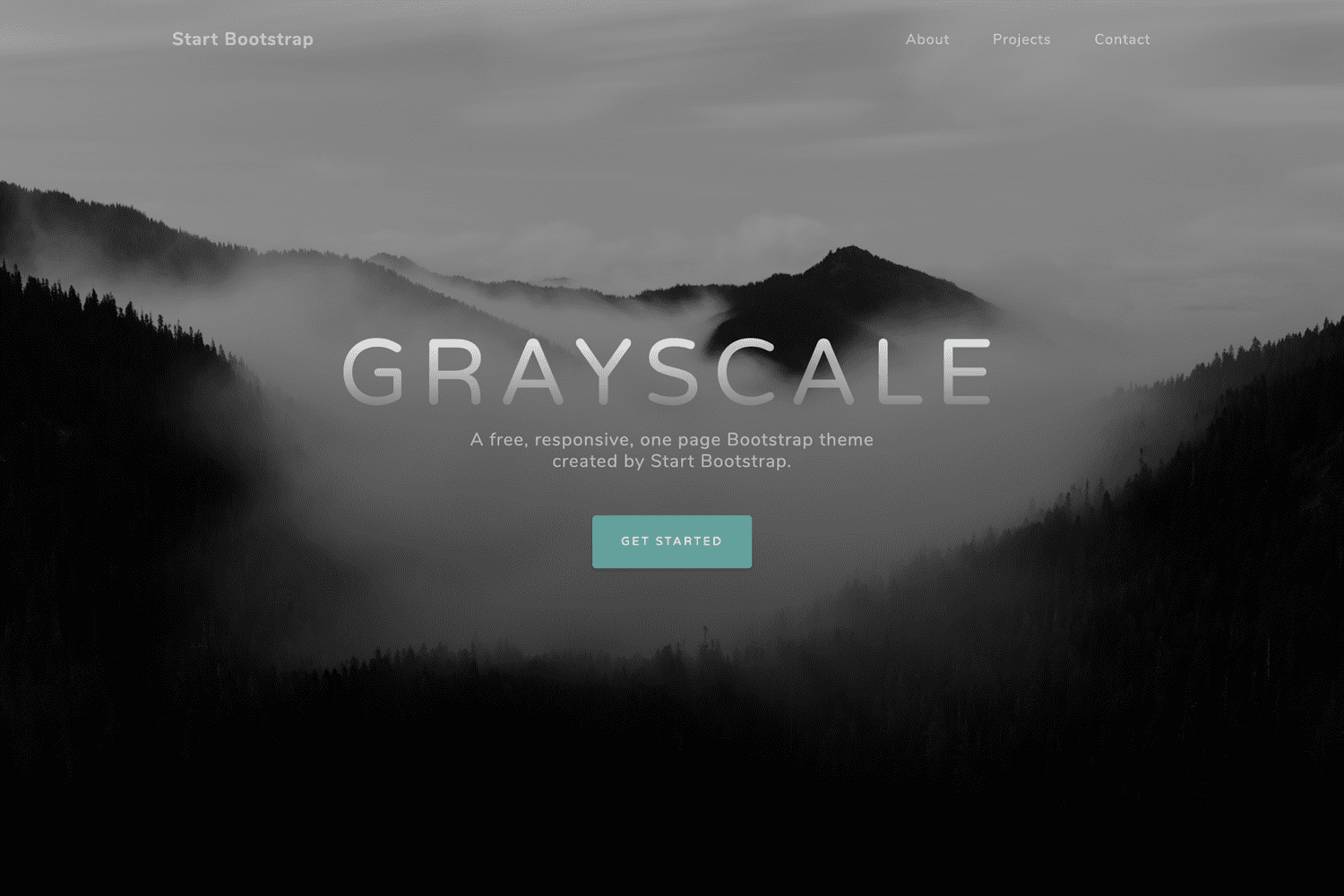
- Build a landing page: Scaffold a marketing page using MDBootstrap's buttons, cards, and navigation components without setting up the integration manually.
- Create a personal portfolio: Start a single-page portfolio with a hero section, about block, and contact area, then customize the React components to match your content.
- Learn Gatsby's build process: Follow the included
gatsby developandgatsby buildcommands to understand how a Gatsby project compiles into a static site in the public folder.
How does it work?
To get started, clone or download the repository and run yarn to install all dependencies. After installation, gatsby develop launches a development server at localhost:8000 with hot reloading. When you are ready to publish, gatsby build compiles the React code into static HTML, CSS, and JavaScript files placed in the public folder.
FAQ
How do I install this template?
Clone the repository to your machine, then run yarn from the project root to install every dependency listed in the package manifest. No separate configuration step is needed to start using the starter.
What does gatsby build do?
It performs the production build of the site, transforming the React components and Gatsby pages into static assets. The generated files are written into the public folder, which can then be uploaded to any static hosting service.
Which technologies does this starter use?
The starter uses Gatsby as the static site generator, React for the user interface, and MDBootstrap for Material Design components and styling. Yarn is the package manager used for installation and scripts.