Template details
Angie
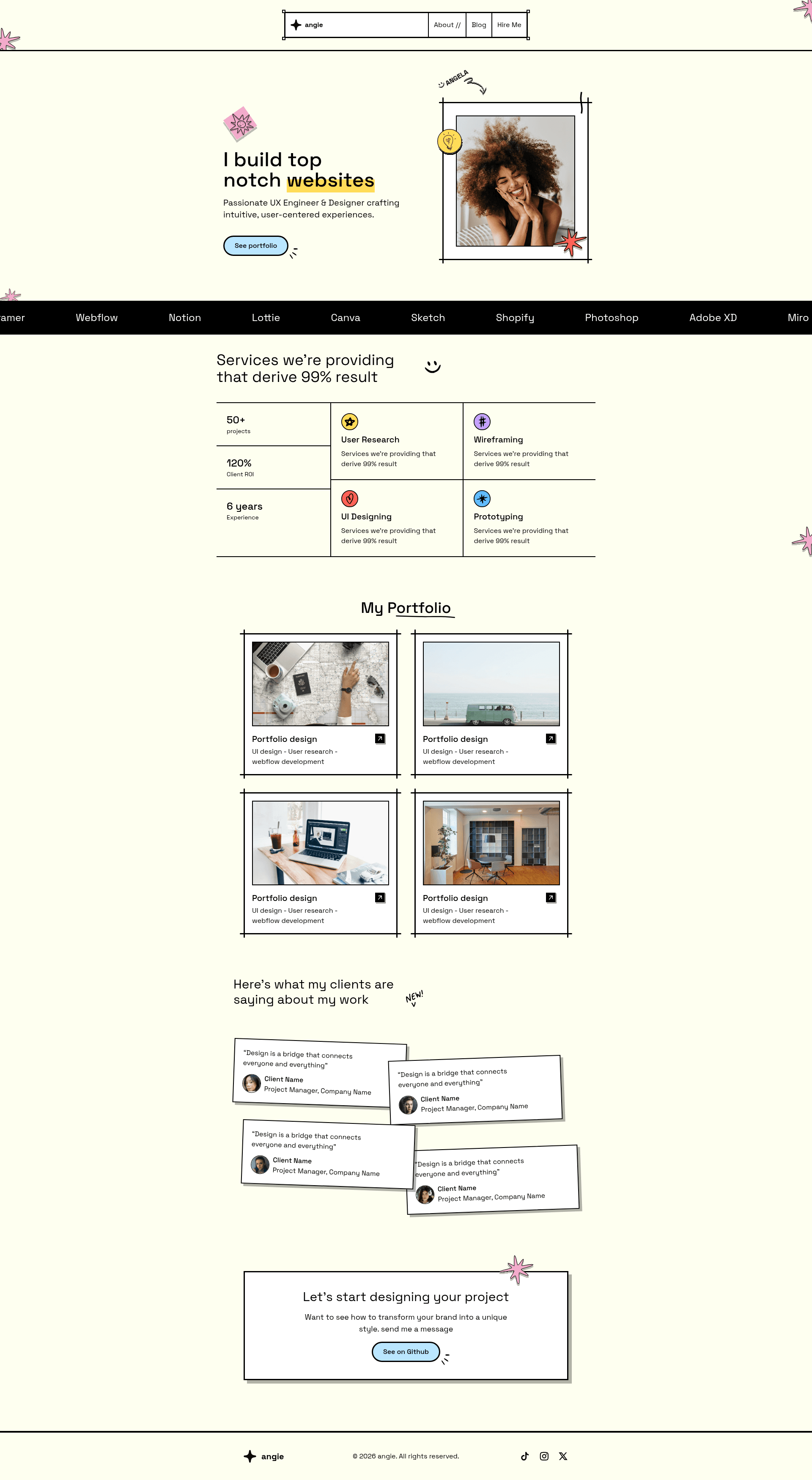
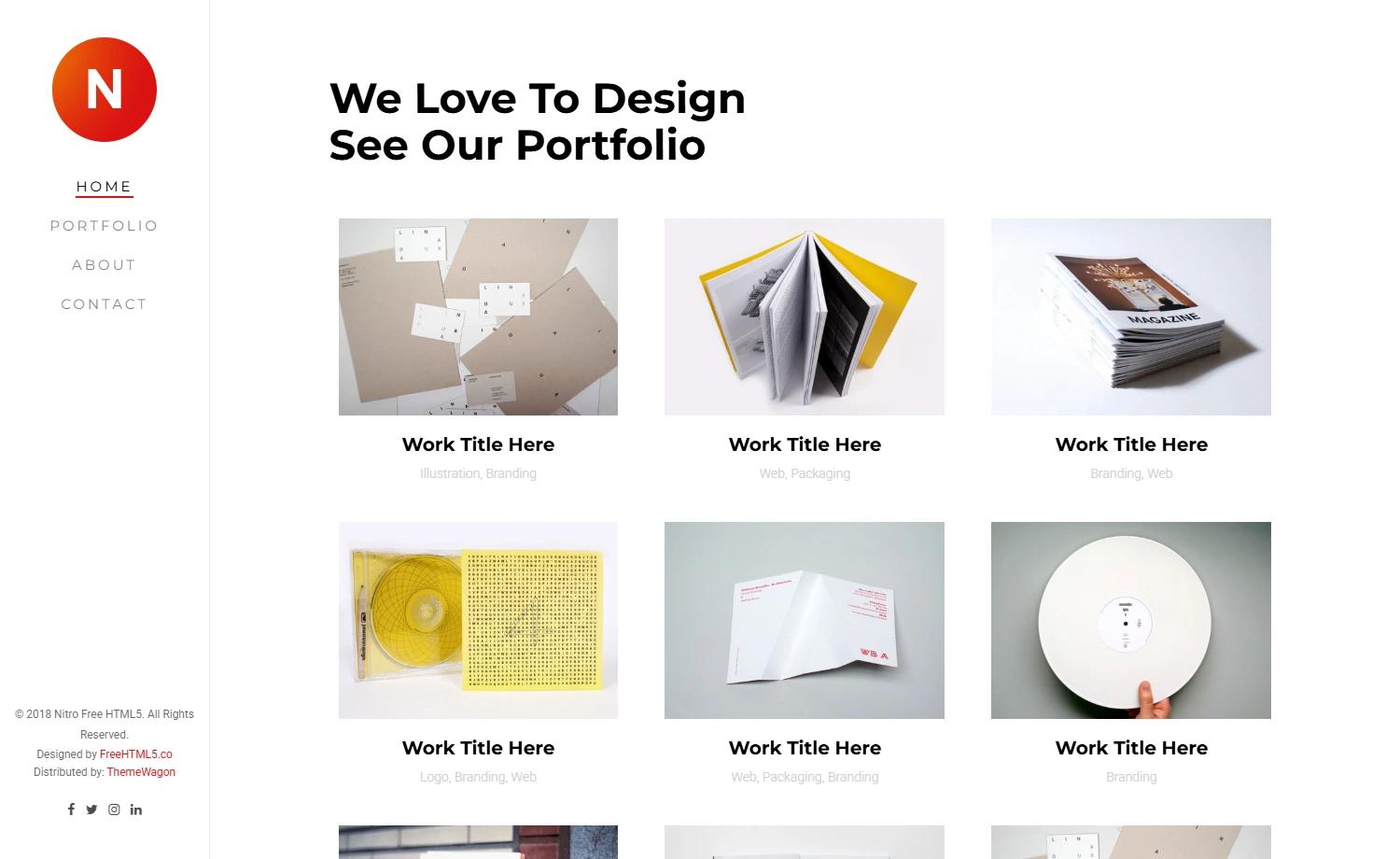
Angie is a free, open-source portfolio template featuring a bold, brutalist design that helps you stand out and showcase your work with style.
About this template
Angie is a free, open-source Astro portfolio template with a bold, brutalist design, built to help creatives and developers showcase their work through a single-page portfolio and a Markdown-driven blog.
What is Angie?
Angie is a free portfolio template built on the Astro framework that renders a bold, brutalist-style website from a set of pre-built components. It takes your content — work samples, client reviews, services, tools, and Markdown blog posts — and outputs a responsive single-page site with a separate blog route. The template is published by LAB-CH3 on GitHub, where the repository currently has 93 stars.
The project is structured around .astro components in src/components/, with layouts in src/layouts/ and pages in src/pages/. Static assets such as images can be placed in public/. Angie depends on TailwindCSS for utility-first styling, GSAP for animations, and Remix Icon for icons.
What makes Angie stand out?
- Astro framework — Pages are built from
.astrofiles and Markdown; every file insrc/pages/automatically becomes a route. - TailwindCSS — Utility classes handle responsive layout and spacing without custom stylesheets.
- GSAP animations — Motion effects are powered by GSAP, adding scroll-based and hover interactions to the brutalist presentation.
- Remix Icon — Includes the Remix icon library for interface and social icons.
- Pre-built sections — Components for Hero, Work, Reviews, Service, Tools, CallToAction, Footer, Header, and Bars cover the core portfolio sections.
- Blog built in — The
blog.astropage andposts/directory accept Markdown files, so a blog is available out of the box. - Brutalist design — Bold typography, raw grids, and high-contrast styling give the site a distinctive look.
- Free and open source — The full source code is available on GitHub with no license fees.
Who should use Angie?
- Creative freelancers — Designers, artists, and photographers can present a portfolio with a Work section and add client testimonials via the Reviews component.
- Astro developers — Developers can use Angie as a starting point with TailwindCSS, GSAP, and Remix Icon already configured.
- Bloggers and writers — Writers can publish articles by dropping Markdown files into the
posts/directory, which the blog page renders automatically. - Small agencies — Agencies can list their services and tools in the dedicated Service and Tools sections.
What can you do with Angie?
- Designers — Build a striking portfolio by populating the Work component with project thumbnails and descriptions, then add a Reviews section for client quotes.
- Developers — Extend the template by adding new
.astrocomponents or converting existing ones to React, Vue, Svelte, or Preact, since Astro supports all of them. - Indie makers — Publish project updates as blog posts using Markdown, and list the tools you use in the Tools section.
- Agencies — Create a service page by editing the Service and CallToAction components, linking to a contact form.
How does Angie work?
After cloning or downloading the repository from GitHub, run npm install from the project root to install dependencies. Start the dev server with npm run dev, which serves the site at localhost:4321; edit components in src/components/ to update content and styling. When ready, run npm run build to generate a production site in the ./dist/ directory.
Pricing
Angie is free and open-source. There are no paid tiers or pricing plans mentioned; the template can be downloaded and used at no cost.
FAQ
Is Angie free to use?
Yes, Angie is a free, open-source portfolio template. You can download it from GitHub, modify it, and use it for personal or commercial projects without paying a license fee.
What framework is Angie built on?
Angie is built on Astro, a static site generator that outputs optimized HTML. It uses TailwindCSS for styling, GSAP for animations, and Remix Icon for icons.
Does Angie include a blog?
Yes, Angie ships with a blog page at blog.astro and a posts/ folder. You can write articles in Markdown and drop them into that folder; they are rendered as blog posts.
How do I run Angie locally?
From the project root, run npm install to install all dependencies, then npm run dev to start the local development server. It will run at localhost:4321. Use npm run build to create a production build in ./dist/.