Template details
Minifolio
A minimal one-page portfolio template for developers built with Next.js and TypeScript.
About this template
Minifolio is a minimal, one-page portfolio template for developers built on Next.js, TypeScript, and CSS that turns a few component edits into a responsive personal portfolio site. Created by Divyanshu Dhruv and released under the MIT License, it is deployed by Vercel and actively maintained through GitHub contributions.
What is Minifolio?
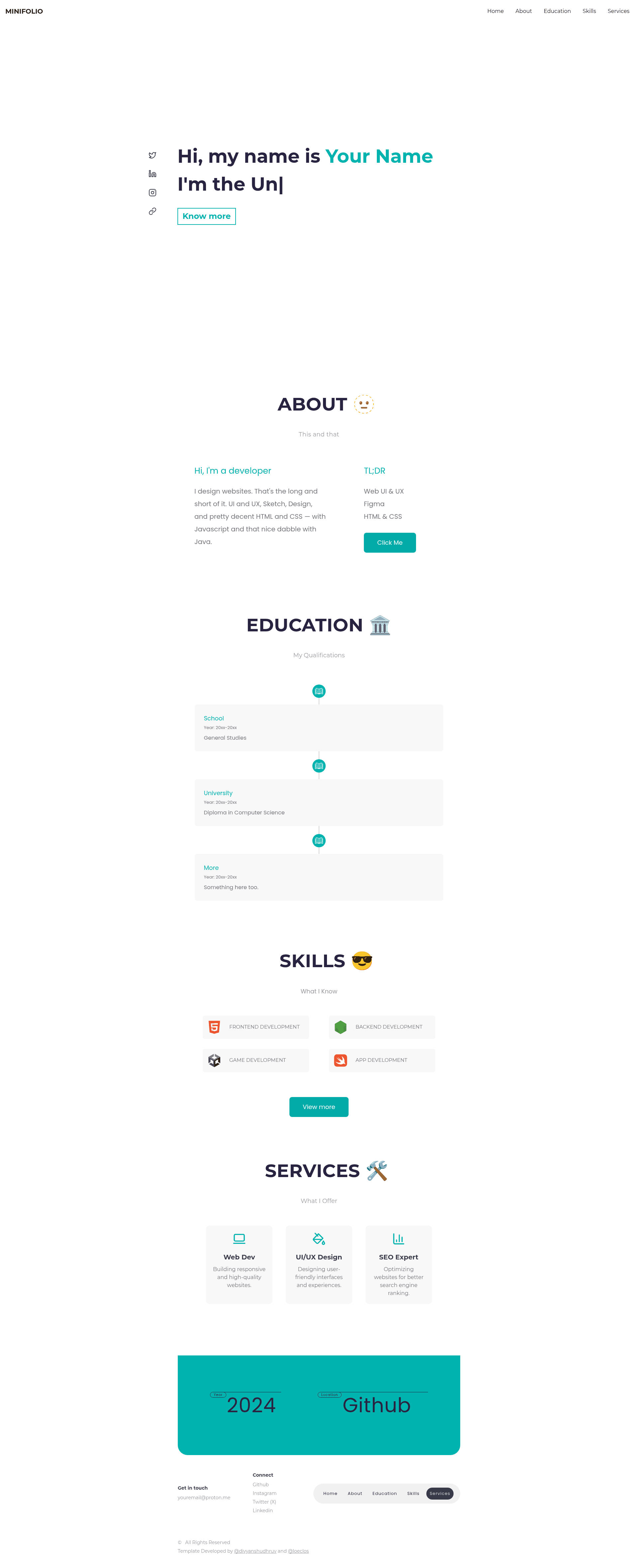
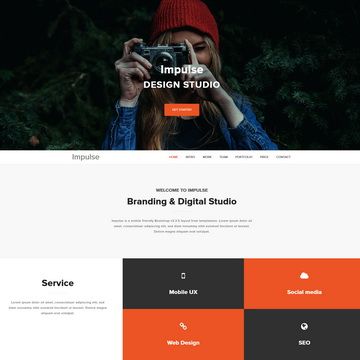
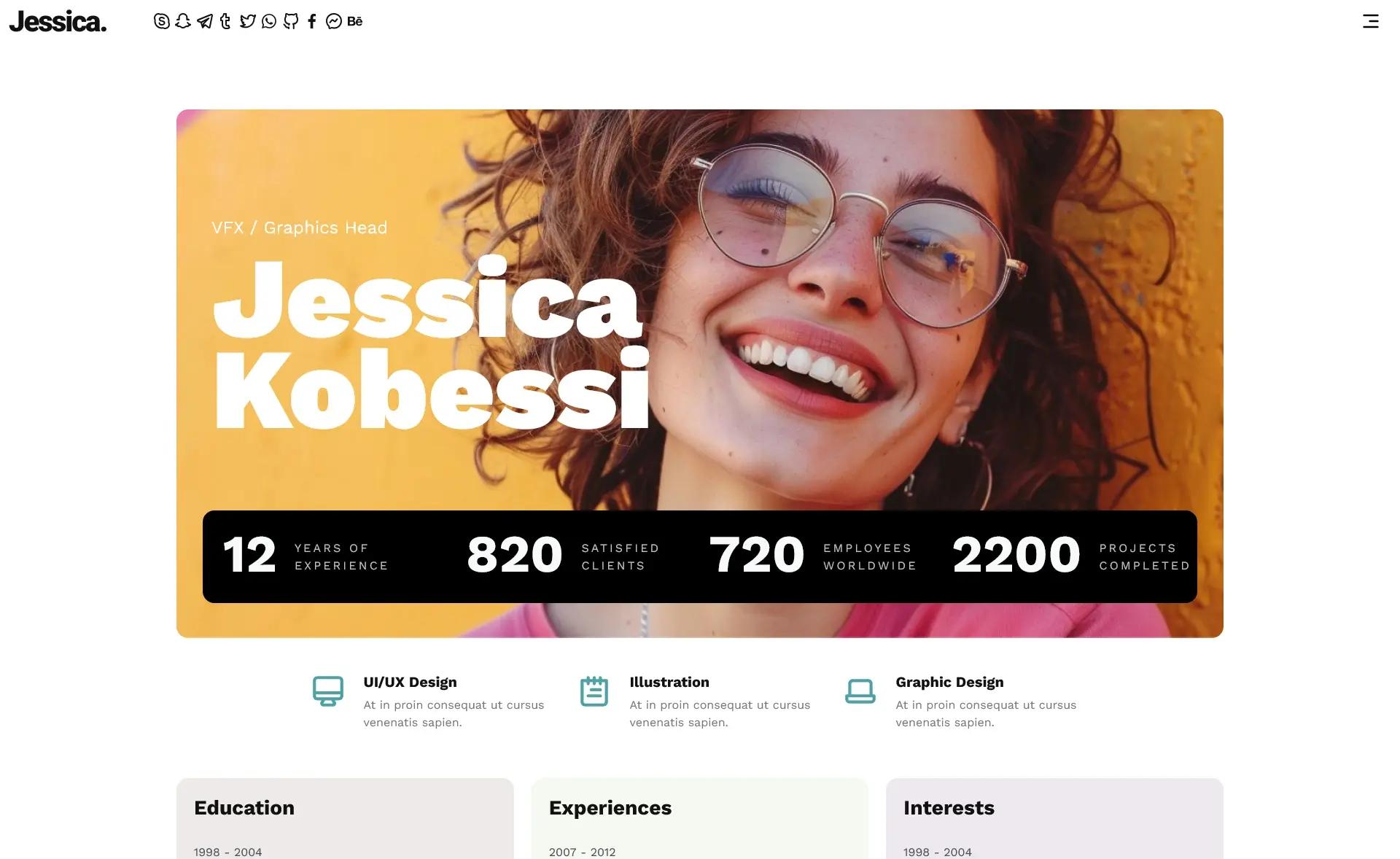
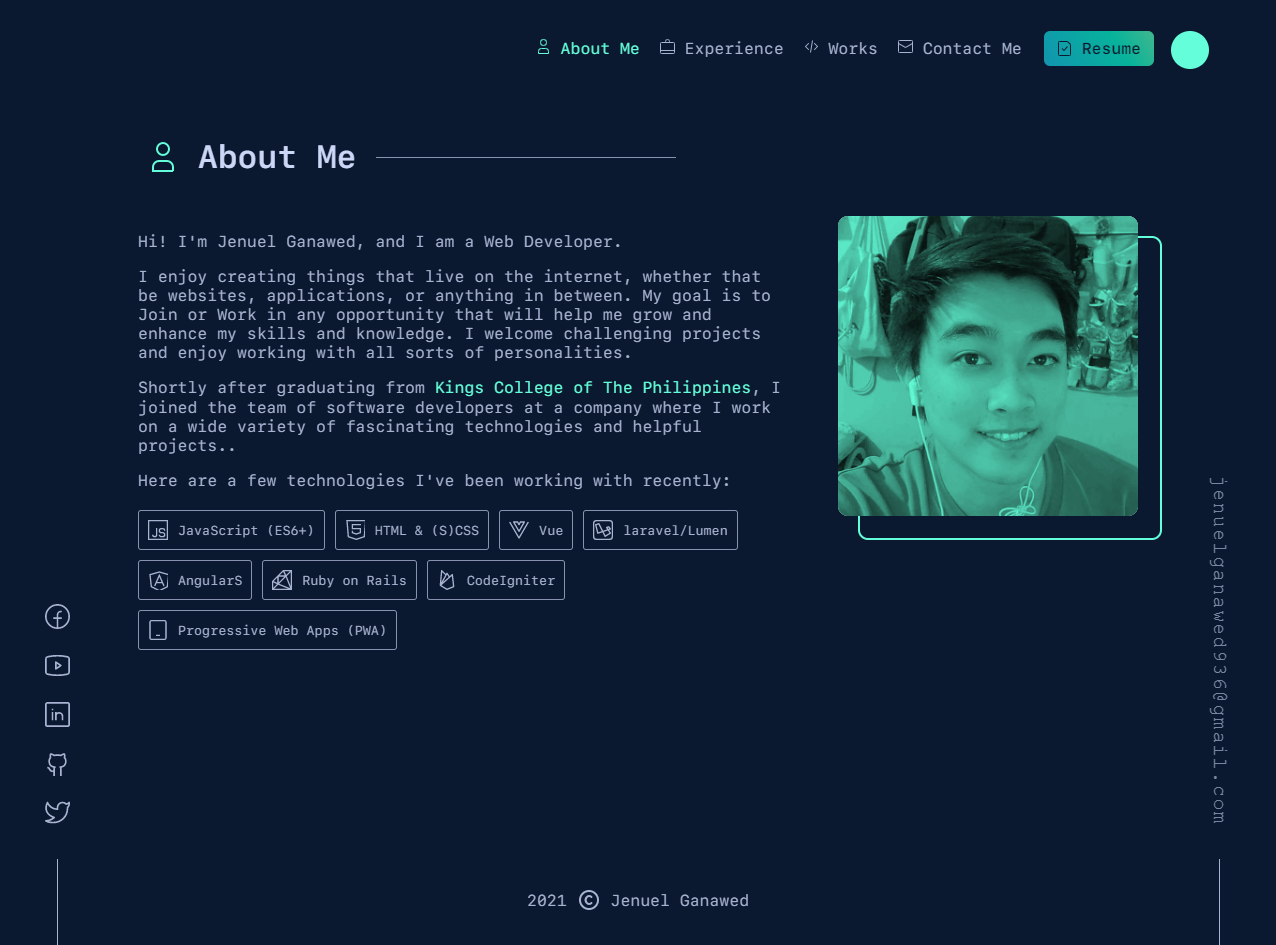
Minifolio is an open-source, single-page portfolio template that uses the Next.js App Router, with layout.tsx and page.tsx in the src/app directory. It takes personal text such as name, bio, education timeline, skills, and services and renders them into a pre-built layout with sections for Home, About, Education, Skills, Services, and Footer. The template includes reusable components under src/components for each section, shared icons in src/ui/icons.tsx, and font configuration in src/utils/fonts.ts.
What makes Minifolio stand out?
- One-page layout — All portfolio sections (hero, about, education, skills, services, footer) are combined into a single scrolling page, so no routing setup is needed.
- Component-based structure — Each section has its own folder under
src/components(about, education, footer, hero, navbar, services, skills), making it easy to locate and edit a specific part. - Built on Next.js and TypeScript — Uses the App Router conventions in
src/app, withpage.tsxas the main page andglobals.cssfor global styling. - Fully responsive — The template responds to different screen sizes; the source states "fully responsive" and uses standard CSS.
- Easy customization — Replace text in the components to update your name, bio, education entries, and service descriptions; the old documentation shows HTML examples for each section.
- Vercel deployment — The repository states "Minifolio is deployed by Vercel", meaning you can connect the repo to Vercel for hosting.
- MIT License — Free to use, modify, and distribute, with no fee mentioned.
Who is Minifolio for?
- Software developers who want a clean portfolio without designing from scratch — they fork the repo and replace the placeholder text.
- Students who need a fast personal site to showcase university education and skills — the education section provides a timeline with placeholders for school and degree.
- Freelancers who want to list services like web development, UI/UX design, and SEO — the Services section has three cards that can be edited.
- Open-source contributors participating in Hacktoberfest — the project explicitly welcomes pull requests and issues.
What can you do with Minifolio?
- Create a personal developer portfolio: Replace the name, bio, social links, and project highlights to publish a live site in under an hour.
- Demonstrate frontend skills: Since it uses Next.js, TypeScript, and CSS, you can show off code structure as part of a job application.
- Learn the Next.js App Router: The tree diagram shows a clear structure (
app,components,ui,utils) that serves as a learning example. - Contribute to open source: Join the discussion, create issues, and submit pull requests; the README lists five steps to contribute.
How does Minifolio work?
Fork and clone the repository, create a branch, then edit the component files to insert your own text. The README lists the steps: fork, clone, create a branch, and make a pull request — but for personal use you can simply edit and push. Deployment is handled by Vercel when you connect the repo.
Technology and deployment
The template is built with Next.js, CSS, JavaScript, TypeScript, and GitHub, with Vercel as the deployment platform. The project version history notes a v1.0 release on 03/03/2025 that marked the conversion to Next.js.
License and contribution
Minifolio is licensed under the MIT License. The project includes a Code of Conduct and a CONTRIBUTING.md. The author is Divyanshu Dhruv, and contributors are acknowledged via the GitHub contributors graph.