Template details
Minimal Portfolio HTML Template
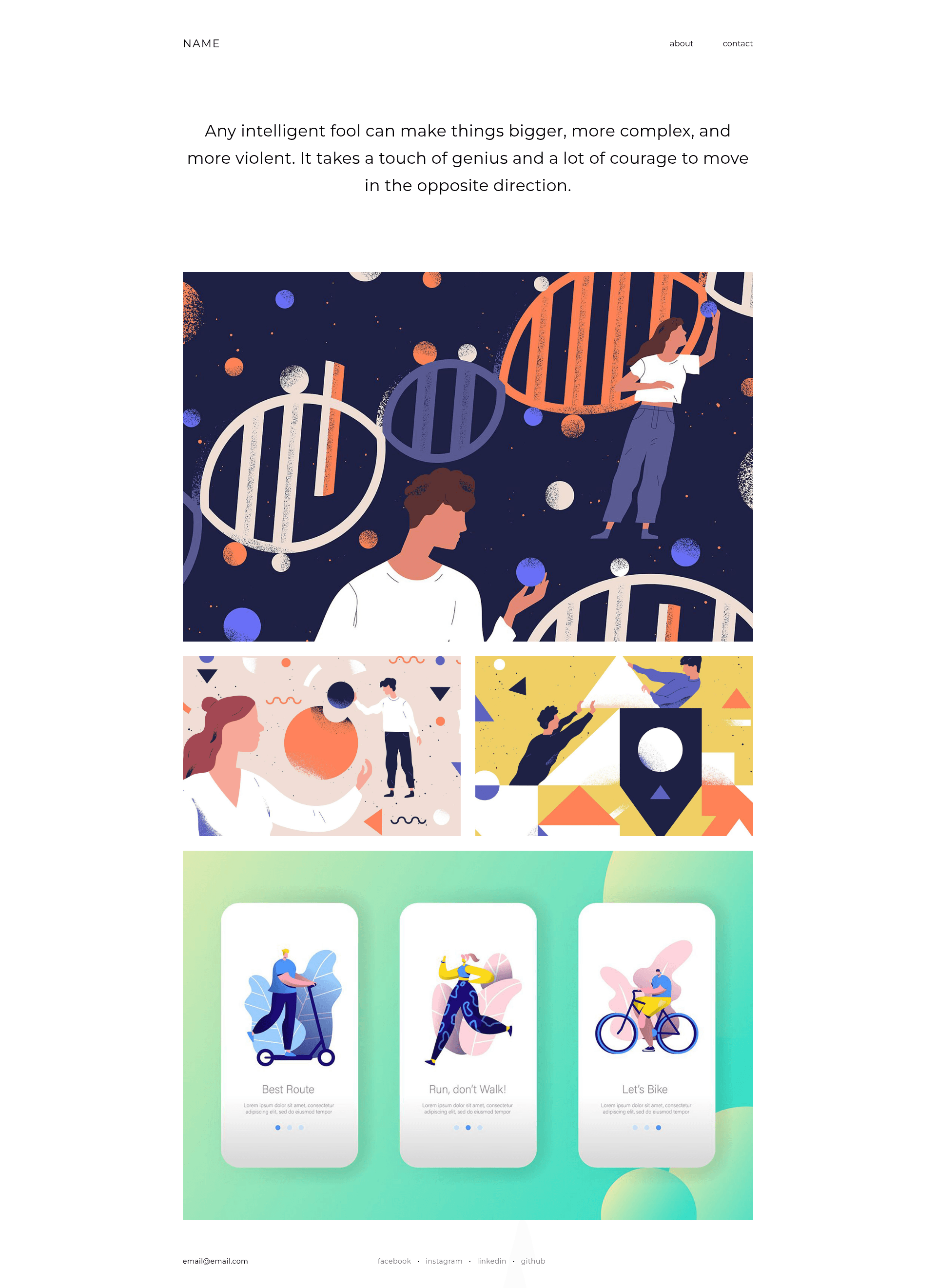
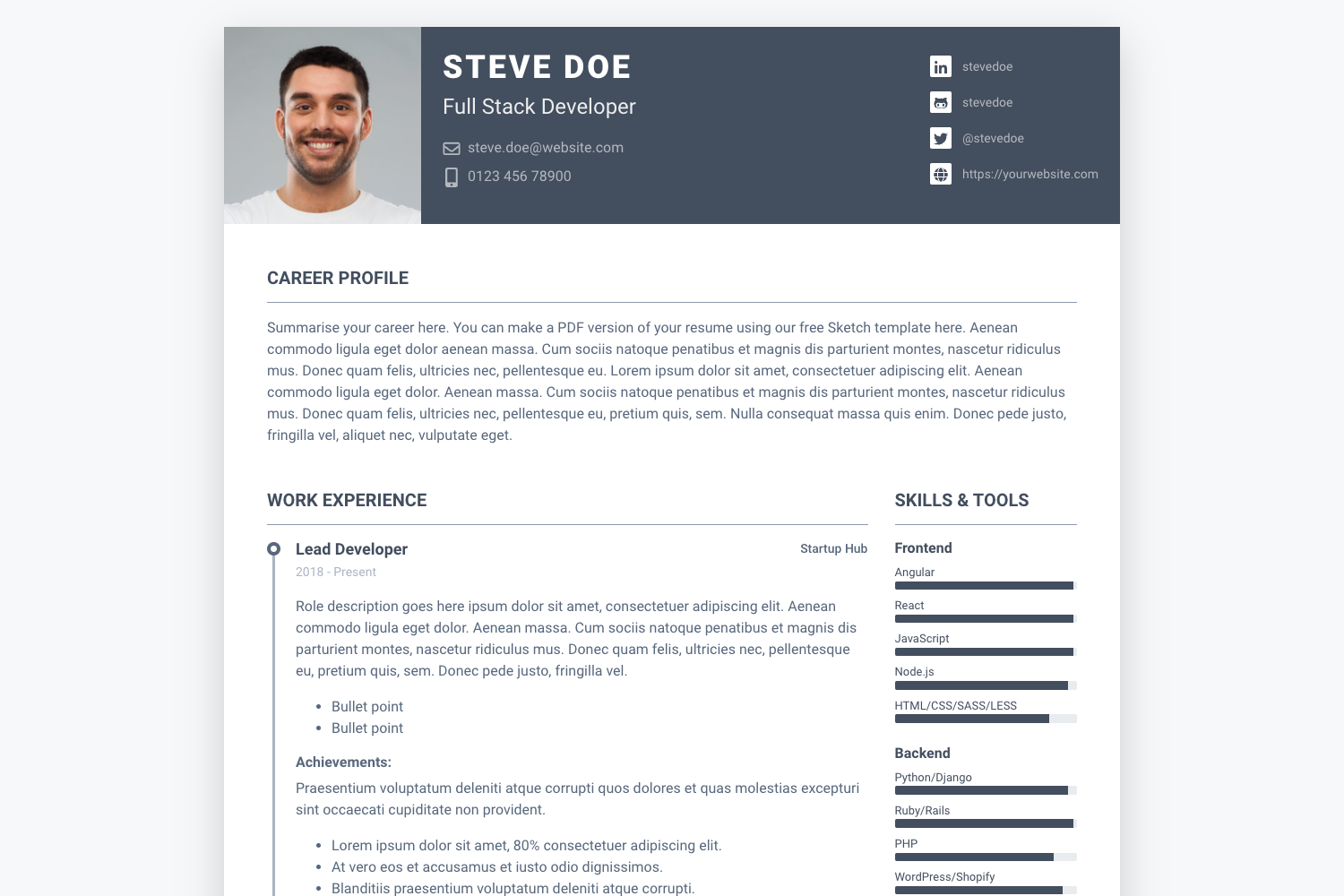
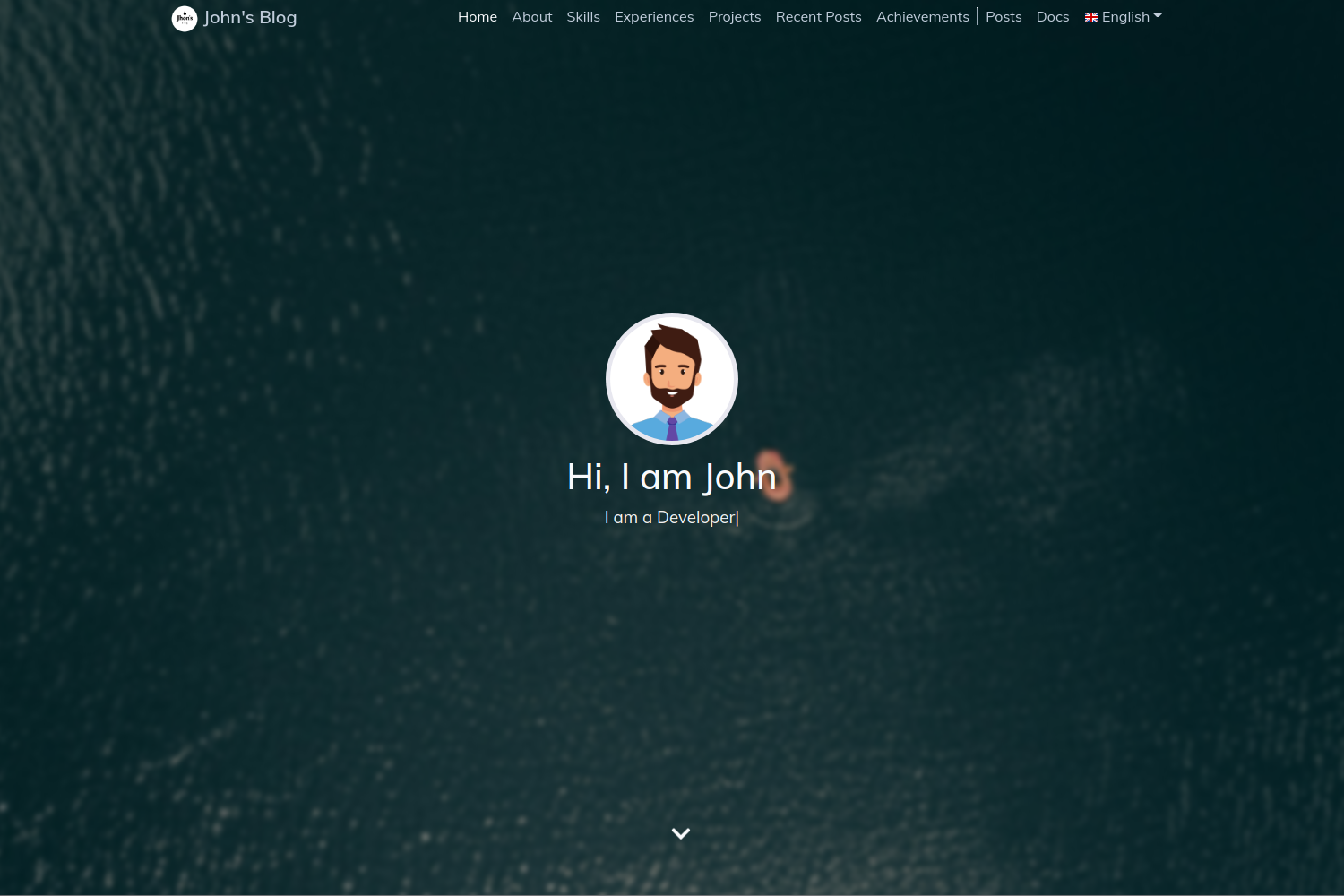
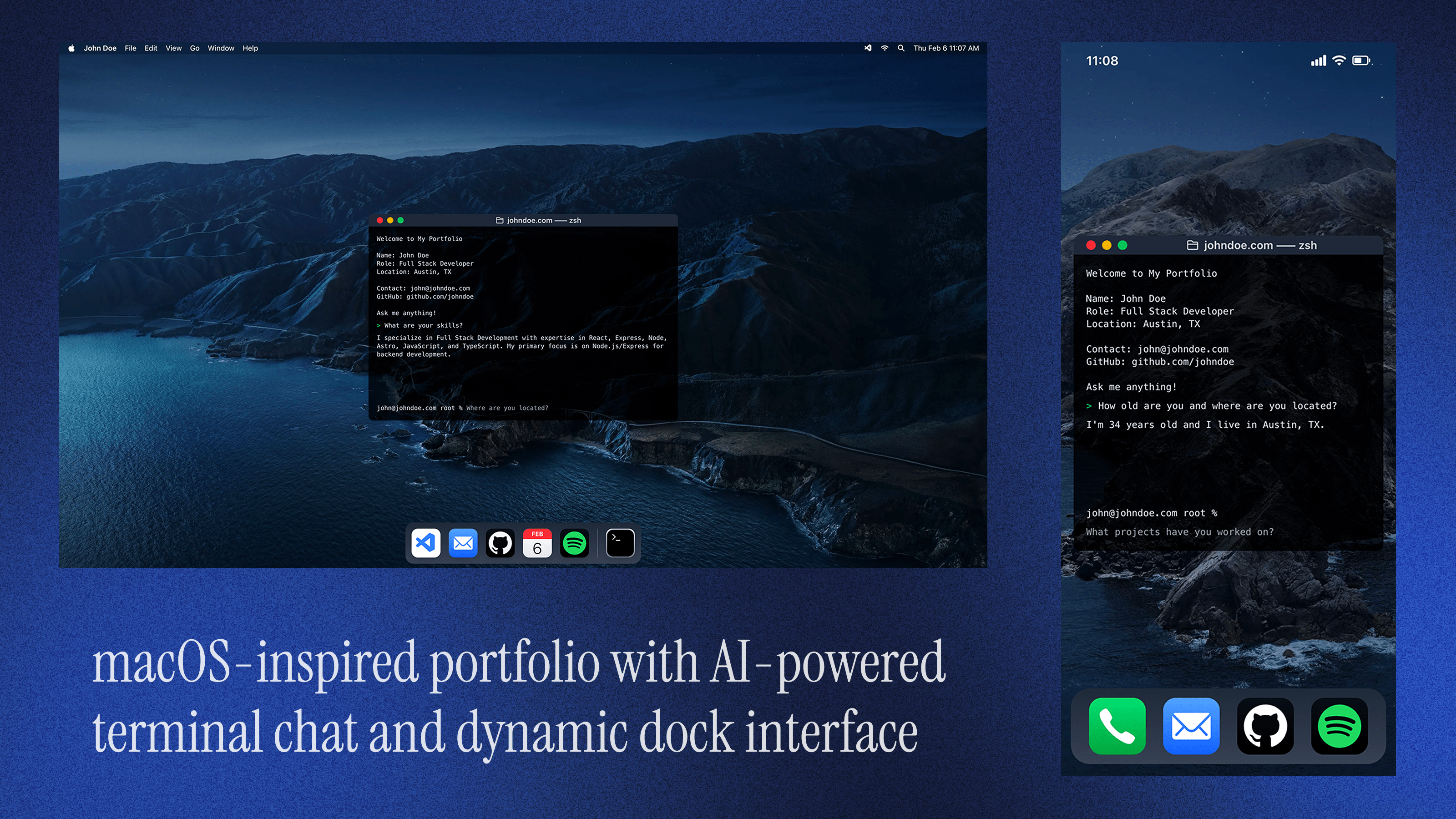
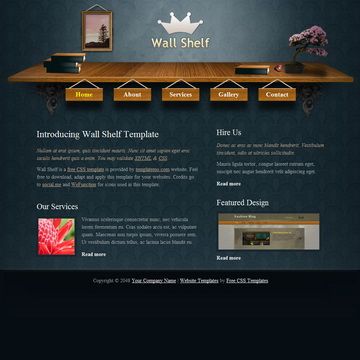
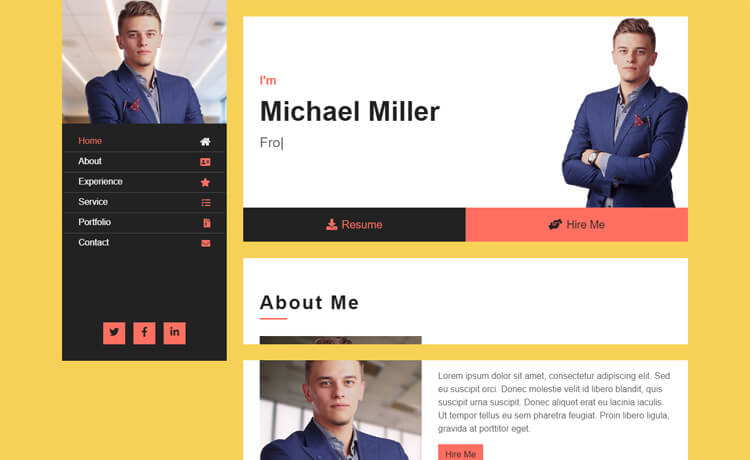
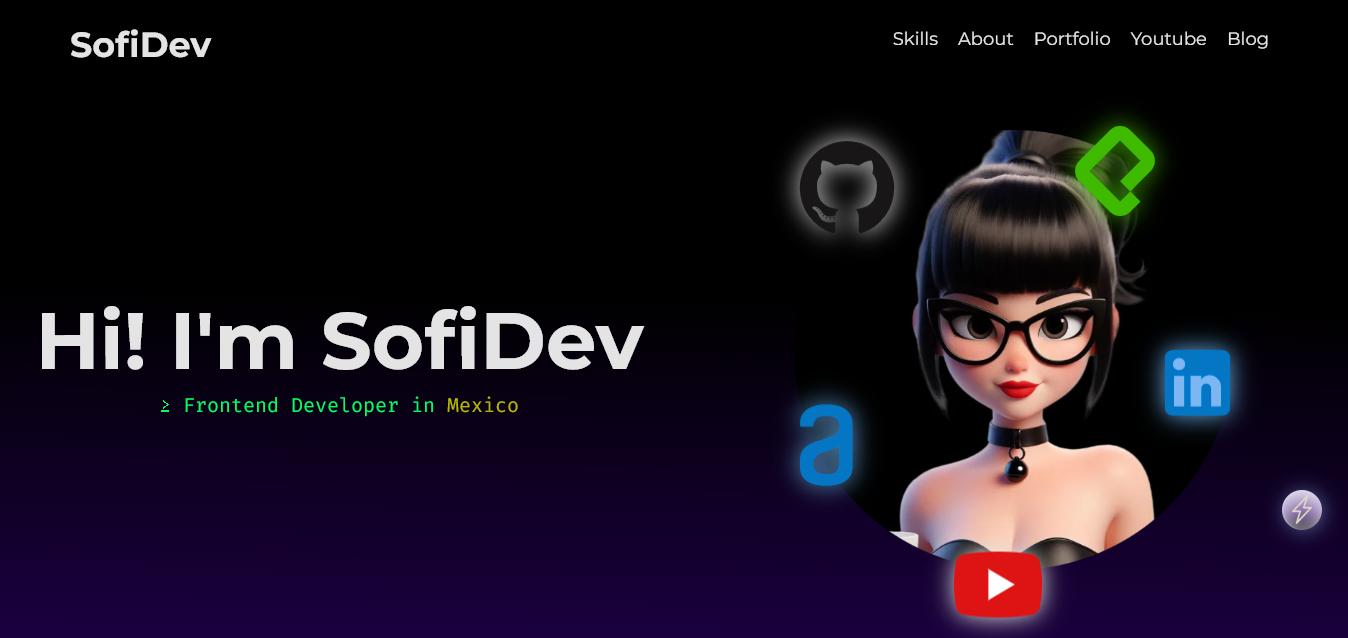
Minimal Portfolio HTML Template is a static HTML portfolio template using Bootstrap and modernizr.js for responsive, cross-browser pages.
About this template
Minimal Portfolio HTML Template is a lightweight static HTML template for creating a personal portfolio website, built with Bootstrap and modernizr.js for responsive layout and cross-browser compatibility.
What is Minimal Portfolio HTML Template?
Minimal Portfolio HTML Template is a static HTML template designed to present an individual's work and skills online. It takes plain HTML, CSS, and JavaScript files as input and produces a portfolio page that runs in any modern web browser. The template is built on Bootstrap for its grid system and responsive components, and it includes modernizr.js for feature detection that helps older browsers handle modern styling. No backend or build tooling is required, so the files can be used directly after downloading.
Key Features
- Bootstrap foundation — The template uses Bootstrap to provide a responsive grid and UI components, making the layout adapt to desktops, tablets, and phones.
- Modernizr integration — Modernizr.js is included to detect HTML5 and CSS3 features, giving the template a way to degrade gracefully in legacy browsers.
- Minimal portfolio structure — The template is focused on a clean, content-first presentation for showcasing projects, a bio, and contact details without decorative clutter.
- Plain static files — Everything is written in HTML, CSS, and JavaScript, so you can edit the source directly in a text editor and see changes by refreshing the browser.
- Easy to host anywhere — Since only static assets are used, the site can be uploaded to any web server or static hosting service without runtime configuration.
Who is it for?
- Freelancers and independent creatives — Set up a simple portfolio page in minutes to display recent work and a contact link to potential clients.
- Students and recent graduates — Build a straightforward personal site to include on resumes and job applications without learning a front-end framework.
- Developers needing a quick placeholder — Use the minimal design as a starting point to be customized with project details, images, and custom styling.
What can you do with it?
- Showcase your projects: Add project titles, images, and descriptions to give visitors a quick overview of your work.
- Present your bio and contact links: Write a short introduction and add links to your email or social profiles directly in the HTML.
- Deploy to static hosting: Upload the folder to services like GitHub Pages, Netlify, or any basic web server and the portfolio goes live instantly.
FAQ
Does Minimal Portfolio HTML Template use a build tool?
No. The template is made of plain HTML, CSS, and JavaScript files, so you can edit them directly and open them in a browser without any build step.
What is Modernizr used for in this template?
Modernizr is included for feature detection, so the page can check which HTML5 and CSS3 features the visitor's browser supports and adjust the experience accordingly.
Is the template responsive?
Yes, because it's built with Bootstrap, the layout uses Bootstrap's responsive grid and components to adapt to different screen sizes.