Template details
Minted Directory Template
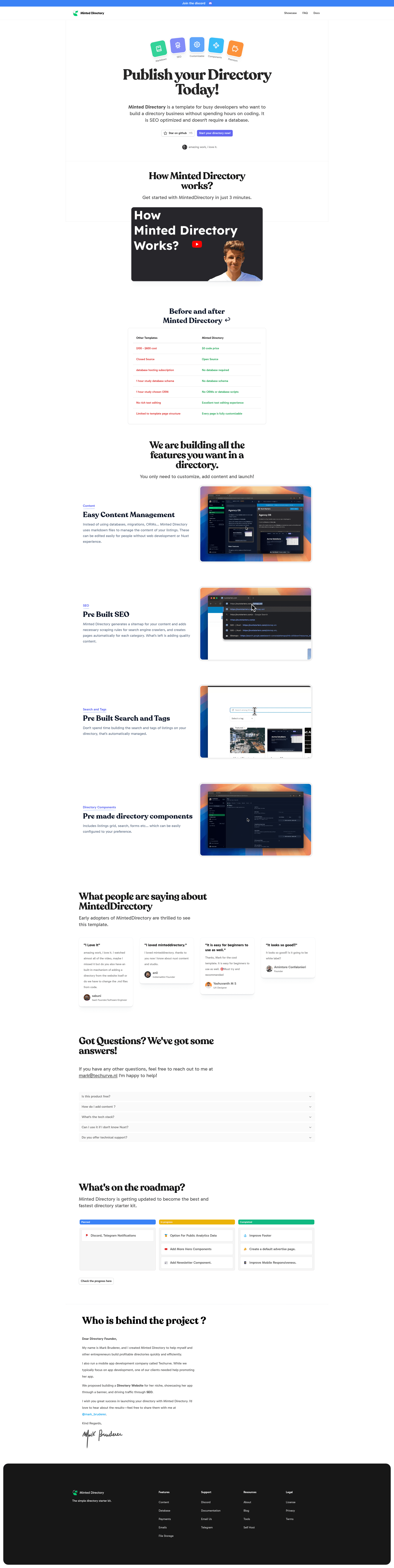
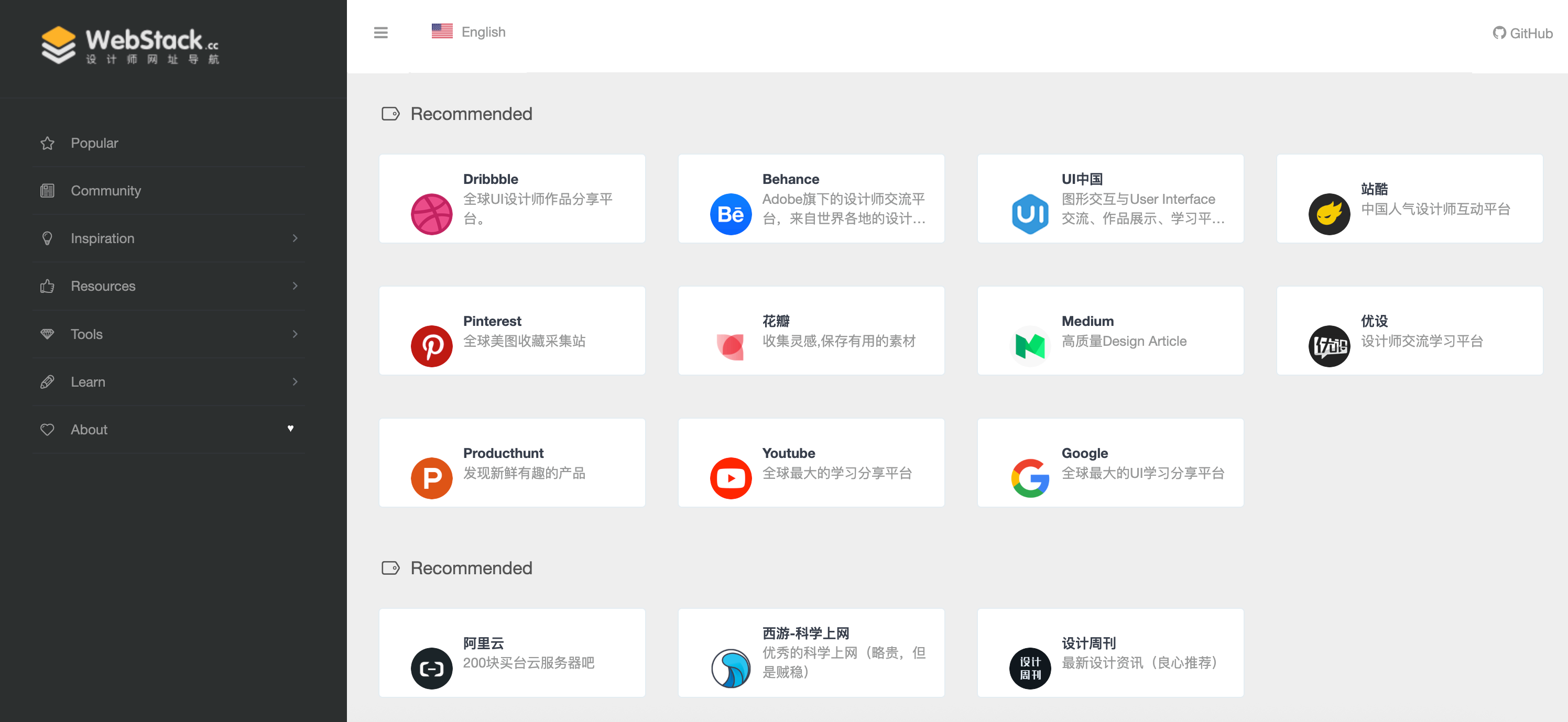
Markdown driven directory template. Built with Nuxt, Nuxt Content and Tailwindcss. Optimized for SEO. Beautiful Customizable Style
About this template
Minted Directory Template is a markdown-driven directory website starter built on Nuxt, Nuxt Content, and Tailwind CSS that turns flat files into an SEO-optimized static listing site.
What is the Minted Directory Template?
Minted Directory Template is an open-source directory website template hosted on GitHub at masterkram/minted-directory. It accepts markdown files as its only content source, so listing entries placed in the /content/dir folder are automatically rendered as directory pages, while articles in /content/blog become blog posts. The site runs on Nuxt with Nuxt Content for file-based content management and Tailwind CSS for styling, and it can be exported as a pre-rendered static site using the pnpm run generate command. Documentation and a live demo are available at minteddirectory.com.
Key Features
- Markdown-based listings — Add directory entries as markdown files in /content/dir; no database or CMS setup is required.
- Batteries-included SEO — Ships with the Nuxt SEO module, so metadata, sitemaps, and social-sharing basics are covered out of the box.
- Pre-built directory components — Includes ready-made UI components designed for listing layouts, reducing the amount of front-end work needed.
- Customizable theming — Change the primary color, secondary color, and font family in tailwind.config.ts, plus adjust site-wide settings through app.config.ts.
- Dark and light mode — Built-in theme toggle lets visitors switch between light and dark appearances.
- Sponsored content support — Mark listings as sponsored to display them as promoted entries, creating a monetization path for the directory.
- Blog included — Add markdown files to /content/blog to publish articles alongside the directory content.
Who is it for?
- Indie hackers and side-project creators: Launch a niche directory quickly by writing markdown files instead of wiring up a CMS or database.
- Developers who prefer static sites: Use Nuxt and the generate command to produce a pre-rendered static site without managing a server.
- SEO-focused site owners: Take advantage of the bundled Nuxt SEO module to handle metadata without extra configuration.
- Small editorial teams: Publish both directory listings and a blog from the same markdown folder structure.
What can you do with it?
- Launch a curated tool directory: Add tools or resources as markdown entries in /content/dir and present them with the pre-built components.
- Build a sponsored listings flow: Mark specific entries as sponsored to display them as promoted content, mirroring common directory business models.
- Publish a companion blog: Store articles in /content/blog to support the directory with guides and news.
- Rebrand the front-end: Swap colors and fonts through tailwind.config.ts to match a niche audience without touching layout code.
How does it work?
Start by duplicating the GitHub template, then clone it locally or run gh repo create my-directory --template masterkram/minted-directory --private --clone. Install dependencies with pnpm install, launch the dev server with pnpm dev, and add markdown files to /content/dir for listings or /content/blog for articles. When ready, run pnpm run generate to export a pre-rendered static site for deployment.
FAQ
How do I add a listing to Minted Directory?
Add a new markdown file to the /content/dir folder. The template reads these files and renders them as directory entries, so you don't need a database or admin panel to publish content.
How do I customize the colors and fonts?
Open tailwind.config.ts and change the primary, secondary, and fontFamily settings. The README also points to app.config.ts for additional site-wide configuration, with a settings guide available on the docs site.
Does Minted Directory support blog posts?
Yes. Create markdown files in the /content/blog folder to add articles, and the Nuxt Content integration handles rendering them on the site.
How do I deploy the site?
Run pnpm run generate to generate a pre-rendered static version of the site. The official deployment guide is linked in the README at minteddirectory.com/docs/deployment.
Can I use it with any package manager?
The README's setup commands use pnpm. The repository does not mention support for npm or Yarn, so sticking with pnpm is the safest path.