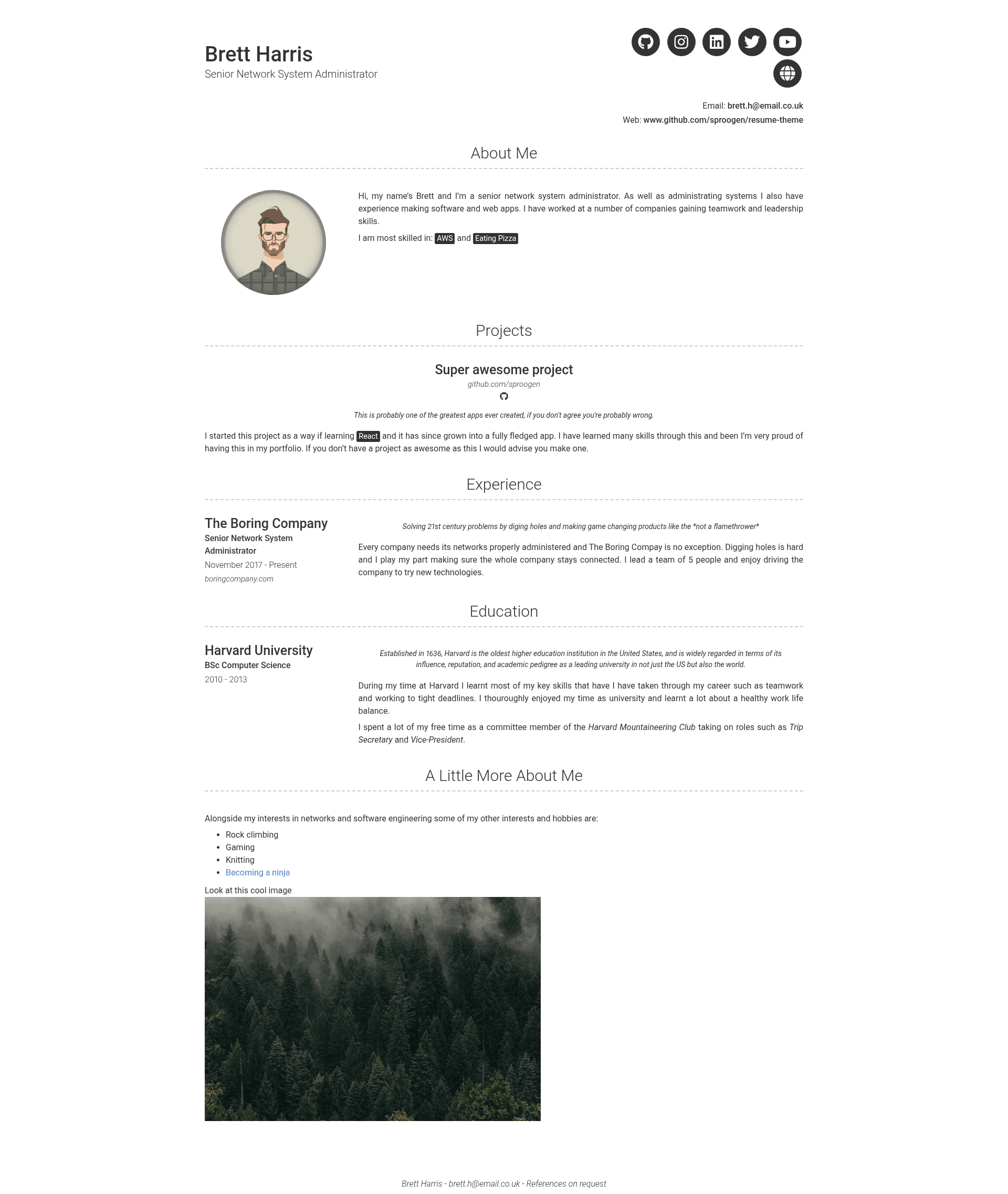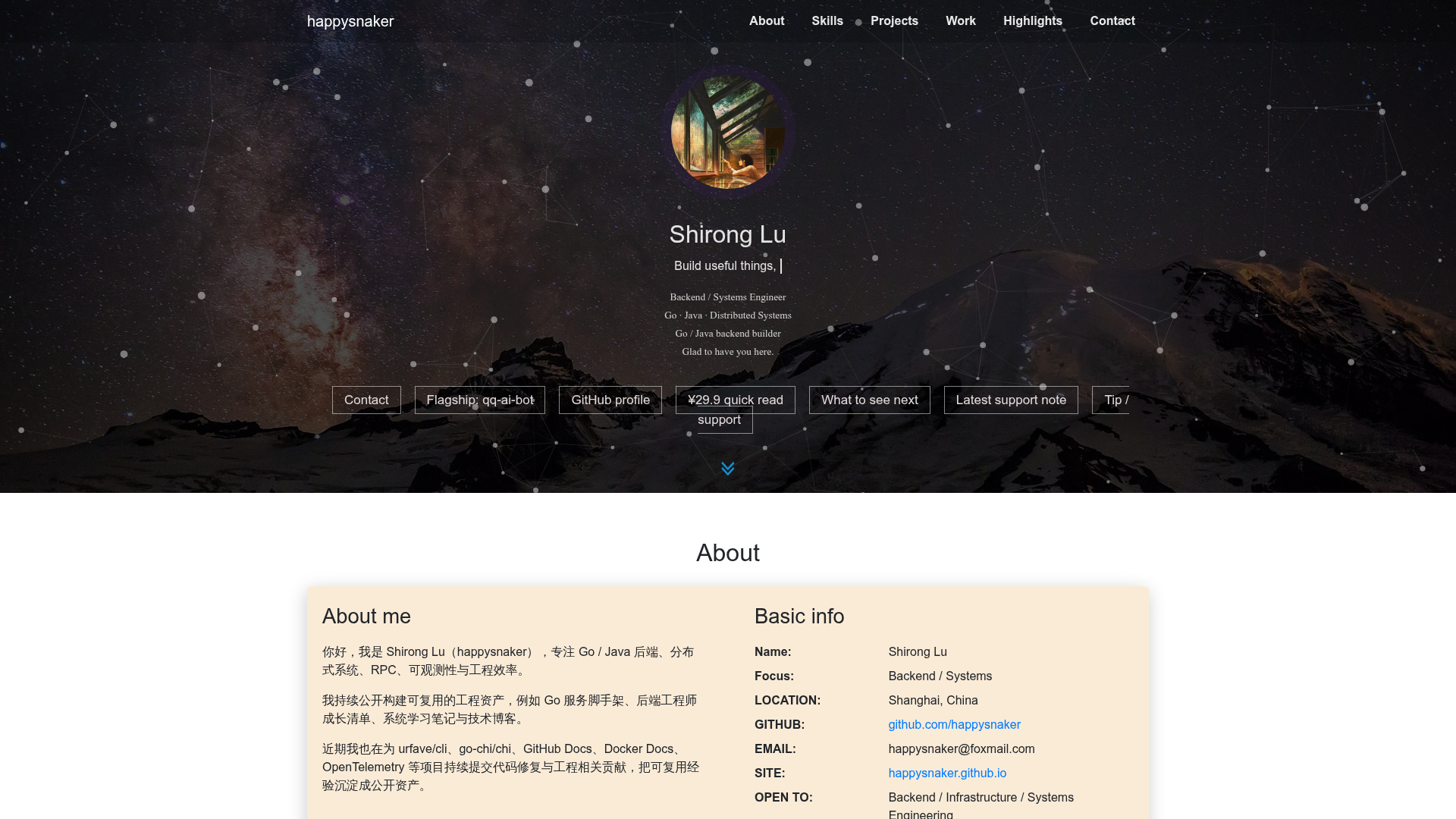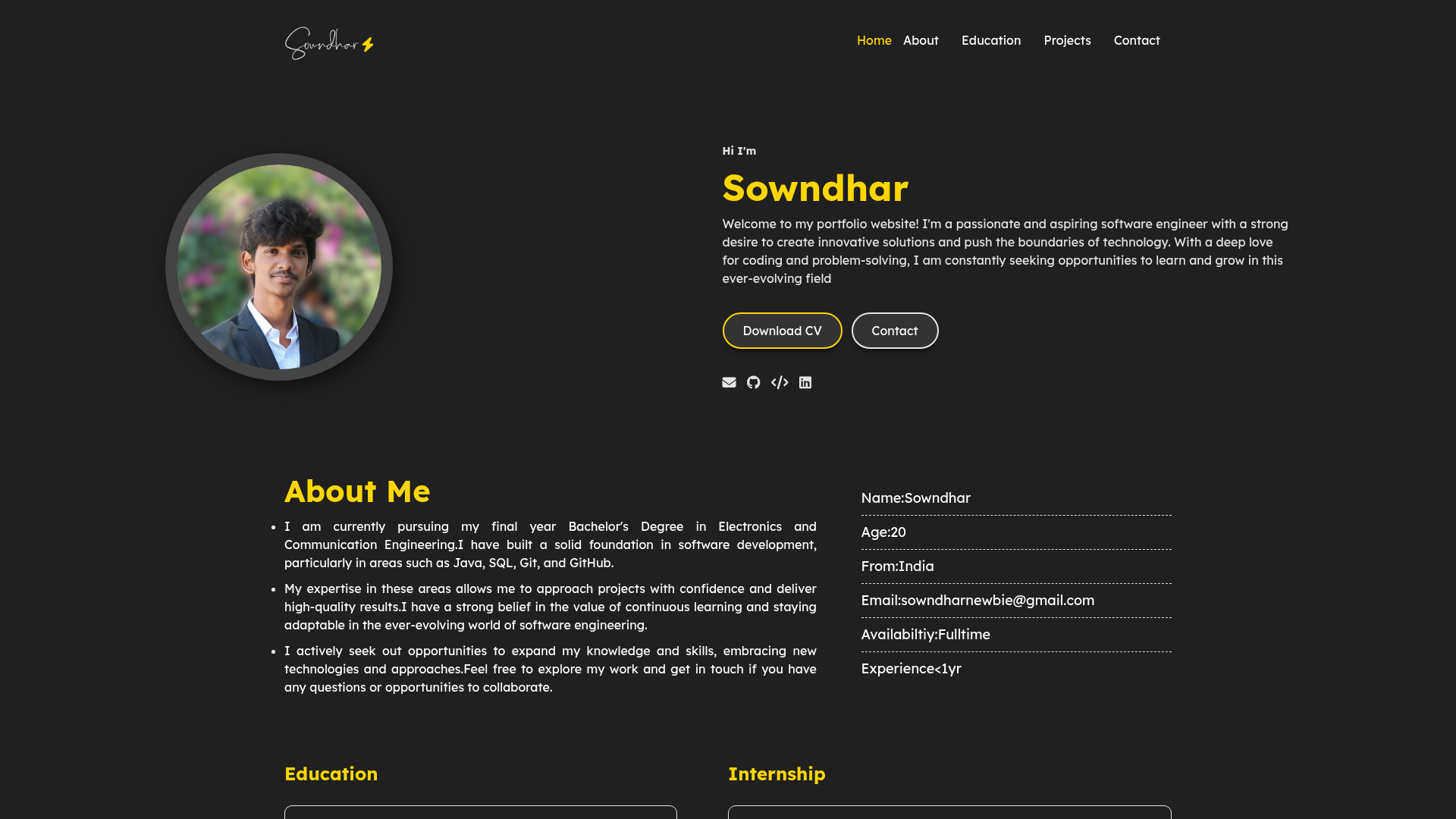
Template details
Modern Resume Theme
A modern static resume template and theme powered by Jekyll and GitHub Pages, free to host your own resume.
About this template
Modern Resume Theme is a free, open-source Jekyll resume template and GitHub Pages theme for building a static personal resume website from a single YAML configuration file.
What is Modern Resume Theme?
Modern Resume Theme is a static resume template powered by Jekyll and GitHub Pages, created by James Grant (GitHub user sproogen). It takes a _config.yml file, optional SCSS overrides in assets/main.scss, and a list of content sections, and produces a static resume site that GitHub Pages hosts for free at [your-username].github.io. The theme supports two content layouts, text and list, and stores all resume data in YAML so no database or server-side processing is needed.
Key Features
- Jekyll and GitHub Pages — Built on the Jekyll static site generator and designed to deploy to GitHub Pages, so hosting costs nothing and the site serves as plain HTML.
- YAML-driven content — All resume content lives under the content property in _config.yml, with the 2020 content configuration version 2 allowing any number of sections in any order with full backward compatibility.
- Two content layouts — The list layout handles structured entries such as Education and Experience with fields for title, sub_title, caption, link, quote, and description; the text layout supports freeform Markdown for sections like About, Skills, or Interests.
- Dark mode with three settings — The darkmode option in _config.yml can be set to true to force dark theming for all visitors, false to follow each visitor's device preference, or never to disable the dark theme entirely.
- Additional links with Font Awesome icons — Each list item can include additional_links entries with a title, a free Font Awesome brand icon class, and a URL.
- Markdown descriptions — The description and content fields use Markdown, so you can embed images, code blocks with syntax highlighting, tables, and links inside resume sections.
- Custom CSS via assets/main.scss — Add your own styling rules after the import of modern-resume-theme to override colors, spacing, or fonts.
- Local development and Docker — Run the site locally with bundle install followed by bundle exec jekyll serve, or start it in a container with docker-compose up; the local server hosts at http://localhost:4000.
Who is it for?
- Job seekers who want a clean, modern online resume without paying for hosting, by editing a YAML file and pushing to GitHub.
- Developers comfortable with Git and Jekyll who want a version-controlled CV that can be updated with a simple commit.
- Students and recent graduates building a first personal website, who can clone the template and replace the demo data with their education and experience.
- Open-source contributors who want a fast, forkable resume template they can extend with their own CSS and content sections.
What can you do with it?
- Publish a resume site: Replace the demo content in _config.yml with your own details and push to GitHub Pages to get a live resume at your username's github.io address.
- Add structured career entries: Use the list layout to document each job or degree with dates, a short quote, a longer description, and links to relevant work.
- Create freeform sections: Use the text layout for an About Me narrative, a skills summary, or any Markdown content you want on the page.
- Customize the look: Switch dark mode behavior, add Font Awesome icon links, and inject custom CSS in assets/main.scss without touching the theme core.
How does it work?
Setup follows five steps: create a GitHub account, create a repository for the resume, download and extract the resume-template.zip from the gh-pages branch into that repository, commit and push the files, then view the demo at [your-username].github.io. After that, editing _config.yml replaces the demo resume with your own data, and pushing the changes rebuilds the static site automatically.
Pricing
The theme is open source under the MIT License and is intended to be hosted on the free GitHub Pages tier, so there are no license fees or paid plans. The maintainer provides an optional buy me a coffee link for donations.
FAQ
Is Modern Resume Theme free?
Yes. The theme is released under the MIT License and is designed to run on GitHub Pages, which offers free static hosting for public repositories, so building and publishing your resume site costs nothing.
Does Modern Resume Theme include dark mode?
Dark mode was added in December 2019. Use the darkmode setting in _config.yml: true forces dark for all visitors, false respects the visitor's device preference, and never disables dark theming completely.
What content layouts are available?
There are two section layouts: list, which shows structured items with title, sub_title, caption, link, quote, and description, and text, which renders a Markdown block. Content configuration version 2, released in November 2020, allows you to add as many sections as you want in any order.
Do I need to know Jekyll to use it?
You need a basic understanding of YAML and Markdown to edit the resume content, and the installation guide walks through creating a GitHub account, setting up a repository, and pushing the template. To run locally you also need Ruby and the Jekyll gems installed.
How do I customize the CSS?
Add your own rules to assets/main.scss after the line that imports modern-resume-theme. The theme also supports heading anchor links, so you can create internal links to sections using slug versions of section titles.