Template details
Robotico
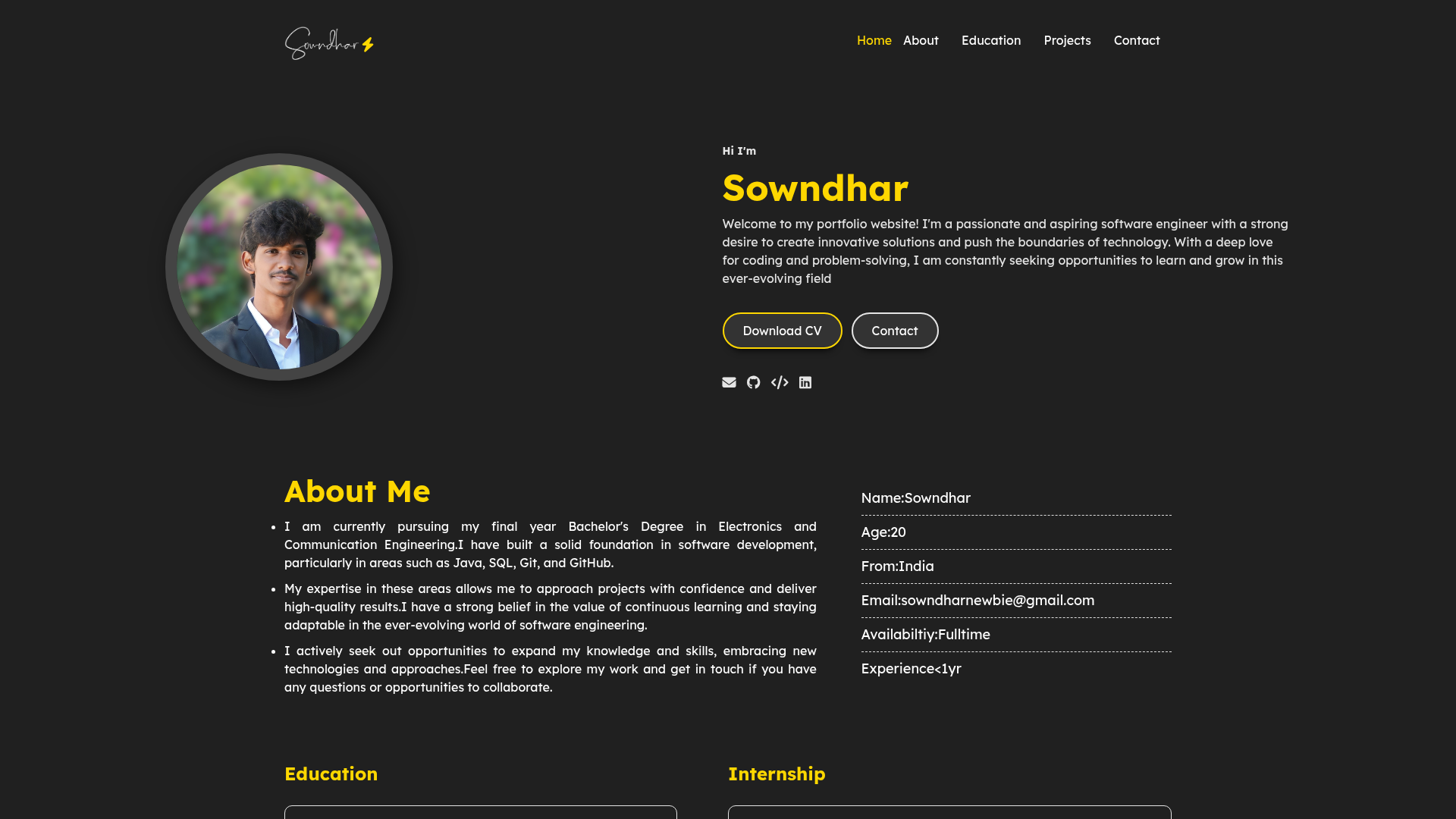
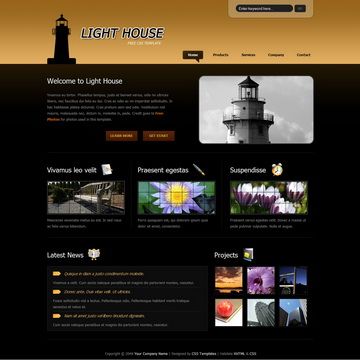
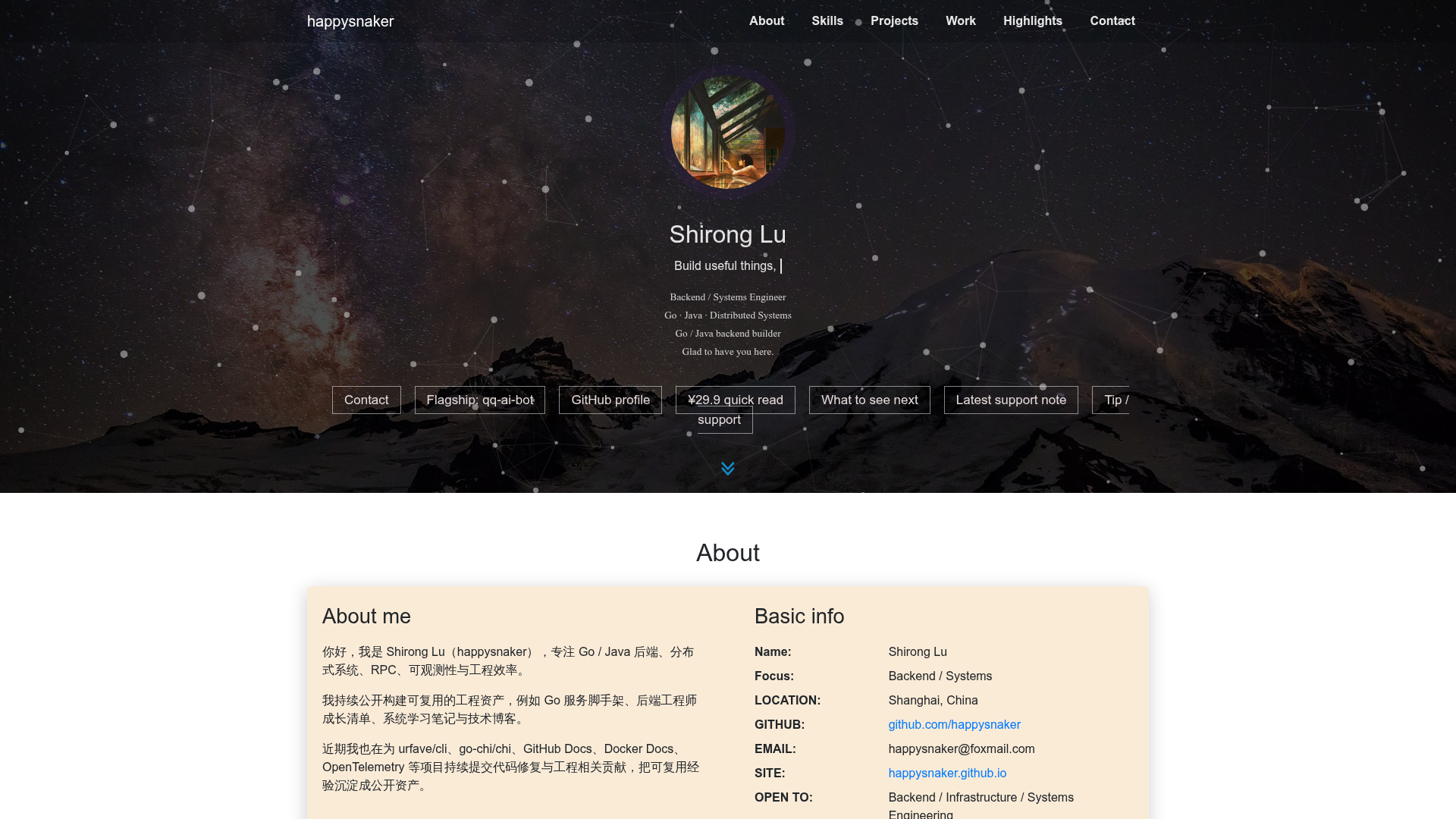
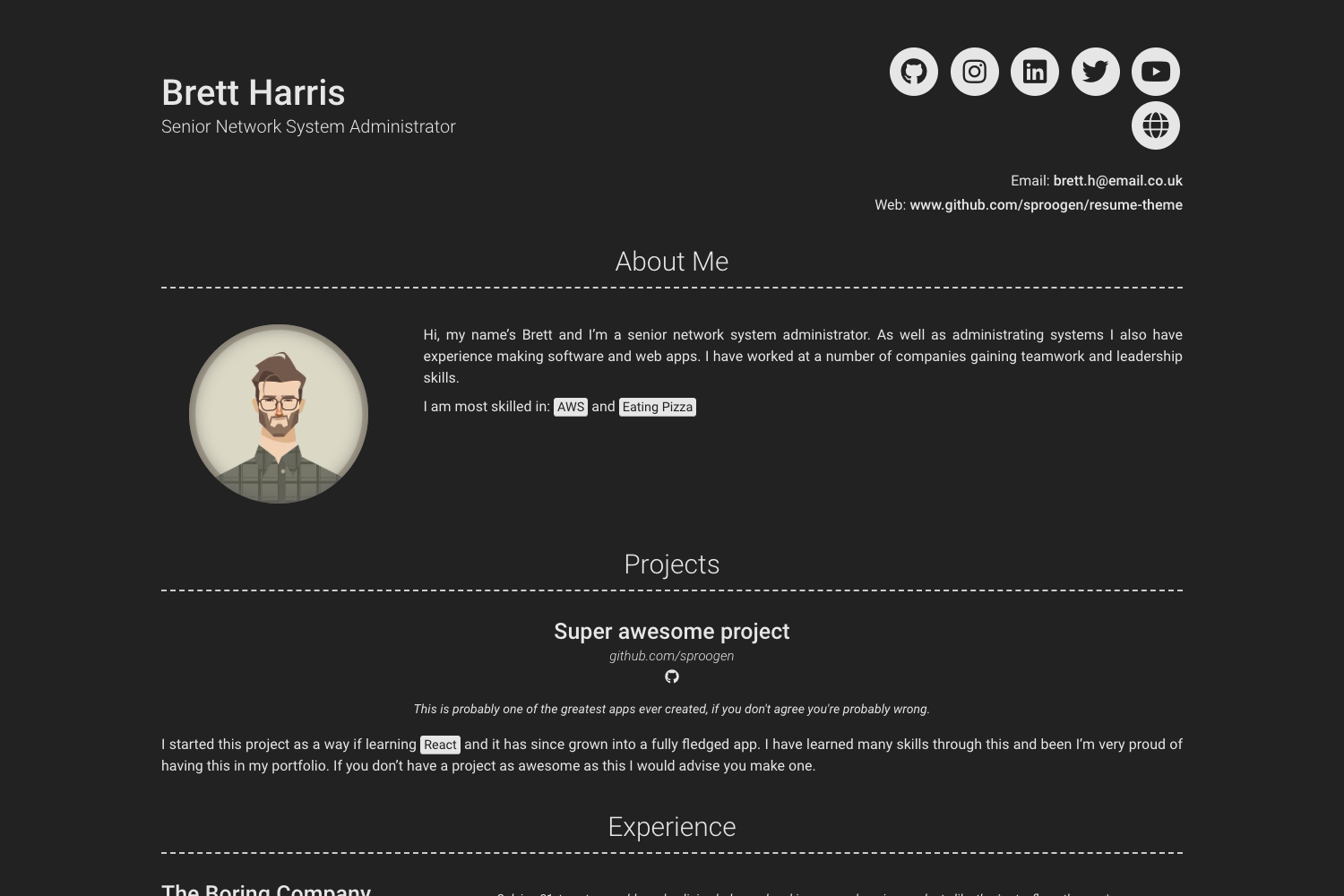
A minimal Hugo theme with a portfolio light-box gallery for artists and photographers, based on alageek.
About this template
Robotico is a minimal Hugo theme for artists and photographers, adding a portfolio light-box gallery to a stripped-down fork of the alageek theme.
What is Robotico?
Robotico is an open-source Hugo theme built as a stripped-down, modified version of the alageek theme by gkmngrgn. It takes standard Hugo site content — markdown files, an _index.md home page, and a site config.toml — and generates a static, responsive website. The theme's core addition is a portfolio gallery that displays images in an Ekko-lightbox popup. The project is hosted on GitHub and released under the MIT license.
Key Features
- Bootstrap 4 responsive layout — The theme uses Bootstrap 4.1.3 to keep layouts fluid on desktop, tablet, and mobile screens.
- Portfolio light-box gallery — Images are added as
[[params.portfolio]]entries inconfig.toml, each with alinkto an image file, and open in an Ekko-lightbox 5.3.0 overlay when clicked. - Single page support — The theme can render a single-page site, ideal for minimal online portfolios.
- LaTeX support — Math content is supported, so pages can include formulas without extra configuration.
- Syntax highlighting — Highlight.js 9.12.0 provides code block highlighting for multiple programming languages.
- Progressive image loading — Progressively 1.2.5 lazy-loads images to speed up initial page loads.
- Config-driven parameters — Theme behavior is controlled through the site's
config.toml, with a sample configuration in the example site. - Webfont integration — Webfont 1.6.28 handles custom font loading, and Jquery slim 3.3.1 is bundled for interactive components.
Who should use Robotico?
Robotico is designed for artists, photographers, and visual creators who want a clean, minimal portfolio site with a gallery view. It is also suited to Hugo developers who prefer a lightweight, readable theme structure that they can extend, and to anyone who needs LaTeX or code syntax support on a small personal site.
What can you do with Robotico?
- Artists: Publish a responsive portfolio with thumbnails that expand into a light-box gallery when visitors click an image.
- Photographers: Create a single-page photo series or project showcase using
_index.mdand[[params.portfolio]]entries. - Technical writers: Write pages that mix markdown, code snippets with Highlight.js, and LaTeX formulas without adding external tools.
- Hugo learners: Study a minimal, forkable theme built on alageek to understand Hugo templating and configuration.
How does Robotico work?
To use Robotico, place your content in Hugo's standard structure and create an _index.md file for the home page. Then add gallery entries in config.toml under [[params.portfolio]], each with a link pointing to an image path (relative paths are allowed). The example site in the repository demonstrates the available parameters.
FAQ
Is Robotico free?
Yes. Robotico is released under the MIT license, so it's free to use, modify, and distribute in both personal and commercial projects.
How do I add images to the gallery?
Add a [[params.portfolio]] array in config.toml for each image, for example link = "img/portfolio/example_01.jpg". The path is relative to the site root, so make sure your image files are in the correct folder.
Does Robotico support LaTeX?
Yes. The theme includes LaTeX support, so you can write math formulas in your content without adding another plugin.
What dependencies does Robotico require?
The theme bundles Bootstrap 4.1.3, Highlight.js 9.12.0, Jquery slim 3.3.1, Progressively 1.2.5, Webfont 1.6.28, and Ekko-lightbox 5.3.0. These are loaded via the theme, so you don't need to install them separately.