Template details
Morethan Log
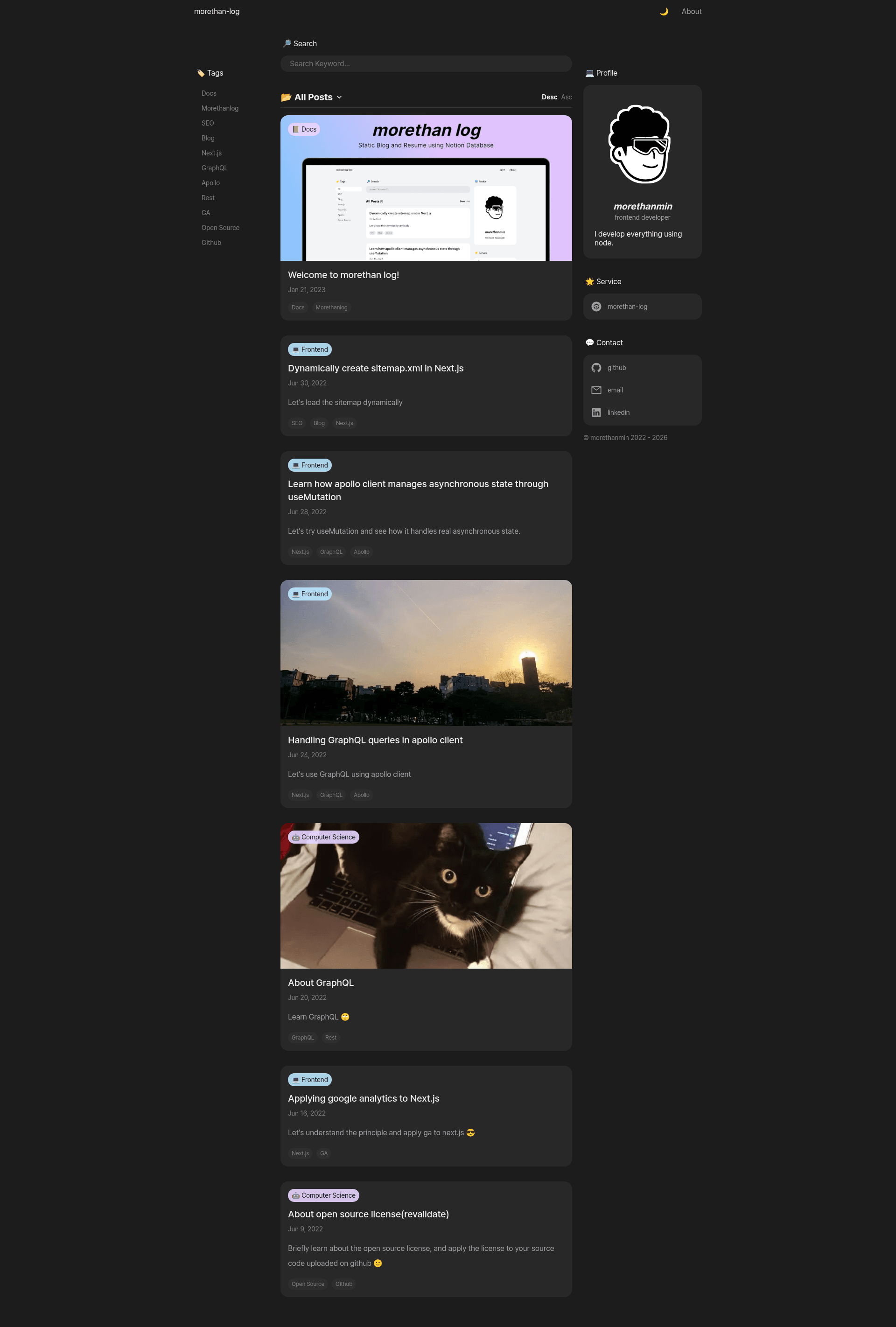
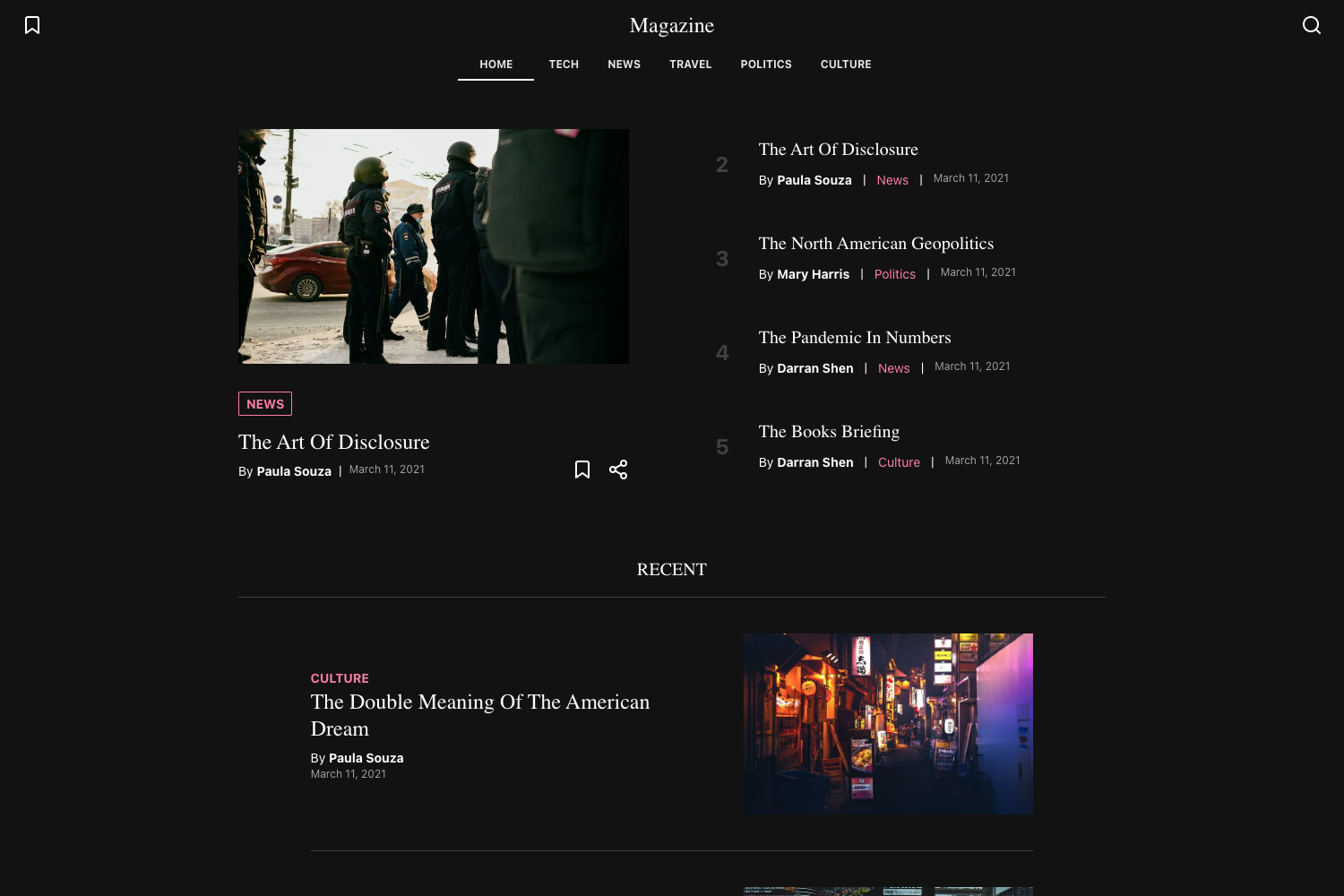
Next.js static blog using Notion as a CMS, with resume page support and Vercel deployment.
About this template
Morethan Log is an open-source Next.js blog template that turns a Notion database into a static site, deployed on Vercel.
What is Morethan Log?
Morethan Log is a static blog generator built with Next.js that uses Notion as a content management system. It takes a Notion page ID and renders blog posts and standalone pages like a resume, producing a deployable static site. The template is authored by morethanmin and is MIT-licensed, with a demo blog and demo resume available on Vercel.
Key Features
- Notion as CMS — Write posts in Notion and publish without committing to GitHub; content updates automatically on the site.
- Resume/Page support — Notion pages can be rendered as full-page sites, suitable for resumes or portfolios.
- SEO friendly — Dynamically generates Open Graph images for posts and creates a sitemap automatically.
- Configurable through site.config.js — Profile information and site settings are edited in one configuration file.
- Plugin integrations — Supports Google Analytics, Google Search Console, Naver Search Advisor, and commenting via Utterances (GitHub Issues) or Cusdis.
- Vercel deployment — Deploy with environment variables like NOTION_PAGE_ID and optional tracking IDs.
Who is it for?
- Developers — who want a blog without building a custom CMS; they fork the repo, duplicate the Notion template, and deploy.
- Writers/creators — who prefer writing in Notion and want their content published to a fast static site.
- Job seekers — can use the resume page format to generate a clean, hosted resume from a Notion page.
What can you do with Morethan Log?
- Start a blog — create a Notion database of posts, configure the page ID, and get a search-engine-friendly blog with sitemap and social thumbnails.
- Publish a resume — make a Notion page in resume format, and Morethan Log renders it as a full page under the /resume route.
- Add commenting — enable Utterances or Cusdis by setting the corresponding environment variable, so readers can comment on posts.
How does Morethan Log work?
The setup involves forking the repository, duplicating a shared Notion template, publishing the Notion page to the web, and copying the page ID from the share URL. After customizing site.config.js, the project is deployed on Vercel with NOTION_PAGE_ID set as an environment variable. Content changes in Notion are reflected on the site after the revalidate time configured in site.config.js.
FAQ
Is Morethan Log free?
Yes, Morethan Log is an MIT-licensed open source project, so it is free to use and modify. You only pay for the Notion and Vercel accounts you choose to use.
How do I get my Notion page ID?
When you publish your duplicated Notion template to the web, the share URL contains the page ID between the username and the query parameter. For example, in the format username.notion.site/NOTION_PAGE_ID?v=VERSION_ID, only the NOTION_PAGE_ID part is needed.
Why don't my Notion posts update automatically?
Updates happen after the revalidateTime set in site.config.js. If changes don't appear, check that this value is set and that the site has had time to regenerate.
Do I need to create a sitemap manually?
No, Morethan Log dynamically creates a sitemap.xml for your posts, so there is no manual sitemap setup required.
What are the required environment variables for Vercel?
Only NOTION_PAGE_ID is required. The others — NEXT_PUBLIC_GOOGLE_MEASUREMENT_ID, NEXT_PUBLIC_GOOGLE_SITE_VERIFICATION, NEXT_PUBLIC_NAVER_SITE_VERIFICATION, and NEXT_PUBLIC_UTTERANCES_REPO — are optional and enable analytics, search console, and commenting plugins.