Template details
Titan Core
High-performance Astro theme for modern websites, blogs, and portfolios with multiple themes, blog support, and SEO optimization.
About this template
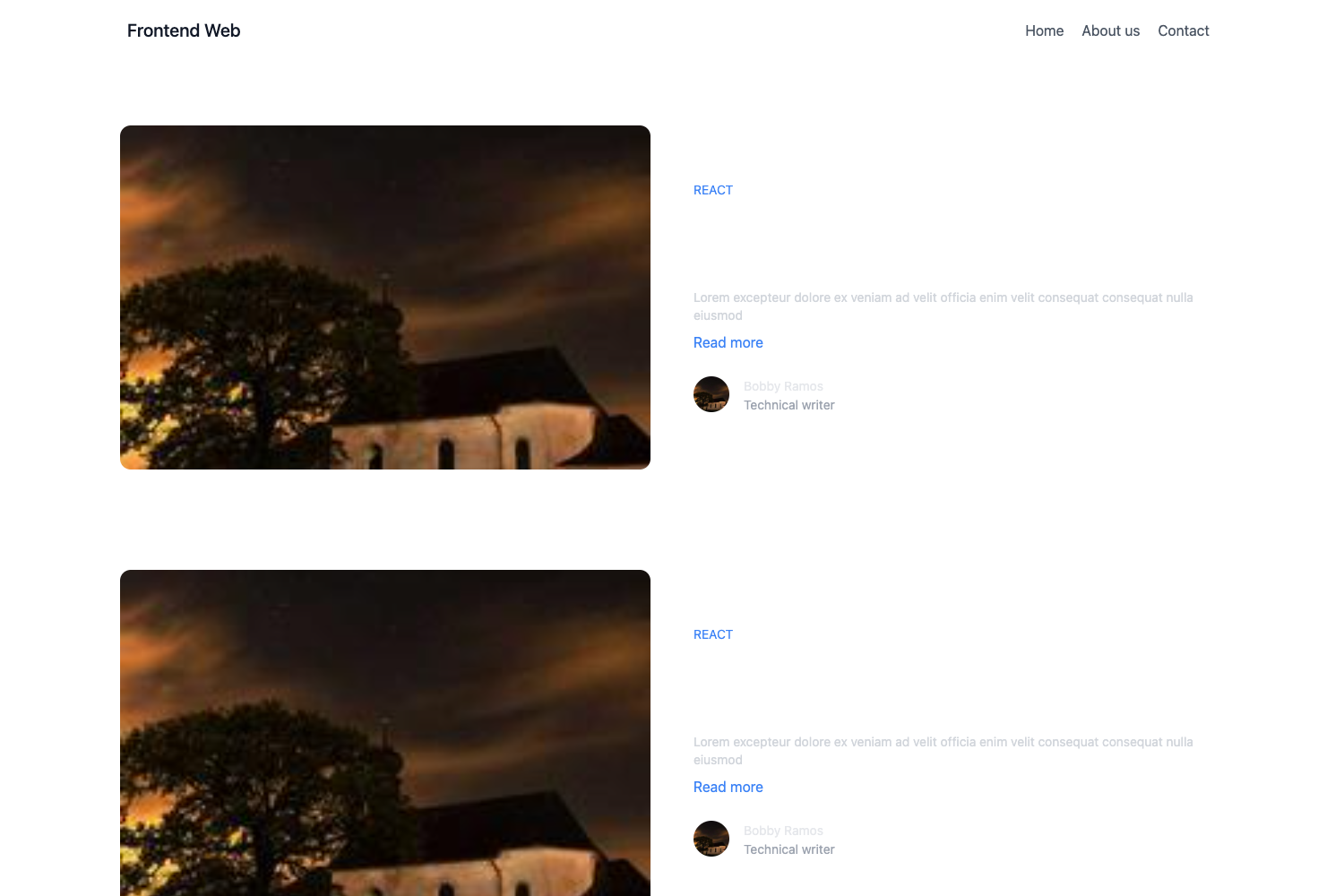
Titan Core is a high-performance Astro JS theme for building modern websites, blogs, and portfolios, offering 10 Greek mythology–inspired color themes, blog functionality, and SEO-ready components.
What is Titan Core?
Titan Core is an open-source theme for Astro JS, the static site generator. It provides a component library, layout system, and data-driven configuration that turns content collections and config files into a static website. The theme accepts content in src/content/ and settings in src/data/, and outputs a deployable site to ./dist/ when you run npm run build. It is created by rspisarski, distributed under the MIT license, and demonstrated live at titan-core.netlify.app.
Key Features
- 10 Greek mythology–inspired themes — Choose
zeus,poseidon,hades,apollo,artemis,ares,athena,hermes,dionysus, ordemeterby editing thethemeproperty in thethemeSettingobject insrc/data/config.ts. - Blog-ready content collections — Write posts in
src/content/; the theme provides categories, pagination, post cards, and category pills without extra setup. - SEO and social meta built in — Meta tags, Open Graph, Twitter Cards, and sitemap generation are included for search visibility.
- AOS animations integrated — Animate On Scroll is configured with a duration of 800ms and triggers each animation once, applied via a script in
Layout.astro. - Modular component folders — Components are split into
blog,forms,icons,sections,team, anduiundersrc/components/, making customization straightforward. - Common page sections included — Hero, features grid, split panel, CTA banner, stats, team grid, FAQ accordion, contact display, and partner logo showcase are ready to drop into pages.
- Lucide icon components — Icons come from Lucide, exposed as reusable components in
src/components/icons/. - Optional runtime theme switcher — A
ThemeSwitchercomponent is included by default; remove its import and usage insrc/layouts/Layout.astroto lock the site to one theme.
Who is it for?
- Astro developers who want a project scaffold with realistic components instead of a blank
src/pages/folder. - Bloggers who need a fast, SEO-friendly blog with category filtering and pagination without building it themselves.
- Agencies and freelancers that build marketing sites and can reuse the team grid, stats, logo showcase, FAQ, and contact sections.
- Portfolio owners who want a distinctive look from one of the 10 themes, plus animations and a contact form display.
What can you do with Titan Core?
- Launch a blog quickly: Populate
src/content/with posts, set categories insrc/data/categories.ts, and get paginated, SEO-tagged blog pages. - Assemble a company site: Combine the hero, features, split panel, stats, team grid, FAQ, and CTA banner sections into multi-page or one-page layouts.
- Create a styled portfolio: Pick a mythology theme like
artemisorapollo, optionally remove the theme switcher, and showcase projects with the built-in sections and animation.
How does Titan Core work?
Start a new project by running npm create astro@latest -- --template rspisarski/titan-core, or clone the repository and run npm install followed by npm run dev to preview at localhost:4321. Configuration is data-driven through TypeScript files in src/data/: config.ts for site-wide settings, menu.ts for navigation, features.ts, faqs.ts, logos.ts, stats.ts, and categories.ts for section content. The theme system applies a data-theme attribute to the body, and the included AOS script initializes animations on load.
Pros and cons
- Pros: MIT license, 10 built-in themes, Astro content collections, and a wide set of sections and UI components.
- Cons: The theme is tied to Astro's conventions; migrating to another framework means reworking the component architecture. The default theme switcher adds runtime JavaScript you may need to strip out for a fixed theme.
FAQ
Is Titan Core free?
Yes, Titan Core is open source under the MIT License, so you can use and modify it freely, including in commercial products.
How do I change the theme of my Titan Core site?
Edit the themeSetting object in src/data/config.ts and set theme to one of the 10 options, such as zeus, hades, or demeter. The selected theme is applied via a data-theme attribute on the body element.
Can I use Titan Core without the theme switcher?
Yes. Open src/layouts/Layout.astro, remove the import and the ThemeSwitcher line from the body, and the site will use only the theme configured in config.ts.
What commands does Titan Core support?
npm run dev starts the dev server at localhost:4321, npm run build outputs a production site to ./dist/, npm run preview previews the build, and npm run astro runs Astro CLI commands like astro add or astro check.
Does Titan Core support blog categories and pagination?
Yes, it uses Astro's content collections. Blog posts live in src/content/, and the theme includes category pills, category pages, and pagination for the blog listing.