Template details
namecard
A markdown driven, single page CV for developers.
About this template
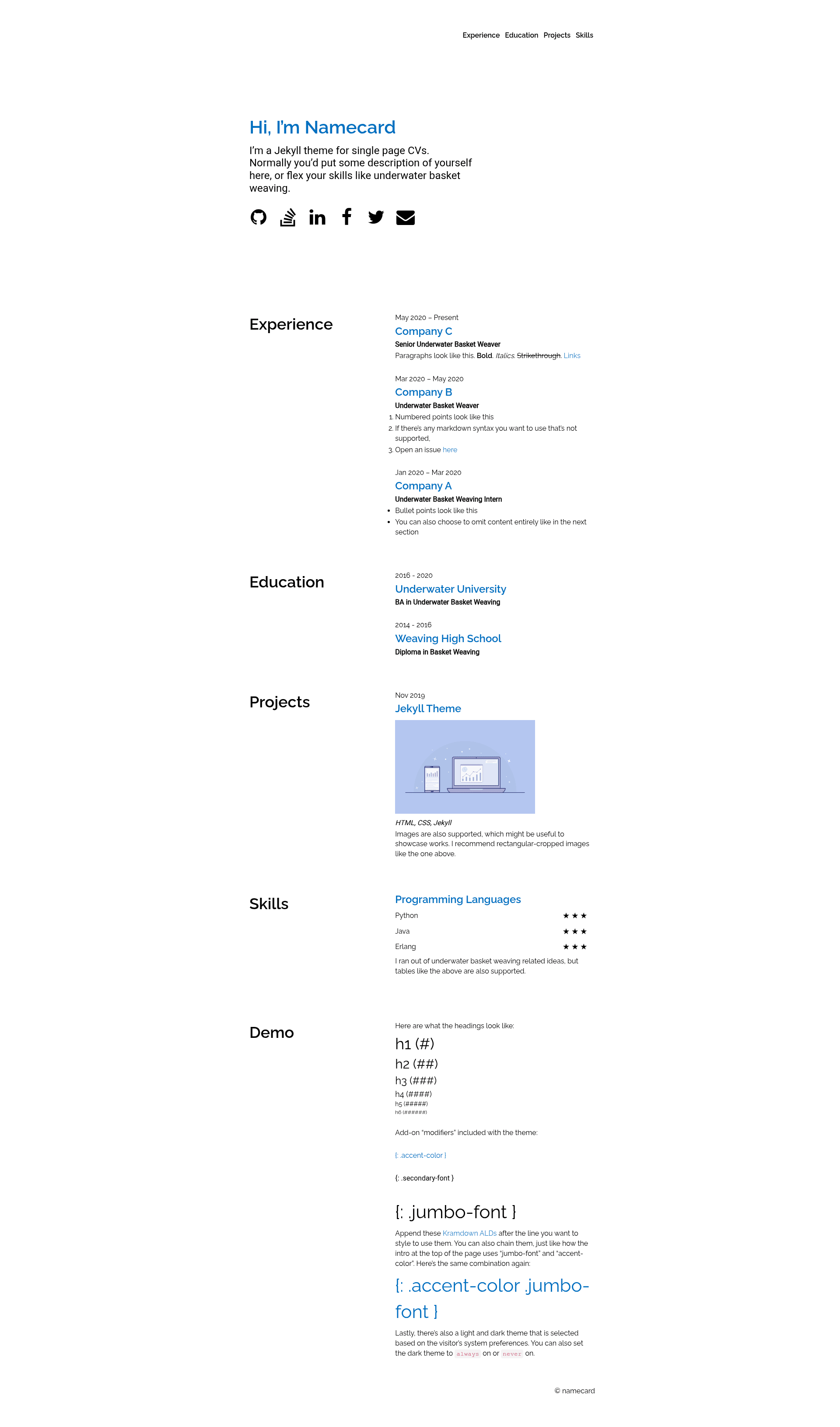
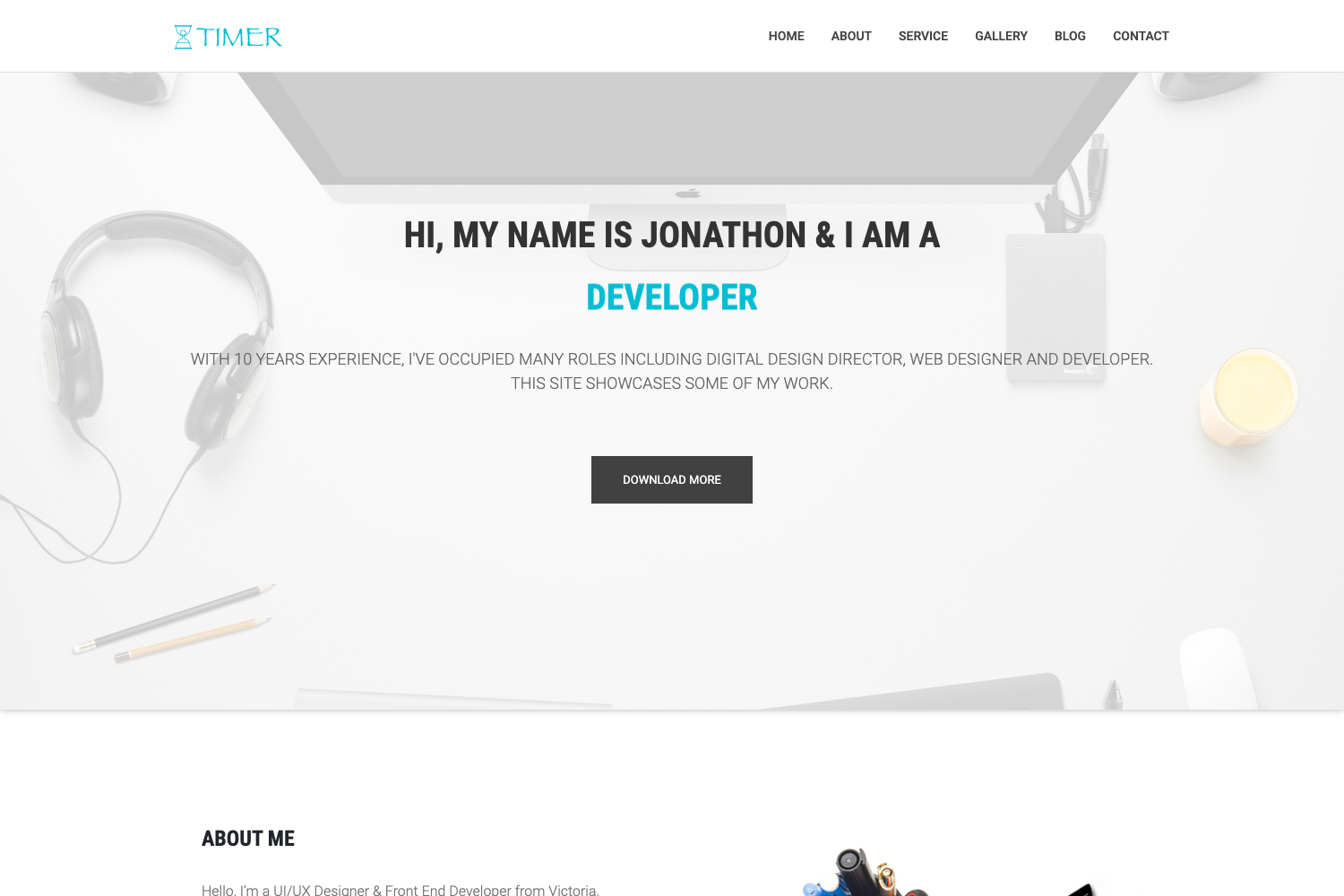
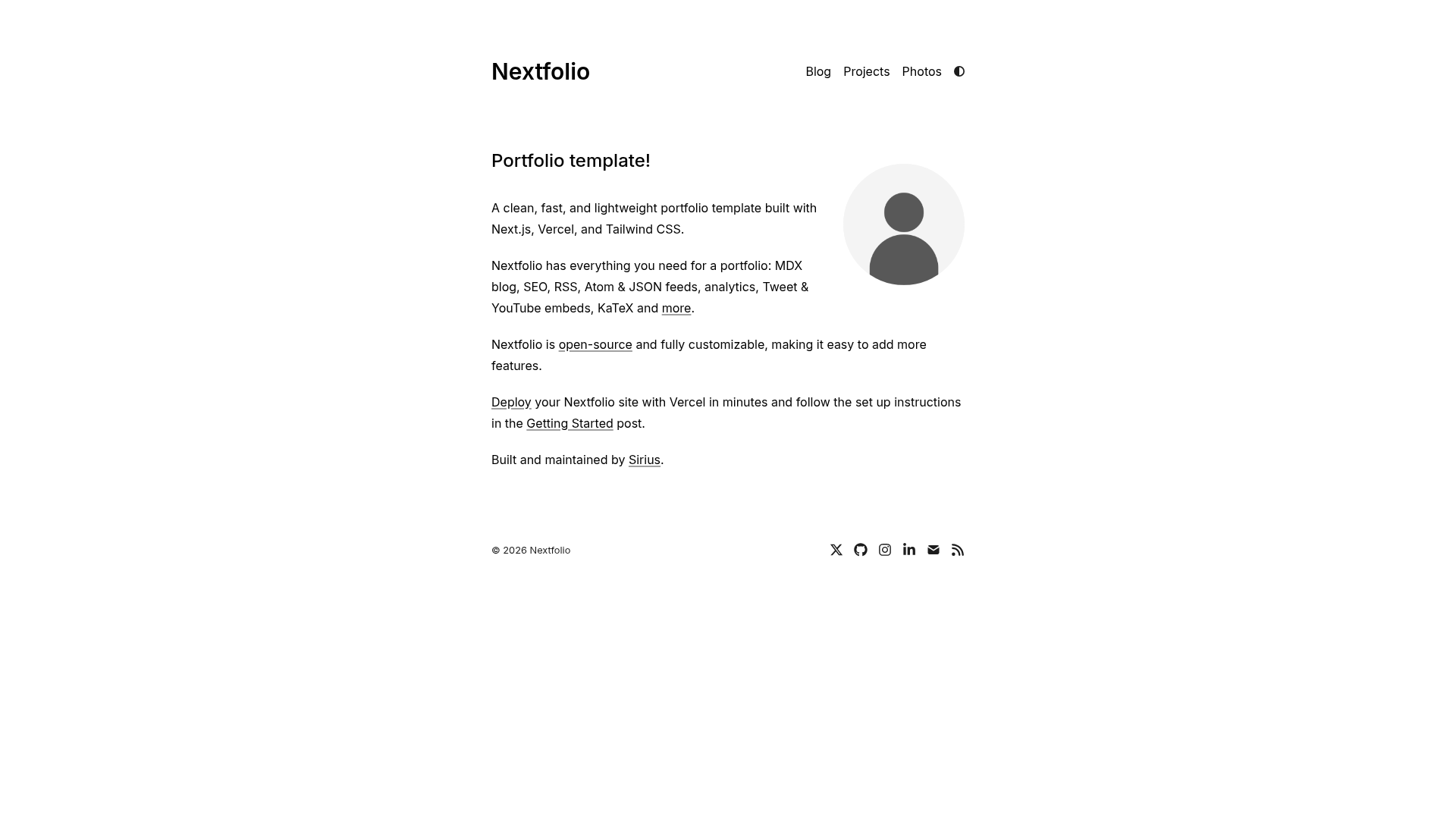
namecard is a Jekyll theme that turns a single markdown file into a one-page CV website, designed for developers who want a low-maintenance resume site.
What is namecard?
namecard is a markdown-driven, single-page Jekyll theme for creating a CV or resume website. It takes markdown content as input and generates a static HTML page as output on any Jekyll-based site, with most content and styling editable directly in markdown. The theme was created by the GitHub user afterdusk and is distributed under the MIT License.
Key Features
- Markdown-driven content — All body content and most styling are edited in markdown, so no HTML editing is needed for typical updates.
- Single-page layout — The entire CV fits on one page, following the KISS principle to keep visitors focused.
- Two installation methods — Works both as a Ruby gem, with
gem "namecard"in your Gemfile andtheme: namecardin _config.yml, and as a GitHub Pages remote theme usingremote_theme: afterdusk/namecard. - GitHub Pages compatible — The remote theme method works directly with GitHub Pages build and deploy, while the gem method requires a local build and pushing the
_sitefolder. - Open source license — Released under the MIT License, allowing free use, modification, and redistribution.
- Community contributions — Bug reports, suggestions, and pull requests are accepted via the GitHub repository, with a Contributor Covenant code of conduct.
- Example site available — A live usage example and theme options are documented in the use-namecard repository.
Who is it for?
- Developers — Build a personal CV site from markdown without writing HTML, deployable to GitHub Pages.
- Job seekers — Create a concise single-page resume that presents skills and experience quickly.
- Open-source hobbyists — Use the MIT-licensed theme as a base to customize and redistribute their own CV theme.
What can you do with namecard?
- Create a resume site: Write your CV in markdown and get a styled one-page website hosted on GitHub Pages.
- Customize styling without code: Edit most stylistic elements through markdown, reducing the need to touch CSS or Liquid templates.
- Deploy quickly: Use the remote theme approach with GitHub Pages for automated building, or the gem approach for local builds.
How does namecard work?
Installation follows Jekyll theme conventions. For GitHub Pages, add remote_theme: afterdusk/namecard to your _config.yml and uncomment the github-pages gem in your Gemfile. For gem installation, add gem "namecard" to your Gemfile, set theme: namecard in _config.yml, and run bundle. After that, edit the markdown content file to write your CV.
Pricing
namecard is free and open source under the MIT License. There are no paid tiers or premium features mentioned on the page.
FAQ
Is namecard free?
namecard is free and open source, released under the MIT License, so you can use, modify, and distribute it without charge, including for commercial purposes.
Does namecard work with GitHub Pages?
Yes. Use the remote theme method by setting remote_theme: afterdusk/namecard in your _config.yml. The gem installation method does not work directly with GitHub Pages builds; you must build locally and push the _site folder.
How do I customize the content?
Editorial content and most styling are markdown-driven, so you edit the markdown file(s) that define the CV. For deeper theme changes, you can clone the repository and edit the templates directly, as recommended by the author.
What are the installation methods?
Two methods are documented: adding the namecard Ruby gem for local builds, or using the GitHub Pages remote theme. The remote theme is simpler for deployment on GitHub Pages, while the gem requires a local build and push of the output folder.