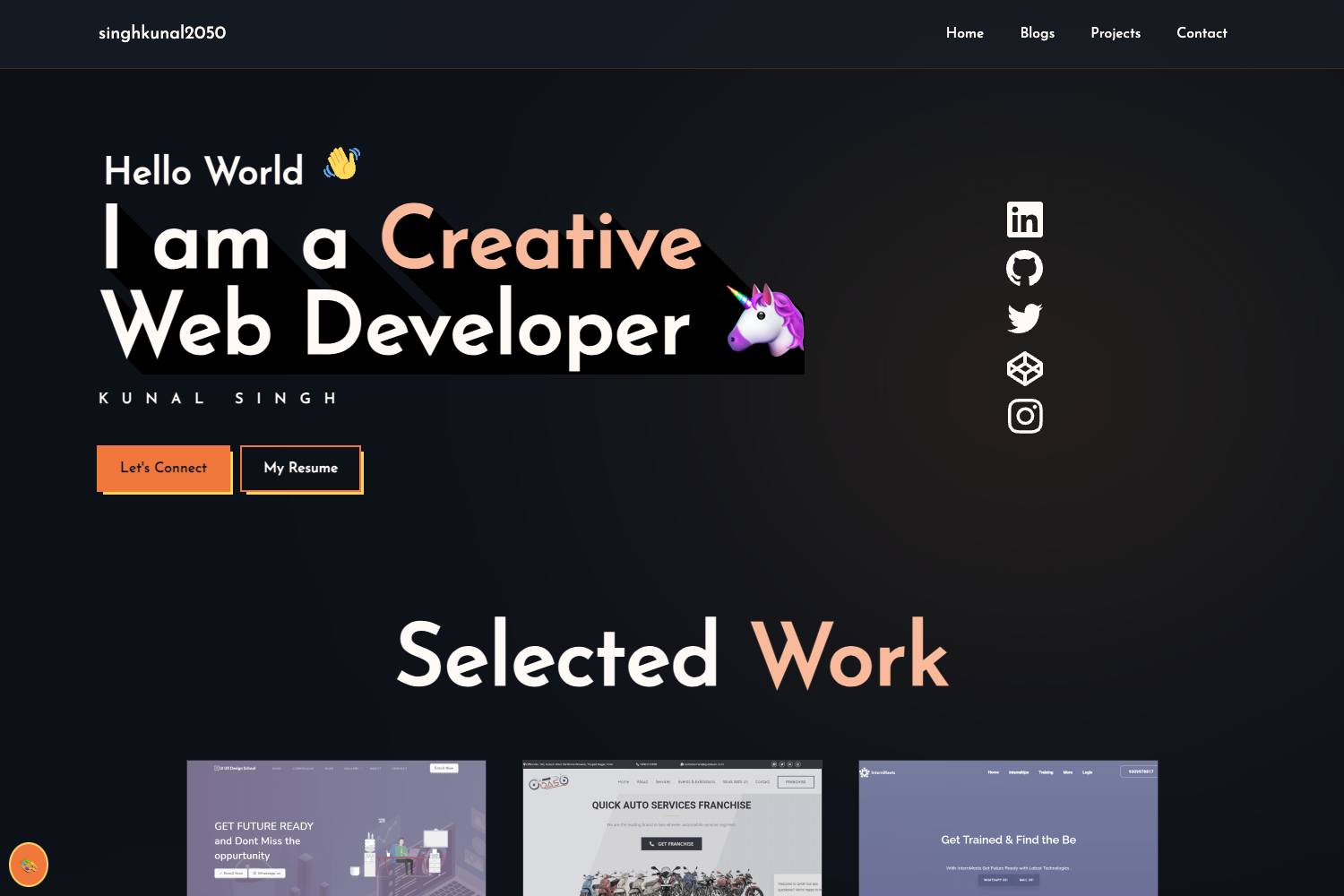
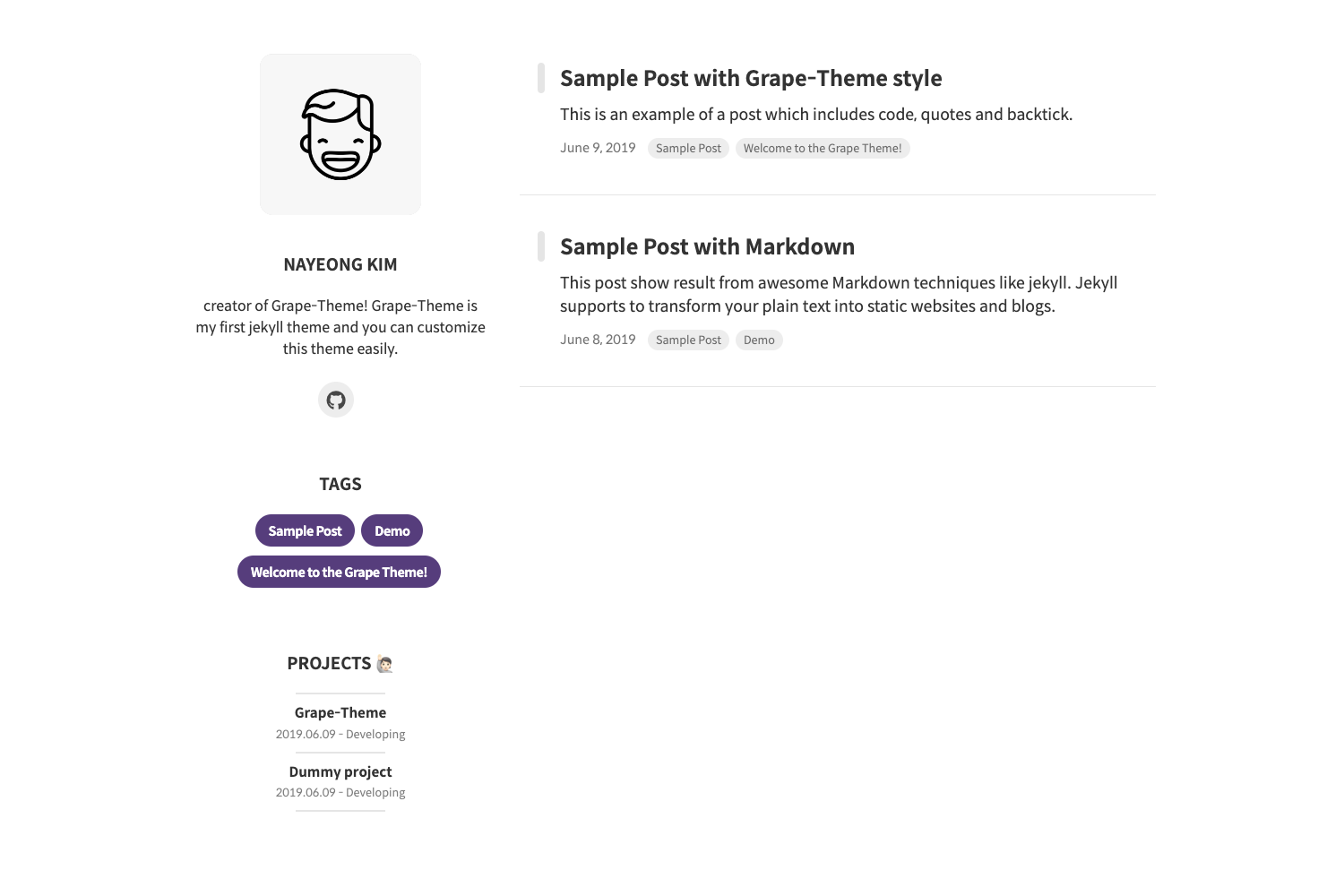
Template details
portfolYOU
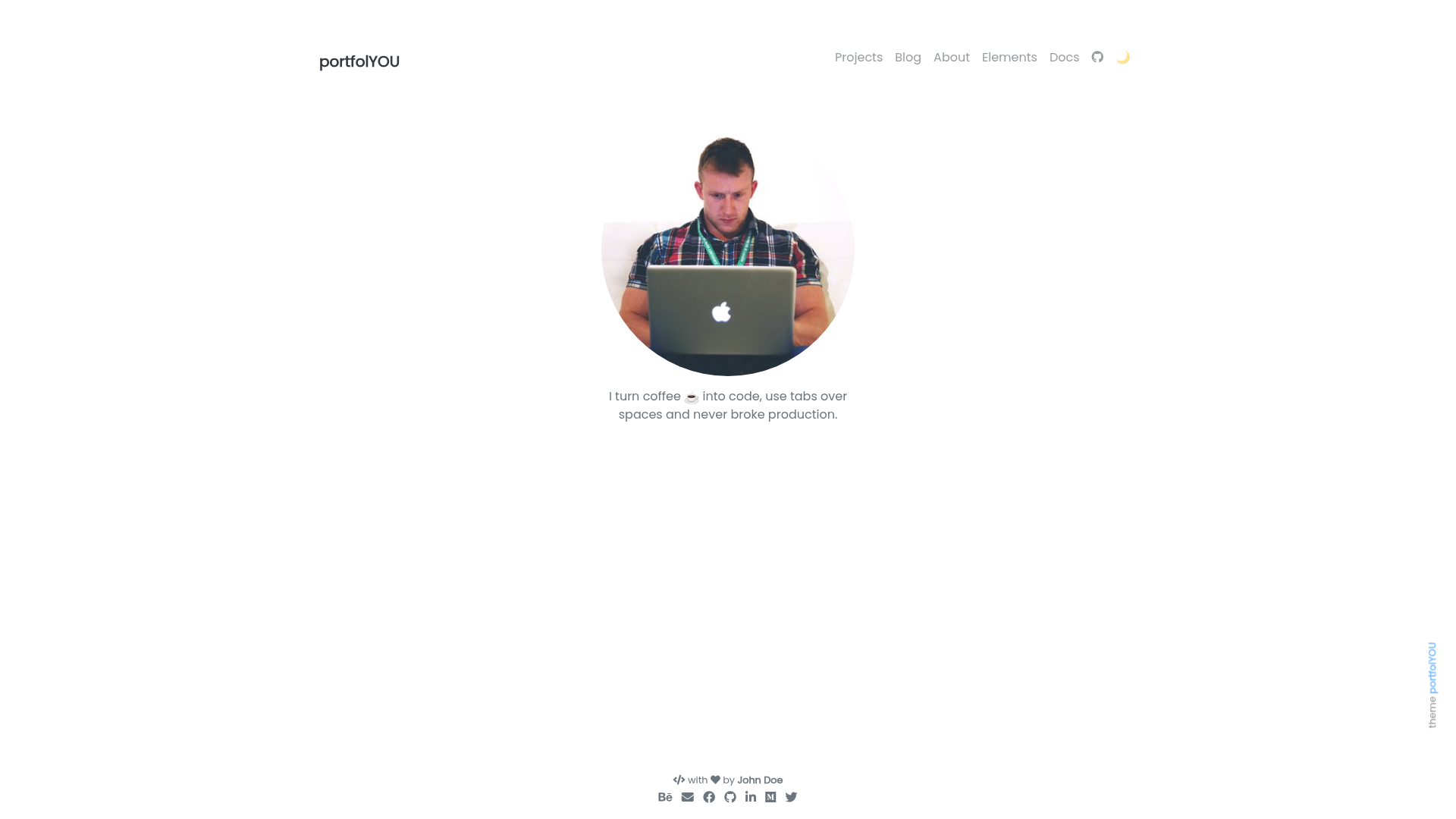
A beautiful portfolio Jekyll theme that works with GitHub Pages.
About this template
portfolYOU is a minimal portfolio Jekyll theme built specifically for GitHub Pages, enabling developers and creatives to publish a personal portfolio site with a blog directly from a GitHub repository. The theme is open-source under the MIT License and maintained by Yousinix, with the live demo and documentation hosted at yousinix.github.io.
What is portfolYOU?
portfolYOU is a Jekyll theme that produces a static portfolio website with an integrated blog, designed to run natively on GitHub Pages. It takes Markdown content and site configuration as input and generates a minimal, clean personal site showcasing projects and posts. The theme is tagged with "blog-theme" and "portfolio-website", indicating its dual role, and has earned roughly 1,167 GitHub stars.
Key Features
- GitHub Pages integration — The theme works directly with GitHub Pages, so the output can be hosted for free from a GitHub repository without separate hosting.
- Minimal design — A clean, minimal aesthetic for portfolios, based on the repository's "minimal" topic tag.
- Blog support — Includes a blog section (the repo is tagged "blog-theme"), letting you publish articles and updates alongside your project gallery.
- Portfolio layout — The theme centers on displaying a personal portfolio, with structure for project showcases and personal information, matching its "portfolio-website" tag.
- MIT License — Free to use, modify, and reuse for personal or commercial sites.
- Live demo — The theme has a public live demo (yousinix.github.io/portfolYOU) to preview the default look.
- Documentation site — A dedicated docs site (yousinix.github.io/portfolYOU/docs/) covers installation, configuration, and customization.
Who is portfolYOU for?
- Independent developers and designers — who want a portfolio site without hand-coding an entire site; they can fork or add the theme and fill in their data.
- Technical bloggers — who need a blog alongside a portfolio to share tutorials, case studies, or project updates in a minimal layout.
- GitHub-centric users — who prefer to manage their website as a repository and deploy automatically via GitHub Pages.
Use cases
- Freelance developers: build a portfolio to show off past work and link to live projects, using the blog for client-facing updates.
- Students and junior developers: create a professional profile for job applications, highlighting projects and technical writing.
- Open-source contributors: present a curated overview of their GitHub activity and repositories through a clean, minimal theme.
Pricing
portfolYOU is free and open source, released under the MIT License. There are no tiers or premium versions; the theme and its documentation are available at no cost.
FAQ
Is portfolYOU free?
Yes, portfolYOU is open source under the MIT License, so it is free to download, use, modify, and even include in commercial projects. You only need to maintain the copyright notice.
Does portfolYOU work with GitHub Pages?
Yes, the theme is made specifically for GitHub Pages. You can set portfolYOU as your Jekyll theme in the site's configuration file and publish through GitHub Pages, which builds the site on every push.
What license does portfolYOU use?
portfolYOU is licensed under the MIT License, a permissive open-source license that allows free use, modification, and distribution with attribution. It also appears in the repository's license file.
Can I write a blog with portfolYOU?
Yes, portfolYOU includes blog capabilities. The repository is tagged as a "blog-theme", and the theme integrates a blog section into the portfolio site so you can publish posts in Markdown.
Do I need to know Jekyll to use portfolYOU?
Basic familiarity with Jekyll helps, but because the theme is built for GitHub Pages, you can follow the documentation and configure everything through the _config.yml file. Jekyll is already available in the GitHub Pages environment.