Template details
Nebulix
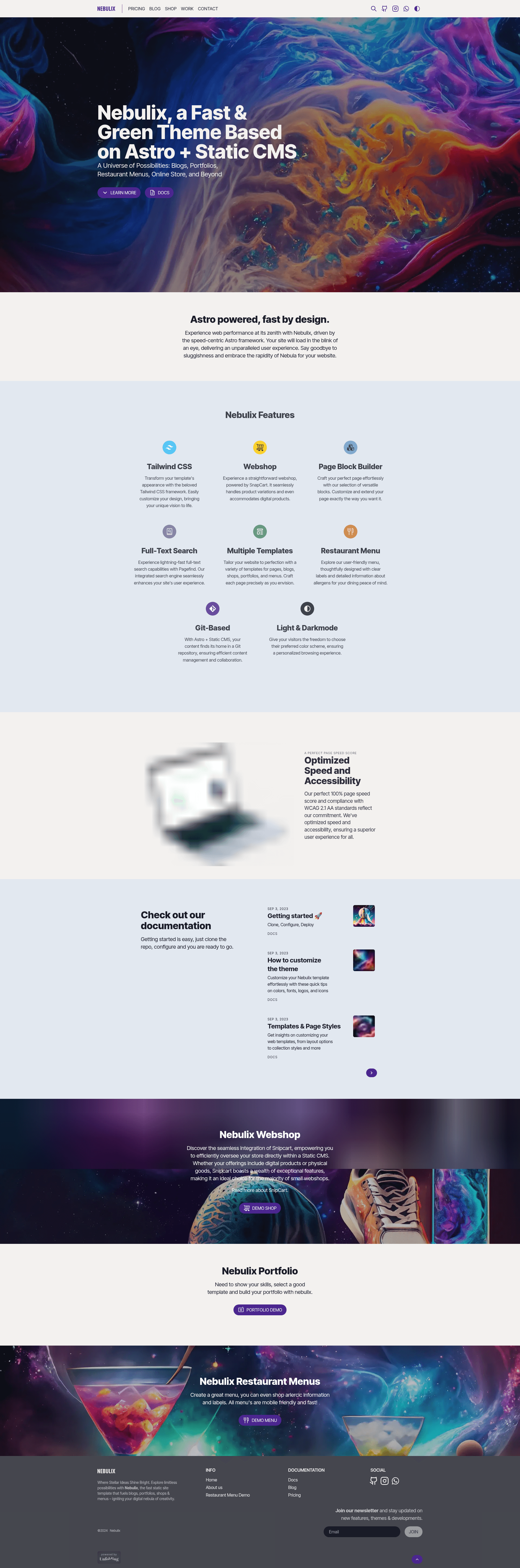
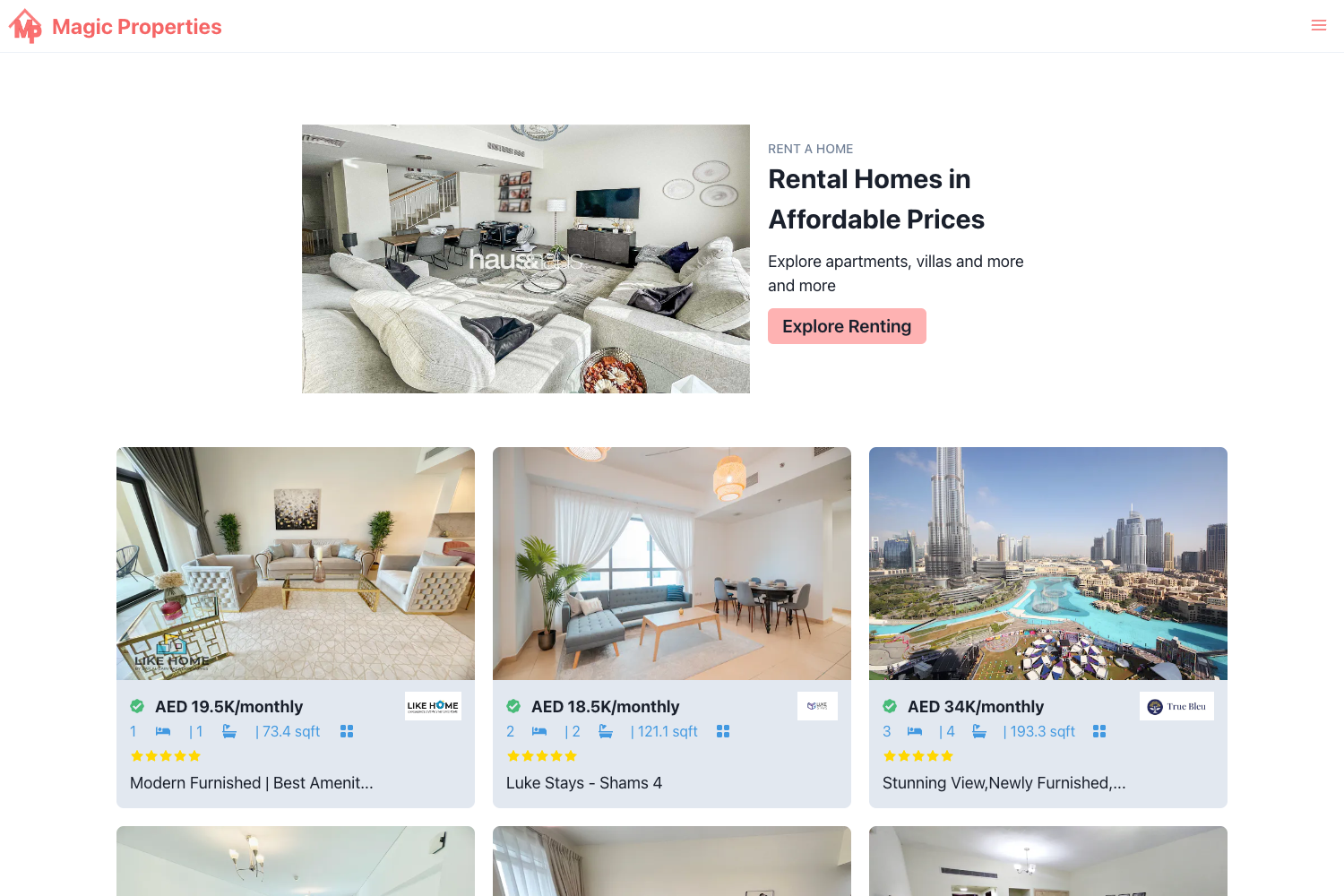
Nebulix is a fast, low-emission Astro theme with Static CMS, Snipcart ecommerce, blog, portfolio, restaurant menu, and webshop sections.
About this template
Nebulix is an Astro theme built with Static CMS and Snipcart that ships with blog, portfolio, restaurant menu, and webshop sections in a single repository.
What is Nebulix?
Nebulix is a fast, low-emission Astro theme for content-driven websites that uses Static CMS for editing and Snipcart for ecommerce. It takes Markdown and MDX content collections as input and generates a static site with blog, portfolio, restaurant menu, and webshop pages as output. The theme runs on Astro, is styled with TailwindCSS, and also integrates Pagefind for full-text search, Mailchimp for newsletter subscriptions, and Mailgun or Postmark for transactional email. It is developed by unfolding.io and released under a CC BY-ND 4.0 license.
Key Features
- Blog, Portfolio, Webshop, and Menu sections — The theme includes content collections and page templates for four distinct content types, all configurable via environment variables like BLOG_SLUG, PORTFOLIO_SLUG, SHOP_SLUG, and MENU_SLUG.
- Snipcart-powered Webshop — Add a shopping cart to the site via Snipcart, a JavaScript-based ecommerce integration; you only need to supply your Snipcart public key in the
.envfile. - Static CMS backend — Content editing runs through Static CMS, which supports GitLab, GitHub, and other Git backends; you configure the backend in
src/pages/admin.astro. - Pagefind full-text search — Visitors can search the entire site with Pagefind, a static search solution that works without a server.
- SEO and sitemap support — Canonical URLs, OpenGraph tags, and sitemap generation are built in to help search engines index the site.
- Markdown and MDX content — Write posts, portfolio items, products, and menu entries in Markdown or MDX, giving you component-level flexibility.
- Mailchimp newsletter form — A newsletter signup form is included; you configure Mailchimp API key, server prefix, and list ID through environment variables.
- High performance and low emissions — The theme reports 0.05g–0.07g CO2 per page visit and Lighthouse scores between 98 and 100.
Who is it for?
Nebulix suits independent developers, designers, and small business owners who want a single codebase to run multiple content needs. Bloggers can publish articles with Markdown, photographers and designers can showcase a portfolio, restaurants can publish a menu, and small retailers can sell products through Snipcart. It also appeals to developers who want a customizable Astro starter with a CMS admin panel and a pre-configured deployment flow for Netlify.
What can you do with Nebulix?
- Restaurant owners: Publish a menu as a content collection and map it to the MENU_SLUG, then update dishes through Static CMS without touching code.
- Freelance designers and photographers: Set up a portfolio by adding projects to the portfolio content collection and customizing the portfolio page template.
- Small online sellers: Launch a webshop by configuring the SHOP_SLUG and adding Snipcart product metadata to each product markdown file.
- Content creators: Run a blog with built-in full-text search and a Mailchimp signup form to grow an email list.
How does Nebulix work?
First, rename the env.txt file to .env and fill in the required values such as site slugs, language, currency, and API keys. Next, open src/pages/admin.astro and set your Git repository details for Static CMS, then add your production URL to the Astro config. After that, run npm install and npm run dev to start the local development server. For local CMS editing, run npm run cms-proxy-server and open http://localhost:4321/admin/ in a browser.
Pricing
Nebulix is free to use under a CC BY-ND 4.0 license, which requires attribution. If you want to remove the attribution, you can purchase a license from the Nebulix shop at nebulix.unfolding.io. The developer also offers paid premium support and custom development services through email and UpWork.
FAQ
Is Nebulix free?
Yes, Nebulix is released under the CC BY-ND 4.0 license, so you can use it at no cost as long as you keep the attribution. If you want to remove the attribution requirement, you need to purchase a license from the Nebulix shop.
What is the tech stack of Nebulix?
The theme is built with Astro, Vue, and TailwindCSS. It integrates Static CMS for content management, Snipcart for ecommerce, Pagefind for site search, and Mailchimp for newsletters. On the backend side it supports Mailgun and Postmark for email and Slack for notifications.
How do I deploy Nebulix to Netlify?
Nebulix includes a one-click deploy button for Netlify. You can also deploy manually by connecting the GitHub repository to Netlify and setting environment variables like BLOG_SLUG, PORTFOLIO_SLUG, SHOP_SLUG, MENU_SLUG, WEBSITE_LANGUAGE, CURRENCY, and the Snipcart public key.
Is this theme production-ready?
The theme is currently under development and updated on GitHub with a public repository. Until version 1.0.0, upgrading the theme may introduce breaking changes, so it is wise to test upgrades before applying them to a production site.