Template details
React + TypeScript + Vite
Minimal React + TypeScript + Vite starter with HMR and ESLint, ready to deploy on Vercel.
About this template
React + TypeScript + Vite is a minimal starter template from Vercel's examples repository that scaffolds a React application with TypeScript and Vite, featuring Hot Module Replacement and preconfigured ESLint rules for immediate development and one-command deployment.
What is React + TypeScript + Vite?
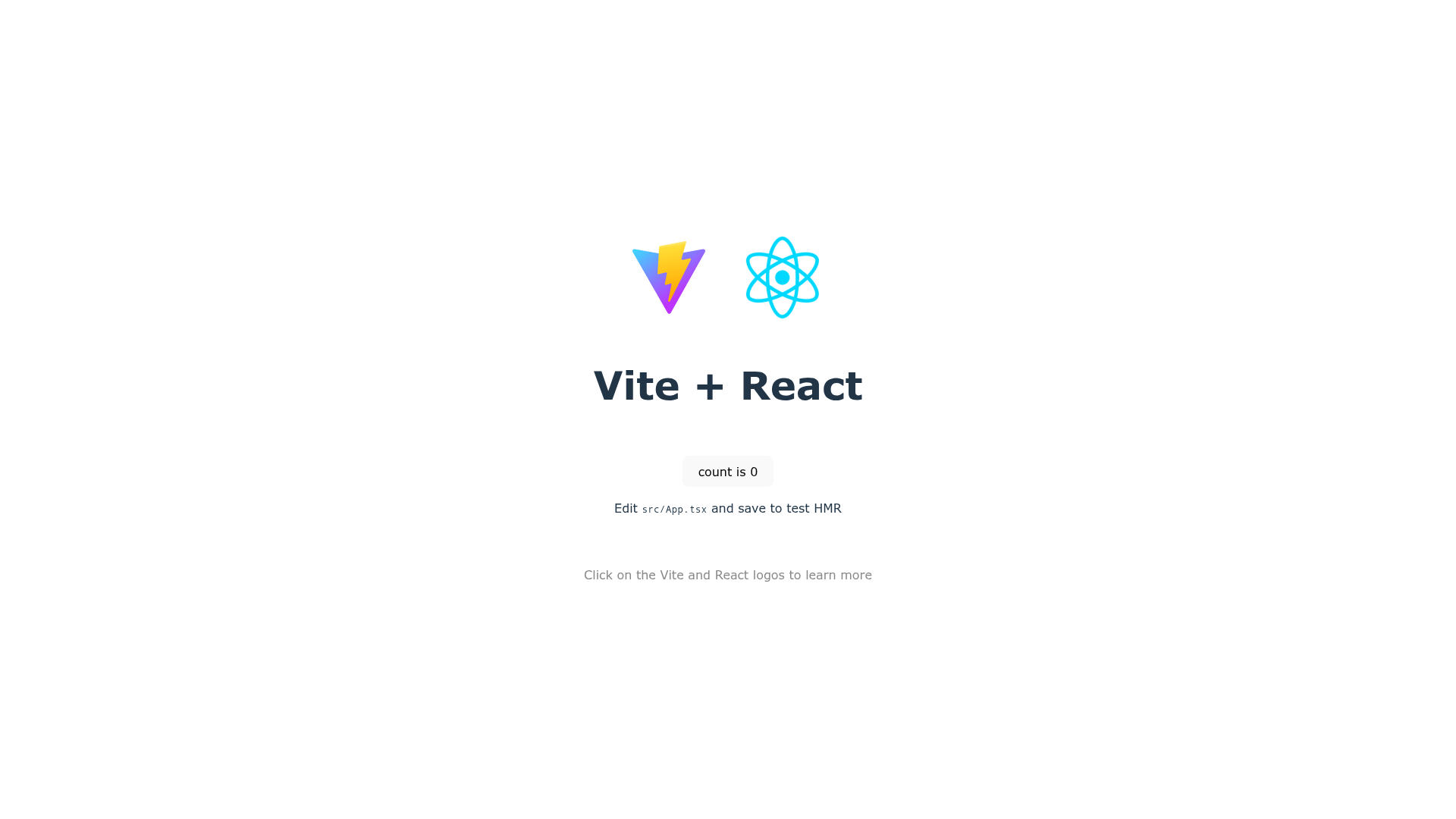
React + TypeScript + Vite is a boilerplate project that combines the React library, TypeScript for static typing, and Vite as the frontend build tool. The template produces a ready-to-run web application with a live example hosted at https://vite-react-example.vercel.app. It is maintained by Vercel as part of its public collection of examples and solutions, accessible through the GitHub repository at https://github.com/vercel/examples.
What makes this template stand out?
The template focuses on a minimal setup, including only the essentials needed to start a React project with modern tooling. It uses Vite, which is known for fast development server startup and Hot Module Replacement, so changes appear instantly during development. The project comes with TypeScript preconfigured and some ESLint rules, providing basic error checking out of the box. A notable convenience is the one-click deployment: a Deploy with Vercel button that clones the template and creates a new Vercel project automatically. For terminal users, the Vercel CLI allows deploying by simply running the vercel command in the project directory.
- Minimal scaffold — A minimal setup to get React working in Vite with HMR and ESLint rules.
- Hot Module Replacement — Vite's dev server enables live reloading of components during development.
- TypeScript support — The template is preconfigured with TypeScript to add static types to React code.
- ESLint integration — Some ESLint rules are included to catch common problems in the code.
- One-click Vercel deployment — Use the Deploy with Vercel button to instantly clone and deploy the template to Vercel.
- CLI deployment — Run
vercelin the terminal to deploy the project from your local machine.
Who should use this template?
This template suits developers who want to begin a React project without spending time on build configuration. It also helps teams that rely on Vercel for hosting and need a simple base to start from. Additionally, anyone wanting to learn how React, TypeScript, and Vite fit together can use this minimal codebase as a reference.
What can you do with this template?
- Frontend developers: Create a new React + TypeScript application and immediately benefit from Vite's fast HMR development experience.
- Vercel users: Deploy the project with one click to obtain a live URL and evaluate Vercel's hosting workflow.
- Learners: Use the minimal setup to understand the core structure of a React project built with Vite and TypeScript.
How does deployment work?
Deployment is handled entirely by Vercel. You can click the Deploy with Vercel button, which clones the template repository and creates a new project in your Vercel account. Alternatively, install the Vercel CLI and run the vercel command from your project's terminal to deploy directly from the command line. A live example of the deployed result is available at https://vite-react-example.vercel.app.
FAQ
Is this template free to use?
Yes, it is part of Vercel's public examples repository, so you can clone and reuse it for your own projects. The template is open to anyone with a GitHub account, and deploying to Vercel uses Vercel's standard hosting plans.
How do I deploy this template?
Click the Deploy with Vercel button in the repository, which takes you to Vercel's project creation flow with the template pre-filled. You can also install the Vercel CLI, run vercel in the project directory, and follow the prompts to deploy.
What boilerplate is included?
The template provides a minimal React + TypeScript + Vite setup, including Vite's dev server with HMR, a TypeScript configuration, and ESLint rules. It does not include styling frameworks, state management, or routing, keeping the starter as lean as possible.
Can I use Vite with other frameworks?
Vite supports many popular JavaScript frameworks, as noted in the template's description. However, this specific template is configured for React and TypeScript, so adapting it to another framework would require additional setup.