Template details
Next Image With State
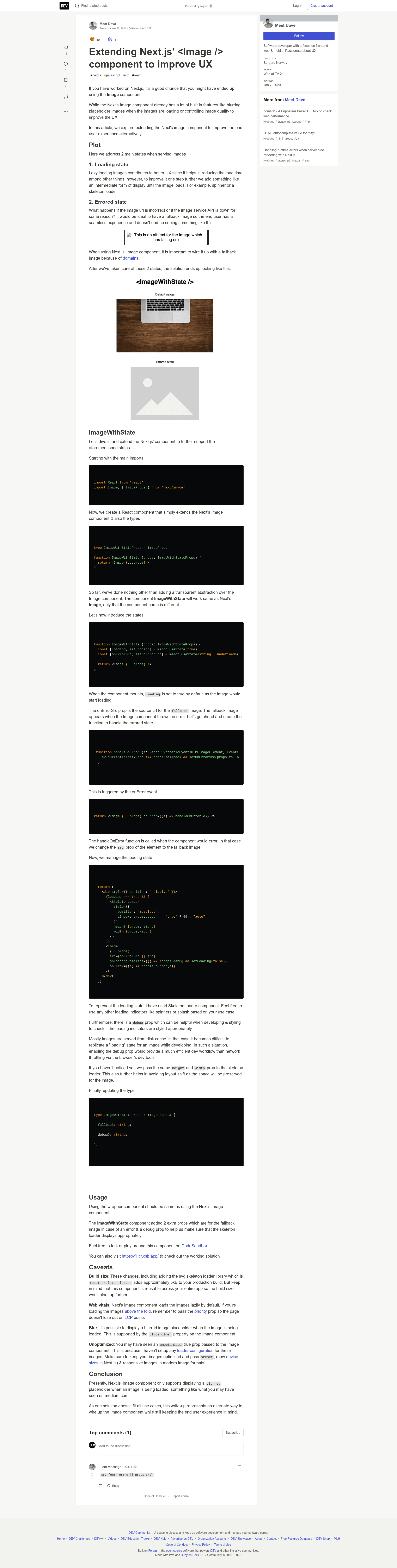
Extending Next.js' <Image /> component to improve UX
About this template
Next Image With State is a small open-source Next.js library that improves image-loading UX by extending the built-in Image component to show a skeleton loader while an image loads and a fallback image when the browser fails to load it.
What is Next Image With State?
Next Image With State is a drop-in extension of Next.js' Image component that adds two loading-state behaviors: a SkeletonLoader while an image is loading and a fallback image when loading errors. It runs on Next.js projects, takes the same props as Next's Image component plus two new props, and outputs the rendered image with loading and error states handled. The repository is listed with the topics next-image, nextjs-blog, nextjs-template, and ux, and currently has 2 stars.
Key Features
- Drop-in API — Use
ImageWithStateexactly like Next'sImagecomponent; all existing Image props continue to work. - Skeleton loader — A built-in SkeletonLoader displays while the image is loading, so the page shows layout feedback instead of a blank area.
- Fallback image prop — A
fallbackprop (string, required) takes the path of the image to display when the browser fails to load the original. - Debug prop — A
debugprop (boolean, optional) makes it easy to see how the SkeletonLoader is positioned and styled, helpful while tuning layout. - Improved UX — Handles the two common failure states (loading and error) that Next.js' stock Image component does not style by default.
Who is it for?
- Next.js developers — Replace Image with ImageWithState in any component to get loading skeletons and error fallbacks without writing state logic.
- Next.js blog authors — The repository's topics include nextjs-blog, so it targets blogs where images are prominent and slow loads are common.
- Teams standardizing image UX — A small wrapper that can be adopted across a codebase so every image handles loading and errors consistently.
What can you do with Next Image With State?
- Frontend developers: swap
<Image />for<ImageWithState />and pass afallbackpath to get skeleton loading and broken-image handling. - Blog maintainers: keep hero and in-post images from showing broken image icons by setting a branded fallback image.
- UI engineers: use the
debugprop to inspect and adjust the SkeletonLoader's positioning and styling before shipping.
How does Next Image With State work?
The package wraps Next.js' Image component so the same API is preserved and adds two props. When the image begins loading, the SkeletonLoader renders; if the browser fails to load the image, the fallback prop's path is shown instead. The debug prop toggles visual aids for the skeleton's position and style.
FAQ
Is Next Image With State free?
The repository is public on GitHub, and no pricing or licensing details are listed on the page.
What props does it add beyond Next's Image component?
It adds fallback (string, required) for the fallback image path and debug (boolean, optional) to visualize how the SkeletonLoader is positioned and styled.
What happens when an image fails to load?
When the browser fails to load the image, ImageWithState displays the image at the path given in the fallback prop instead of showing a broken-image placeholder.
Does it replace Next.js' Image component in my code?
You can use ImageWithState the same way you use Next's Image component, so existing Image props keep working and only the component name changes.