Template details
Next + Netlify Starter
A one-click starter project for Next and Netlify
About this template
The Next + Netlify Starter is a minimal boilerplate that pairs a Next.js v16 project with one-click deployment to Netlify, giving developers a working React foundation with server-side rendering, incremental static regeneration, and internationalized routing.
What is the Next + Netlify Starter?
The Next + Netlify Starter is a minimal Next.js project bootstrapped with create-next-app and pre-configured for instant deployment on Netlify. It takes a fresh Next.js codebase and adds the necessary configuration to publish a live site, producing a production-ready deployment with Netlify’s built-in features.
The template was created by the Netlify templates team and includes 2 sample components, a global stylesheet, a netlify.toml file for deployment configuration, and a jsconfig.json for absolute imports and aliases. The codebase is intentionally small so developers can replace the demo files without wading through extensive starter templates.
Key Features
- One-click deploy — The Deploy to Netlify button creates a new GitHub repository that mirrors this starter and immediately wires it up for Netlify deployment, so no manual build configuration is needed.
- Server-side rendering and ISR — When deployed, the template supports server-side rendering and incremental static regeneration through Netlify Functions, allowing dynamic content with static performance.
- Preview Mode — Netlify's Preview Mode is automatically enabled, letting you test draft content and branch deploys before publishing.
- Internationalized routing — Deployments automatically get internationalized routing support, so you can serve content for multiple locales without extra setup.
- Absolute imports and aliases — The included jsconfig.json sets up path aliases, so you can import components and utilities without deep relative paths.
- Testing with Cypress — Cypress is configured to run browser tests against the template, and a Cypress Netlify Build Plugin runs these tests during the Netlify build process.
- Dependency updates with Renovate — A renovate.json file configures Renovate to regularly update dependencies; it can be removed by deleting the file.
Who should use the Next + Netlify Starter?
Developers who want a no-frills Next.js project that deploys to Netlify in one click will find this starter useful. Teams evaluating Netlify's serverless features can use the template to see how SSR, ISR, and Preview Mode behave in a minimal codebase. It is also a good base for building a custom React application where you control the folder structure and dependencies from the start.
What can you do with it?
- Launch a Next.js site instantly — Use the one-click deploy button or clone and connect to Netlify to get a live URL in minutes.
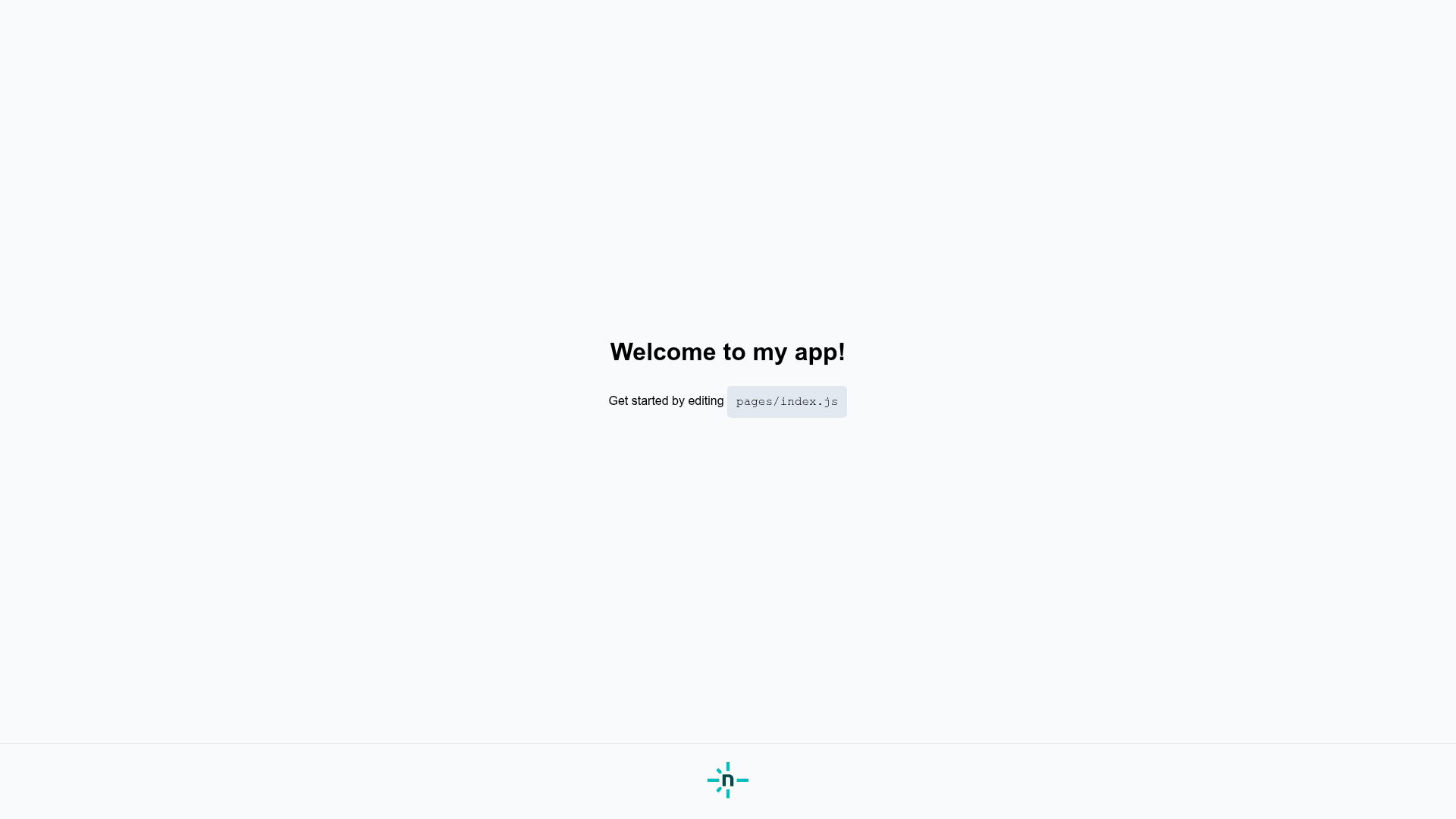
- Develop locally with hot reloading — Run npm run dev or yarn dev, open localhost:3000, and edit pages/index.js to see changes apply immediately.
- Run browser tests in your CI pipeline — The included Cypress setup can be run locally, or through the Netlify Build Plugin to validate your site during deployment.
How does the Next + Netlify Starter work?
The repository is a standard Next.js app with a netlify.toml file that tells Netlify how to build and publish the site. When you use the one-click deploy button, Netlify copies the repository, creates a new site, and triggers a build using those settings. The starter also includes jsconfig.json for import aliases, and it relies on Netlify Functions to enable SSR and ISR features.
FAQ
Is the Next + Netlify Starter free to use?
Yes, the template is open source and the one-click deployment path uses Netlify's free tier by default. Your running site will be subject to Netlify's free tier limits, and you can upgrade to a paid plan if you need more bandwidth or build minutes.
Does this starter use server-side rendering?
Yes, when deployed to Netlify, the template is configured to use Netlify Functions to handle server-side rendering and incremental static regeneration. This means pages can be generated dynamically at request time or updated incrementally without rebuilding the whole site.
Can I use this starter with Vercel?
The Next.js app itself is portable, but the template is pre-configured for Netlify with a netlify.toml file and Netlify-specific features like Functions and Preview Mode. To deploy on Vercel, you would need to adjust the deployment configuration and would lose the Netlify-specific integrations.
How do I remove the built-in testing tooling?
You can delete the Cypress configuration and related files, and remove the Cypress Netlify Build Plugin from your Netlify build process. Renovate is removed by deleting renovate.json and committing that change to your main branch.