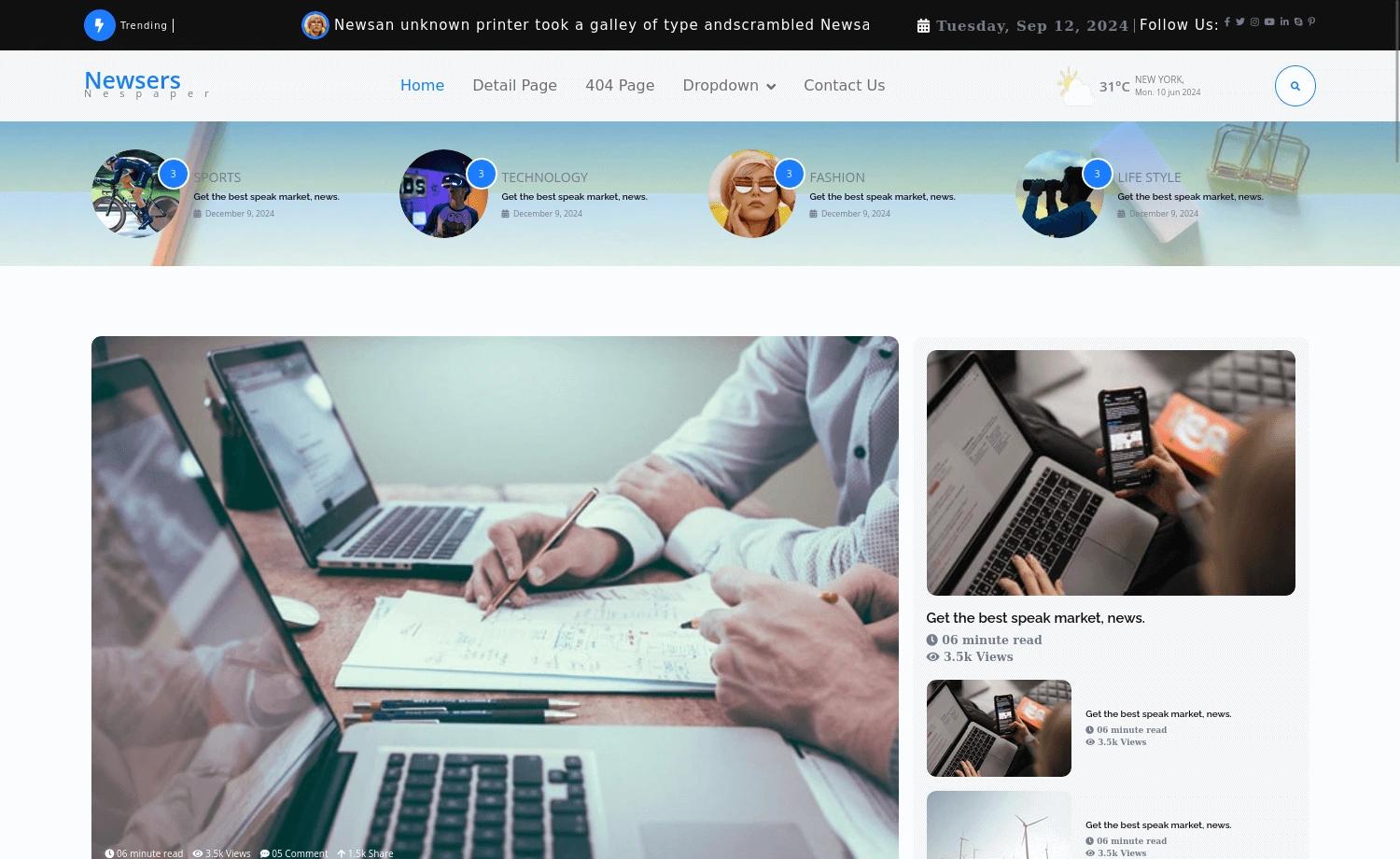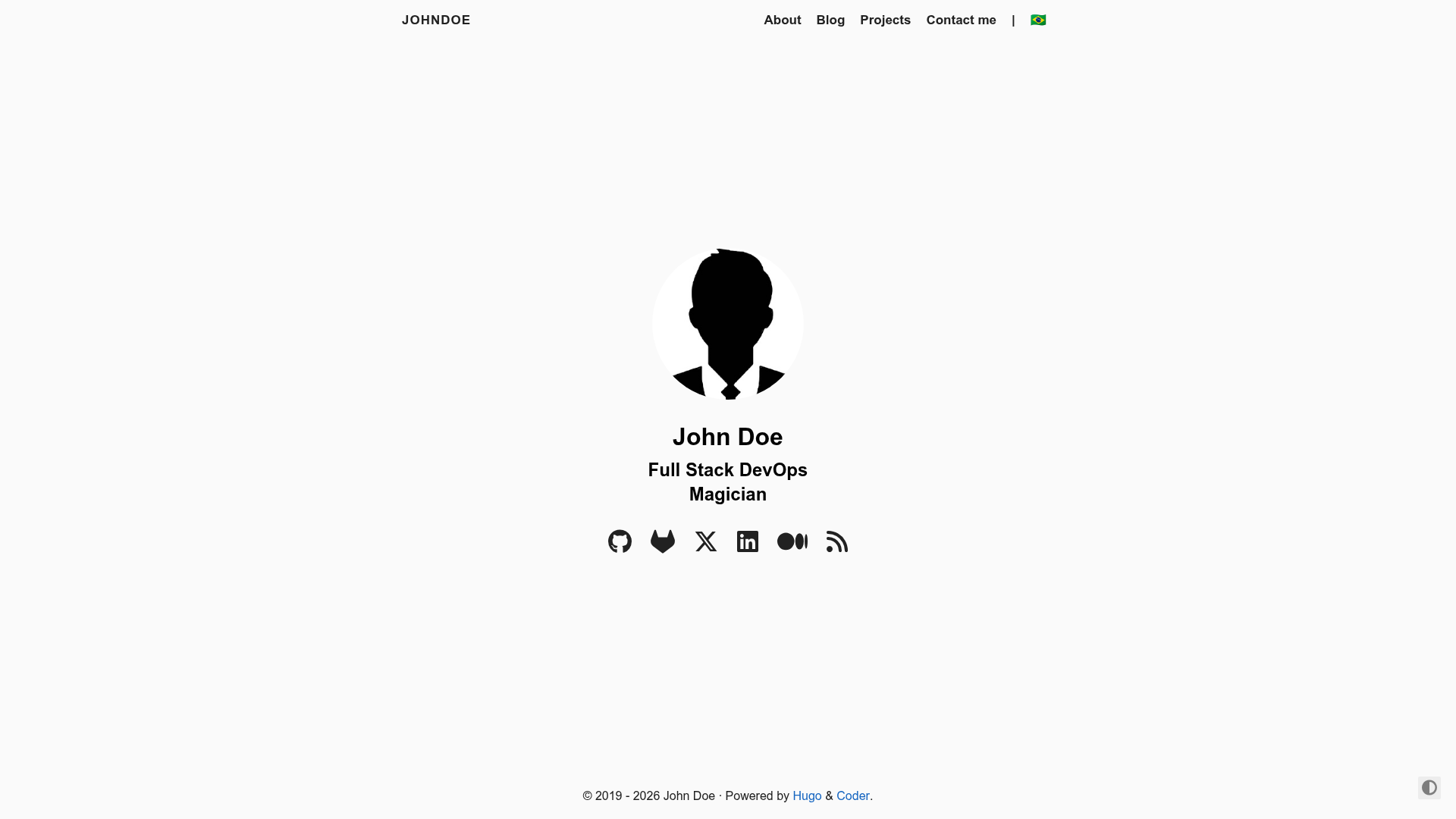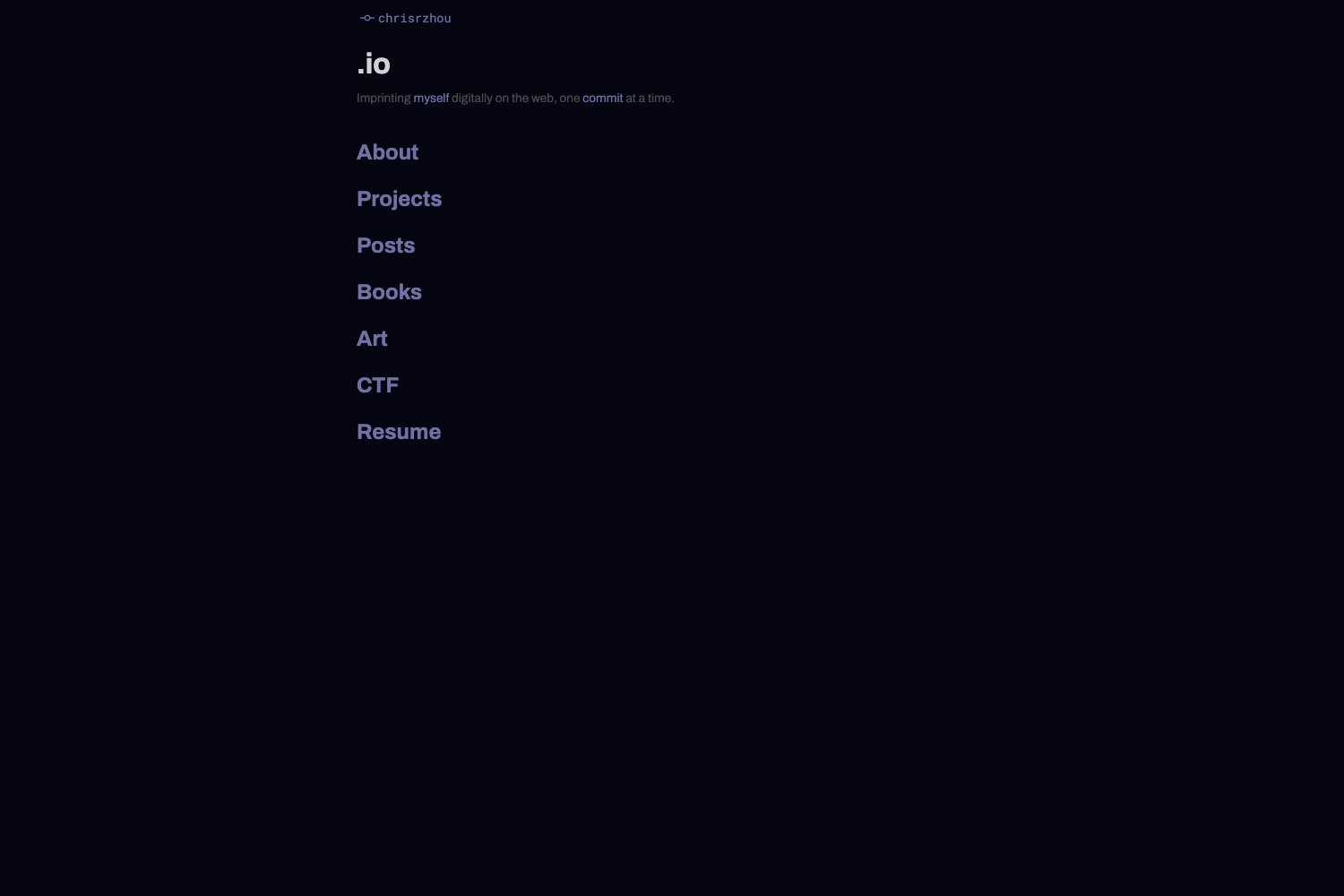
Template details
Next Tinacms Blog Kit
Blog Starter for your next blog, portfolio or online publication using Next.js, Tina CMS and Tailwind CSS.
About this template
Next Tinacms Blog Kit is a free, open-source blog starter by MakerKit that combines Next.js, Tina CMS, MDX, and Tailwind CSS into a deploy-ready blog with an inline editing workflow. It produces a statically generated Next.js site with a Tina admin panel, automatic sitemap and RSS, and dark and light themes from a single configuration file.
What is Next Tinacms Blog Kit?
Next Tinacms Blog Kit is a starter repository for building blogs, portfolios, or online publications. It takes MDX files as content input, manages them through the Tina CMS admin interface at the /admin route, and outputs a statically generated, SEO-optimized Next.js website. The project is developed and maintained by MakerKit, and it is free to clone from GitHub.
Key Features
Next Tinacms Blog Kit ships with a set of developer-focused features for content editing and deployment.
- Next.js framework — The site is built on Next.js with static generation, TypeScript, and a ready-to-deploy structure for Vercel; the setup includes ESLint and Prettier configuration.
- Tina CMS integration — Content is edited through a Tina admin panel, with live-reloading MDX content during development; the inline editor is lazy-loaded and only appears in production when the URL includes a query parameter named
tina. - MDX content format — Blog posts are stored as MDX files in a
_postsfolder, with frontmatter fields for title, category, author, date, live status, image, and description; category and author references are paths to JSON files. - Tailwind CSS styling — The template uses Tailwind CSS for utility-first styling and ships with both dark and light themes.
- SEO and feeds — Search engine optimization is set up out of the box, and sitemap and RSS feeds are generated automatically.
- Centralized configuration — A single configuration file defines the site name, description, theme color, site URL, social handles, and language, plus the maximum number of read-more posts (default 6).
- Tina Cloud support — You can connect Tina Cloud by adding the
NEXT_PUBLIC_TINA_CLIENT_IDenvironment variable from the Tina dashboard, and the project documents a workaround for using the experimental GraphQL data layer.
Who is it for?
Next Tinacms Blog Kit is aimed at people who want a modern blog without building the content workflow from scratch.
- Bloggers who want a modern React-based blog with a visual admin panel instead of writing Markdown directly.
- Developers who need a portfolio or documentation site and want to keep content in MDX with a Git-based workflow.
- Online publications that require RSS feeds, sitemaps, and clean SEO without building everything from scratch.
What can you do with Next Tinacms Blog Kit?
You can manage a complete blog publishing pipeline from content creation to deployment.
- Write and edit articles through the Tina admin — Access the admin at /admin, create or modify posts, and see live reloads in development.
- Organize content with categories and authors — Add categories as JSON files with a name and either an emoji or a picture, and authors with a name, picture, and URL; then reference those files in each post's frontmatter.
- Customize the site and themes — Update the global configuration file to set site metadata, social links, and language; switch between dark and light themes.
- Deploy to Vercel — Push the repository to a Vercel project; the template includes a configuration that works with Vercel's Next.js deployment pipeline.
How does it work?
To get started, clone the repository, run npm install, then initialize Tina with npx @tinacms/cli init (declining the prompt to override _app.tsx). Copy the contents of schema.template into schema.ts, add the --experimentalData flag to the dev/build/start commands, and run npm run dev. You can then access the blog at localhost:3000, the Tina admin at localhost:3000/admin, and the GraphQL playground at localhost:4001/altair.
Pros and cons
The starter offers a modern stack with some setup caveats.
- Pros: Free and open-source; based on a popular stack (Next.js, Tailwind, Tina); live-reload editing; SEO, sitemap, and RSS included; strict TypeScript with linting and formatting.
- Cons: The inline Tina editor is not enabled in production unless you add a
tinaquery parameter to the URL, which requires extra configuration for live editing on a live site; the setup requires initialization commands that generate redundant files you may need to remove.
Pricing
The template is free and open-source, with no paid tiers for the starter itself.
FAQ
Is Next Tinacms Blog Kit free?
Yes, the starter is free and open-source. You can clone the repository from GitHub, use it for personal or commercial projects, and modify it. Hosting costs depend on your provider, such as Vercel's free tier.
How do I add a new blog post?
Create a new MDX file in the _posts folder with frontmatter containing a title, the path to a category JSON file, the path to an author JSON file, a date, a live flag, an optional image, and a description. The site will pick it up automatically.
How do I set up Tina CMS for local development?
After cloning and installing dependencies, run npx @tinacms/cli init. When prompted to override the App component, answer no. Copy the schema from schema.template into schema.ts, then run the dev command with the --experimentalData flag and the NODE_ENV=development prefix.
How do I use Tina Cloud with this starter?
Add the NEXT_PUBLIC_TINA_CLIENT_ID environment variable, which you can find in the Tina Cloud dashboard, to your .env file or your hosting provider's settings.
Where is the admin panel?
In development, visit localhost:3000/admin to open the Tina CMS admin. In production, the inline editor is only loaded when the URL contains a query parameter named tina, so you would access something like yoursite.com/post-url?tina=1 to edit in place.