Template details
Next TypeScript SCSS Template
Template for your React applications with Next.JS, TypeScript, SCSS and some cool built-in features
About this template
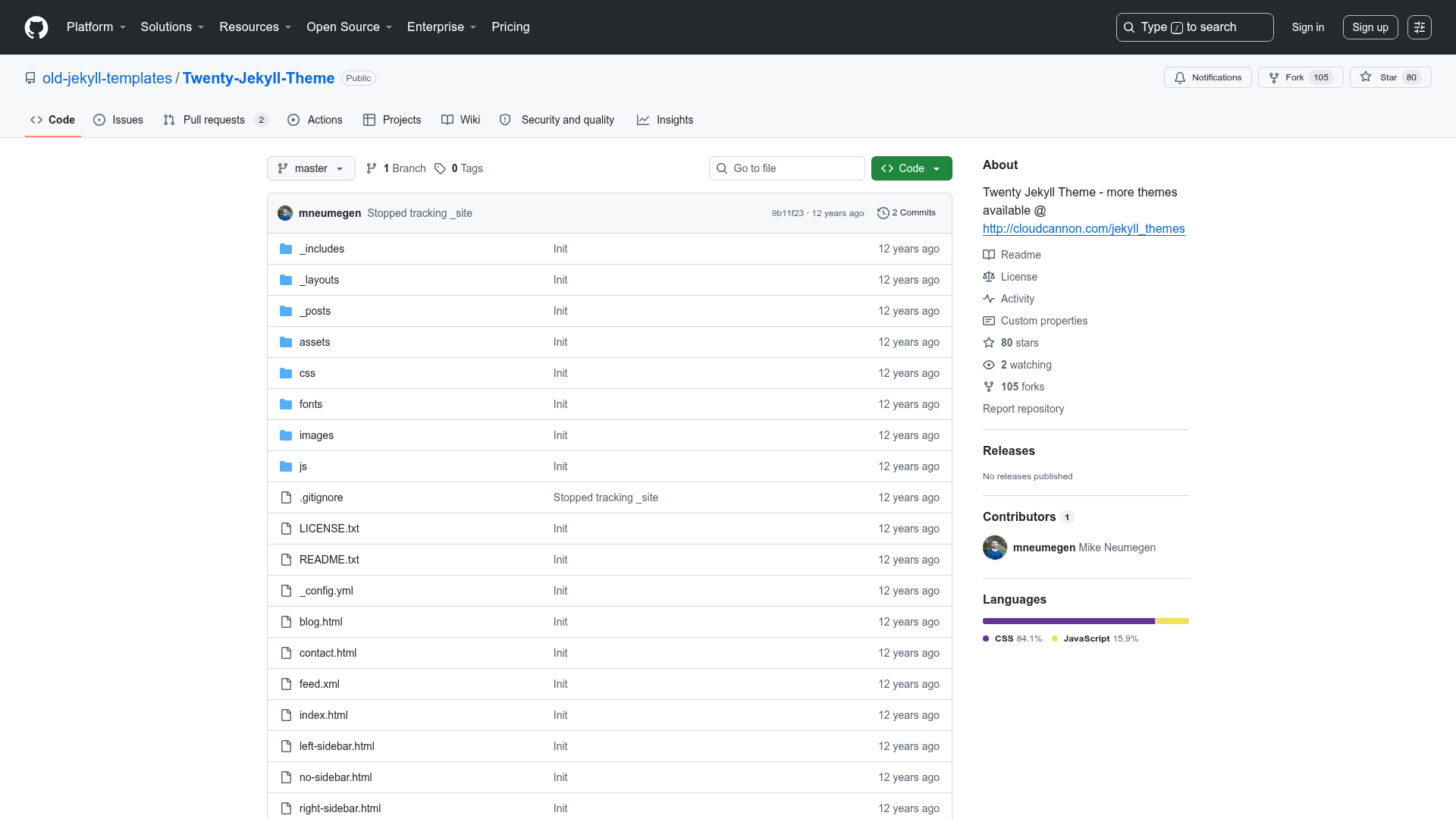
Next TypeScript SCSS Template is a boilerplate repository for React applications that come pre-configured with Next.js, TypeScript, and SCSS, plus utilities and hooks, published on GitHub by elmosmokinweed.
What is Next TypeScript SCSS Template?
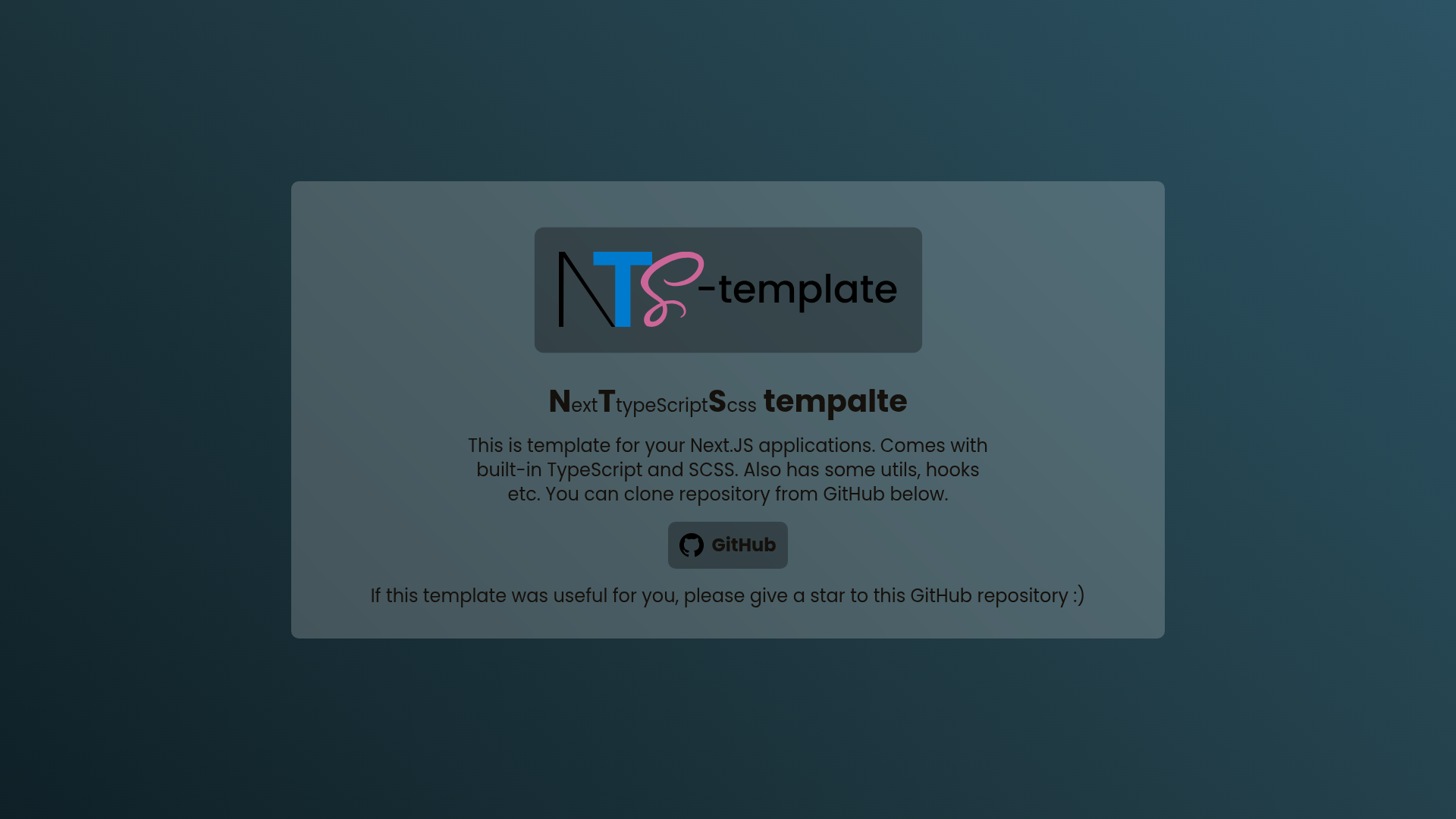
Next TypeScript SCSS Template is an open-source starter project for building React applications with the Next.js framework. It takes TypeScript and SCSS as its two core language and styling choices, so developers get type safety and preprocessor styling without any setup. The repository is hosted on GitHub under the account elmosmokinweed, and a live demo of the template is deployed on Vercel at next-typescript-scss-template.vercel.app. The project is written primarily in TypeScript and currently has 3 stars on GitHub.
Key Features
- Next.js framework — The template is built on Next.js, giving you file-based routing, server-side rendering, and static site generation from the start.
- TypeScript enabled — TypeScript is pre-configured, so all files benefit from static typing and editor autocompletion without additional installation.
- SCSS styling — SCSS is set up as the styling preprocessor, allowing variables, mixins, and nested CSS syntax in your components.
- Utility functions — The repository description mentions that some utils are already included as built-in features.
- Custom hooks — Hooks are also listed as part of the built-in features, giving you reusable logic patterns out of the box.
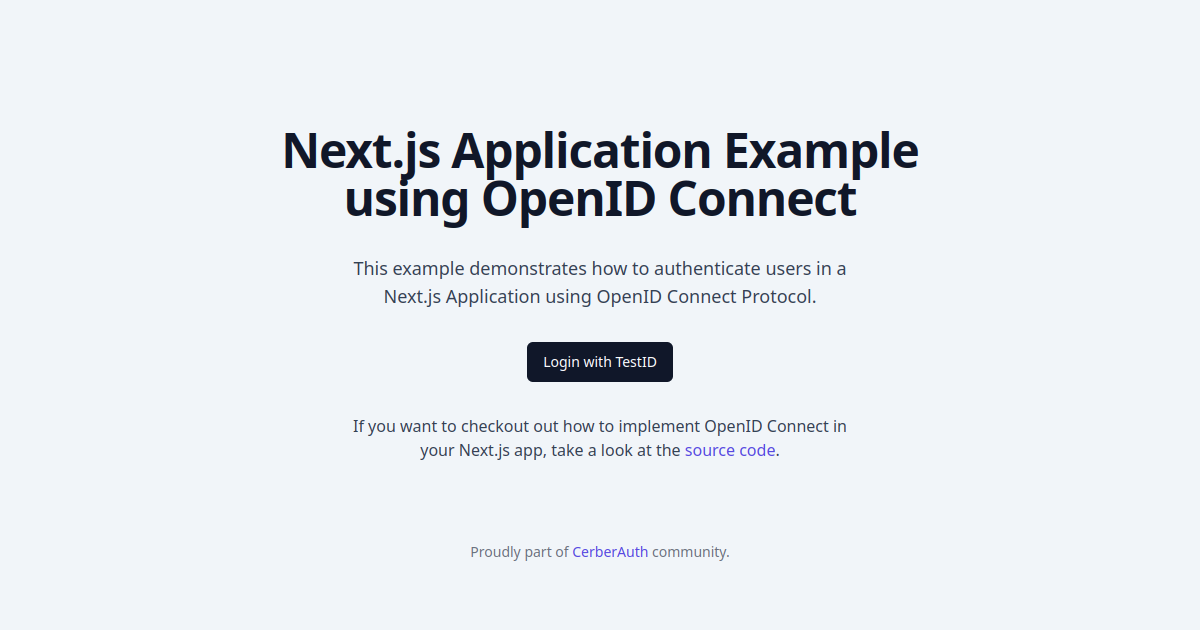
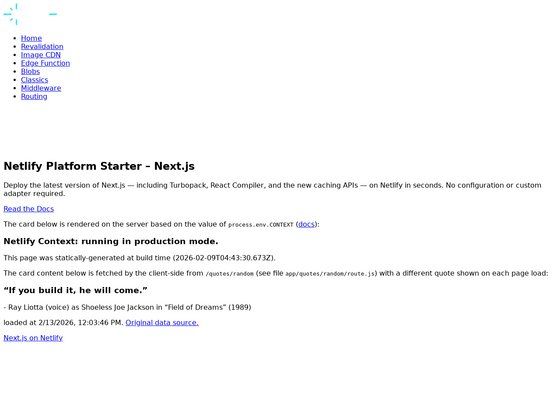
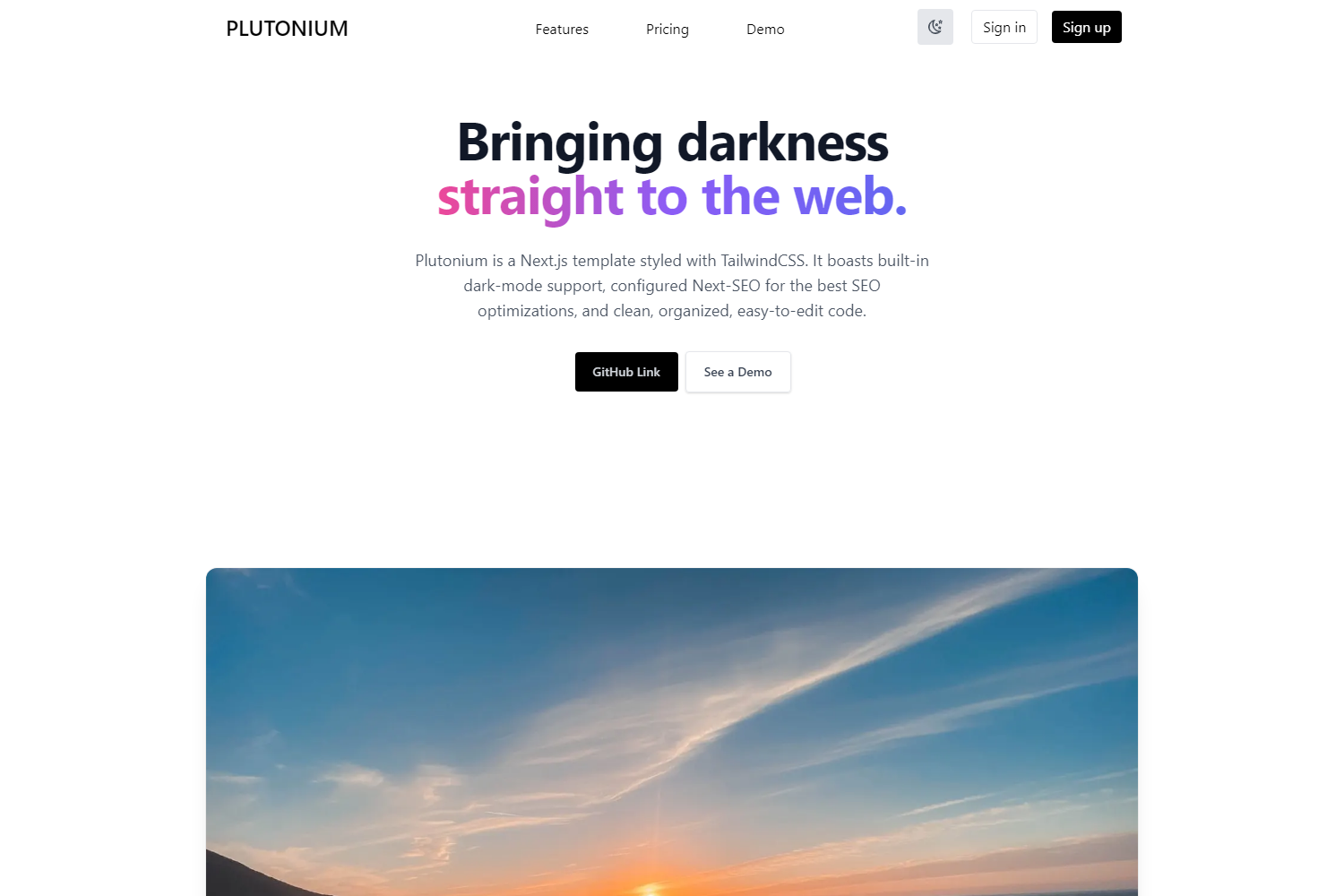
- Vercel deployment example — A live preview is hosted on Vercel, demonstrating how the template looks and runs.
- Public GitHub repository — The full source code is publicly available and the page invites users to clone it and star the repository.
Who is it for?
- React developers who want to start a new Next.js project without manually configuring TypeScript and SCSS.
- Frontend teams looking for a minimal starting base that already includes utilities and hooks for common tasks.
- Developers learning the Next.js ecosystem who want a working example that combines TypeScript, SCSS, and reusable code patterns in one place.
How does Next TypeScript SCSS Template work?
The template is delivered as a GitHub repository that you can clone from the link on the project page. Once you have the code locally, you can build on the pre-configured Next.js, TypeScript, and SCSS setup as your application's foundation. The page does not list specific installation commands, but it points to the repository where all source files live.
FAQ
Is Next TypeScript SCSS Template free?
Yes, the template is open source and publicly hosted on GitHub. The project page asks users to give a star if they find the template useful, indicating it is freely available.
What does Next TypeScript SCSS Template include?
It includes a Next.js project with TypeScript and SCSS already set up, along with some utility functions and custom hooks described as built-in features. The exact contents of the utilities and hooks are not detailed on the page.
Where can I see a demo of the template?
A live demo of the template is deployed on Vercel at next-typescript-scss-template.vercel.app. You can visit that URL to preview the default look of the template.
How do I get the template?
You can get the template by cloning the GitHub repository from the link provided on the project page. The repository is public, so anyone can clone or fork it.
Does the template support JavaScript or only TypeScript?
The project is written primarily in TypeScript, as indicated by the repository's primary language. The template is set up for TypeScript, so it is not a plain JavaScript template.