Template details
Next.js on Netlify Platform Starter
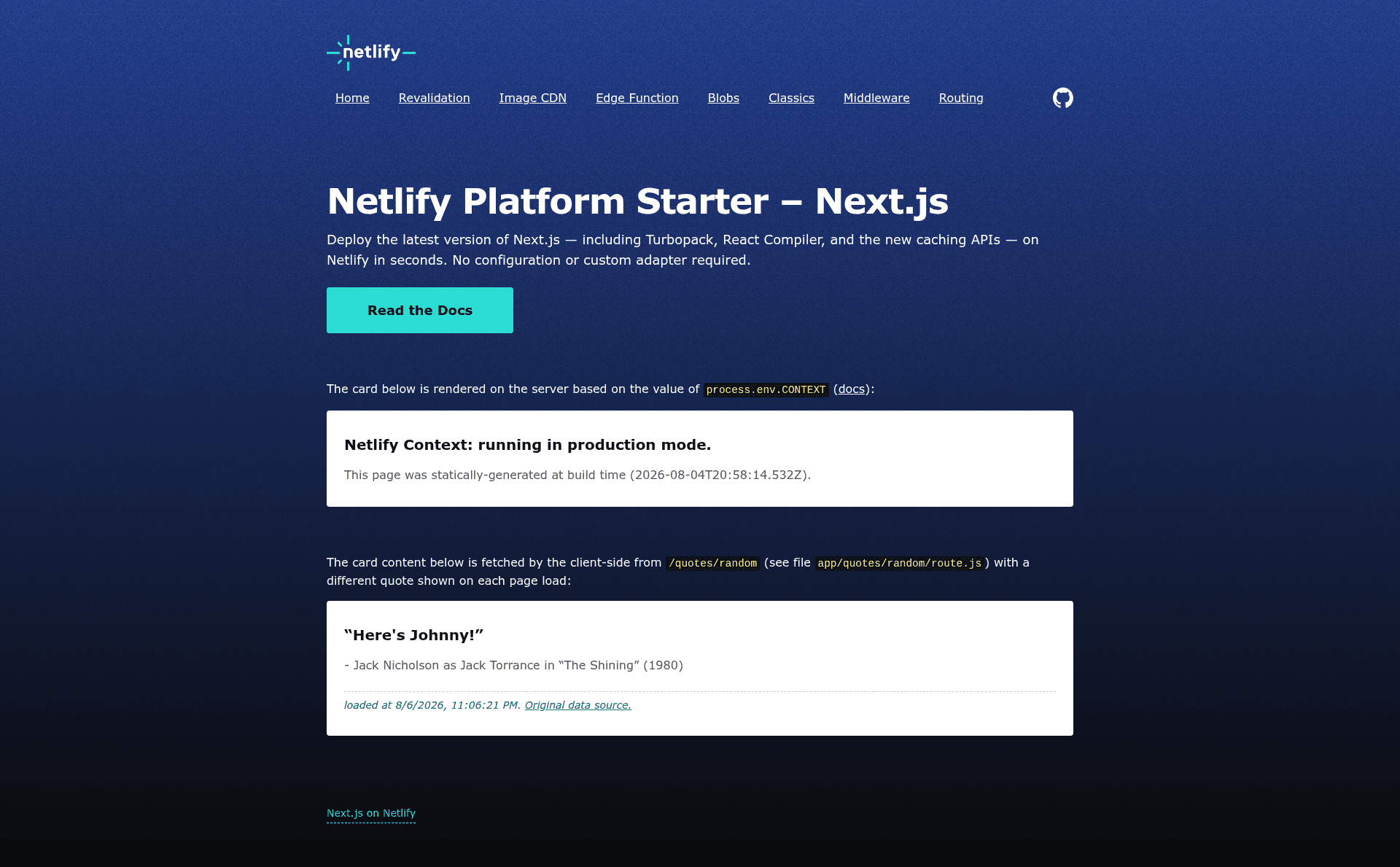
Modern starter based on Next.js 16 (App Router), Tailwind, and Netlify Core Primitives (Edge Functions, Image CDN, Blob Store).
About this template
The Next.js on Netlify Platform Starter is a boilerplate that pairs Next.js 16 (App Router) with Tailwind CSS and Netlify Core Primitives so you can build and deploy a full-stack site on Netlify with edge functions and blob storage wired in.
What is the Next.js on Netlify Platform Starter?
It is a modern starter template built on Next.js 16 with the App Router, Tailwind CSS, and Netlify Core Primitives such as Edge Functions, the Image CDN, and Blob Store. It takes a repository of Next.js code and produces a deployable Netlify site, while also demonstrating how to use Netlify features both implicitly (via Next.js features that work automatically) and explicitly in user code. The template is maintained by Netlify and lives in the netlify-templates GitHub organization.
Key Features
- Next.js 16 and App Router — Uses the latest Next.js version with file-based routing, Route Handlers, and server-side rendering patterns.
- Tailwind CSS — Styling is handled with Tailwind, configured for the project out of the box.
- Netlify Core Primitives — Includes Edge Functions, the Image CDN, and Blob Store, usable both implicitly through Next.js and explicitly in user code.
- One-click deploy — A Deploy to Netlify button instantly forks the repository and sets up a live site on your Netlify account.
- Local development workflow — Provides clear steps to run the site locally using Netlify CLI, with
netlify devserving on localhost:8888. - Documentation link — Points to the official Next.js on Netlify docs for further configuration details.
Who is it for?
- Next.js developers who want a reference implementation of how to combine Next.js with Netlify's platform primitives.
- Netlify users who want to start a new project without manual configuration of edge functions or blob storage.
- Developers evaluating Netlify who want a working example that shows implicit and explicit use of Core Primitives.
What can you do with it?
- Deploy a full-stack Next.js site quickly: Use the deploy button to create a live Netlify app in one click, then extend it with your own routes and components.
- Learn Netlify's Edge Functions and Blob Store: Use the starter's code as a guide for adding server-side logic and persistent storage to your app.
- Prototype Next.js 16 features: Run the starter locally with Netlify CLI to experiment with the App Router and Tailwind without setting up infrastructure.
How does it work?
The template is designed to work with a one-click deployment: clicking the Deploy to Netlify button links the GitHub repository to Netlify and automatically builds and hosts the site. For local development, you clone the repo, run npm install, install the Netlify CLI, link your local copy to the Netlify site, and then run netlify dev, which serves the site at localhost:8888 with the same runtime as the deployed version.
FAQ
Is the Next.js on Netlify Platform Starter free to use?
The template is open source under the netlify-templates organization, and deploying to Netlify uses Netlify's free tier unless you exceed its limits. The starter itself is free to clone and modify.
What Next.js version does this starter use?
The template uses Next.js 16 with the App Router, according to the repository description. It pairs this with Tailwind CSS and Netlify Core Primitives.
How do I deploy this template to Netlify?
Use the Deploy to Netlify button at the top of the repository README. It will fork the repository to your GitHub account and start a new site in Netlify using the template's settings.
Do I need the Netlify CLI to run the site locally?
Yes, to have full functionality locally — including edge functions and the Blob Store — you need an up-to-date version of the Netlify CLI. The README instructs you to install it globally and then run netlify dev.
What are Netlify Core Primitives?
They are Netlify's platform building blocks: Edge Functions for serverless logic at the edge, the Image CDN for optimized images, and Blob Store for persistent object storage. This starter uses them both implicitly and explicitly.