Template details
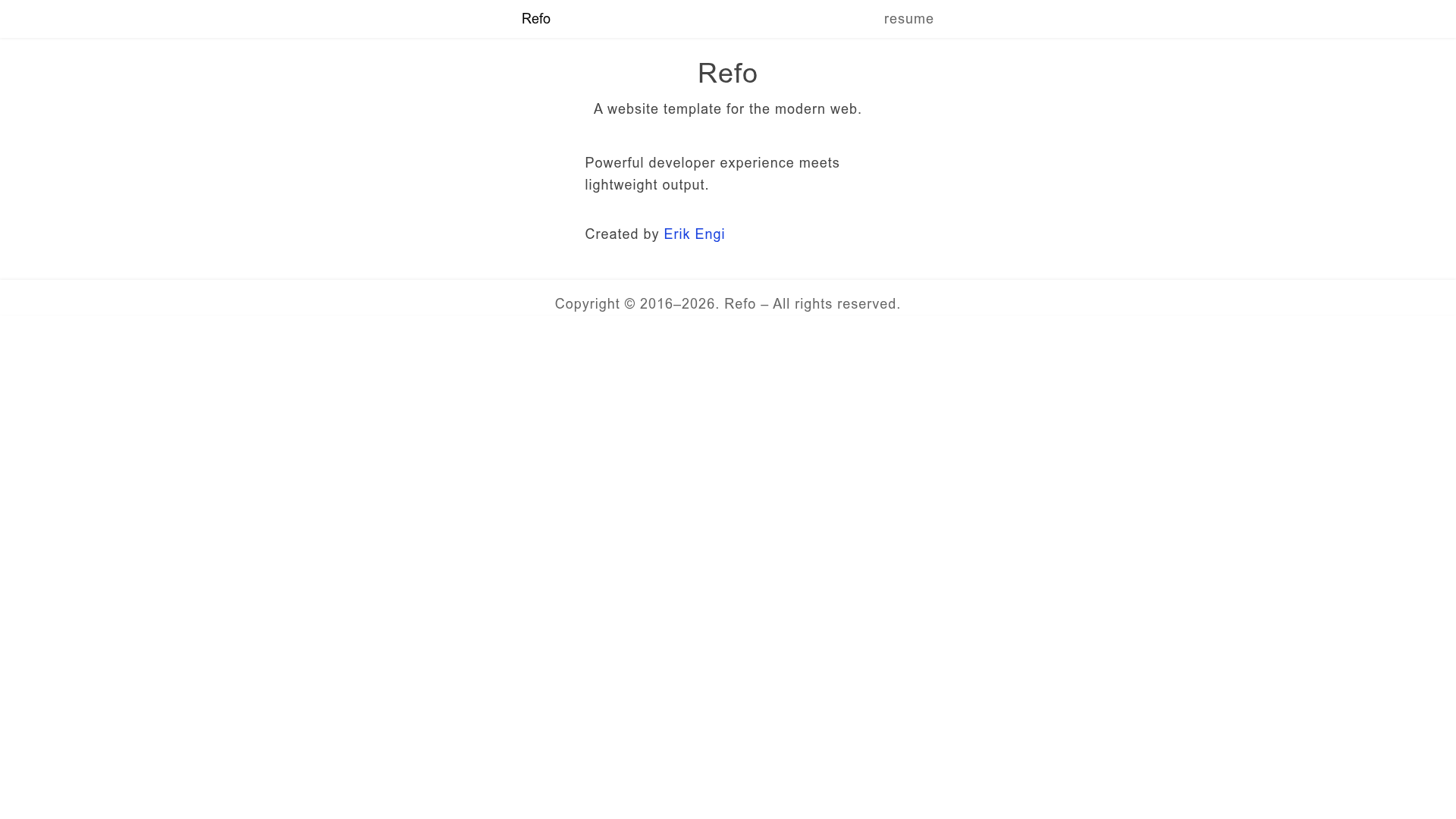
Refo
A Node.js-based static site and resume template with hot reloading, styled components, and PDF export.
About this template
Refo is a Node.js-based website template and static site generator that combines hot module reloading, SolidJS JSX, styled components, and data-driven content to build resumes, portfolios, and static websites.
What is Refo?
Refo is a static site generator and website template built entirely on Node.js, created by Erik Engi (Oengi.com). It takes Node.js modules as input and generates static HTML, CSS, JS, and other files into a static folder. The template ships with a resume/portfolio example that supports editing data in a JSON file and publishing the result as an HTML page or a PDF. It runs on Node.js with pnpm as the package manager, and serves the generated site locally with Superstatic.
Key Features
Refo's feature set is centered on developer experience: hot reloading, Node.js module customization, and styled components are the core capabilities.
- Hot Module Reloading — Uses dynohot to update modules instantly in the browser during development, so edits appear without a full page refresh.
- SolidJS JSX — Uses SolidJS and babel-preset-solid for JavaScript eXtensible markup, with the option to swap SolidJS for React.
- Node.js module customization — Imports SVGs as components, supports raw imports, JavaScript bundling, and extensionless imports via specifier-resolution-node.
- Styled components — Uses Emotion for styling, with short class names like a, b, c in production and readable class-name labels in development via stack-tracer.
- Image dimensions — Sets image width and height automatically using image-size.
- Minification — Minifies HTML and inline CSS/JS with HTMLMinifier terser, and minifies JavaScript with UglifyJS.
- Client-side navigation — Includes a navigator module and link prefetching with Quicklink, plus lazy loading with lazysizes.
- Markdown and PDF — Supports Markdown strings in JSON files via markdown-it, computes durations with Moment.js, and generates PDFs with Puppeteer and chrome-finder.
- JSON handler — A standalone refo-handle-json package parses Markdown, removes private properties, and supports full variants through a second parameter.
Who is it for?
Refo suits developers and content creators who want to build a personal site or portfolio using Node.js, without committing to a rigid framework.
- Developers building a personal website or resume — Edit resume data in a JSON file and render it as an HTML page, a PDF, or both, with full control over layout via styled components.
- Static site enthusiasts who want Node.js flexibility — Use any Node.js library or server directly instead of learning a new templating language or folder structure.
- Portfolio creators — Showcase work in a data-driven site with client-side navigation, image dimension handling, and lazy loading.
- Developers who prefer hot reloading — Edit modules and view updates instantly with dynohot.
What can you do with Refo?
Refo's feature set translates into concrete tasks you can complete on day one.
- Resume owners: Keep your resume data in a JSON file, edit it, and generate an up-to-date HTML document or a PDF in Letter or A4 formats with Puppeteer.
- Web developers: Build any kind of static website using Node.js modules, importing SVGs as components, bundling JavaScript, and writing styled components with Emotion.
- Offline documentation creators: Generate a static folder that can be browsed directly without a server, useful for offline docs.
- Firebase Hosting users: Deploy to Firebase with a single pnpm deploy command, or deploy the static docs folder to GitHub Pages.
How does Refo work?
First, install Node.js, pnpm, and Google Chrome. After downloading or cloning the repository, run pnpm install, then pnpm dev to start the development server at http://localhost/. To generate a static site, run pnpm static and open the index.html inside the static folder. In the example, index/index.jsx is the main module; its default export is written to static/index.html, and imported icon files are copied as-is.
Pros and cons
Refo's strengths and limitations are documented in its README and setup requirements.
- Pro: Everything is a Node.js module, so you can integrate your preferred libraries without a plugin system.
- Pro: The example includes a full resume template with JSON-driven data, Markdown support, and PDF generation.
- Con: The default dev server port is 80, which works on Windows but needs changing on Unix-based systems.
- Con: PDF generation requires Google Chrome to be installed, as Puppeteer launches a Chrome browser.
Alternatives
Refo is a static site generator in a crowded field; the README itself names Jekyll, Gatsby, and Astro as alternatives.
- Astro — a content-focused static site generator that ships zero JavaScript by default.
- Gatsby — a React-based static site generator with a large plugin ecosystem.
- Jekyll — a Ruby-based static site generator that works well with GitHub Pages.
These tools were named in Refo's README as alternatives; Refo differentiates itself by letting you use Node.js modules directly.
FAQ
Is Refo free?
Yes, Refo is an open-source project hosted on GitHub. You can download or clone the repository, and star it to support the work. The README does not mention any paid license or commercial tier.
What does Refo do?
Refo is a static site generator and website template built on Node.js. It turns Node.js modules into static HTML, CSS, and JS files, and comes with a resume/portfolio example that reads data from JSON and can export a PDF.
Can I use React instead of SolidJS?
Yes. The README states that you can "swap out SolidJS for React" because the templating is built with JSX and babel-preset-solid, but the customization is left entirely up to you.
Why do I need Google Chrome to generate PDFs?
The PDF generation uses Puppeteer to render the resume layout and save it as a PDF. Puppeteer launches a Chrome browser under the hood, so Google Chrome (or a compatible Chromium browser) must be installed for that feature to work.
What is the JSON handler?
The JSON handler is a standalone package (refo-handle-json) that parses JSON resume data. It converts string values to Markdown via markdown-it, removes properties ending with -private, and only includes properties ending with -full when a second true value is passed.