Template details
Next TypeScript Starter
Unofficial Next.js + TypeScript starter with React 19, Next.js 15, pnpm, Biome, Husky, and Docker support.
About this template
Next TypeScript Starter is a boilerplate for building web applications with Next.js 15, React 19, and TypeScript 5, providing a pre-configured development workflow powered by pnpm, Biome, Husky, and Docker.
What is Next TypeScript Starter?
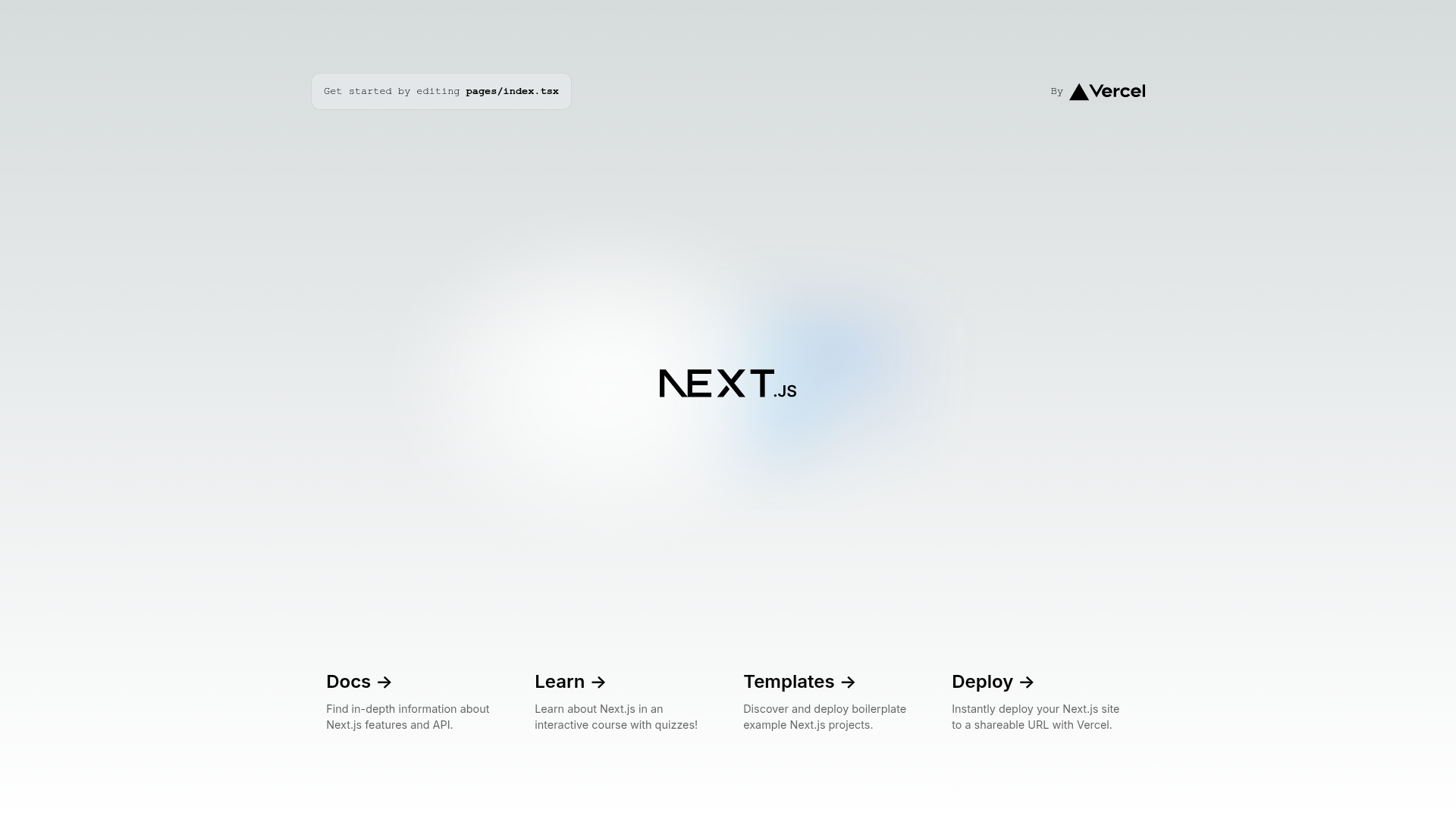
Next TypeScript Starter is an unofficial starter project created by Danang Eko Alfianto that combines the latest stable versions of the core web stack: Next.js 15 for the framework, React 19 for the UI library, and TypeScript 5 for type safety. The template uses the Pages Router, with a pages/ directory containing a home page, a custom App component, a custom Document, and an example API route at pages/api/hello.ts. It takes a source code repository as input and produces a production-ready Next.js application that can be deployed on Vercel or run in a Docker container.
Key Features
The template bundles a modern toolchain that covers the entire development lifecycle, from dependency management to deployment.
- React 19 — The template is built on React 19, the latest version of the React library, which adds new features and performance improvements.
- Next.js 15 with Turbopack — The development server runs with Turbopack for faster bundling; the project relies on the Pages Router rather than the new App Router.
- TypeScript 5 — Strongly typed JavaScript is used throughout, and the template includes
type-checkandtype-check:watchscripts for continuous checking. - pnpm package manager — Dependencies are managed with pnpm 9 or newer, which is faster and more efficient than npm or yarn.
- Biome for code quality — Biome replaces both ESLint and Prettier, providing fast linting and formatting with rules like no-console and no-unused-variables.
- Husky 9 and lint-staged — Git hooks run on every commit; Biome automatically checks and fixes all staged files.
- Docker support — A Dockerfile and docker-compose configuration let you build an image and run the app in a container, with pre-built images available on Docker Hub.
- Optimized fonts — The Inter font is loaded and optimized through
next/font. - Example API route —
pages/api/hello.tsdemonstrates how to implement serverless API endpoints under/api/*.
Who is it for?
This starter is aimed at developers and teams who want a current, well-configured Next.js setup without spending time on boilerplate configuration.
- Web developers starting a new project — They can clone the repository, install dependencies with
pnpm install, and start coding immediately with a fully configured environment. - TypeScript-focused teams — Those who want type safety and a project that includes type-check scripts out of the box.
- Developers concerned with code quality — The git hooks and Biome prevent unformatted or lint-error code from being committed.
- DevOps-minded users — The Docker integration allows building and deploying the application in consistent containerized environments.
What can you do with Next TypeScript Starter?
The starter supports a range of common tasks, from local development to containerized deployment.
- Kick off a client project: Clone the repository, run
pnpm installandpnpm dev, then editpages/index.tsxto build your pages with hot reload at http://localhost:3000. - Prototype an API: Use the included
pages/api/hello.tsroute as a starting point for creating serverless functions that run at/api/*. - Deploy to Vercel: Connect your repository to Vercel; the platform will build and host the Next.js app with zero additional configuration.
- Run in a container: Build a Docker image with
docker build -t next-typescript-starter ., or pull the pre-built image from Docker Hub and run it withdocker run.
How does Next TypeScript Starter work?
The workflow is a simple sequence of commands: install, develop, build, and deploy. After pnpm install, the pnpm dev command starts a development server with Turbopack on port 3000. For production, pnpm build produces an optimized bundle and pnpm start serves it. Git commits trigger Husky's pre-commit hook, which runs lint-staged to invoke Biome on staged files.
FAQ
What are the prerequisites for using this template?
You need Node.js version 22 or higher and pnpm version 9 or higher (see npm install -g pnpm or Corepack). The README notes that these versions are required, so older runtimes may not work.
Does this template use the App Router or Pages Router?
It uses the Pages Router. The project structure shows a pages/ directory containing _app.tsx, _document.tsx, index.tsx, and an api/ folder. The App Router's app/ directory is not used.
What code quality tools are included?
Biome replaces ESLint and Prettier for linting and formatting. Husky 9 with lint-staged integrates into Git, so Biome automatically checks and fixes all staged files before each commit. You can also run pnpm lint, pnpm format, and pnpm type-check manually.
How can I deploy this template?
The README recommends the Vercel Platform, created by the Next.js team, for zero-configuration deployment. The template also includes Docker, so you can build an image and deploy it on any container-capable host.
Alternatives
- create-next-app — The official Next.js CLI generates a bare-bones project without the extra tooling (Biome, Husky, lint-staged, Docker) that this starter bundles.
- T3 Stack — A full-stack Next.js starter that adds tRPC, Prisma, and Tailwind CSS, whereas this template stays minimal with plain CSS.