Template details
Next.js and Next Auth Example with Tailwind CSS
Example Next.js app using NextAuth for authentication without a backend, styled with Tailwind CSS, and featuring protected routes.
About this template
Next.js and Next Auth Example with Tailwind CSS is a boilerplate example app that shows how to add authentication to a Next.js project using NextAuth.js, with protected routes and Tailwind CSS styling.
What is Next.js and Next Auth Example with Tailwind CSS?
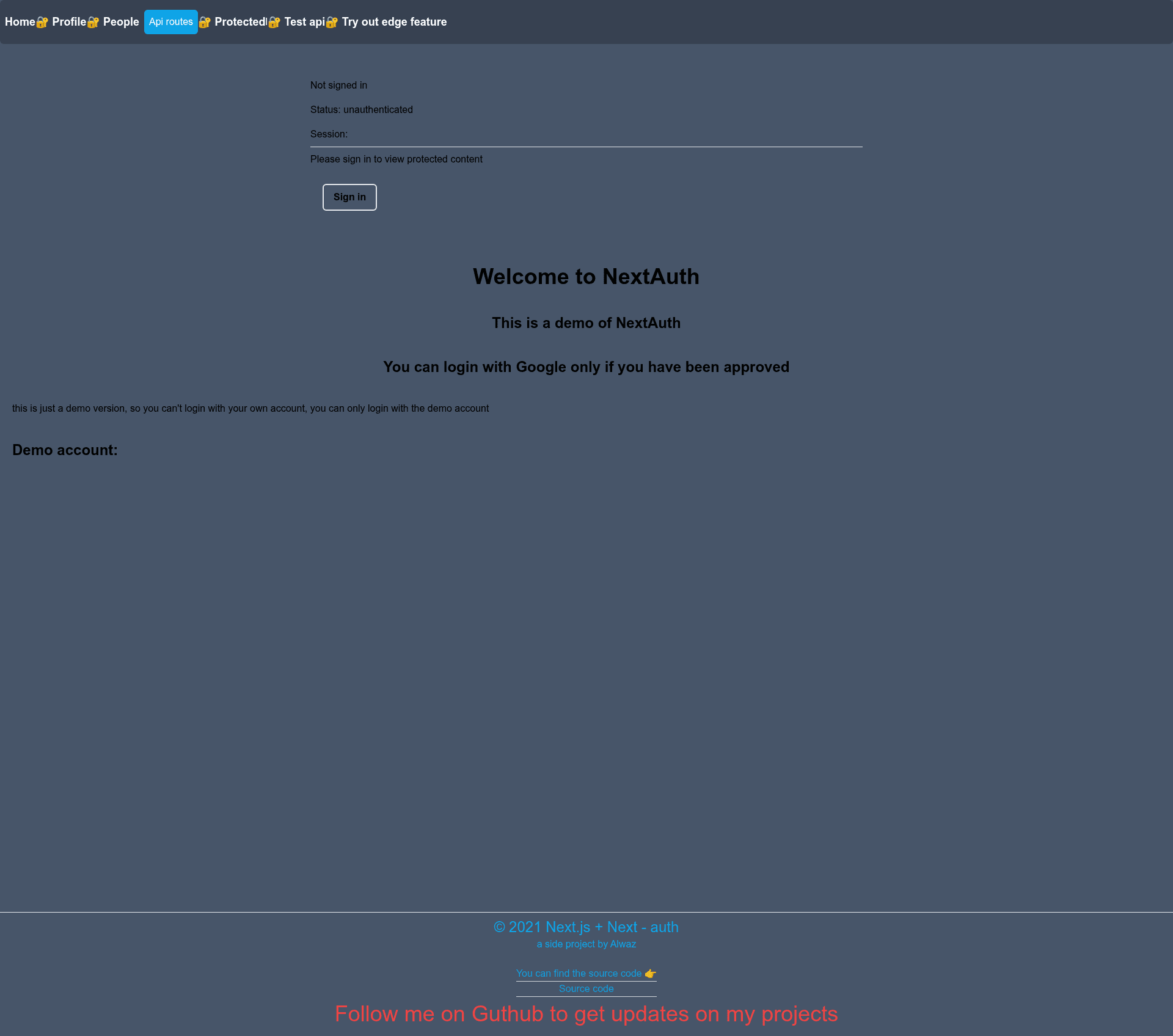
This is an example application built with Next.js and NextAuth.js to demonstrate easy authentication implementation. It runs entirely on Next.js API routes with no separate backend, and it uses Tailwind CSS for styling. The app includes both protected routes and public routes; visitors must be authenticated to access protected data. The project is authored by Alwaz, a full-stack developer, and includes a live preview deployed on Vercel.
Key Features
- Protected and public routes — The demo defines routes that require authentication and routes that are open to everyone, showing how to gate data.
- NextAuth.js integration — Authentication is handled through NextAuth with support for OAuth2 (Google is listed in topics) and standalone Next.js API routes, so no external backend service is needed.
- Tailwind CSS styling — The entire UI is styled with Tailwind CSS, making the example useful as a starting point for Tailwind-based Next.js projects.
- SEO support — The project recommends Next-Seo to make pages search-engine friendly.
- Email allow-list demo — The demo only works when your email is on a filter list, illustrating email restriction in auth flows.
- Standard scripts — Includes npm scripts for development (
next dev), production build (next build), start (next start), and linting (next lint).
Who is it for?
- Next.js developers new to authentication who want a working reference implementation of NextAuth with protected routes.
- Freelancers like the author who build client projects and need a quick auth setup using Next.js API routes and Tailwind CSS.
- Developers preparing for OAuth integration who want to see how to configure sign-up and sign-in with providers such as Google.
What can you do with it?
- Prototype authentication flows: You can use the example to see how NextAuth protects pages and redirects unauthenticated visitors.
- Learn NextAuth configuration: By reading the code and the email filter logic, you can learn how to restrict access to specific users.
- Base for a new project: The combination of Next.js, Tailwind CSS, and NextAuth gives you a starting template for any app needing login.
FAQ
Is this project free to use?
Yes, this is an open-source example project published on GitHub, so you can clone it and use it as a starting point for your own Next.js authentication setup.
Does this template need a separate backend?
No. According to the repository description, it uses NextAuth for auth standalone with no backend, relying only on Next.js API routes.
What styling does it use?
The UI is built with Tailwind CSS, and the project also suggests Next-Seo for making your pages SEO friendly.
How do I run the project?
The README lists the commands: npm run dev for development, npm run build for production build, npm run start to start the server, and npm run lint to run linting.
What is the email filter requirement?
The demo only works if your email address is in the filter list, which the README describes as a condition for using the demo app.