Template details
Qwik City App
Starter template for a Qwik City site with directory-based routing and Vercel Edge deployment.
About this template
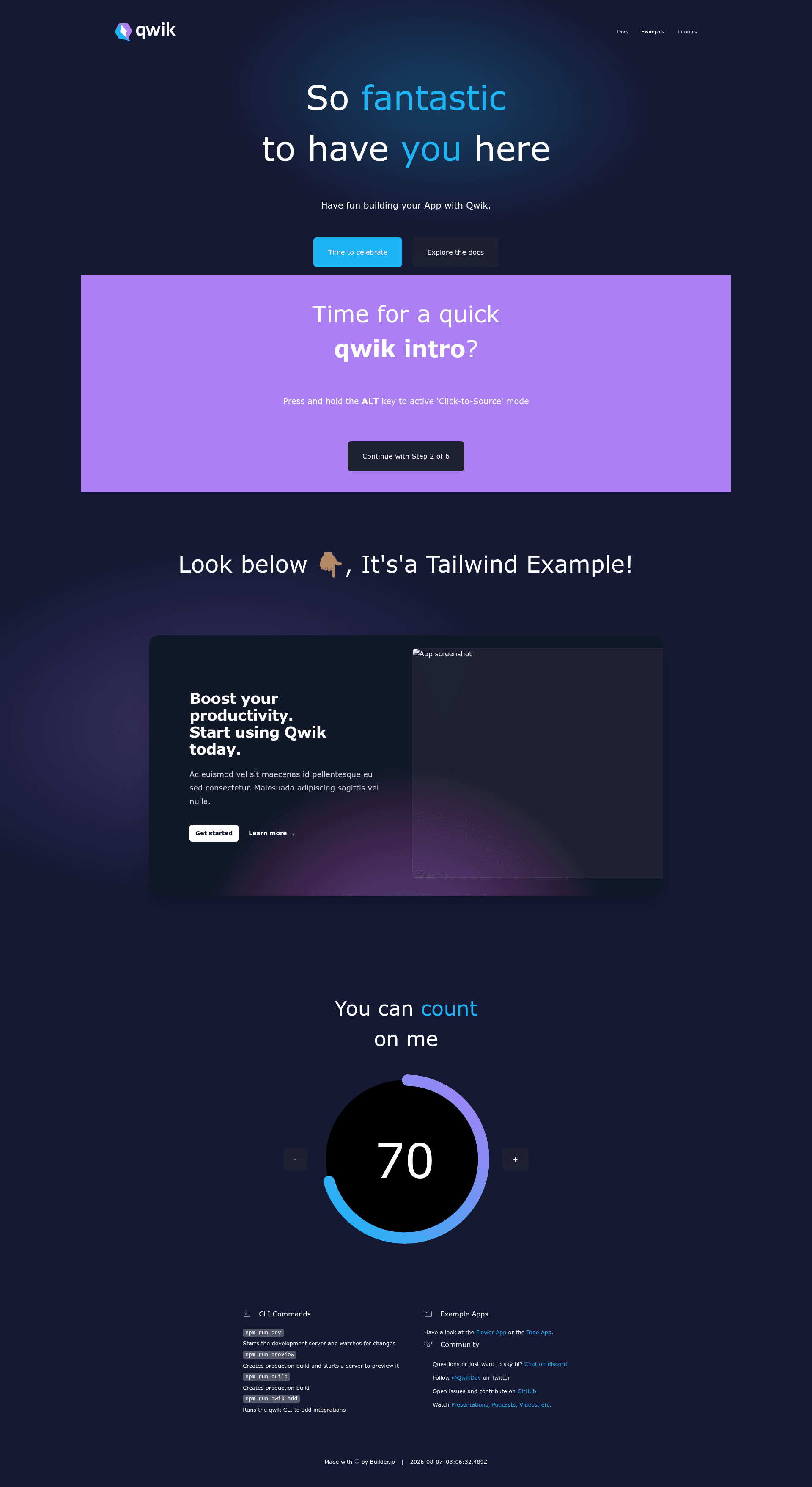
The Qwik City App is a starter template from the BuilderIO team that combines the Qwik framework with QwikCity, a site-building layer offering directory-based routing and layouts, and it ships pre-configured for deployment to Vercel Edge Functions.
What is the Qwik City App?
The Qwik City App is a starter template for building a full Qwik site with QwikCity, which adds directory-based routing, layout files, and endpoint support on top of the Qwik framework. The project structure includes src/routes for pages and endpoints, src/components for reusable components, and public for static assets. It is set up with Vite as the build tool and is configured to deploy to Vercel Edge Functions, meaning the rendered site runs at edge locations near your users.
Key Features
- Directory-based routing — Pages are defined as
index.tsxfiles insidesrc/routes, withlayout.tsxfiles for shared layouts andindex.tsfiles for endpoint handlers. - Component directory —
src/componentsis the recommended location for Qwik components, keeping them separate from route definitions. - Static asset support — Any static assets, such as images, can be placed in the
publicdirectory and are served from the project root by Vite. - Vercel Edge adapter — The starter includes an
adapters/vercel-edge/vite.config.tsand a new entry filesrc/entry.vercel-edge.tsx, and updates thebuild.serverscript inpackage.jsonfor the Vercel Edge build. - Development server — Running
npm startoryarn startstarts Vite's dev server, which server-side renders the output during development. - Preview mode —
pnpm previewbuilds client modules andsrc/entry.preview.tsx, then runs a local server to preview the production build. - Production build —
pnpm buildruns both the client and server build commands and also runs a TypeScript type check on the source code. - Integration command — Running
pnpm qwik addadds integrations like Cloudflare, Netlify, Express, or the Static Site Generator (SSG) to the project.
Who is it for?
- Qwik developers starting a new site who want routing, layouts, and build tooling already wired up so they can focus on components and pages.
- Vercel users who need a starter pre-configured for Vercel Edge Functions, avoiding manual adapter setup and script changes.
- Full-stack site builders who want to create both pages and API endpoints using
index.tsfiles within the routes directory, all in one project.
What can you do with the Qwik City App?
- Build multi-page websites: Create a hierarchical site with shared layouts by organizing
layout.tsxandindex.tsxfiles undersrc/routes. - Deploy to the edge: Connect the project to a git repository and deploy to Vercel via a provider integration or the Vercel CLI, rendering at edge locations near your users.
- Switch deployment targets: Run
pnpm qwik addto add Cloudflare, Netlify, Express, or SSG support, making the same codebase deployable to different platforms.
How does it work?
The template organizes code into src/routes for routing, src/components for reusable components, and public for static assets. During development, npm start runs Vite's dev server with server-side rendering. For production, pnpm build generates client and server modules and runs a TypeScript type check. To deploy to Vercel Edge, run pnpm deploy for a development deployment (which requires a Vercel account), or commit the code to a git repository and deploy through the Vercel dashboard.
FAQ
Is the Qwik City App free to use?
The starter template is publicly available on the GitHub repository. To deploy it to Vercel, you will need a Vercel account; the README notes that the dev deploy step requires one.
What is the difference between Qwik and QwikCity?
Qwik is a framework focused on instant loading and resumability. QwikCity is an extra set of tools on top of Qwik that adds directory-based routing, layout files, and endpoint support, making it easier to build a full site.
Does this template support static site generation?
Not by default. You can run pnpm qwik add and choose the Static Site Generator integration to enable SSG, which is mentioned in the README as one of the available integrations.
Can I deploy this to platforms other than Vercel?
Yes. The pnpm qwik add command supports Cloudflare, Netlify, Express, and other adapters, so you can switch the deployment target by adding an integration and an entry file for that platform.
Why does the dev server request so many .js files?
The README notes that during dev mode Vite may request a significant number of .js files. This is normal for development and does not reflect the production build, which optimizes the client modules.