Template details
Gatsby Starter Theme Ts
A starter for creating a Gatsby Theme with TypeScript.
About this template
gatsby-starter-theme-ts is a GitHub boilerplate starter for creating a Gatsby Theme with TypeScript, scaffolding a Yarn workspace monorepo that contains both a minimal theme package and a demo site.
What is gatsby-starter-theme-ts?
gatsby-starter-theme-ts is a starter template for Gatsby theme development using TypeScript. It is invoked through the Gatsby CLI with the command npx gatsby new my-theme https://github.com/epilande/gatsby-starter-theme-ts, which copies the starter files into a new project directory. The starter produces a monorepo structured with Yarn workspaces, including a minimal Gatsby theme package and a demo site that consumes it. It is maintained by epilande on GitHub and targets Gatsby, the React-based static site generator.
Key Features
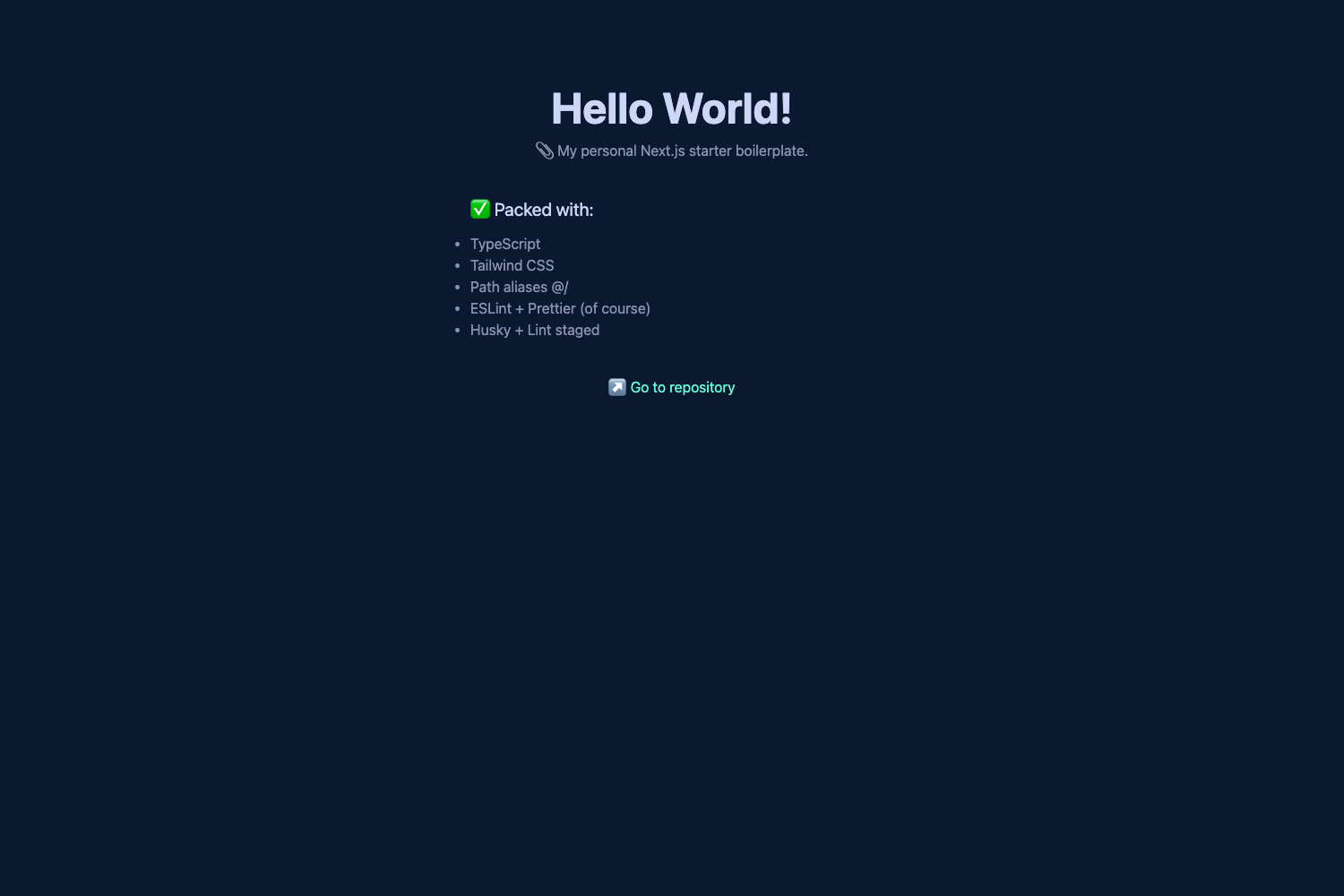
- TypeScript — All theme and demo site code is set up for TypeScript, enabling typed props and safer refactoring during theme development.
- Yarn workspaces — The repository uses Yarn workspaces to manage the relationship between the theme package and the demo site in a single monorepo.
- Minimal Gatsby Theme — A bare-bones theme package is included as a starting point, with the standard Gatsby theme file structure ready to extend.
- Demo site — A demo site is provided in the workspace so you can develop and preview the theme in a real Gatsby environment.
- ESLint + Prettier + Husky — Code linting, formatting, and git hooks are pre-configured, giving you a consistent development workflow out of the box.
Who is it for?
- Gatsby theme developers — use this starter to scaffold a new theme project, avoiding manual setup of workspaces, TypeScript, and tooling.
- TypeScript developers — get a ready-made Gatsby + TypeScript environment without configuring the integration yourself.
- Open-source maintainers — publish a Gatsby theme by starting from a minimal, organized repository structure that includes a demo site for documentation.
What can you do with it?
- Build a publishable theme: develop a Gatsby theme package in TypeScript and expose it for others to install via npm.
- Preview during development: run
yarn devto start the demo site's development server and see changes to the theme live. - Customize the scaffold: extend the theme package or demo site with new pages, components, and Gatsby APIs to match your project requirements.
How does it work?
After scaffolding with the Gatsby CLI, the starter gives you a workspace with two packages: a theme package and a demo site. Run yarn dev in the root to start the demo site's development server, which lives in the demo workspace and imports the theme locally. The theme package can be edited independently and is consumed by the demo site through the workspaces setup.
FAQ
What does gatsby-starter-theme-ts include?
It includes TypeScript configuration, Yarn workspaces, a minimal Gatsby theme package, a demo site, and pre-configured ESLint, Prettier, and Husky. The README documents yarn dev as the command to start the demo development environment.
How do I create a new project with this starter?
Run npx gatsby new my-theme https://github.com/epilande/gatsby-starter-theme-ts in your terminal, then change into the new my-theme directory. This uses the Gatsby CLI to clone the starter and install dependencies.
Is this starter free to use?
The starter is a public GitHub repository, so you can freely clone it or use it with the Gatsby CLI for your own projects. No license details are stated in the README.