Template details
Next.js Base Setup
Base setup for NextJS that contains Chakra, Mock test, ESLint and prettier
About this template
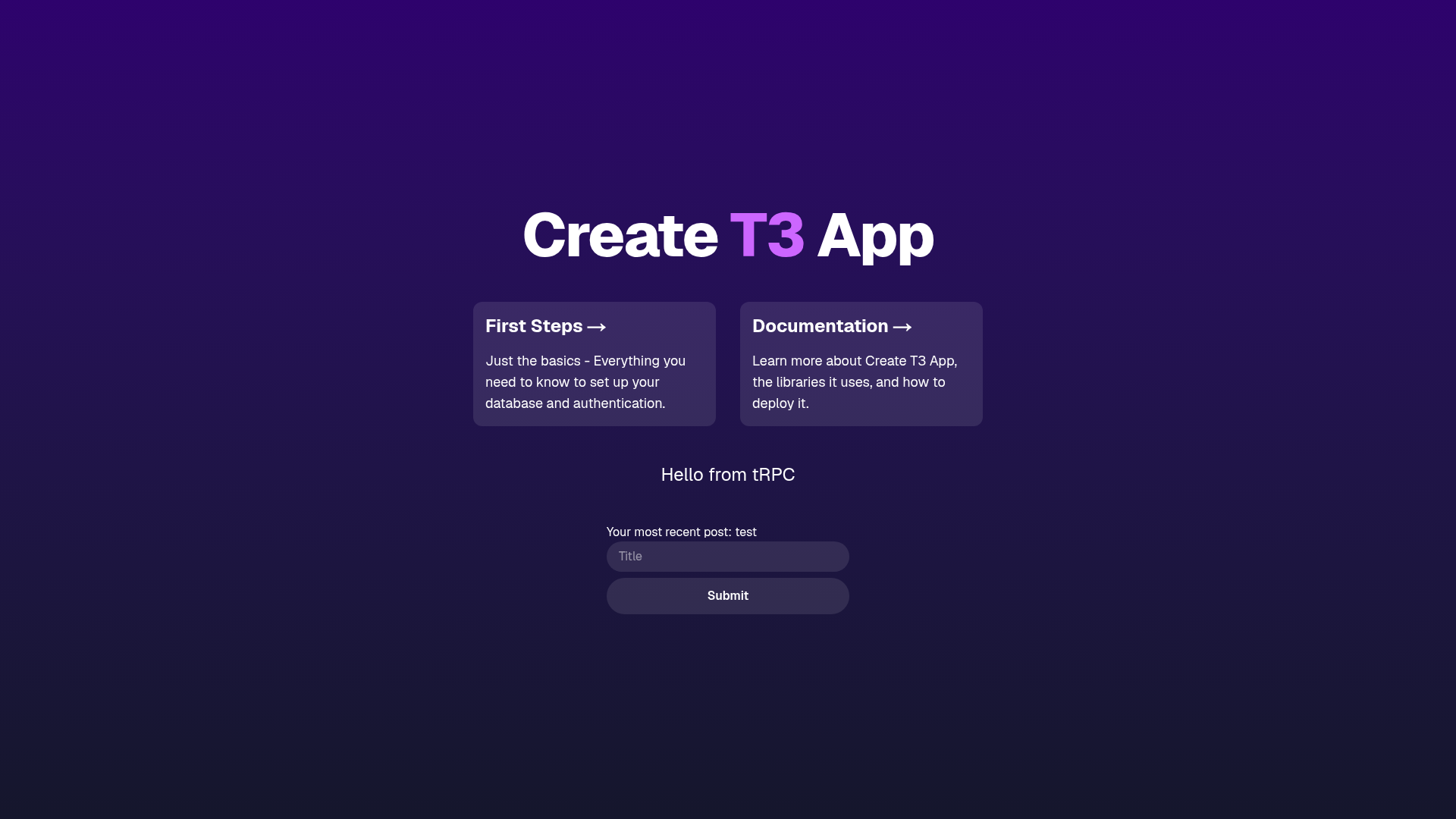
Next.js Base Setup is a starter repository for Next.js projects that pre-configures Chakra UI, ESLint, Prettier, and mock testing so developers can skip repetitive setup and start building pages and API routes.
What is Next.js Base Setup?
This is a base project (boilerplate) built on the Next.js React framework. It provides a pre-configured starting point that includes Chakra UI for styling, ESLint for linting, Prettier for formatting, and a mock test setup. The project uses the classic pages directory structure: pages/index.js is the home page, and pages/api/hello.js is an example API route. Running npm run dev starts a development server at http://localhost:3000 with hot-reloading, so edits to pages/index.js appear immediately in the browser.
Key Features
- Next.js pages router — Uses the
pages/directory;pages/index.jsrenders the home page, andpages/api/is mapped to/api/*for serverless API routes, with the example endpoint at/api/hello. - Chakra UI — A React component library providing accessible, themeable UI primitives, included to handle styling out of the box.
- ESLint configuration — A linting setup is included (the repository lists
eslint-configamong its topics) to catch code issues and enforce style rules. - Prettier formatting — Prettier is configured for consistent code formatting;
prettierappears in both the repository description and its topics. - Mock test setup — The repository description mentions a mock test setup, giving a baseline for writing tests without configuring mocks from scratch.
- Vercel deployment ready — The README links to the Vercel Platform for one-click deployment and to the Next.js deployment documentation, so the project can be published directly to Vercel.
Who is it for?
- Developers starting a new Next.js project — Use the boilerplate as a scaffold to skip repetitive setup of Chakra, linting, formatting, and test mocks.
- Teams standardizing frontend tooling — Use the included ESLint and Prettier configs to keep code style consistent across contributors.
- Developers learning Next.js API routes — The
pages/api/hello.jsexample shows how file-based API routing works in Next.js.
What can you do with it?
- Scaffold a personal site or app — Clone the base, run
npm installandnpm run dev, then editpages/index.jsto build a custom homepage with Chakra UI components. - Prototype an API — Add new files under
pages/api/to create serverless endpoints; each file is automatically exposed at a matching path. - Practice testing with mocks — Use the pre-configured mock test setup as a starting point for writing component or API tests.
How does it work?
Start by installing dependencies with npm install. Then launch the development server with npm run dev (or yarn dev) and open http://localhost:3000. The page at pages/index.js auto-updates on file save; API routes live in pages/api and are accessible at /api/* paths. When ready, deploy via the Vercel Platform.
FAQ
Do I need to install dependencies before running the dev server?
Yes. Run npm install first (or yarn), then npm run dev. The README lists npm install as the first step, and either npm or Yarn can be used.
How do I access the API route example?
After starting the dev server, open http://localhost:3000/api/hello in your browser. That endpoint is defined in pages/api/hello.js and is mapped from the pages/api directory.
Can I deploy this project with Vercel?
The README has a Deploy on Vercel section that links to the Vercel Platform and the Next.js deployment documentation. Vercel is the deployment service created by the makers of Next.js, so it is the recommended path for publishing the app.