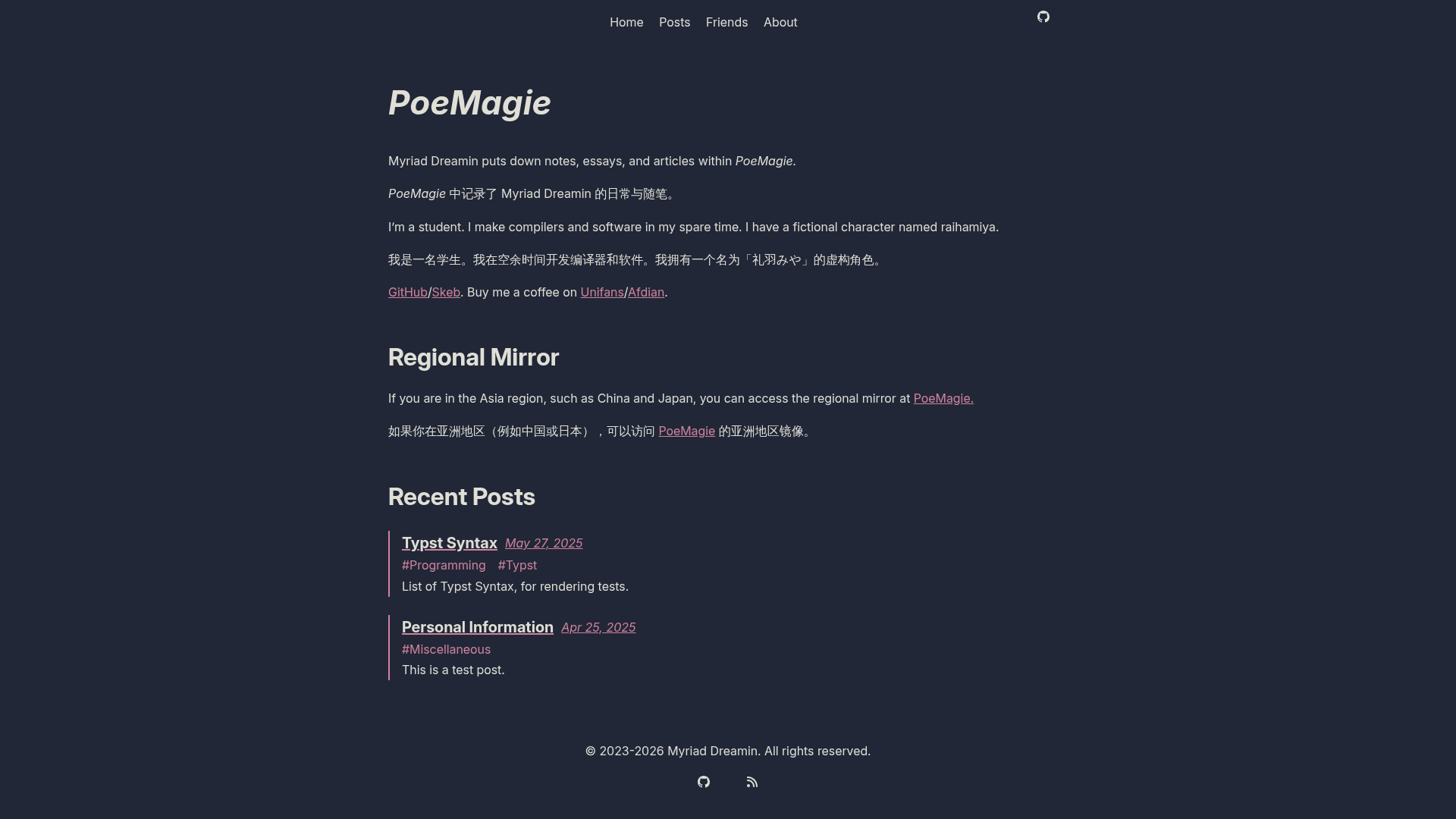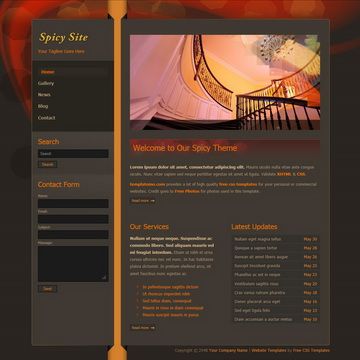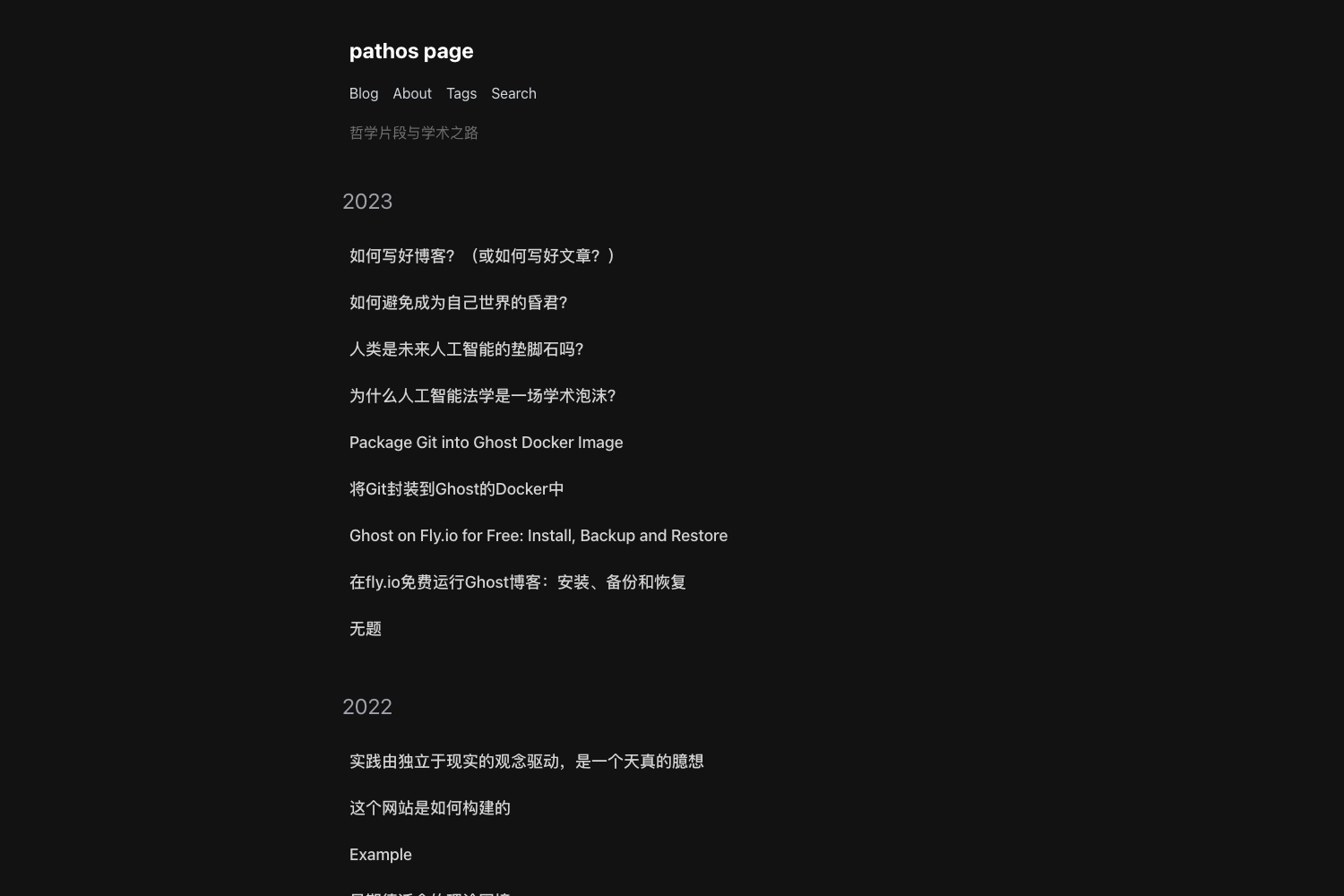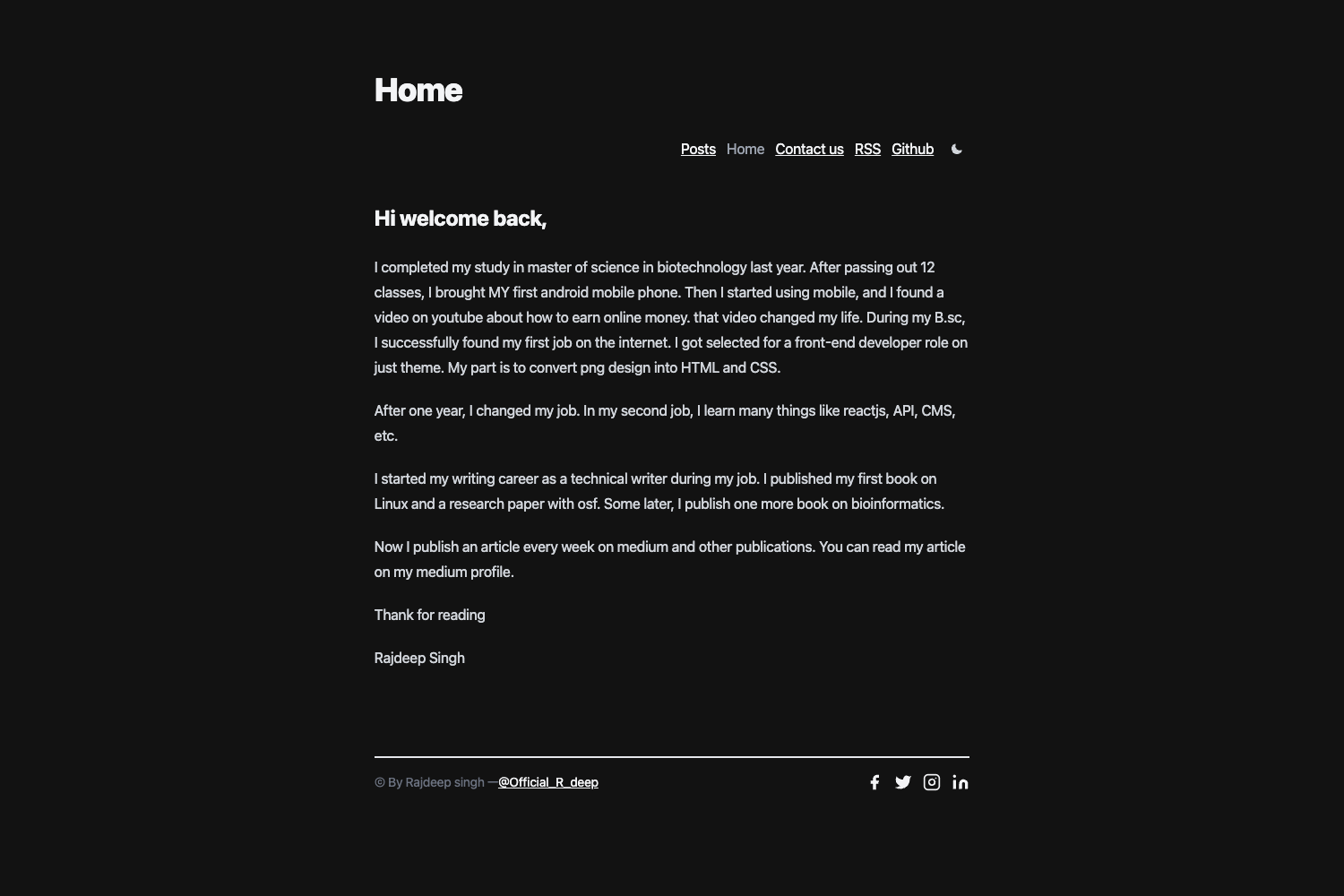
Template details
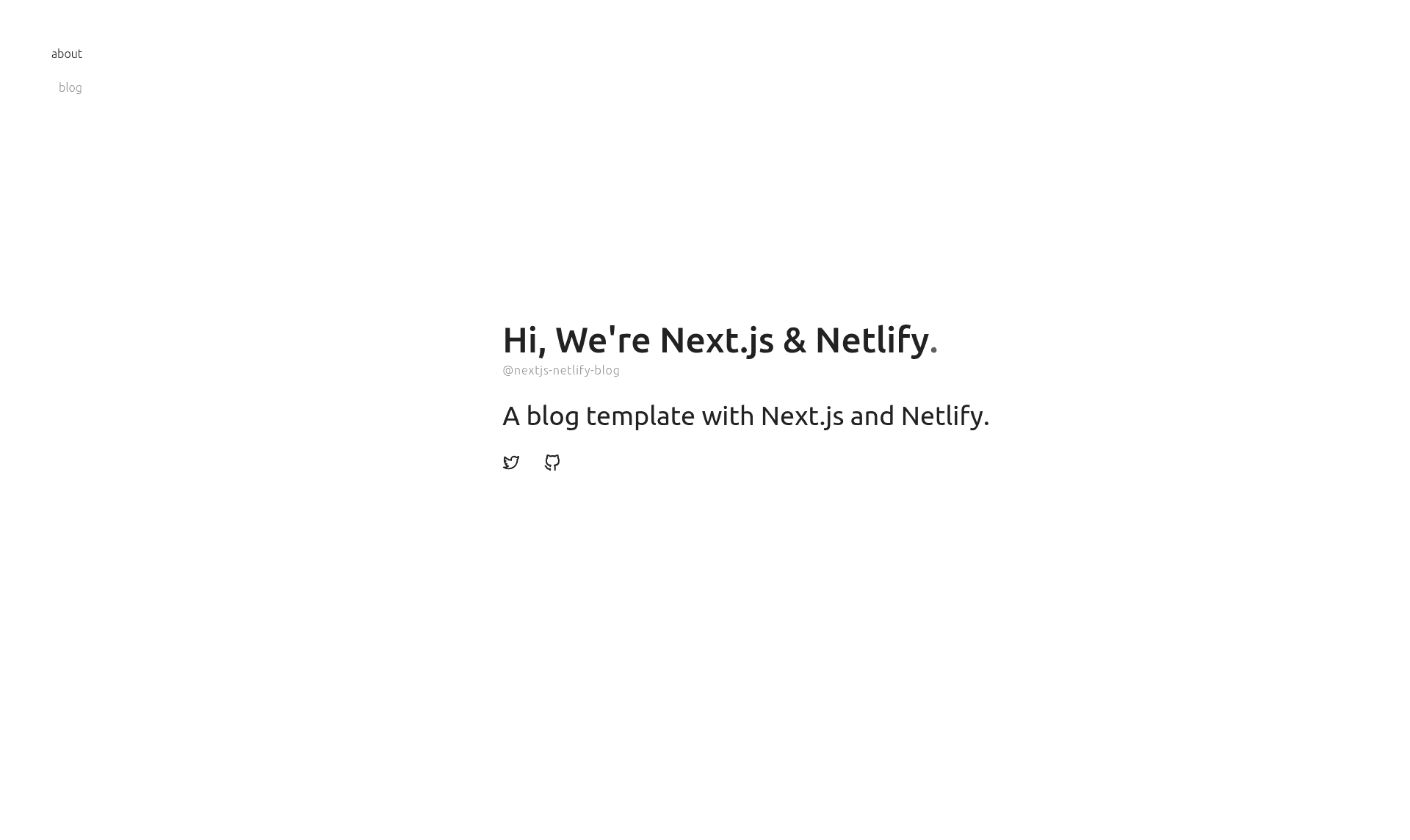
Next.js Blog Template for Netlify
Next.js and Netlify boilerplate for building blogs with tagging, author display, pagination, Netlify CMS, SEO metadata, and MDX shortcodes.
About this template
Next.js Blog Template for Netlify is a free, MIT-licensed boilerplate for building blogs with tagging, author pages, pagination, and Netlify CMS editing, using only the Next.js and Netlify stack.
What is Next.js Blog Template for Netlify?
Next.js Blog Template for Netlify is a starter project that turns MDX content files and YAML metadata into a static blog site, deployed on Netlify. It runs on Next.js with TypeScript and uses Netlify CMS for content management. The template exists because existing Next.js and Netlify boilerplates were too simple for standard blog features like tagging and author pages, which this project implements out of the box. It is available as a GitHub repository and can be launched with a one-click Deploy to Netlify button or via the create-next-app command.
Key Features
- Tagging — organizes posts by tags, with each tag generating its own listing page.
- Author — displays author names and associated metadata on each post, defined in YAML files under
meta/authors.yml. - Pagination — limits the number of posts shown per page and navigates through post archives.
- Netlify CMS — includes a fully working CMS under
public/admin/config.ymlso editors can modify content without touching code. - SEO optimized — ships with built-in metadata, including JSON-LD structured data.
- Shortcode — extends MDX content writing with React components, similar to WordPress shortcodes.
- Styled with styled-jsx and CSS modules — all components under
src/componentsdefine styles using these libraries, and you can swap in any other styling solution. - TypeScript support — the entire template is written in TypeScript, so you get type checking out of the box.
Who is it for?
Developers who want a ready-made blog starter with features they would otherwise have to build themselves, such as tagging and pagination. Content editors who need a graphical interface to write and publish posts through Netlify CMS. Teams already hosting on Netlify who want a blog that integrates tightly with their existing deployment workflow. It is also useful for developers learning how to combine Next.js, MDX, and Netlify CMS in a single project.
What can you do with it?
- Developers — scaffold a new blog in one command and customize the theme by editing components and pages under
src/componentsandsrc/pages. - Bloggers — write posts as MDX files in
src/content, organize them with tags, and associate them with authors. - Content editors — use the Netlify CMS admin interface to create, edit, and publish posts after deployment, without needing to modify repository files.
- Designers — apply a custom design theme by restyling components, since all styles are built with styled-jsx and CSS modules and can be replaced.
How does it work?
To create a blog, run npx create-next-app your-blog --example "https://github.com/wutali/nextjs-netlify-blog-template" in your terminal. Then follow Netlify's deployment guide to connect the repository and deploy. The template also offers a one-click Deploy to Netlify button that sets up the project with a CMS stack automatically. After deployment, you can access Netlify CMS to add posts, tags, and authors.
FAQ
Is Next.js Blog Template for Netlify free?
Yes, it is open source under the MIT License. You can use it for personal or commercial projects, and you can fork or modify it freely.
How do I add new categories to this blog?
The template supports categories by default. To add new metadata, you need to update the Netlify CMS config at public/admin/config.yml, create a meta/categories.yml file, add a module to fetch the metadata, and display it in src/components/PostLayout.tsx. After that, new categories can be created from the Netlify CMS admin.
What content format does the template use?
Posts are written in MDX, which combines Markdown with JSX, allowing you to embed React components directly inside your content. The MDX files live in the src/content directory.
Can I use a different styling library?
Yes. All components currently use styled-jsx and CSS modules, but the template does not lock you into them. You can remove those styles and apply any other library, such as Tailwind CSS, by editing the components under src/components.