Template details
Nextra Blog Theme
personal Portfolio blog with nextra, nextjs and tailwindcss
About this template
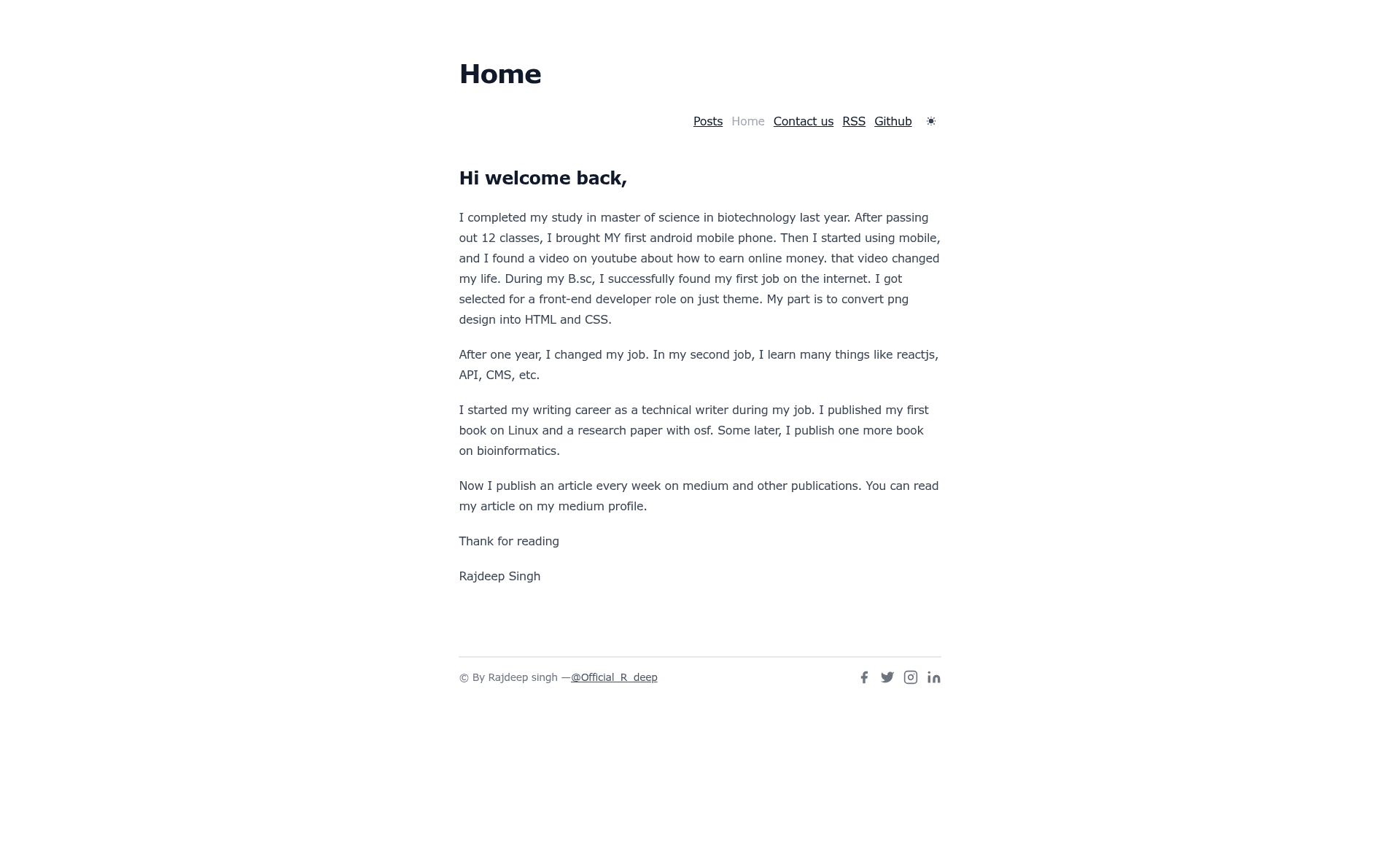
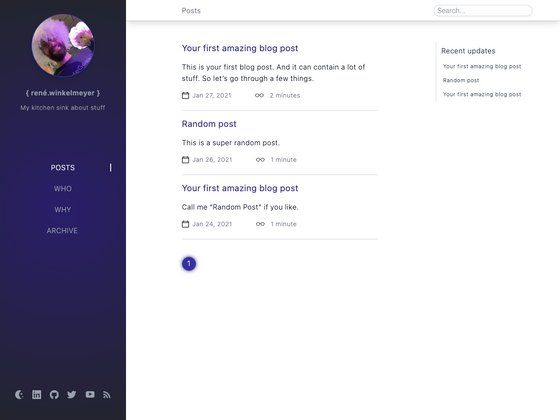
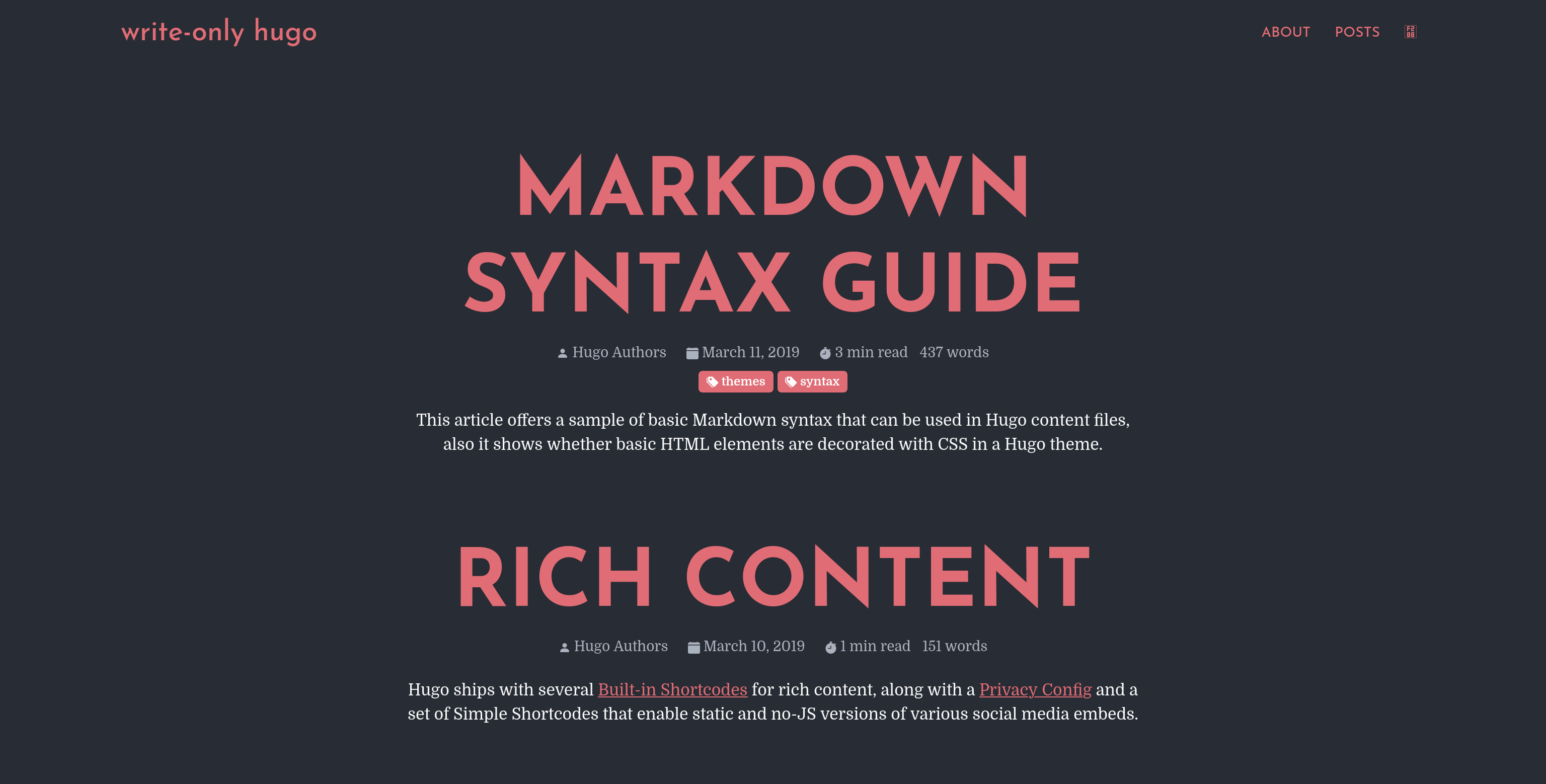
Nextra Blog Theme is a free, open-source portfolio blog template built on Next.js and Nextra that turns Markdown files into a static blog. The repository, maintained by frontendweb3 on GitHub, uses the Nextra blog theme to provide a minimal writing environment with a home page, posts pages, author info, tags, newsletter signup, comments, and code syntax highlighting out of the box.
What is Nextra Blog Theme?
Nextra Blog Theme is a blog starter for the Nextra documentation framework, which itself is built on Next.js and React. It takes Markdown content placed in pages/posts/*.md as input and produces a static blog with a home page and individual reading pages as output. The theme is configured through theme.config.js, includes RSS feed generation via scripts/gen-rss.js, and is styled with Tailwind CSS according to the repository metadata. Because it runs on Next.js, the blog can be deployed to Vercel, Netlify, or any Node.js host.
Key Features
- Markdown-based blogging — Write posts as Markdown files in
pages/posts/, and they are automatically rendered as blog posts. - Home page and reading pages — The theme includes a home page, a posts listing page, and individual post reading pages.
- Author support — Define author information and display it on posts.
- Tags support — Categorize posts with tags for easier discovery.
- Newsletter support — A built-in newsletter signup area for collecting subscribers.
- Comment support — Includes a comment system so readers can leave feedback.
- Syntax highlighting — Code blocks are highlighted for developer-focused content.
- Customizable chrome — Header, postFooter, and footer can be edited in
theme.config.js. - SEO and sitemap support — The theme generates meta tags and sitemap entries for search engines.
- RSS feed generation — Run
pnpm feedoryarn feedto create or update an RSS feed from a script that uses your site URL and name fromscripts/gen-rss.js.
Who should use Nextra Blog Theme?
- Developers who write technical blogs can clone the repo, add Markdown files, and deploy without designing a layout from scratch.
- Portfolio owners who want to present projects alongside blog posts can use the author and tags features to organize content.
- Next.js learners who want to study how Nextra and Next.js structure a blog can use this theme as a working reference implementation.
What can you do with Nextra Blog Theme?
- Start a blog quickly — Clone the repository, run
pnpm installthenpnpm dev, remove thebasePathinnext.config.js(otherwiselocalhost:3000shows a blank screen), and write posts in Markdown. - Customize the look and metadata — Update the footer, navbar, comments, and postFooter in
theme.config.js, and set the author name and site URL for the RSS feed. - Generate an RSS feed — Run the feed script to produce an XML feed for podcast or newsletter platforms.
- Deploy a static blog — Because it uses Next.js static generation, the output can be exported and hosted on any static host.
How does Nextra Blog Theme work?
The template works through a standard Next.js development flow: after cloning https://github.com/frontendweb3/nextra-blog.git and installing dependencies with pnpm or yarn, you start the dev server with pnpm dev or yarn dev. The critical step is removing basePath: '/nextra-blog' from next.config.js; leaving it causes a blank screen on the local server. Posts live in pages/posts/*.md, and theme settings live in theme.config.js.
FAQ
Is Nextra Blog Theme free?
Yes, it is an open-source template published on GitHub under the account frontendweb3, and the repository is publicly available for cloning and modification.
What do I need to change after cloning the template?
You should update theme.config.js for footer, navbar, comments and postFooter; set your name and site URL in scripts/gen-rss.js; edit meta tags in pages/_document.js; and replace the sample post Markdown files with your own content.
Why do I see a blank screen at localhost:3000?
This happens when the basePath: '/nextra-blog' setting remains in next.config.js. The README explicitly instructs you to remove that line or you will get a blank screen on local development.
Does the theme support comments and newsletters?
Yes, the feature list includes comment support and newsletter support, making it possible to engage readers and collect email signups without adding extra services manually.
What Markdown format do posts use?
Posts are stored as Markdown files under pages/posts/, and the theme relies on Nextra, which is built on MDX (Markdown + JSX), so you can mix Markdown with React components.