Template details
tylant
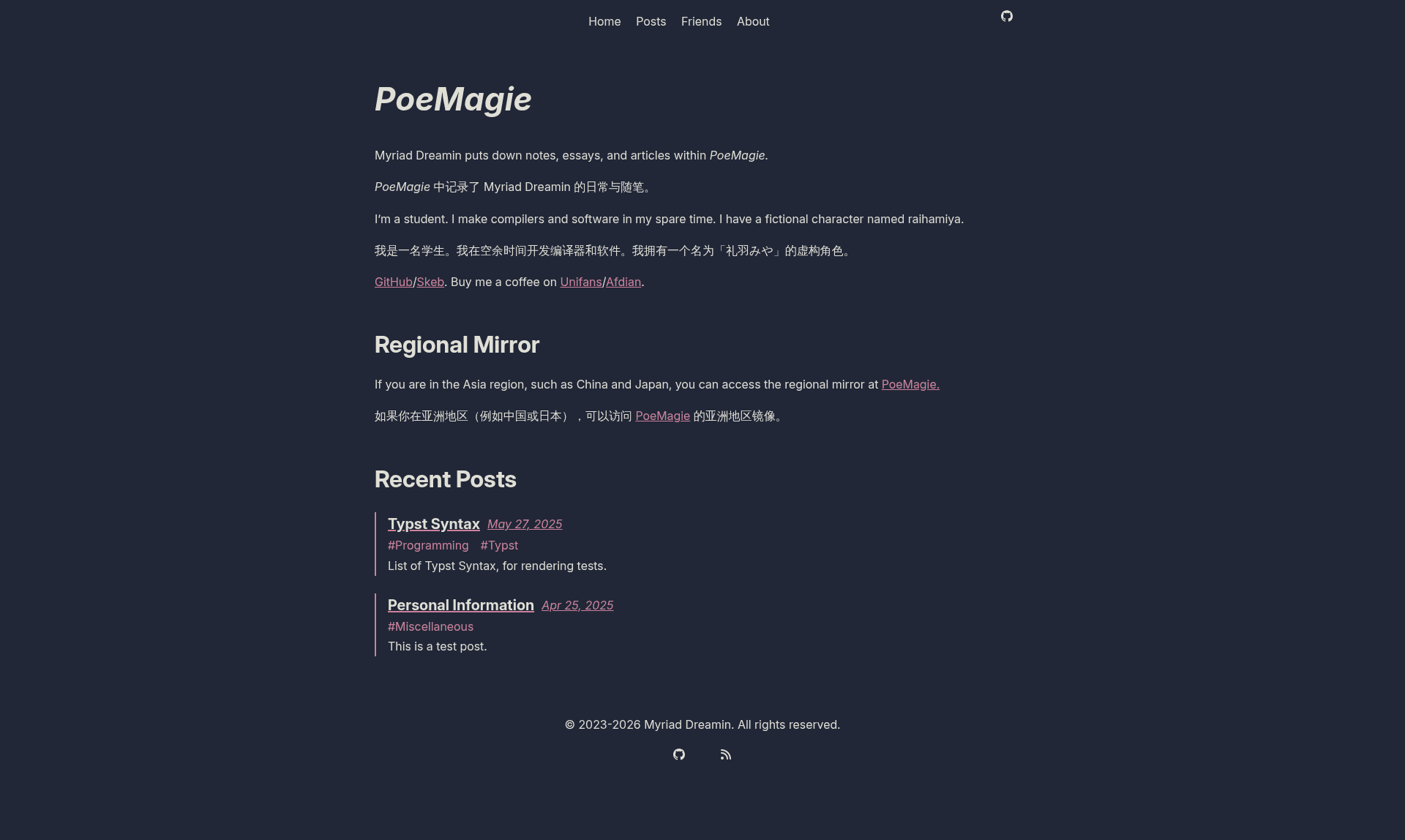
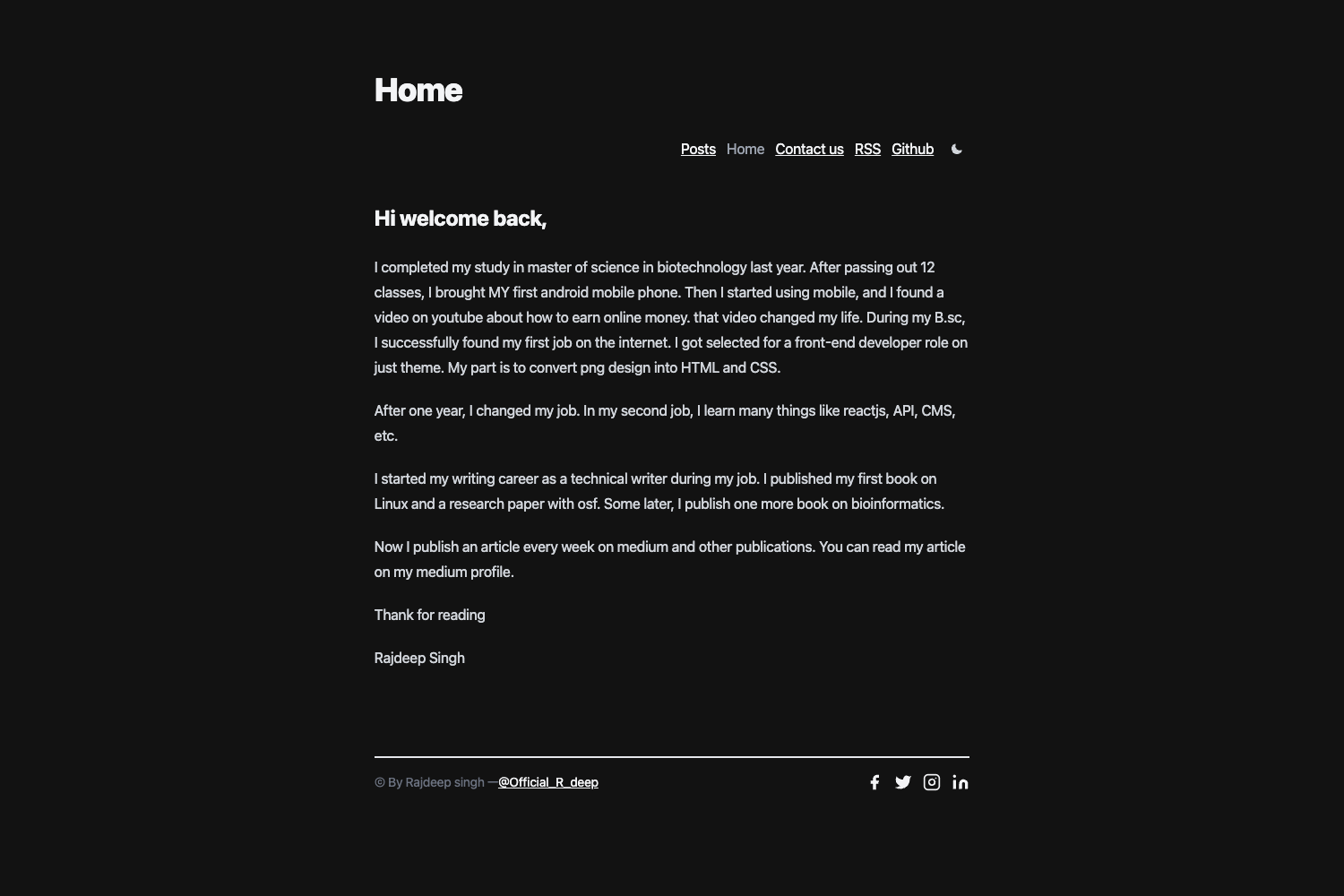
A static blog starter template built with Astro and Typst, featuring tags, search, and GitHub Pages deployment.
About this template
tylant is a static blog template that pairs the Astro static site generator with the Typst typesetting system, letting you compose posts in Typst and publish them as an SEO-ready static site. Created by the Myriad-Dreamin project, it ships with a complete blog structure, a GitHub Pages CI workflow, and optional backend support for comments and analytics.
What is tylant?
tylant is a starter repository for building static blogs with Astro and Typst. It accepts Typst source files placed in the content/article directory as input and produces a fully static site in ./dist through pnpm build. The template is developed by the Myriad-Dreamin organization, based on the Bear Blog theme, and uses the astro-typst integration to compile Typst documents within Astro pages. A sample post (content/article/syntax.typ) and a type-safe tag index are included to show the expected authoring format.
Key Features
- Tagging — Blog posts are categorized with a type-safe tag index defined in typ/templates/mod.typ; tags are validated at build time.
- Search — The search function queries posts by title, description, or tags via the
@myriaddreamin/tylant-searchintegration. - Self-hosted fonts — The Inter font is bundled locally using
@fontsource-variable/inter, removing external font CDNs. - Link previews — Open Graph, Facebook, and Twitter meta tags are generated automatically for each post.
- Optional backend — Click statistics, like reactions, and comments can be stored using
@myriaddreamin/tylant-backend-client; the backend can be removed for a fully static site. - PDF archives — Typst's PDF output lets each post be archived as a PDF.
- SEO — The template includes ARIA support and sitemap generation.
- GitHub Pages automation — A preconfigured workflow (
.github/workflows/gh-pages.yml) builds and deploys the site on every push to main.
What can you do with tylant?
- Technical writers — Write posts in Typst markup and publish them as both web pages and PDF archives without managing a separate toolchain.
- Astro developers — Start with a preconfigured blog that includes tags, search, sitemap, and a deployment pipeline, then customize the Astro components under src/components.
- Open-source maintainers — Host a free blog on GitHub Pages by following the documented three-step deployment: set URL_BASE, select GitHub Actions in Pages settings, and push to main.
- Typst users — Publish your existing Typst documents as blog posts with heading permalinks, a table of contents, and the same self-hosted fonts.
Who is it for?
- Bloggers who prefer typed markup — If you already write documents in Typst, this template lets you reuse that workflow for blog content.
- Developers who want a minimal, self-hosted blog — The template focuses on a static site with no required backend, and the optional backend components are clearly separated.
- Projects that need PDF archives — If you need to offer downloadable PDF versions of each post, the Typst integration provides it out of the box.
How does tylant work?
After cloning the repository and running pnpm install, you author posts as .typ files in content/article. The astro-typst integration compiles these files during the Astro build, producing HTML pages and PDFs as configured. Locally, pnpm dev starts a development server at localhost:4321; pnpm build generates the production site in ./dist. When deployed to GitHub, the included CI workflow rebuilds and publishes the site automatically.
Alternatives
For a simpler static blog, Bear Blog, the minimalist theme this template is based on, offers a more straightforward setup with fewer tooling requirements. Astro users who don't need Typst could also consider building a blog directly with Astro's own content collections, though that would require assembling tags, search, and sitemap manually.