Template details
Next.js Boilerplate
A starter Next.js project from create-next-app with App Router, TypeScript, and next/font for fast development and Vercel deployment.
About this template
Next.js Boilerplate is a starter project generated by create-next-app, the official CLI scaffolding tool for building web applications with the Next.js React framework.
What is Next.js Boilerplate?
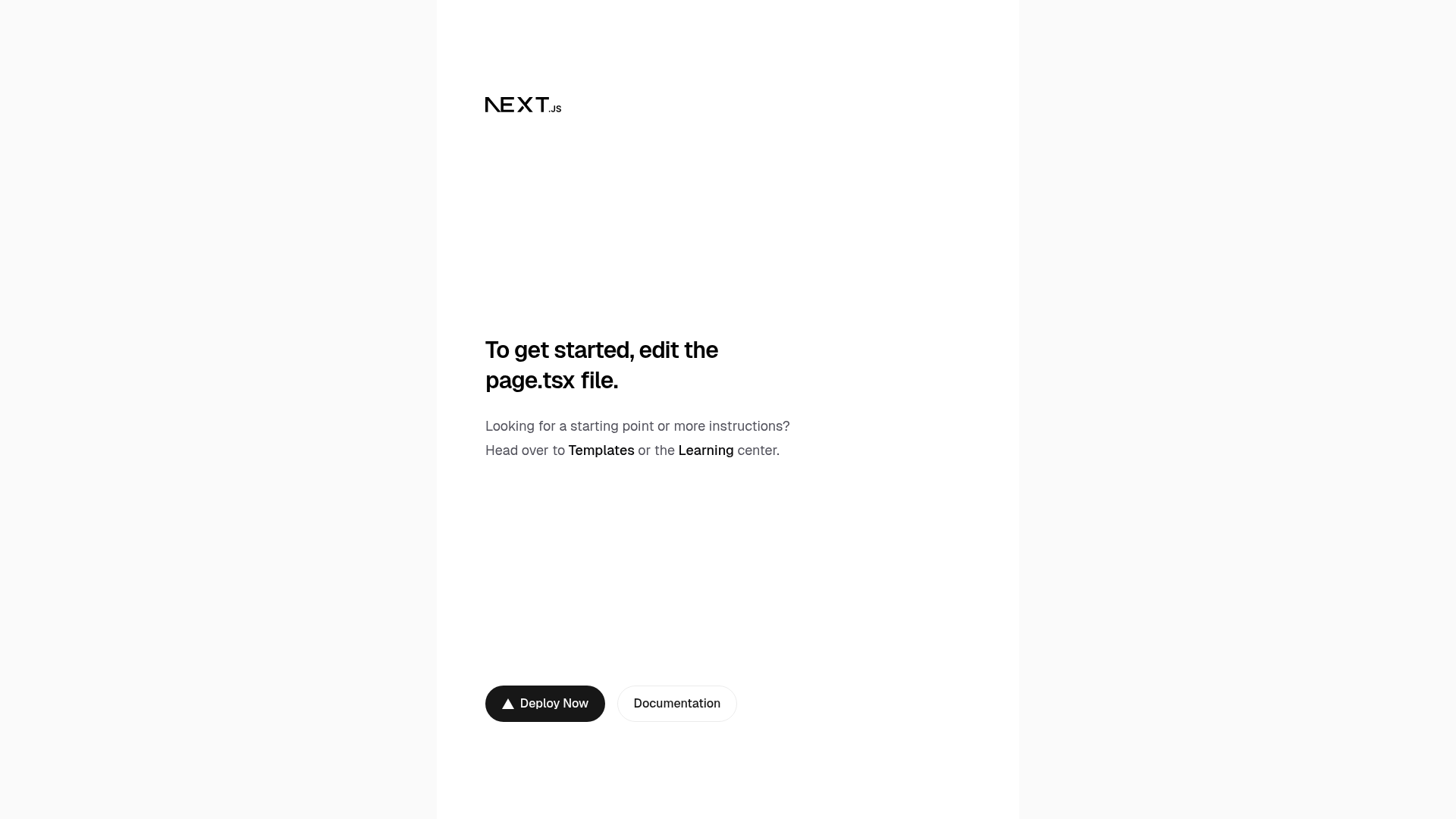
This template is the default project structure produced by the create-next-app command from Vercel. It consists of a runnable Next.js application with a single homepage at app/page.tsx, a global layout file, and a package.json with scripts for development, build, start, and lint. It is designed to be run locally with Node.js and deployed on Vercel's platform, as shown by the README's deployment link.
Key Features
- App Router structure — Uses the Next.js App Router with
app/page.tsxandapp/layout.tsx, giving file-based routing and server component support. - next/font optimization — Loads Geist, a Vercel font family, automatically with self-hosting and no layout shift.
- Hot-reloading dev server — Run
npm run devto start a server at localhost:3000; edits toapp/page.tsxupdate instantly. - Four package managers — Includes commands for npm, yarn, pnpm, and bun.
- One-click Vercel deploy — README links to the Vercel platform and deployment docs for easy publishing.
- TypeScript by default — The scaffold includes a
.tsxfile, indicating TypeScript is ready to use. - Learning resources — Provides links to the official Next.js documentation and an interactive tutorial.
Who is it for?
- New Next.js developers — Use this minimal app to learn the App Router, file structure, and development workflow without extra boilerplate.
- Frontend teams — Scaffold a new project in seconds, then add routing, data fetching, and UI components on top of the default layout.
- Vercel users — Start a project that is pre-configured for the Vercel platform, simplifying the path from local development to production.
What can you do with it?
- Create a landing page — Replace the default content in
app/page.tsxwith your own text, images, and styles. - Experiment with framework features — Test server components, font optimization, and hot reload by editing and observing the page.
- Build a full application — Add API routes, authentication, and database connections to turn the starter into a production app.
How does it work?
Run the development server with npm run dev, yarn dev, pnpm dev, or bun dev, then open http://localhost:3000. Edit app/page.tsx and the browser auto-updates. For production, use the build and start scripts, or deploy the repository directly to Vercel.
FAQ
How do I run this Next.js starter?
Install dependencies with npm install, then run npm run dev and open http://localhost:3000. The page automatically refreshes as you edit app/page.tsx.
What are next/font and Geist?
The template uses next/font to load Geist, a font family created by Vercel, with automatic optimization. The font is self-hosted, which avoids layout shift and external requests.
Is this boilerplate free?
Yes, this is the official default template that ships with Next.js, so it is free to use and modify. The only potential cost is cloud hosting if you choose to deploy through a provider like Vercel.
How do I deploy this app on Vercel?
Import the project repository into the Vercel platform, or run the Vercel CLI within the project directory. The README includes a direct link to Vercel and the official deployment documentation.