Template details
Next.js ButterCMS Blog
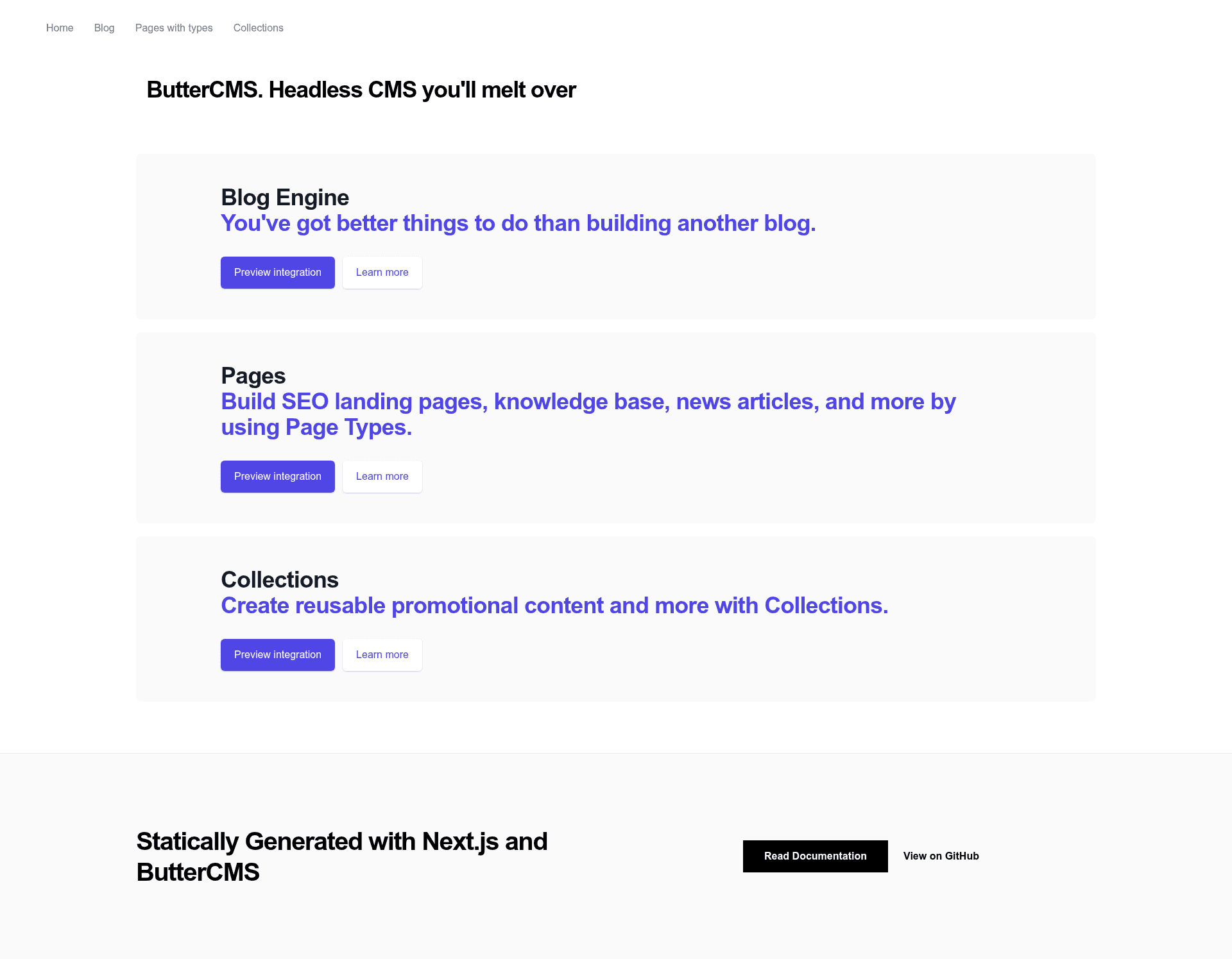
Next.js blog and marketing site powered by ButterCMS API with blog posts, pages, collections, and feeds.
About this template
Next.js ButterCMS Blog is a boilerplate Next.js application that shows how to build a CMS-powered blog and marketing site using the hosted ButterCMS API. It was created by ButterCMS as an example use case and is not actively maintained, but it demonstrates every core integration pattern needed to connect the ButterCMS content API to a React/Next.js front end, including blog posts, custom pages, collections, categories, and feeds.
What is Next.js ButterCMS Blog?
This template is a reference application that pairs Next.js with ButterCMS, a hosted API-based CMS and blog engine. It takes a ButterCMS read API token and sample content — blog posts, a customer_case_study page type, and a faq_items collection — and renders a server-rendered site with a blog listing, individual post pages, dynamic pages, collection items, and RSS, Atom, and Sitemap feeds. The project runs on Next.js, which ships with Webpack and Babel built in, and requires Node version 12.0.0 or higher. The repository is a maintained example that also points to newer official starters.
Key Features
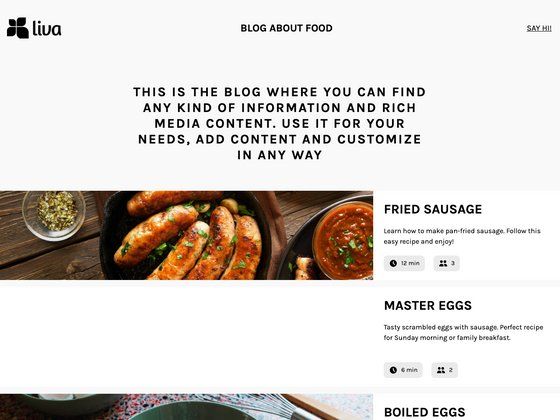
- Blog post listing and detail pages — Demonstrates fetching all blog posts and generating a page for each post using ButterCMS blog API endpoints.
- Dynamic pages from page types — Shows how to create pages dynamically from ButterCMS pages, using
customer_case_studyas the example page type. - Collections rendering — Queries and displays a
faq_itemscollection, illustrating how to retrieve and render collection content. - Category listing — Fetches all blog post categories and makes them available for navigation or filtering.
- RSS, Atom, and Sitemap feeds — Automatically generates standard feed and sitemap routes from the ButterCMS content.
- Vercel one-click deployment — Includes a deploy button and instructions for deploying the project to Vercel, including CLI steps.
- Webhook-triggered rebuilds — Explains how to configure ButterCMS webhooks so content publishes trigger a fresh deployment on Vercel.
Who should use Next.js ButterCMS Blog?
- React developers evaluating ButterCMS — Use this project to see exactly how a Next.js app consumes ButterCMS API responses for posts, pages, collections, and categories before committing to the CMS.
- Teams prototyping a marketing site — Leverage the built-in blog engine, dynamic page generation, and feed support as a foundation for a content-driven company site.
- Developers learning Next.js data fetching — Study how the project wires Next.js pages to an external API, including dynamic routes for posts and pages.
What can you do with this template?
- Content teams: publish blog posts and case studies in ButterCMS and have them automatically appear on the Next.js site through API calls.
- Marketing developers: build a custom landing page type in ButterCMS and generate a Next.js route for each page without redeploying the app.
- SEO-focused sites: use the built-in RSS, Atom, and Sitemap feeds to expose all content to search engines.
How does Next.js ButterCMS Blog work?
Setup involves creating a free ButterCMS account, creating a customer_case_study page type and faq_items collection with the documented field structures, and copying the read API token into a .env file as BUTTER_CMS_API_KEY. After running npm install and npm run dev, the app runs locally on localhost:3000. Deploying to Vercel requires connecting the repository or running the vercel CLI, and webhooks can be added to rebuild the site whenever CMS content changes.
FAQ
Is this template free to use?
The template itself is open and free to clone from GitHub, but it requires a ButterCMS account to run. ButterCMS offers a free trial that automatically populates sample content for existing starters.
What content structure is required?
The project expects a customer_case_study page type and a faq_items collection with specific fields, plus blog posts and categories. Setup instructions in the README detail the exact page type configuration to reproduce.
Does it support dynamic pages?
Yes. The example dynamically creates pages from ButterCMS page types, so each customer case study becomes its own Next.js route. The README links to ButterCMS API documentation for fetching single pages and pages with types.
Can webhooks trigger redeployment?
Yes. The project shows how to add a ButterCMS webhook and a Vercel deploy webhook so that publishing or modifying posts, pages, or collection items automatically rebuilds the Next.js site.
Is the project maintained?
The repository is an example use case and will not be actively maintained. ButterCMS directs users to their current Next.js and React starter projects for up-to-date integration.