Template details
Next.js Chakra UI Boilerplate
NextJS TypeScript starter with ChakraUI and helpful scripts for shades, components, and animations.
About this template
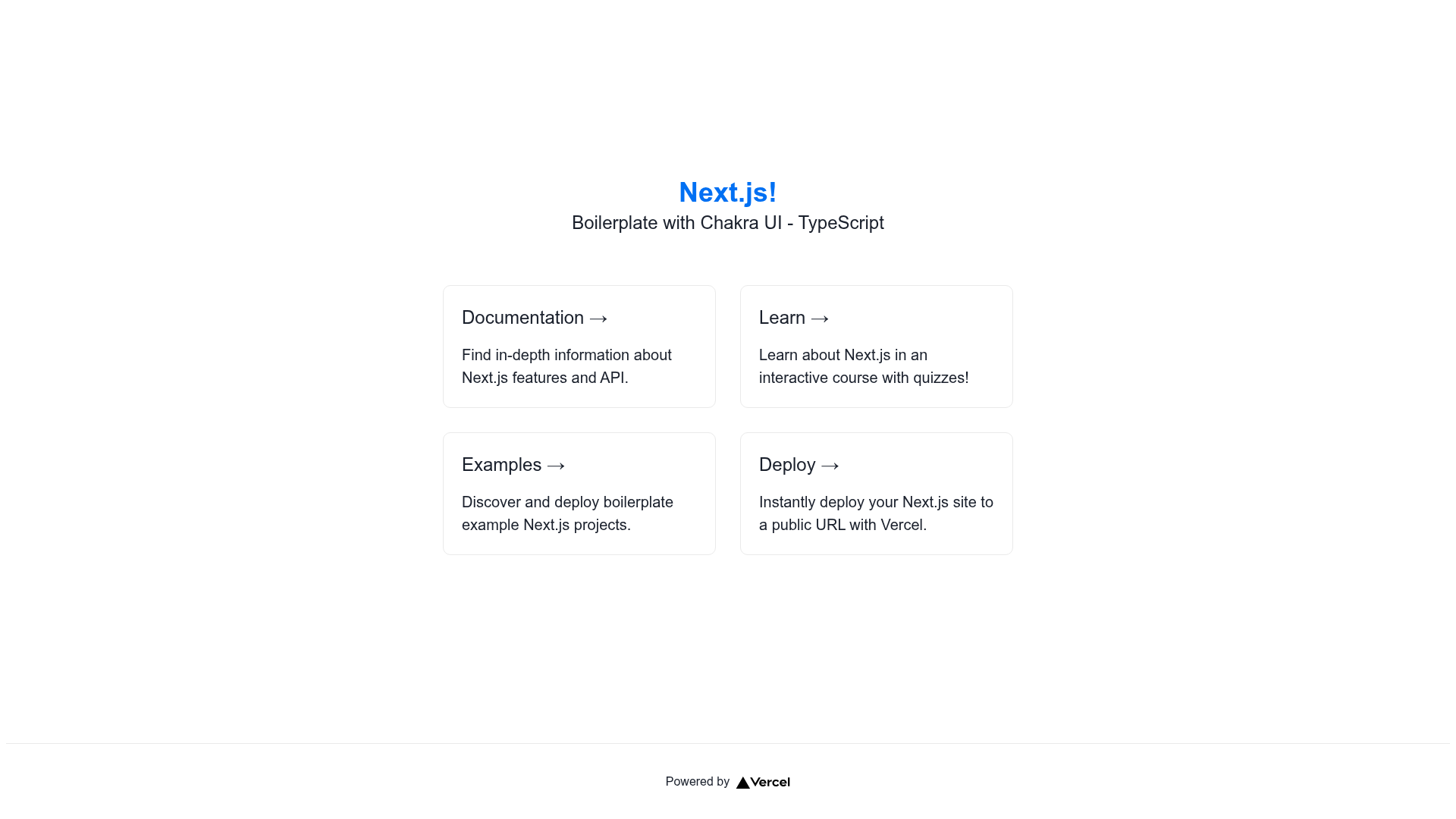
Next.js Chakra UI Boilerplate is a TypeScript starter project that pairs the Next.js React framework with the Chakra UI component library and ships with helper scripts for color shades, component generation, animations, and testing.
What is Next.js Chakra UI Boilerplate?
Next.js Chakra UI Boilerplate is a preconfigured TypeScript project bootstrapped from the nextjs-chakra-boilerplate repository by MiCurran. It uses Next.js as the React framework and Chakra UI for styled components, giving you a working starting point instead of an empty folder. Input is the repository itself; after running npm install or yarn install, you start development with npm run dev or yarn dev and open http://localhost:3000 in your browser.
Key Features
- One-click Vercel deployment — Deploy directly by cloning the repository through the provided Vercel flow at vercel.com/new/clone with the repository URL.
- Chakra UI color shade generator — Run
npm run get_shades 00000with a hex code to output a 10-step shade palette (50 through 900) formatted for the Chakra UI theme. - Framer Motion animation variants — Import
animationVariantsfromtheme/Animations/simpleVariantsand apply to Chakra components wrapped withmotion()for enter/exit animations. - Component scaffolding script — Use
./createComponent.sh -a ComponentNameto generate a new component structure automatically. - Jest test setup — Run
npm testto execute the included Jest test suite. - TypeScript throughout — The project is written in TypeScript, giving static typing for both Next.js pages and Chakra UI components.
- npm and yarn support — Install dependencies and run the dev server with either package manager.
Who is it for?
- Next.js developers who want a preconfigured Chakra UI theme and want to skip repetitive setup.
- TypeScript React developers looking for a starter with testing and component generation scripts.
- Design-system tinkerers who need a quick tool to generate consistent Chakra UI color scales from a single hex value.
What can you do with it?
- Create new pages quickly — Start from the boilerplate's structure and add routes using Next.js file-based routing.
- Generate theme colors — Feed any hex code to the shade script and copy the resulting palette directly into your Chakra theme configuration.
- Animate UI elements — Add motion variants to headings, buttons, and other Chakra components using the bundled Framer Motion patterns.
- Scaffold components — Run the createComponent script to produce a new component folder and file instead of writing it from scratch.
How does it work?
After cloning, run npm install or yarn install, then npm run dev or yarn dev to start the Next.js development server. The project includes a theme/ directory with Chakra UI theme customization, an Animations subfolder with simpleVariants, and helper scripts accessible via npm run and a shell script.