Template details
Next.js Commerce
All-in-one Next.js starter kit for high-performance e-commerce sites with pluggable backend integrations.
About this template
Next.js Commerce is an open-source e-commerce starter kit from Vercel that pairs a Next.js storefront with pluggable commerce backends, letting developers clone, deploy, and customize a full store in minutes.
What is Next.js Commerce?
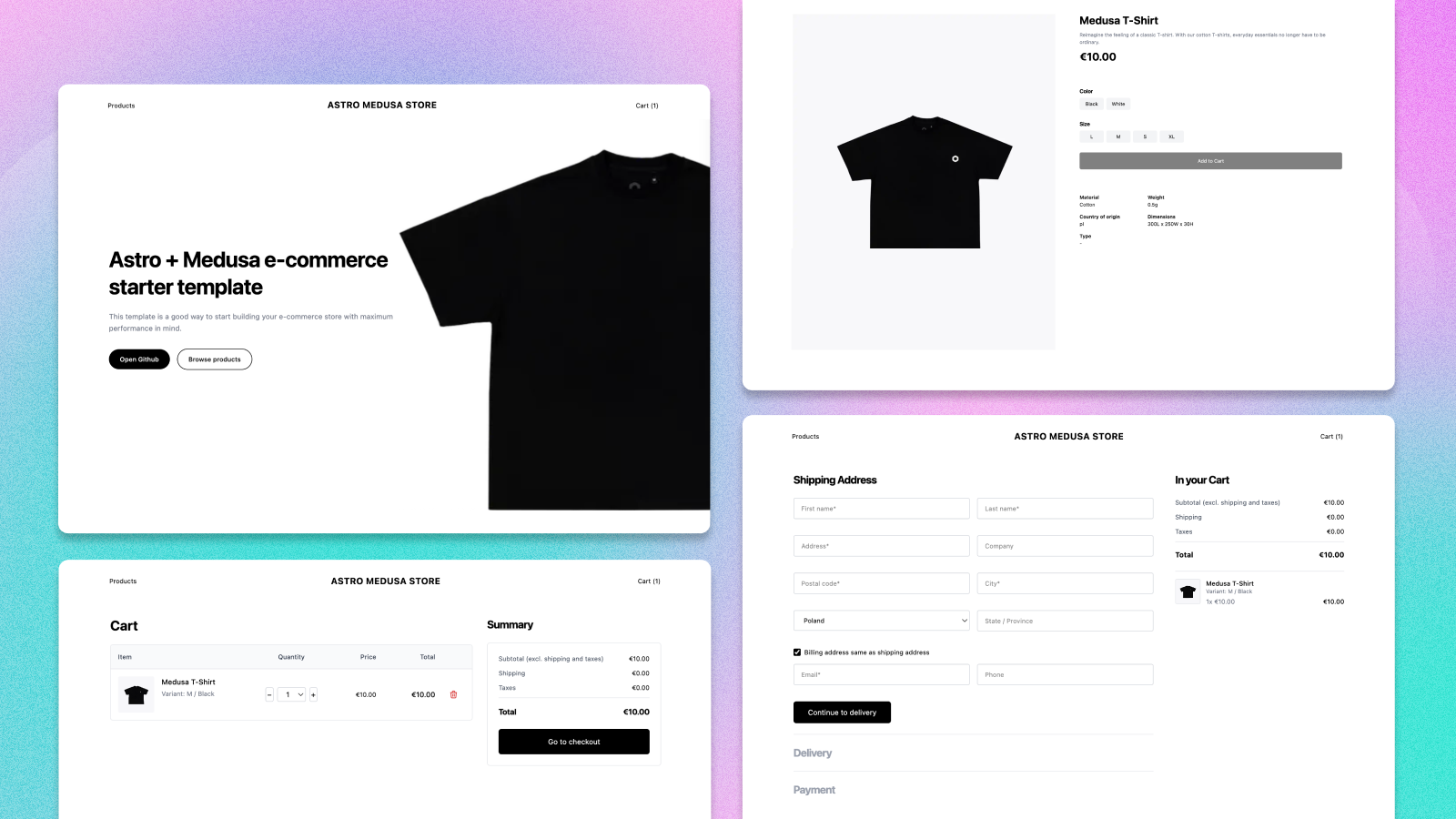
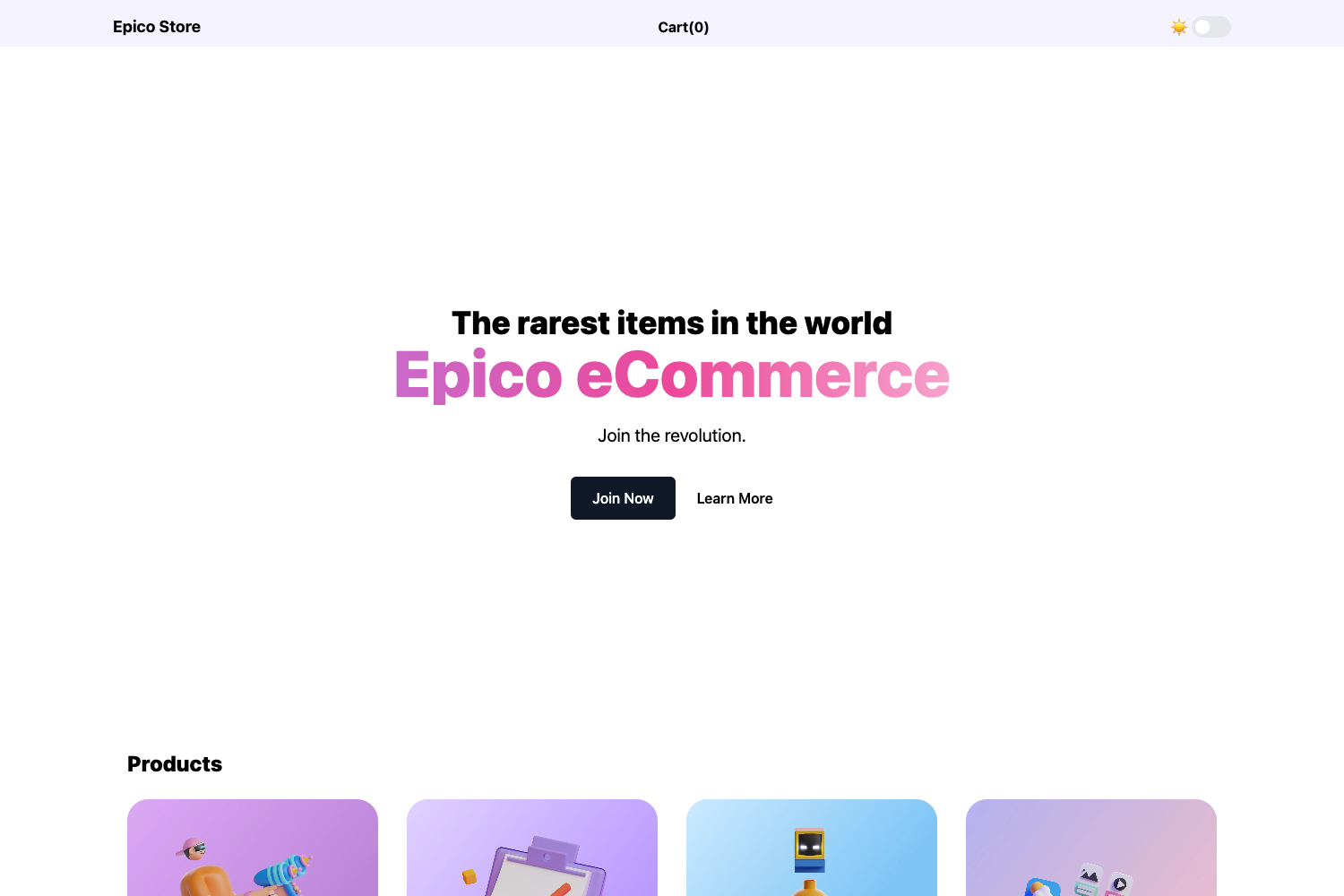
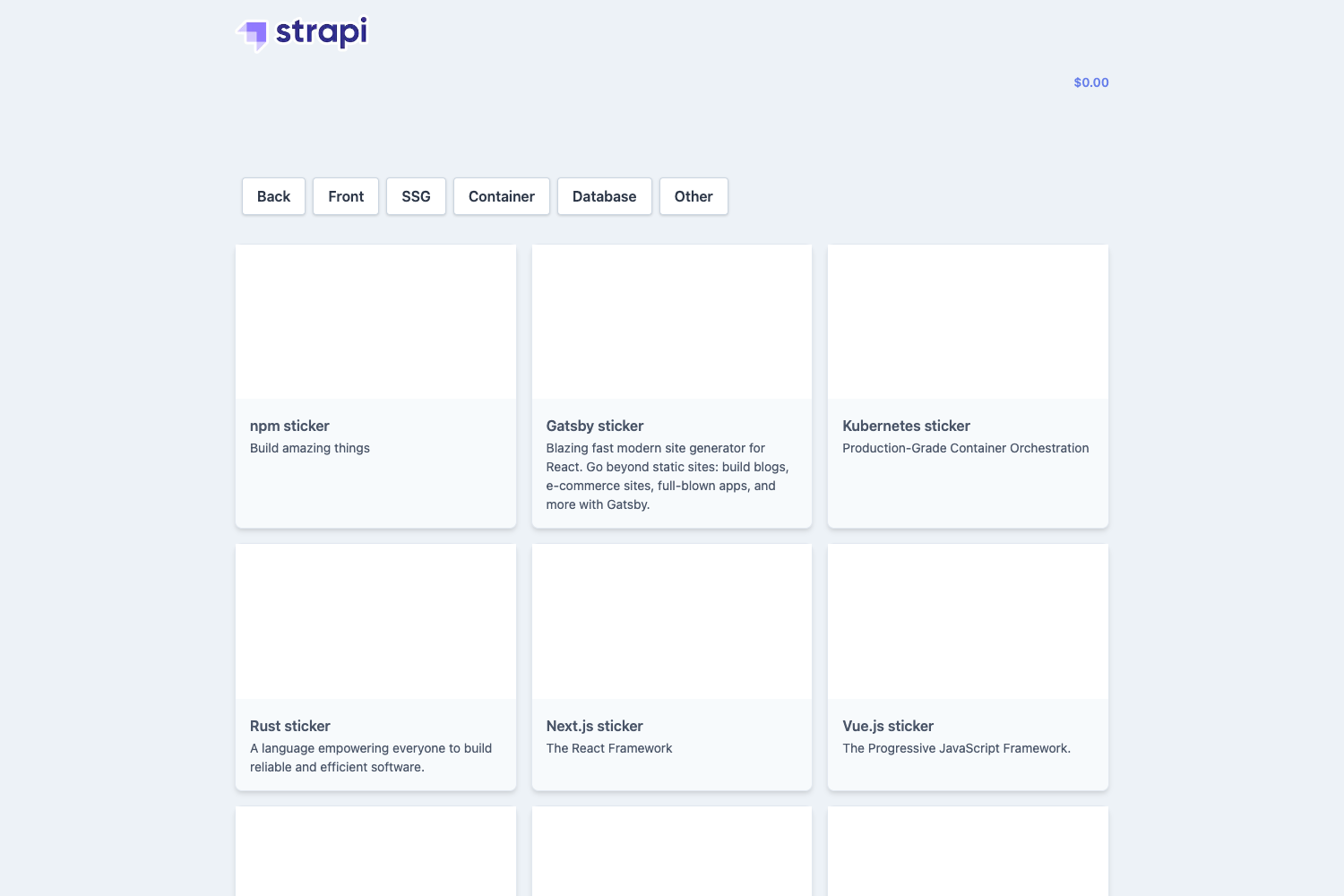
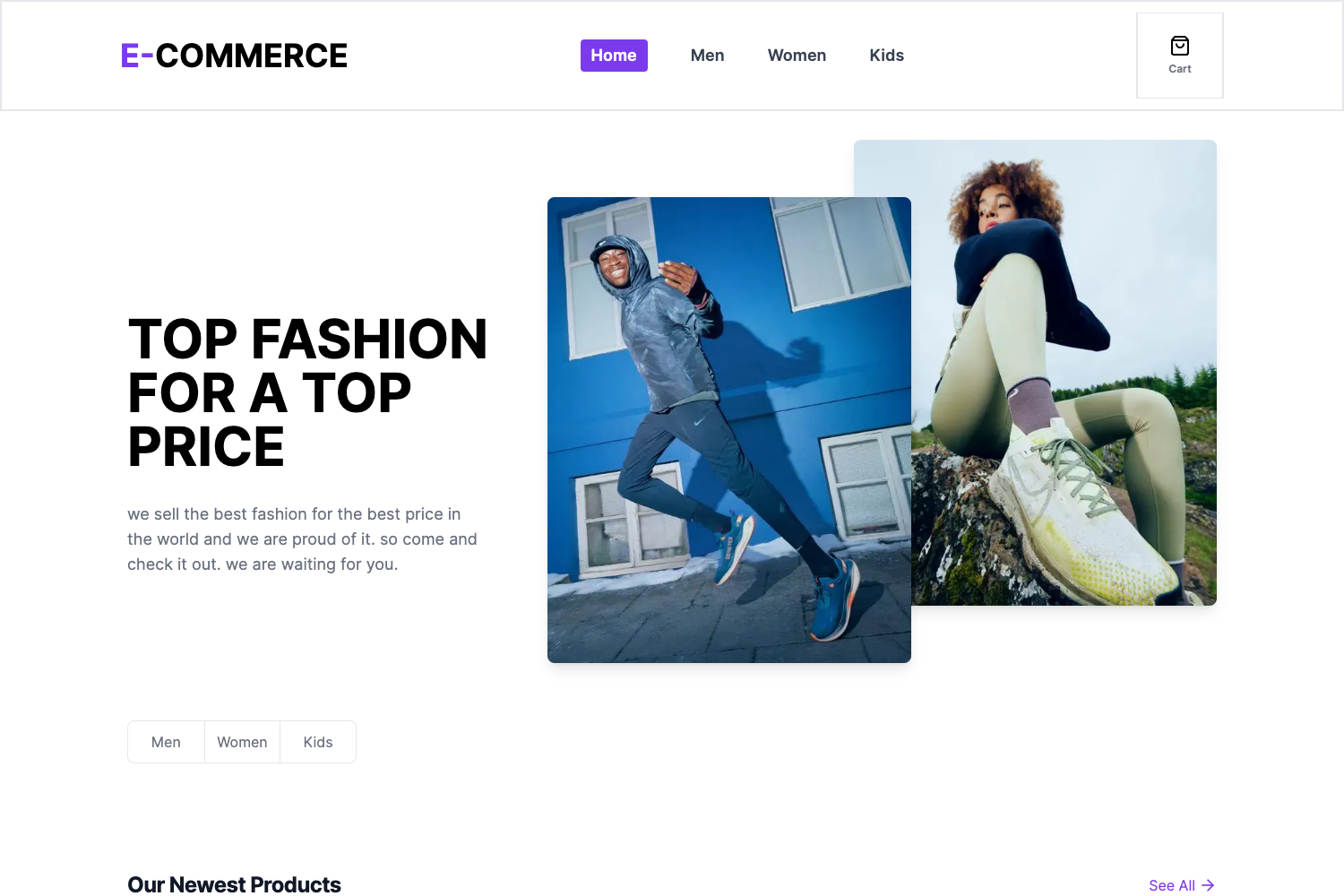
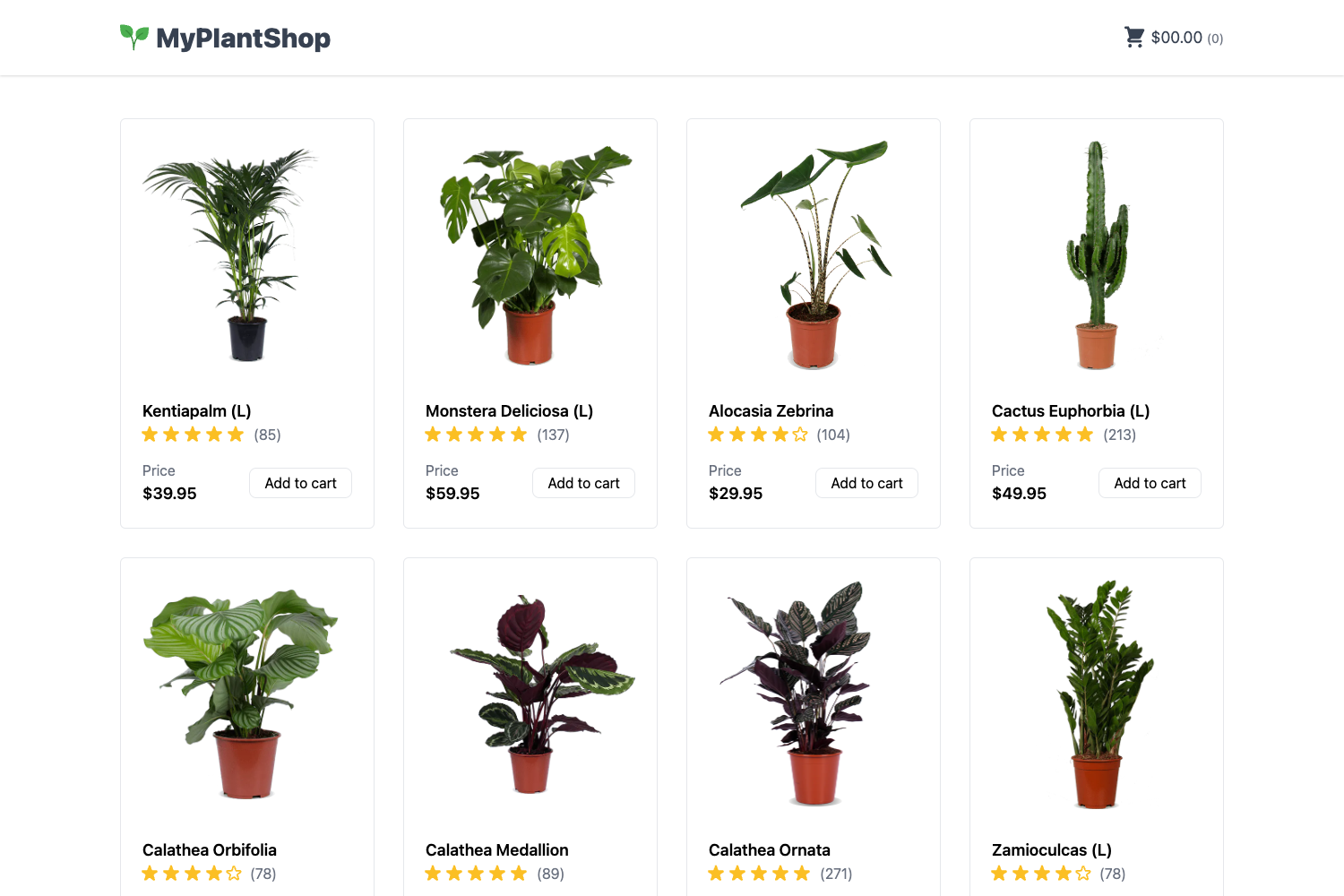
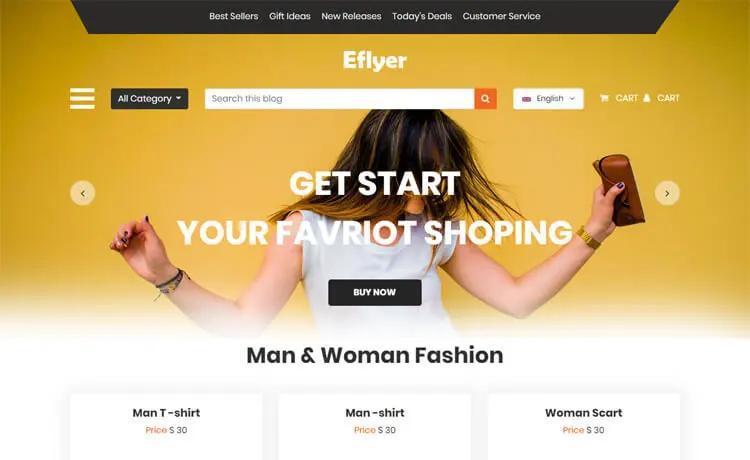
Next.js Commerce is an all-in-one starter kit for building high-performance e-commerce sites on Next.js. It takes a commerce backend such as BigCommerce, Shopify, Swell, Saleor, or Vendure as input and produces a responsive storefront with product pages, cart, search, and checkout UI. The template is maintained by Vercel and open-sourced on GitHub, with live demos at demo.vercel.store plus provider-specific demos for Shopify, Swell, BigCommerce, Vendure, and Saleor.
Key Features
- Performance-first architecture — Built on Next.js with server-side rendering and static generation, the starter is performant by default and SEO ready.
- Pluggable commerce providers — Out-of-the-box integrations with BigCommerce, Shopify, Swell, Saleor, and Vendure; switch providers by changing the COMMERCE_PROVIDER environment variable.
- Internationalization — The storefront is ready for multi-language and multi-currency setups.
- Standardized data hooks — A framework/commerce package defines types and helpers that all providers extend, giving consistent data access hooks.
- Feature toggling — A Features API in commerce.config.json lets you turn cart, wishlist, search, customer auth, and custom checkout on or off; the UI automatically removes related code.
- Responsive UI components — Includes a full set of UI components with theming support and dark mode.
- Dark mode support — Built-in dark mode across the storefront.
Who is it for?
- Next.js developers — Anyone comfortable with React and Next.js who wants to launch an e-commerce storefront without building the UI from scratch.
- Agencies — Teams that build custom storefronts for clients and need a base that can connect to multiple commerce platforms.
- E-commerce merchants — Store owners who want to go headless, using a modern front end with their existing backend.
What can you do with Next.js Commerce?
- Launch a storefront quickly — Clone the repo, deploy via Vercel, and connect your commerce backend; the demo store is live at demo.vercel.store.
- Switch backends — Change the provider in .env.local and the tsconfig aliases to point to the new framework folder; each provider includes its own next.config.js and commerce.config.json.
- Extend with a new provider — Developers can follow the included documentation to add support for any headless commerce platform and submit a pull request.
How does the template work?
The starter is structured as a core framework/commerce module plus provider-specific folders. Each provider extends the core types and functionality, adding its own configuration for images, API routes, and features. Onboarding involves setting environment variables via .env.template, installing dependencies with yarn, and running the dev server. Feature toggles live in commerce.config.json; disabling a feature removes all associated UI code.
FAQ
Is Next.js Commerce free?
Yes, the project is open source under Vercel's open-source commitment. You can clone the repository and deploy it to Vercel or any hosting that supports Next.js.
Which commerce platforms are supported?
BigCommerce, Shopify, Swell, Saleor, and Vendure are integrated out of the box, with plans to support more major e-commerce backends.
How do I switch from one provider to another?
Open .env.local, set COMMERCE_PROVIDER to the desired provider, add that provider's environment variables, and update the @framework aliases in tsconfig.json to point to the new provider folder.
Can I add a custom provider?
Yes, the repository includes a guide for adding a new commerce provider. The provider should depend only on the core framework, its own folder, and package dependencies, and can be submitted as a pull request with a demo.