Template details
Space Shop
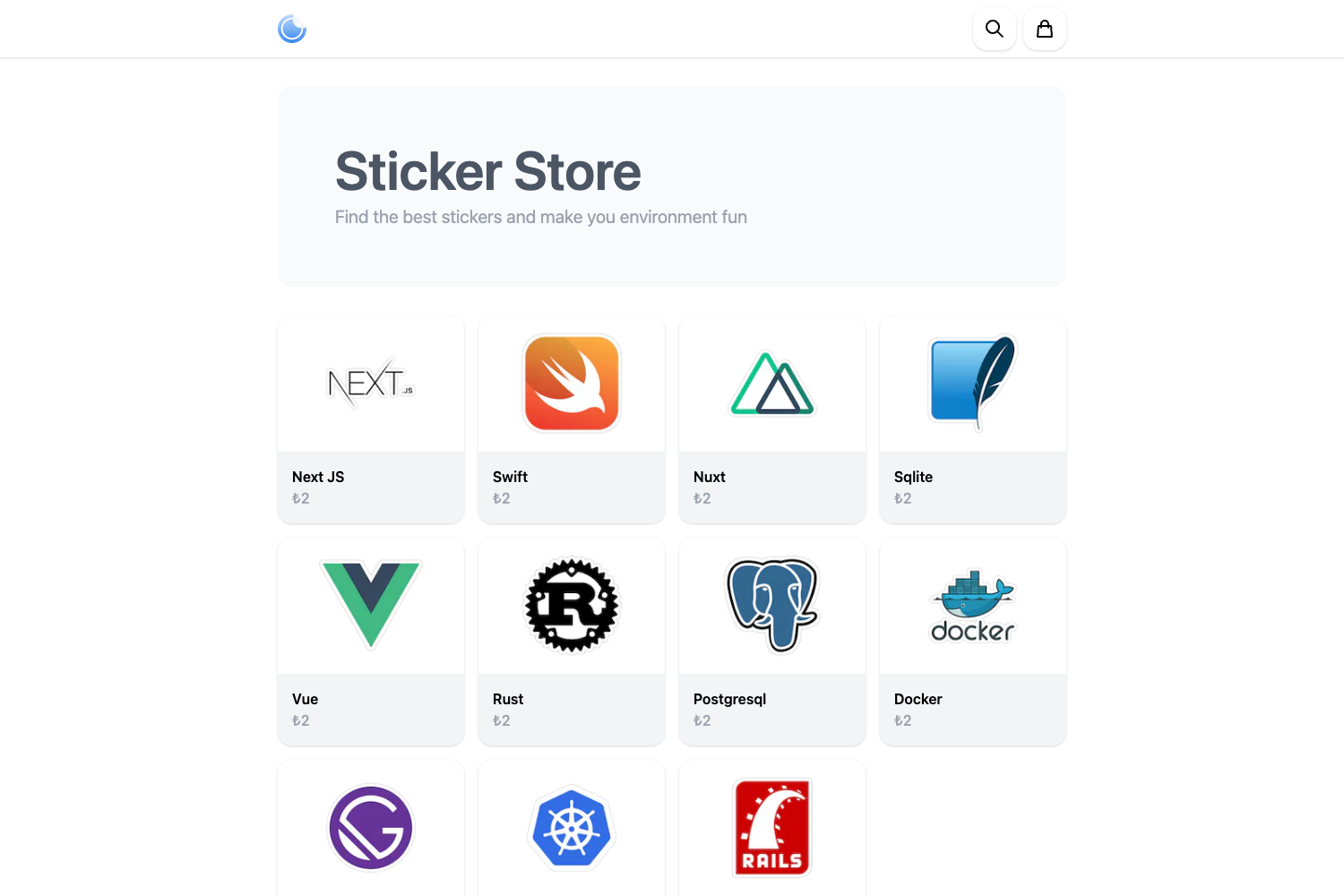
An e-commerce starter built with Next.js, MongoDB, and Node.js with multiple payment methods, roles, and an admin panel.
About this template
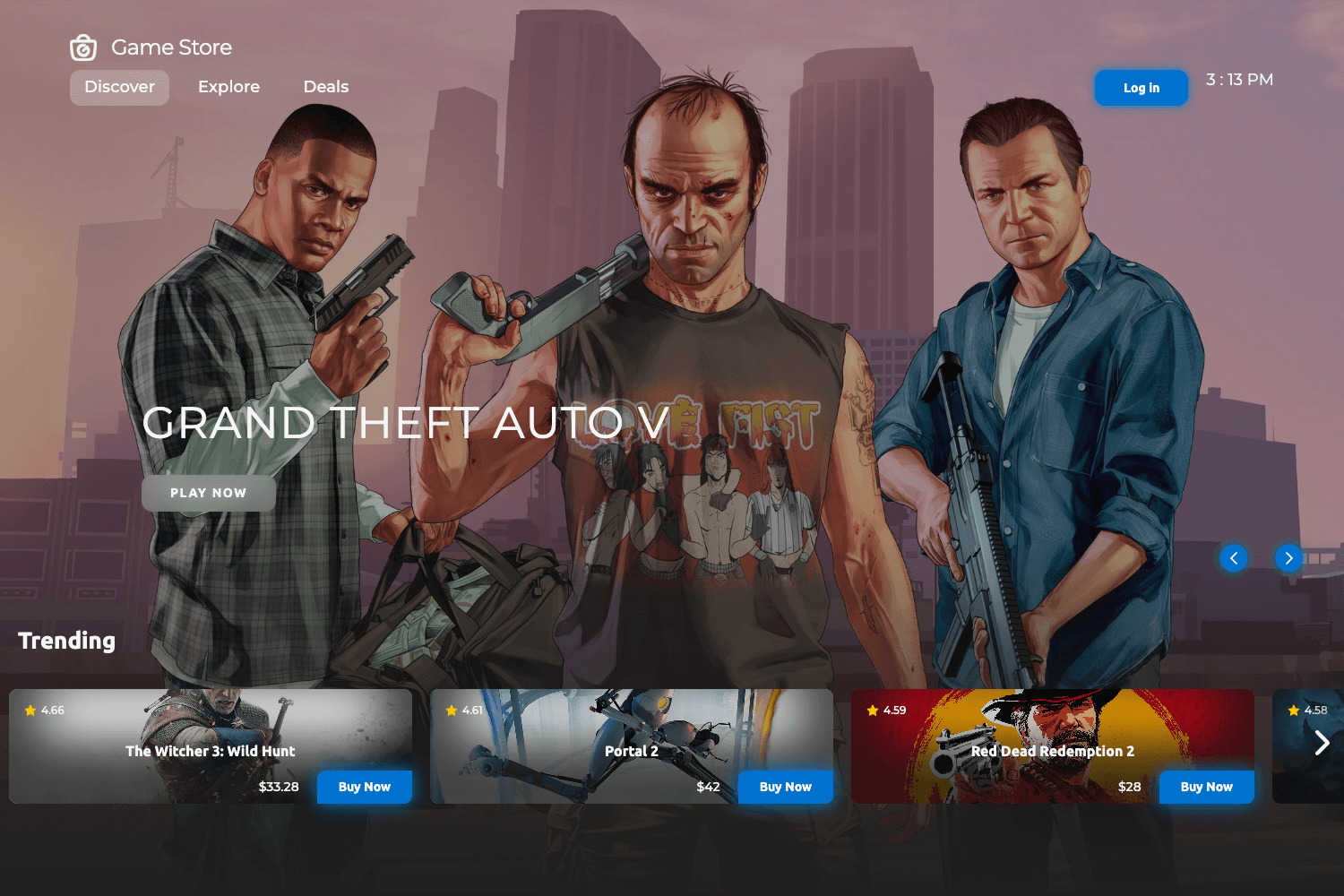
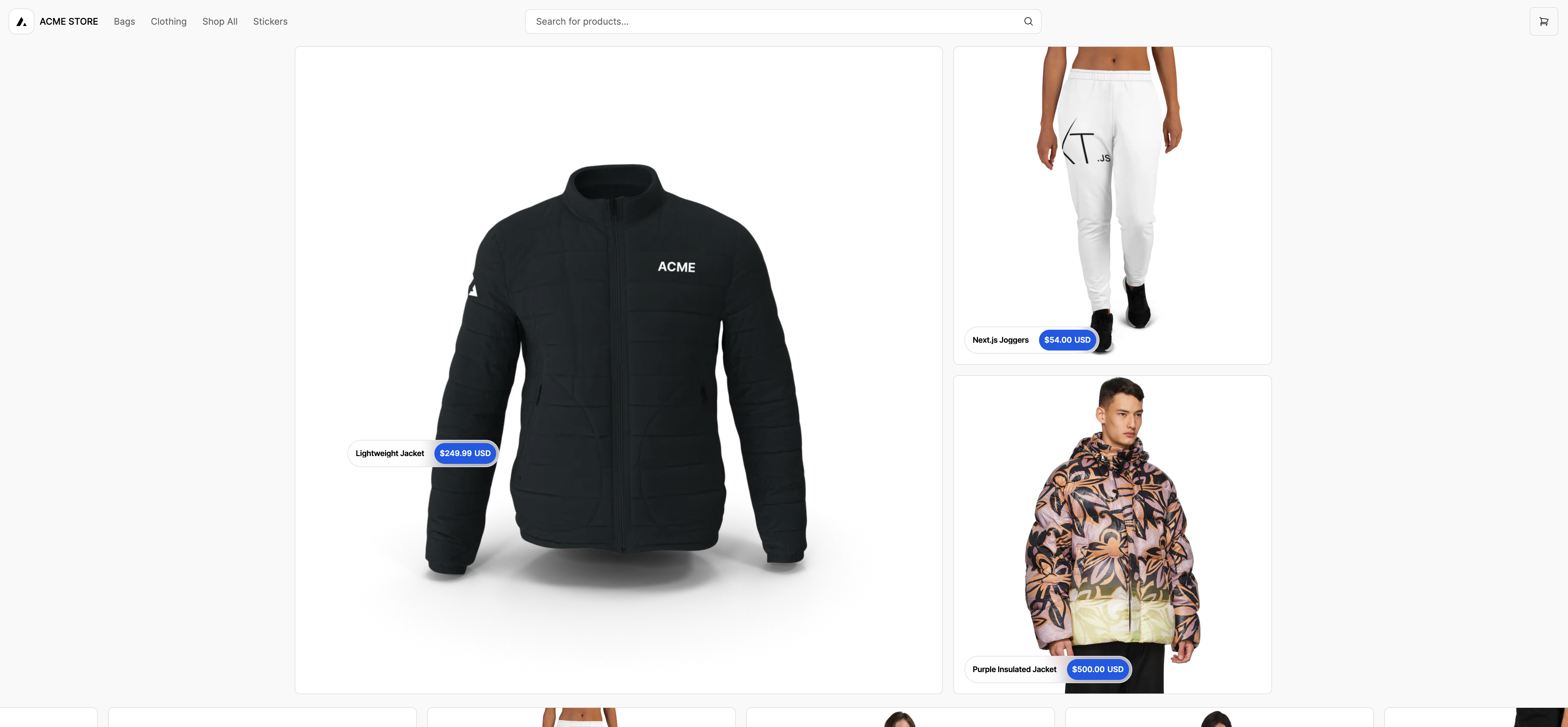
Space Shop is an open-source e-commerce starter template built on Next.js, MongoDB, and Node.js that provides a full storefront with an admin panel, role-based access control, and multiple payment methods. This template targets developers who want a production-style online shop with daily automated product updates and an AWS-ready deployment profile.
What is Space Shop?
Space Shop is a full-stack e-commerce application template that runs on the Next.js React framework with a Node.js backend and MongoDB as its database. It ships with a seeded product catalog, a customer-facing storefront, and an admin panel, and it supports multiple payment methods. The repository includes Docker Compose configuration so the MongoDB database can be started locally with a single command.
Key Features
- Daily automated updates — A built-in process refreshes store data every day, keeping product information current without manual intervention.
- Multiple payment methods — The checkout flow accepts different payment options, giving customers flexibility at the point of sale.
- Role-based access — Users are assigned roles that control what they can view and change, separating customer actions from administrator actions.
- Admin panel — Includes an admin interface for managing products, orders, and user permissions, with the REST API protected by authentication.
- Database seeding — Sending a POST request to /api/seed populates an empty MongoDB database with initial data, so the store works right after setup.
- Environment configuration — Uses a .env.template file that you rename to .env, making it straightforward to point the app at your own MongoDB URI.
- Local development workflow — The README documents a yarn-based setup: yarn install, then yarn dev, with docker-compose up -d to launch the database.
Who is it for?
- Developers launching an e-commerce site — They can fork this repository, set the environment variables, run the seed endpoint, and have a working storefront and admin panel to customize.
- Full-stack JavaScript developers — They can study or extend a Next.js + MongoDB + Node.js codebase that includes role management and payment integration.
- Startups prototyping a store — The template provides ready-made pages for browsing products, checking out, and managing inventory through an admin interface.
Use cases
- Custom storefront development: Replace the seed data and payment handlers to sell your own products with a Next.js front end.
- Admin dashboard learning: Use the built-in admin panel as a reference for implementing role-based interfaces with MongoDB.
- Rapid MVP deployment: Run docker-compose up -d, seed the database, and deploy the app to AWS (listed as a repository topic) to get an MVP online quickly.
How does it work?
Clone the repository, then start the local MongoDB database with docker-compose up -d. After installing dependencies with yarn install and running yarn dev, rename .env.template to .env to set your environment variables. Finally, send a POST request to http://localhost:3000/api/seed to fill the database with initial store data.
FAQ
Is Space Shop free to use?
Yes, the template is open-source and the repository is publicly available. There is no mention of a paid license or subscription in the README, so you can clone and modify it for your own projects.
What database does Space Shop use?
The template uses MongoDB. The default local connection string is mongodb://localhost:27017/spacedb, and a docker-compose.yml is included so you can start a MongoDB container without installing it globally.
What payment methods are supported?
The README states that the app offers "different methods pays" (different payment methods) but does not list specific providers. Check the source code in the payment integration section to see which gateways are implemented.
How do I populate the database with products?
Start the app, then send a POST request to http://localhost:3000/api/seed. This endpoint creates the initial catalog and store data needed for the shop to function.
Which frameworks does Space Shop use?
The front end is built with Next.js and React, the back end runs on Node.js, and MongoDB stores data. Repository topics also include AWS, indicating the template is intended for cloud deployment.